Most lists of UX design tools are really lists of UI design tools. They rank Figma, Sketch, and a handful of AI screen generators, then stop, as if the UX process ended once the screens looked right. The research before the first wireframe and the testing after the first prototype need their own software, and that’s where most of these lists go quiet.
This one is sorted by stage, from research through developer handoff. I checked every tool’s pricing page on November 8, 2026, so the free-plan limits and prices below are current as of that date. A lot moved this year. Hotjar no longer accepts new accounts, Dovetail switched to new pricing two days before I checked, and Maze’s cheapest paid plan isn’t sold in the US, Canada, or most of Europe.
TL;DR: No single tool covers the whole UX process. A solid 2026 stack: Dovetail or Optimal for research, Miro for mapping, Balsamiq for wireframes, Figma for UI (with an AI generator like AIDesigner for fast drafts), ProtoPie for advanced prototypes, Maze or Lyssna for testing, Microsoft Clarity for analytics, and Zeplin or Figma’s Dev Mode for handoff. Free plans cover most stages for a solo designer.
What Are UX Design Tools?
UX design tools are the apps designers use across the user experience process: researching users, mapping journeys and site structure, wireframing, designing the interface, prototyping, testing with real people, and measuring behavior after launch. No single tool covers all of it, so most teams pair a design tool like Figma with separate research, testing, and analytics tools.
The split matters because the expensive UX mistakes happen at the ends of the process, not the middle. A beautiful screen built on a wrong assumption about users is still wrong, and you only catch that through research up front or testing afterward. If you want the process itself laid out, I walk through it in how to design an application. This post is about the software for each step.
Quick Comparison: 13 UX Design Tools by Stage
| Tool | Stage | Free plan | Paid from |
|---|---|---|---|
| Dovetail | Research analysis | Free trial | $4,800/yr (up to 5 users) |
| Optimal | IA research | 7-day trial | $199/mo, billed annually |
| Miro | Mapping and workshops | 3 editable boards | $8/member/mo, billed yearly |
| Balsamiq | Low-fi wireframes | 14-day trial | $16/editor/mo, billed annually |
| Figma | UI, prototyping, handoff | Starter (3 files) | $16/full seat/mo, billed annually |
| Penpot | Open-source UI design | Up to 8 team members | $7/editor/mo, capped at $175 |
| AIDesigner | AI UI generation | 5 lifetime credits, no card | $25/mo for 100 credits |
| ProtoPie | Advanced prototyping | 2 prototypes | $25/mo, billed yearly |
| Maze | Unmoderated testing | 1 study/month | Custom in US, Canada, most of Europe |
| Lyssna | Quick tests and surveys | 15 self-recruited responses | $166/mo, billed annually |
| Microsoft Clarity | Heatmaps and recordings | Free, no paid tier | None |
| Contentsquare | Behavior analytics | 200k sessions/month | $39/mo, billed yearly |
| Zeplin | Developer handoff | 1 project | $13.75/project/mo, billed annually |
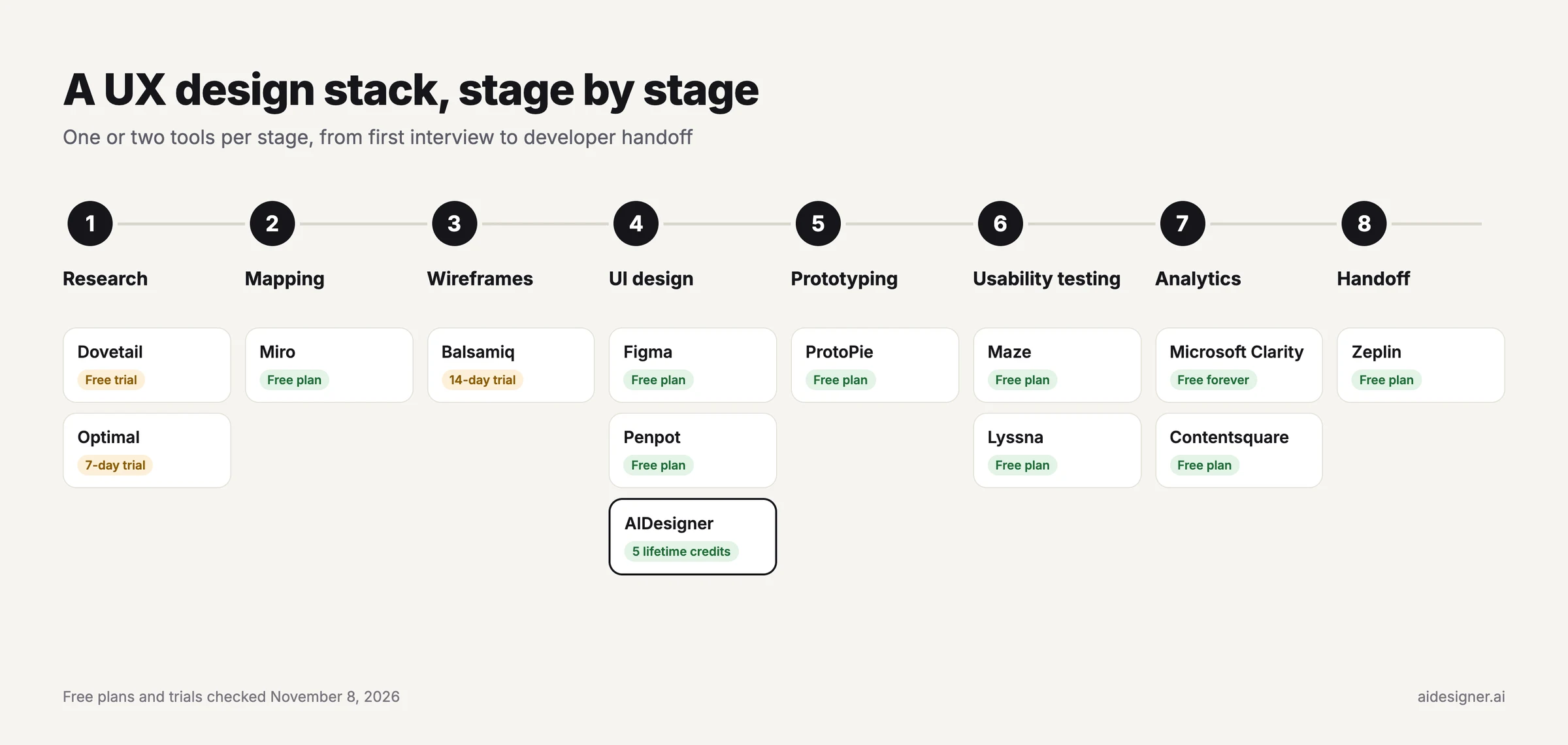 The 13 tools by stage, with each free plan or trial as of November 8, 2026.
Why Most UX Tool Lists Skip Half the Process
When I pulled the US Google results for “ux design tools” on November 8, 2026, five of the eight organic results came from companies that sell a UX or design tool: UX Pilot, Figma, Pixso, Maze, and Mockplus. The top result is UX Pilot’s own list. It ranks UX Pilot first, and its third and fourth picks are Design.com and Adobe Express, which are graphic design apps rather than UX tools.
The bigger pattern is coverage. Maze’s guide, published on Maze’s own site, is one of the more complete ones, and its 18 picks still include just three research and testing tools, with no section for analytics or developer handoff.
So the list below gives every stage at least one pick, starting where UX starts: with research.
Research and Discovery Tools
1. Dovetail
Twenty interview recordings in a shared drive aren’t research until someone can find the quote that matters. Dovetail handles that step. It transcribes each session, ties every quote to its timestamp, and groups feedback into themes and sentiment using categories you set up. When someone asks why the design changed, you can point to the clip.
The catch is price. On November 6, 2026, Dovetail moved to Dovetail One pricing. The smallest plan, Bronze, is listed at $4,800 a year for up to five users, plus usage credits at 15 cents each, and Silver and Gold are sales-only.
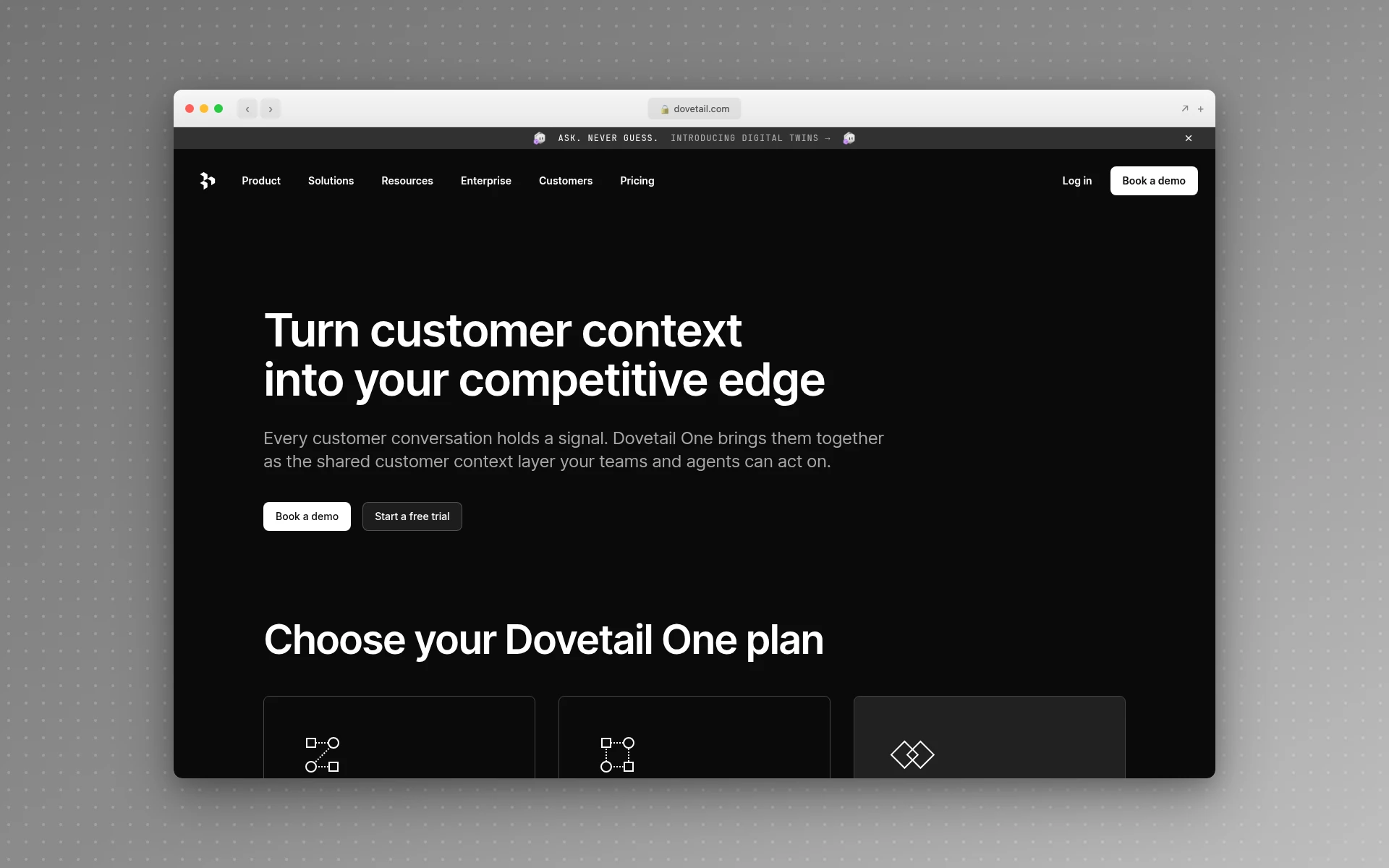 Dovetail moved every new customer to Dovetail One plans on November 6, 2026.
If you run a handful of interviews a quarter, an affinity map on a whiteboard does the job until the volume justifies a repository.
- Best for: teams running regular interviews who need a searchable research repository
- Free option: free trial (30 days on the Gold plan)
- Paid: Bronze at $4,800/year (up to 5 users) plus credits; Silver and Gold by quote
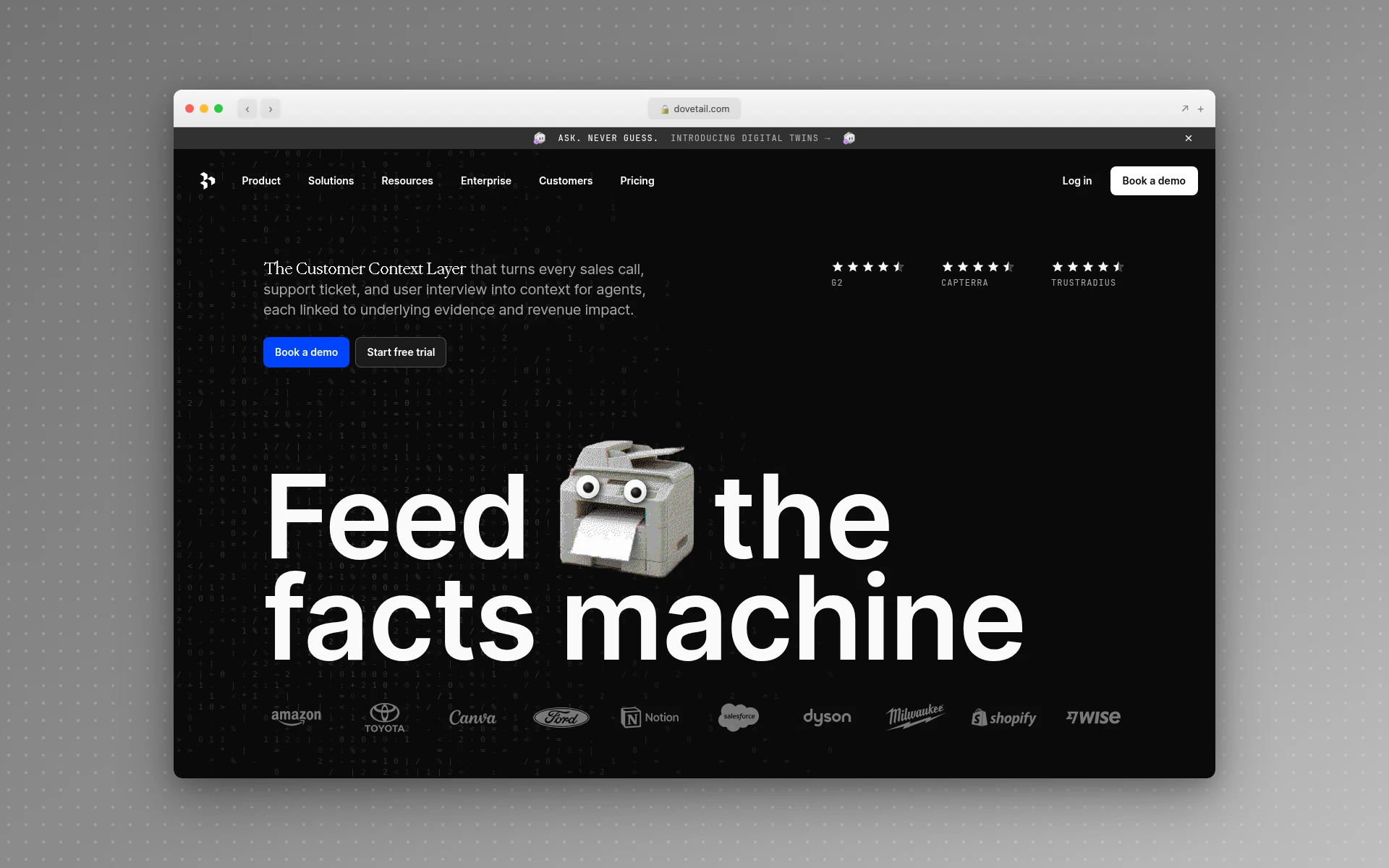 Dovetail turns interview recordings and customer calls into searchable themes.
2. Optimal (Formerly Optimal Workshop)
When users can’t find things, the problem is usually the structure, not the screens. Optimal tests that structure directly. Card sorting shows how people group your content, tree testing shows whether they can find items in your navigation, and first-click tests show where they’d start a task. Run a tree test on your current menu before you redesign it, and you’ll know which labels are failing.
The site still lives at optimalworkshop.com, but the product is now branded Optimal, and Optimal 3.0 launched in January 2026. You get a 7-day trial instead of a free plan, and it only shows results from your first two participants. Starter allows five studies launched per year.
- Best for: card sorting and tree testing before a navigation redesign
- Free option: 7-day trial
- Paid: Starter at $199/month billed annually, 5 studies per year, unlimited seats
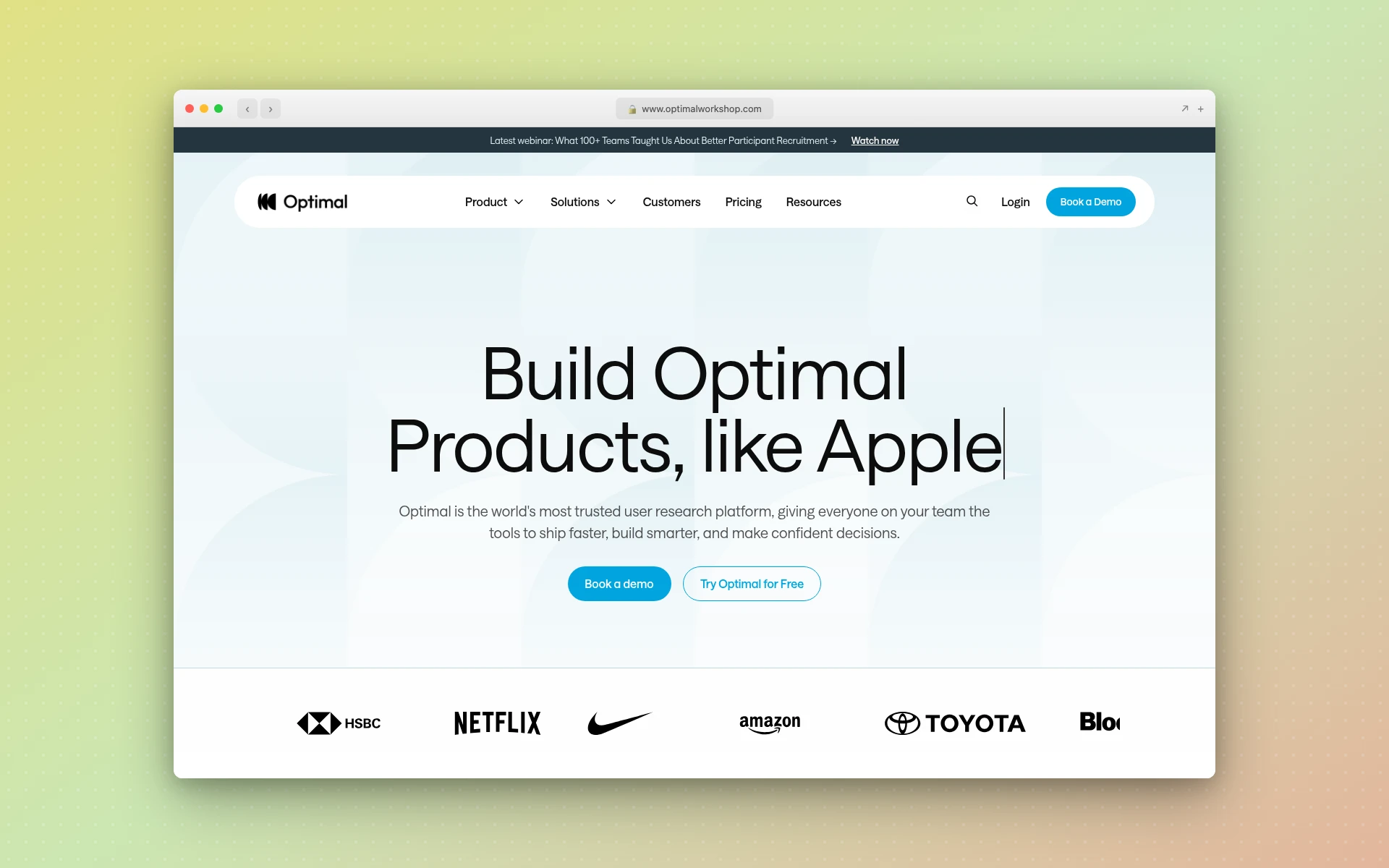 Optimal runs card sorts, tree tests, and first-click tests on your information architecture.
Mapping and Ideation Tools
3. Miro
Miro is the whiteboard I’d run UX workshops on: journey maps, affinity diagrams, user flows, and the sticky-note sessions that turn raw interview notes into themes. It’s also the cheap substitute for a research repository while your interview volume is low. Put each interview’s key quotes on stickies, cluster the ones that say the same thing, and the themes start to show.
On the free plan you can create unlimited boards, but only your three most recent stay editable. If your team already pays for Figma, FigJam is the alternative, since it’s included in every paid Figma seat.
- Best for: workshops, journey maps, and affinity mapping
- Free plan: 3 editable boards, 10 AI credits a month
- Paid: Starter at $8/member/month billed yearly ($10 monthly)
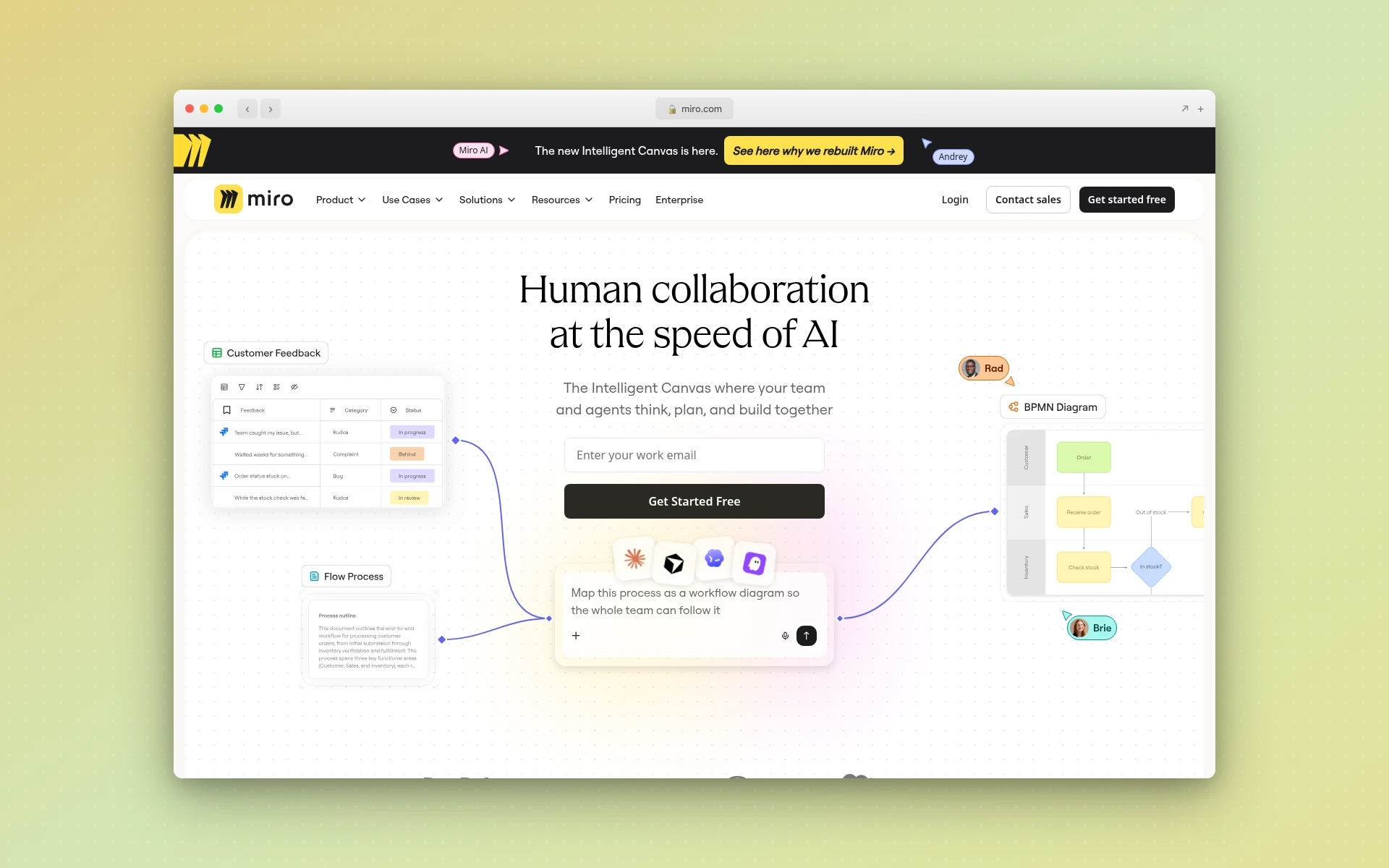 Miro is the whiteboard for journey maps, affinity diagrams, and research workshops.
Wireframing Tools
4. Balsamiq
Nobody argues about button colors in a Balsamiq review. Its wireframes look deliberately unfinished, with hand-drawn lines and a sketchy font, so the feedback stays on layout and flow. My guide to low-fidelity wireframes explains why the rough look helps, and how to wireframe a website walks through the process step by step.
There’s no free plan, only a 14-day trial, though reviewers are free. Starter covers up to 10 projects and includes 500 Balsamiq AI credits per editor each month. If you prefer offline software, Balsamiq for Desktop can only be bought until December 31, 2026.
- Best for: fast, low-fidelity wireframes that keep feedback on structure
- Free option: 14-day trial; reviewers are free
- Paid: Starter at $16/editor/month billed annually ($23 monthly)
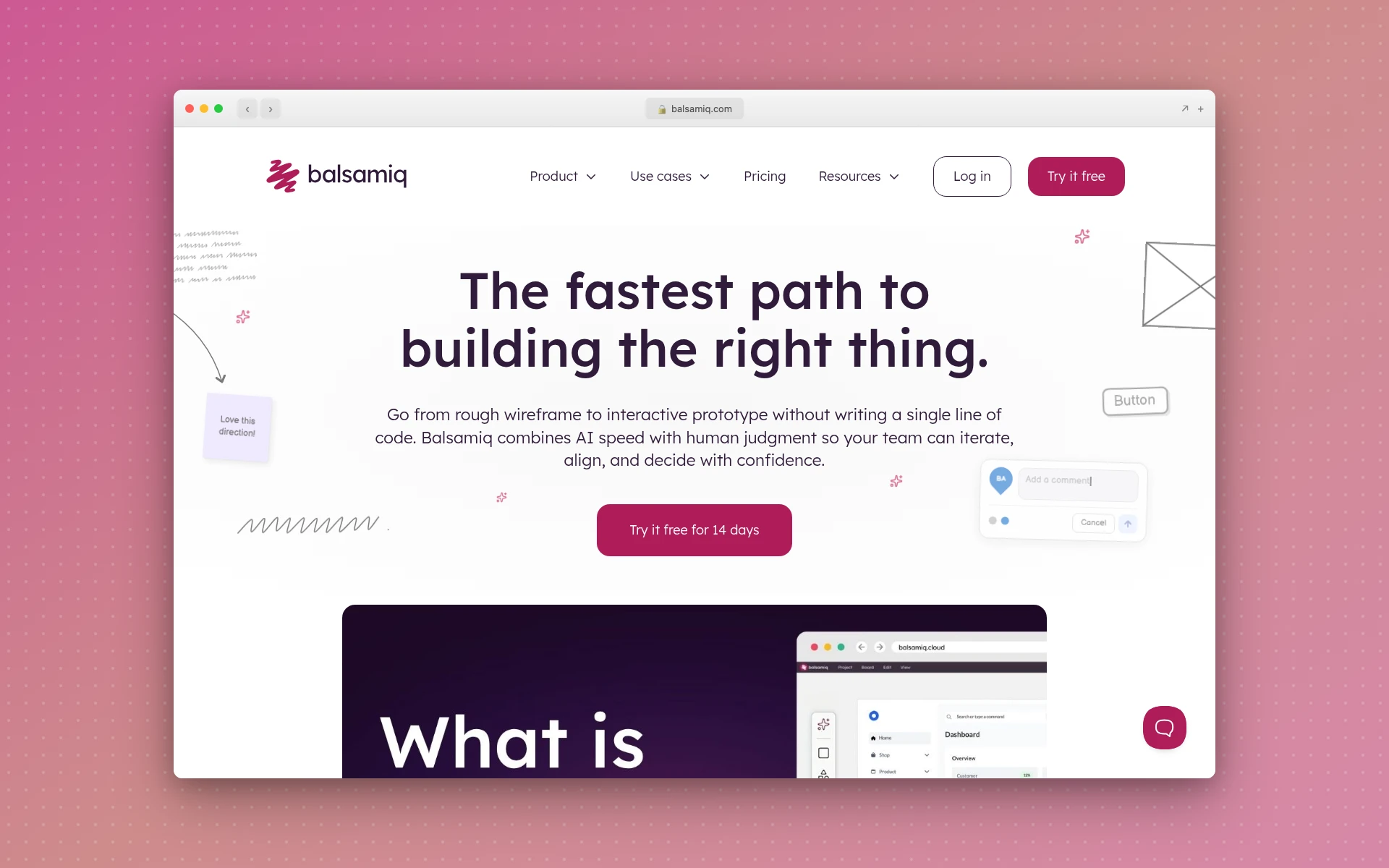 Balsamiq keeps wireframes deliberately rough so feedback stays on structure.
UI Design Tools
5. Figma
If you only pay for one tool on this list, make it Figma. One file holds wireframes, high-fidelity screens, components, and clickable prototypes, and developers inspect that same file through Dev Mode. In UX Tools’ 2026 survey, it was still the most-used weekly tool among designers, and it’s where most teams keep their component library and design system.
The free Starter plan gives you unlimited drafts and a daily AI allowance, though Figma’s help center caps a free team at one folder and three files. Figma Make, its prompt-to-prototype tool, works on Starter too. Dev Mode doesn’t.
A paid Full seat bundles design, prototyping, Make, Dev Mode, and FigJam. Developers who only inspect files can take a cheaper Dev seat.
- Best for: the shared design file your whole team works from
- Free plan: Starter (one folder, three files, unlimited drafts)
- Paid: Professional at $16/full seat, $12/Dev seat, or $3/Collab seat per month billed annually ($20/$15/$5 monthly)
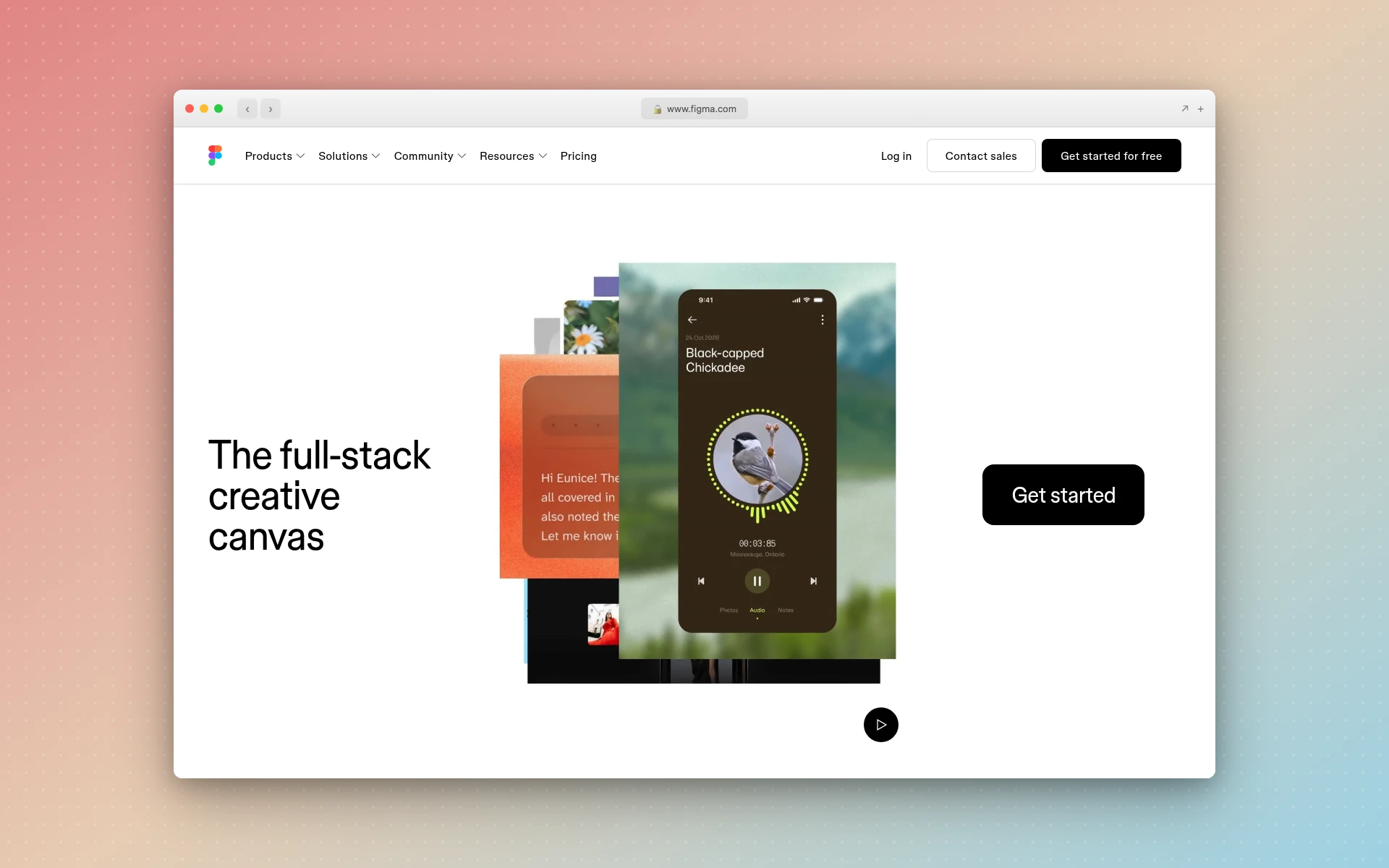 Figma holds wireframes, UI, prototypes, and Dev Mode handoff in one file.
6. Penpot
If your company won’t put design files on someone else’s servers, look at Penpot. It’s open source, runs in the browser, and you can self-host it. Its cloud plan is also the most generous free design plan on this list, described as “free and fully featured” for up to eight team members with 10GB of storage.
The paid Unlimited plan is capped at $175 a month however big the team gets, and Penpot started testing an official MCP server in late 2025. I cover how it stacks up against the other options in my Figma alternatives roundup.
- Best for: teams that want open source or self-hosting
- Free plan: up to 8 team members, 10GB storage
- Paid: Unlimited at $7/editor/month, capped at $175/month
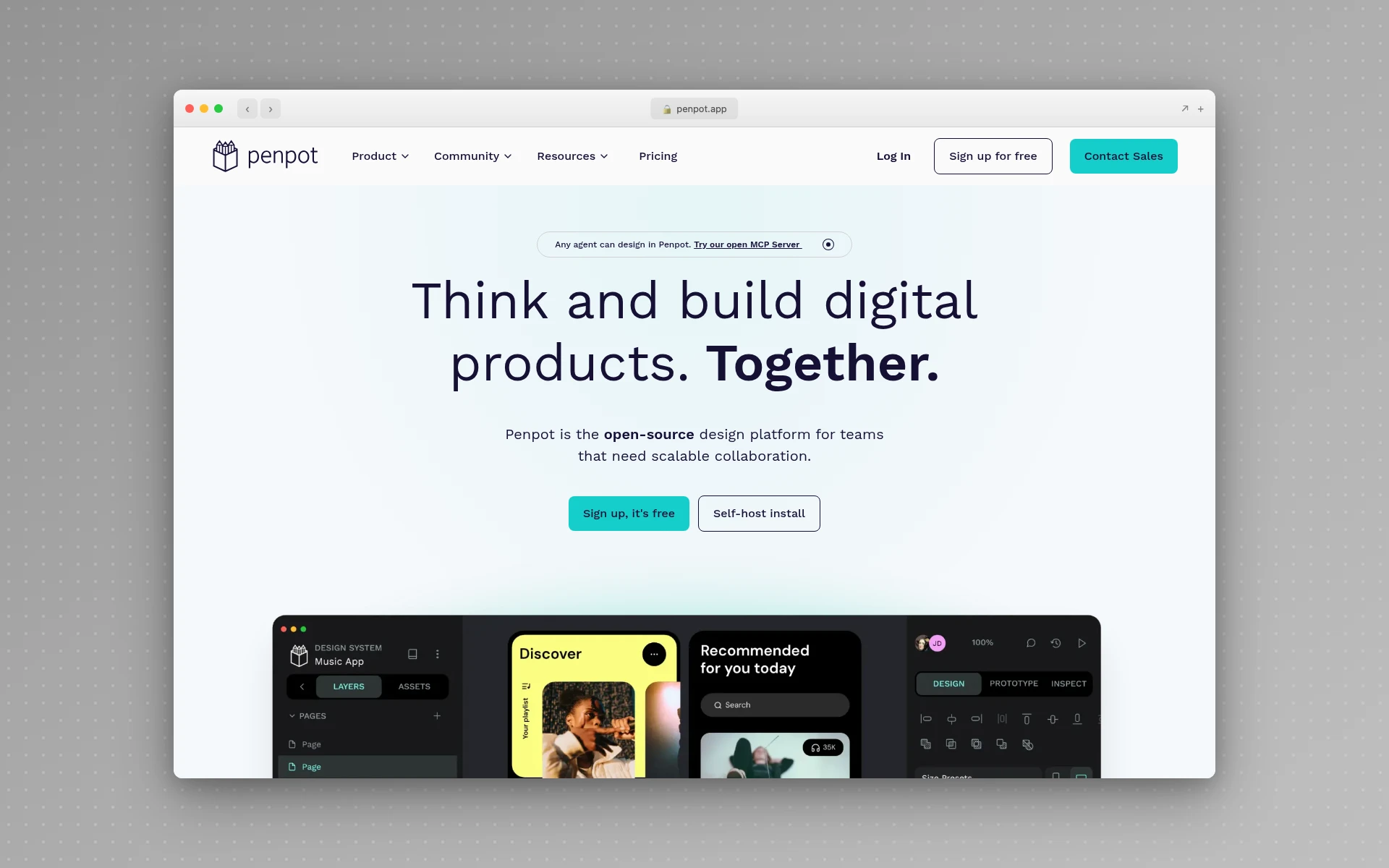 Penpot is open source, runs in the browser, and can be self-hosted.
7. AIDesigner
AIDesigner is the AI tool I add to the UI stage. Describe a screen and it generates a finished-looking design in seconds, starting from a 1440px desktop or 430px mobile canvas, as responsive HTML and CSS. You can edit elements directly on the canvas, or @ reference a specific design to target it for an AI edit.
For UX work, two features stand out. A saved brand kit, built from a 3x3 variation board or extracted from an existing site’s URL, keeps every generation you run with that kit selected on the same palette and typography, so test variants look like one product. Enhance mode takes a live URL and returns a modernized version to test against the original (reference-mode designs cost 2 credits).
One-click publishing then gives you a real URL to hand participants. Through its MCP server, coding agents in Claude Code, Codex, Cursor, VS Code, and Windsurf can generate and refine designs and use your saved brand kits.
It outputs HTML, CSS, and published pages, not Figma files, so it sits next to Figma rather than inside it. I ran it and 10 other generators through the same landing-page prompt, and the wider field is in my guide to the best AI tools for UI design.
- Best for: going from a prompt or an existing URL to a testable screen
- Free plan: 5 lifetime credits, no card required
- Paid: Pro starts at $25/month for 100 credits, scaling up to $2,250/month for 10,000 credits. Yearly billing saves ~17%.
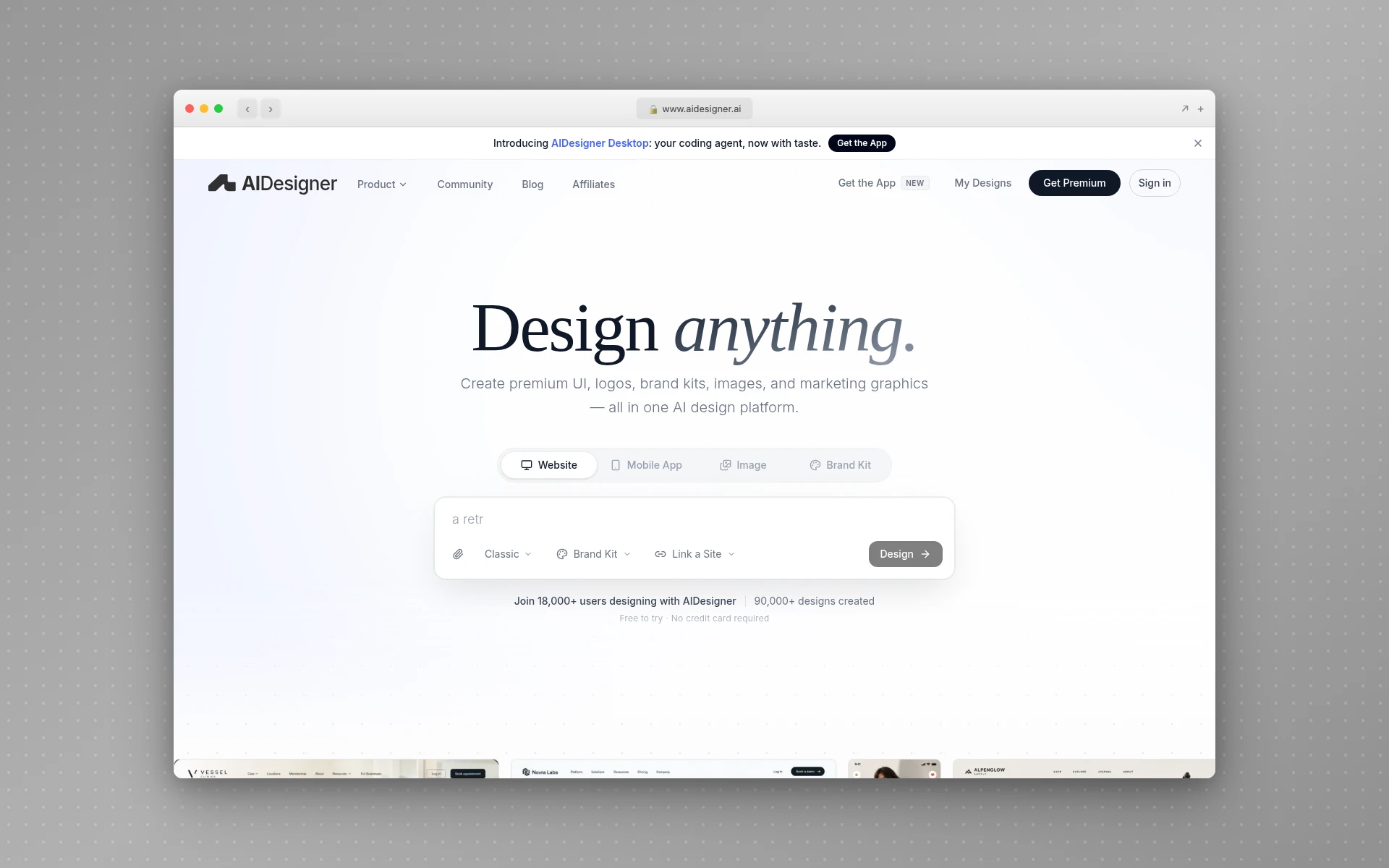 AIDesigner generates responsive HTML and CSS screens from a prompt or an existing URL.
Prototyping Tools
8. ProtoPie
Figma’s prototyping handles screen-to-screen clicks well. ProtoPie is for when the interaction itself is what you’re testing. Its homepage lists logic, variables, and formulas (“validating email addresses” is its example), native device sensors, voice interactions, and multi-device flows. So if your test hinges on a sign-up form rejecting a bad email the way the real product will, that’s ProtoPie territory.
Its AI feature left beta in June 2026 and can generate interactions for you to refine. It also pitches “realistic automotive UX and HMI simulations” for in-car interfaces.
- Best for: high-fidelity interaction prototypes that need logic or device input
- Free plan: 2 prototypes, 8 scenes each, 50MB cloud storage
- Paid: Basic at $25/month billed yearly ($29 monthly), 1 seat; Pro at $47/editor/month billed yearly
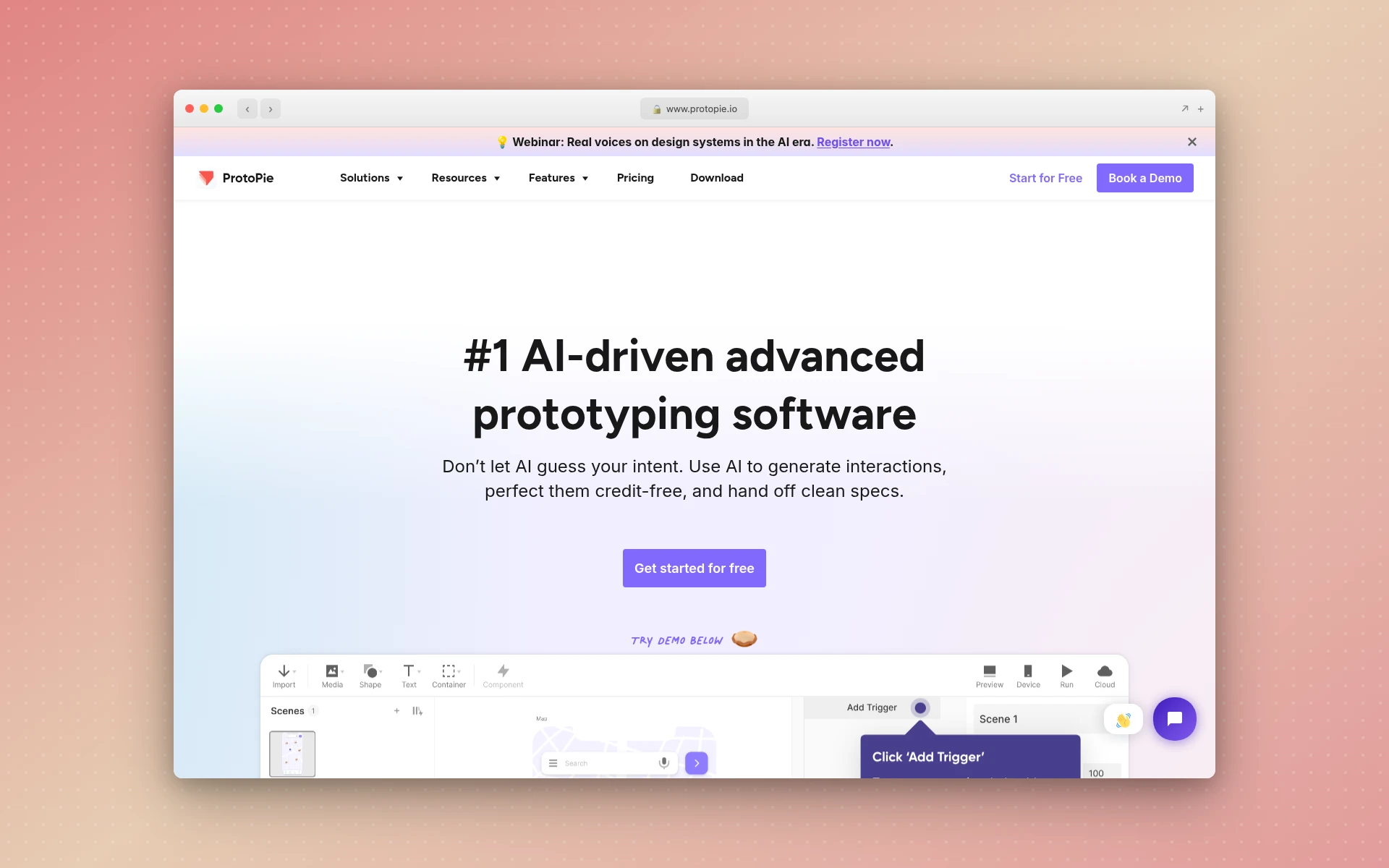 ProtoPie handles prototypes that need logic, variables, or device sensors.
Usability Testing Tools
Jakob Nielsen’s long-standing rule of thumb is that a test with five users finds about 85% of the usability problems, so small, frequent studies beat one big one. Both tools below are built for that rhythm.
9. Maze
Unmoderated testing means participants work through a task on their own time, with no researcher on the call. Maze is built around it. You give people a task on a Figma prototype or a live website, then review how they got on afterward. It now pitches itself as a broader research platform that “brings recruiting, testing, and analysis together,” and it launched a beta MCP server for Enterprise teams in June 2026.
Its free tier covers one study a month with up to five seats, enough for a solo designer testing one feature at a time. Maze’s $99-a-month Starter plan is excluded for buyers in the US, Canada, and most of Europe, so readers there choose between Free and a custom-priced Enterprise plan.
- Best for: unmoderated prototype and website tests
- Free plan: 1 study a month, 5 seats
- Paid: Enterprise, custom pricing (in the US, Canada, and most of Europe)
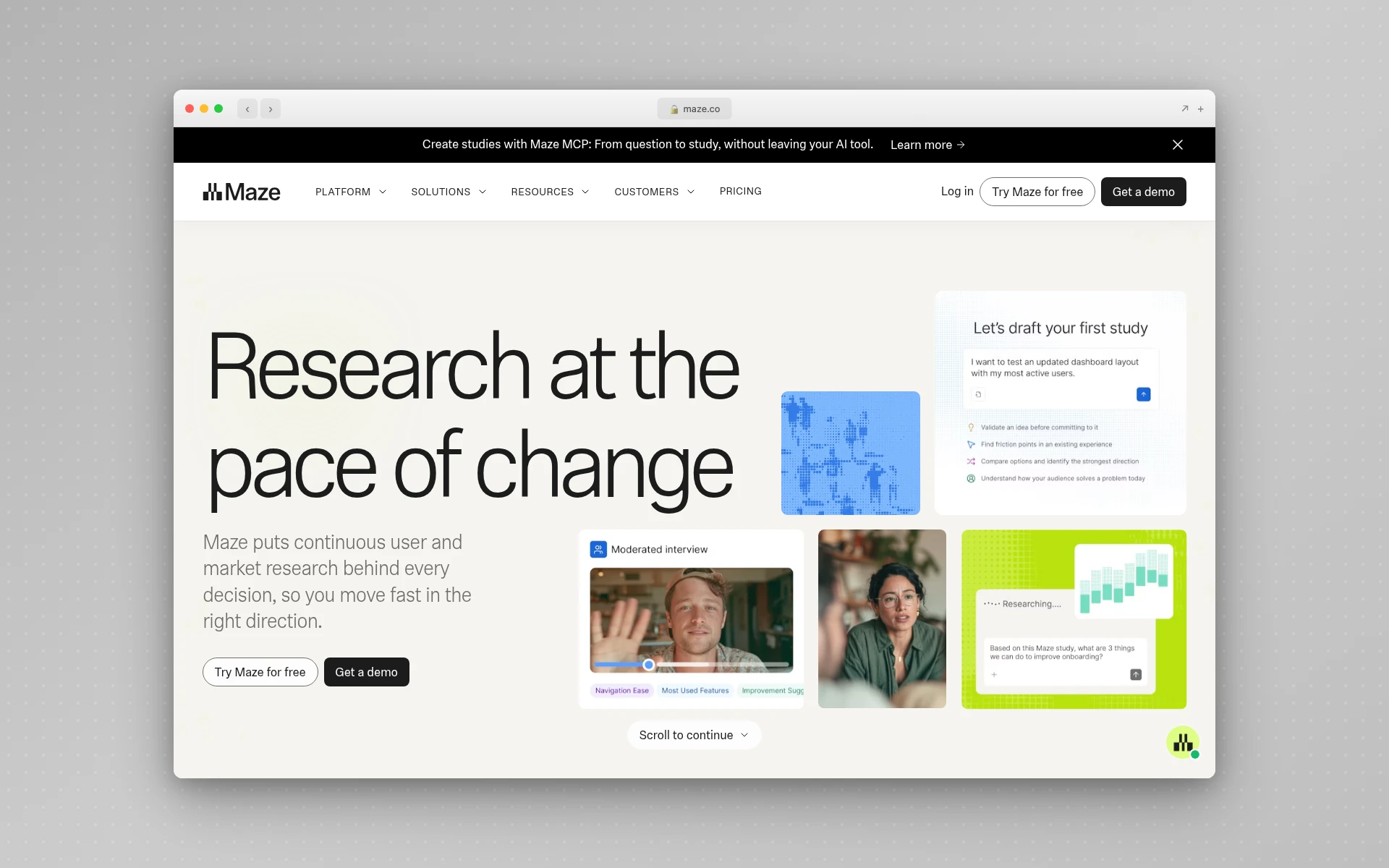 Maze runs unmoderated tests on Figma prototypes and live websites.
10. Lyssna
For quick questions like “which of these two layouts do people prefer?”, I’d use Lyssna. It was called UsabilityHub until 2023, and its menu covers five-second tests, first-click tests, preference tests, prototype tests, surveys, and user interviews, plus card sorting and tree testing. That last pair means a small team can often skip Optimal. It claims a panel of “690,000+ verified participants” you can recruit from on a pay-per-use basis.
At $0 you get unlimited quick studies (one section, core methods), three seats, and 15 self-recruited responses. Growth is a flat price for five seats and five in-depth studies a month.
- Best for: fast preference and first-click tests between design options
- Free plan: unlimited quick studies, 15 self-recruited responses, 3 seats
- Paid: Growth at $166/month billed annually ($199 monthly), 5 seats
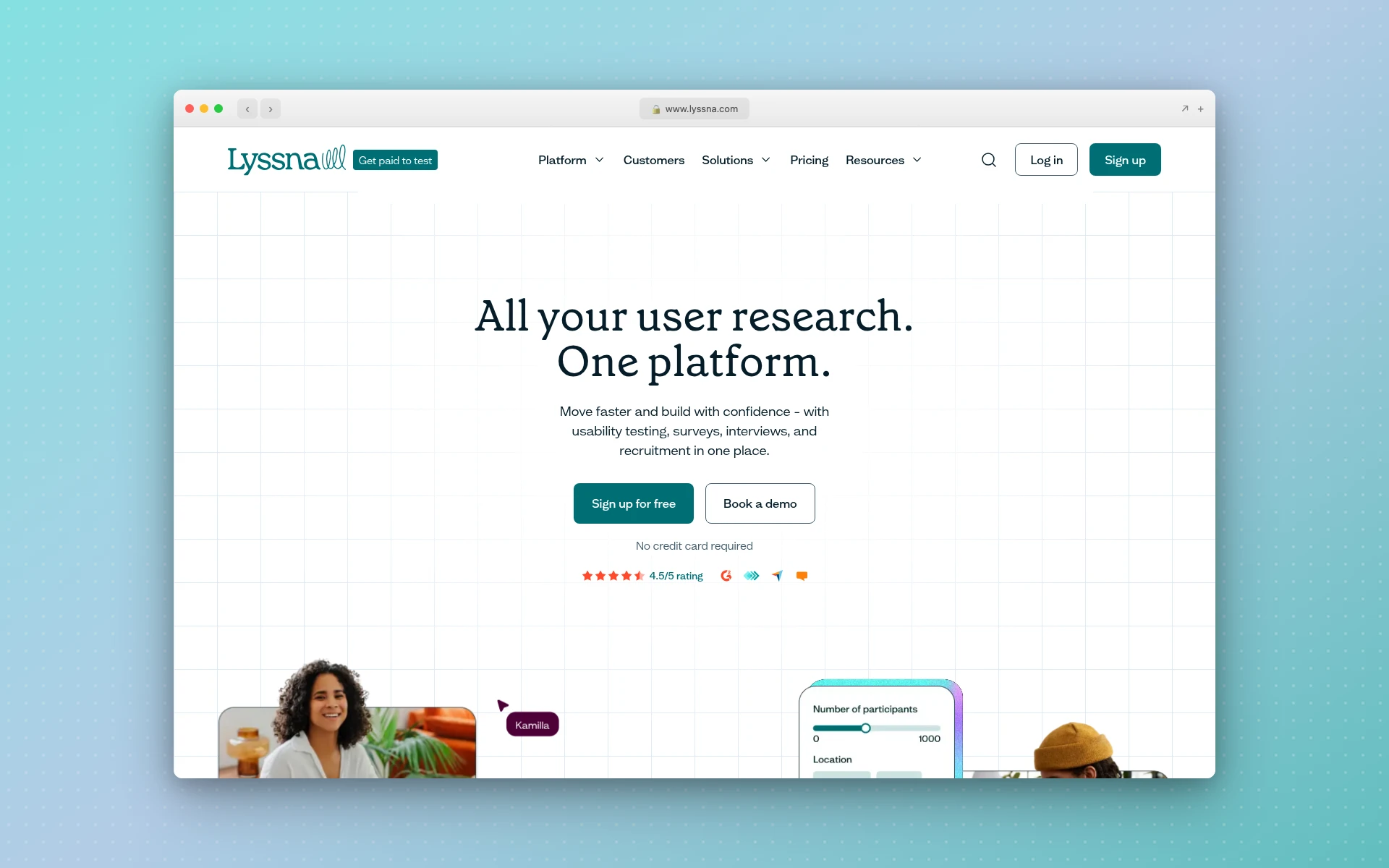 Lyssna, formerly UsabilityHub, covers five-second, first-click, and preference tests.
Analytics Tools
Testing shows you what five people did. Analytics shows you what thousands did after launch, which is where you find the problems nobody hit in a test.
11. Microsoft Clarity
Free is the whole pitch. Microsoft Clarity gives you heatmaps and session recordings with no paid tier at all, and its FAQ calls it “a free service forever.”
The limits are hard to hit on a small site. Clarity records up to 100,000 sessions per project per day and keeps recordings for 30 days, and you can create as many projects as you like.
For most small sites, that covers the whole analytics stage. It’s the first tool I’d install the day a design goes live.
- Best for: heatmaps and session replays on any budget
- Free plan: everything; up to 100,000 recorded sessions per project per day
- Paid: none
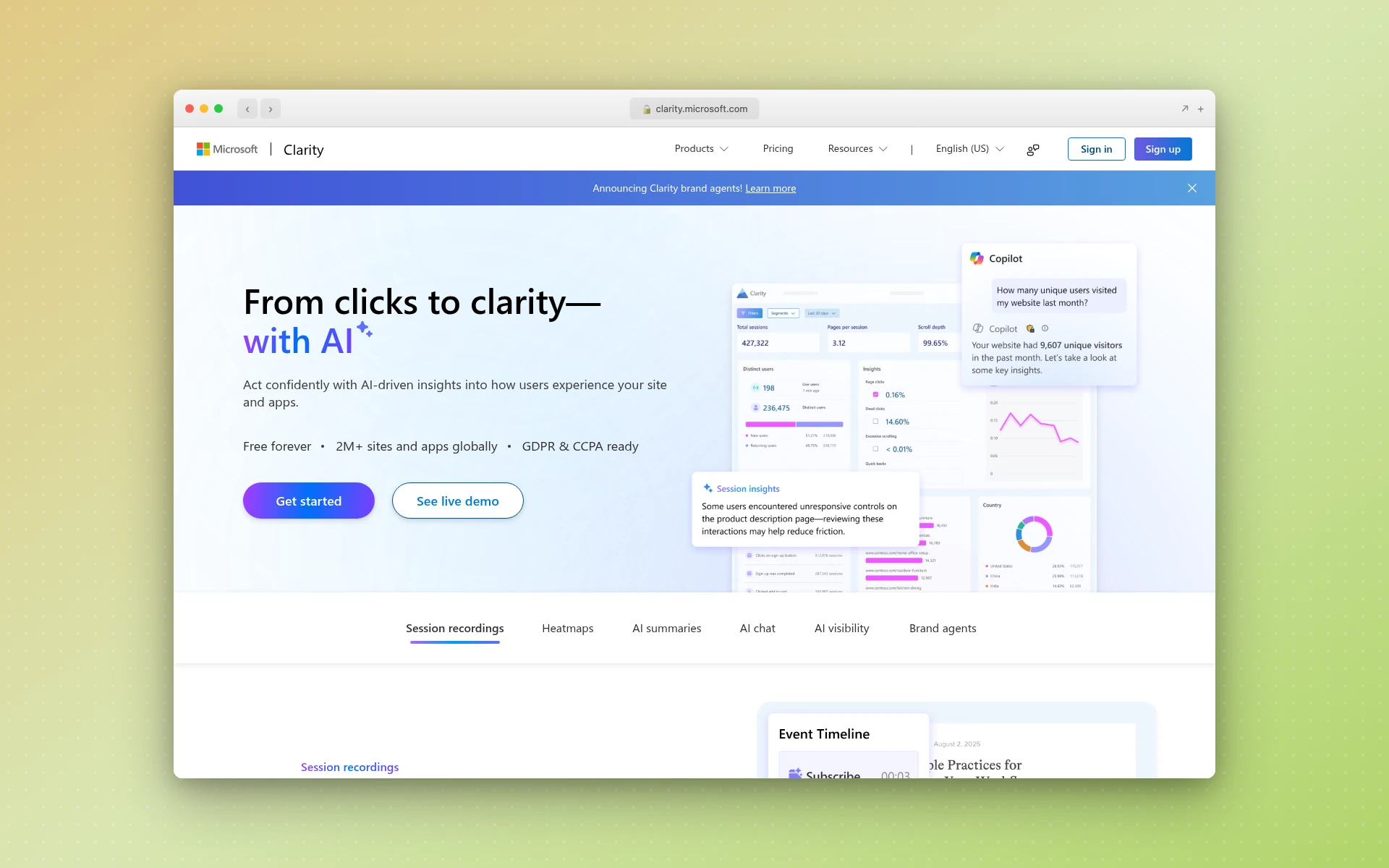 Microsoft Clarity gives you heatmaps and session recordings with no paid tier.
12. Contentsquare (Formerly Hotjar)
If you’ve seen Hotjar on older lists, it’s changed. Hotjar.com now redirects to Contentsquare, which states plainly: “It’s no longer possible to create a new account on Hotjar.” Hotjar merged into the Contentsquare Group on July 1, 2025.
New users sign up for Contentsquare instead. Its free plan covers 200,000 monthly sessions with one month of data access and one project, and its Hotjar page says the free plan also includes 5 user interviews and 100 survey responses a month. Pick it over Clarity when you want surveys and interviews in the same product as your heatmaps.
- Best for: teams that want heatmaps, surveys, and interviews in one product
- Free plan: 200,000 monthly sessions, 1 month of data, 1 project
- Paid: Growth from $39/month billed yearly, or $49 monthly with no annual contract
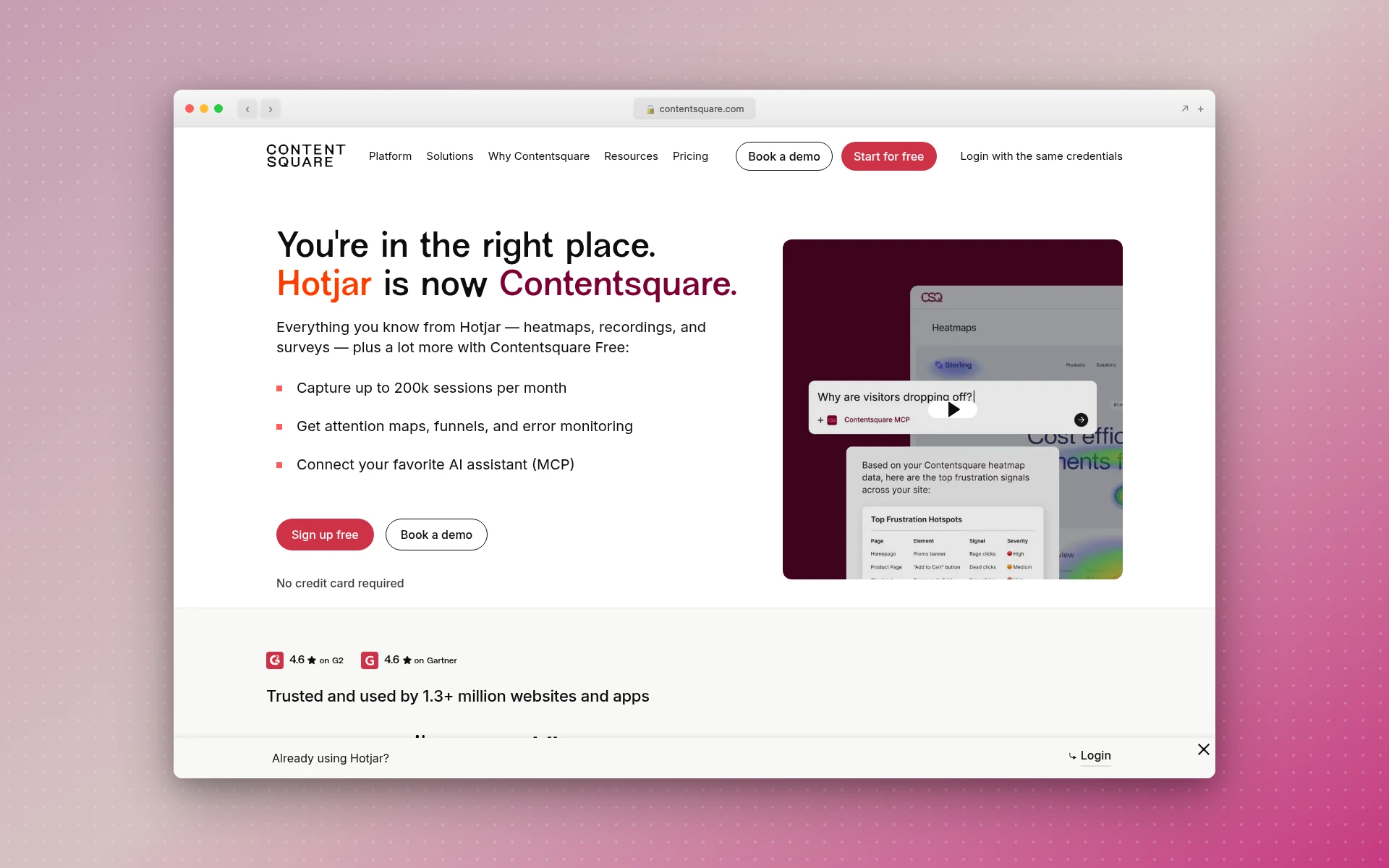 Hotjar.com now redirects here, and new users sign up for Contentsquare instead.
Developer Handoff Tools
13. Zeplin
Figma’s Dev Mode handles handoff for teams already paying for Figma seats. Zeplin solves a different problem: it separates ready-for-dev screens from work in progress, so developers only see approved designs, each with its own version history. Developers get measurements, assets, and code snippets, and Zeplin connects to tools like Jira and Storybook.
Its free tier covers one project with up to 100 screens and unlimited users, and paid plans are priced per project rather than per seat. Its AI Design Review and AI Organize features left beta in June 2026. If what you want is code generated from the design instead of specs, see my roundup of Figma to code tools.
- Best for: teams that want a clean, approved-only view for developers
- Free plan: 1 project, 100 screens, unlimited users
- Paid: Basic at $13.75/project/month billed annually ($15 monthly)
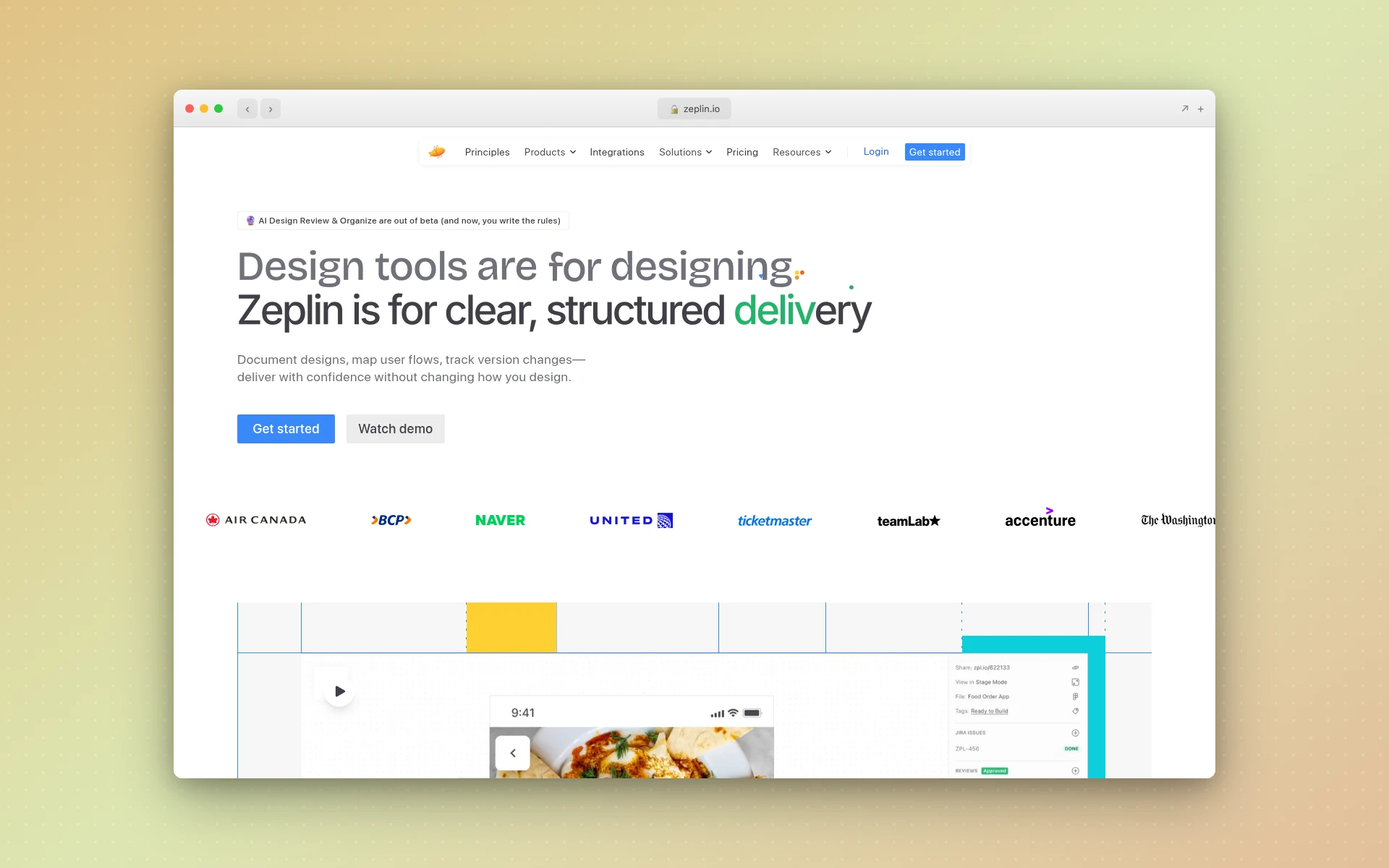 Zeplin shows developers approved, ready-for-dev screens with specs and assets.
Can You Build a UX Stack for Free?
Yes, for a solo designer or a small project. Lyssna’s free plan covers quick tests and surveys, Miro covers mapping, Figma Starter or Penpot covers wireframes and UI, Maze runs one study a month, Microsoft Clarity covers analytics, and Zeplin covers one handoff project. The gap is dedicated research platforms: Dovetail and Optimal only offer trials.
| Stage | Free pick | Where the free limit bites |
|---|---|---|
| Research | Lyssna Free | 15 self-recruited responses |
| Mapping | Miro Free | 3 editable boards |
| Wireframes and UI | Figma Starter or Penpot | Figma: 3 files; Penpot: 8 team members |
| AI UI drafts | AIDesigner Free | 5 lifetime credits |
| Prototyping | Figma Starter or ProtoPie Free | ProtoPie: 2 prototypes |
| Testing | Maze Free | 1 study a month |
| Analytics | Microsoft Clarity | 100,000 recorded sessions per project per day |
| Handoff | Zeplin Free | 1 project |
In practice, the limit you’ll hit first is testing volume. One Maze study a month is fine while you’re learning and tight once you’re shipping every week.
How Much Does a Full UX Stack Cost?
Paying for every stage at entry-level tiers comes to $10,651 a year at the list prices I checked on November 8, 2026, with annual billing. Design, analytics, and handoff tools together cost $1,471. The three research and testing platforms (Dovetail, Optimal, and Lyssna) cost $9,180, or 86% of the total.
| Tool and plan | Price (billed annually) | Per year |
|---|---|---|
| Figma Professional, Full seat | $16/month | $192 |
| Miro Starter | $8/month | $96 |
| ProtoPie Basic | $25/month | $300 |
| Zeplin Basic, 1 project | $13.75/month | $165 |
| Contentsquare Growth | from $39/month | $468 |
| AIDesigner Pro, 100 credits/month (optional AI drafts) | $250/year | $250 |
| Design, analytics, and handoff subtotal | $1,471 | |
| Lyssna Growth | $166/month | $1,992 |
| Optimal Starter | $199/month | $2,388 |
| Dovetail Bronze | $4,800/year | $4,800 |
| Research and testing subtotal | $9,180 | |
| Total | $10,651 |
Dovetail’s usage credits come on top, and Contentsquare’s line is its lowest Growth tier. Microsoft Clarity and Penpot are free, so they add nothing. I left Maze out because its paid tier is quote-only for US buyers, and Balsamiq because Figma covers wireframes.
Two things change this math for a team. Design tools are priced per seat, so five designers multiply the Figma and Miro lines by five, and ProtoPie Basic is one seat only, so a team moves to Pro at $47 per editor. Research platforms charge flat team prices: Dovetail Bronze covers up to five users, Optimal Starter has unlimited seats, and Lyssna Growth includes five.
You also rarely need all three research tools. One research platform plus one testing tool is the setup I’d start a team on.
Which UX Design Tool Should Beginners Learn First?
Learn Figma first. Its free plan covers wireframing, UI design, and prototyping, it’s the most-used weekly design tool in UX Tools’ 2026 survey, and testing tools like Maze import Figma prototypes directly. After Figma, learn one testing tool, such as Maze’s free plan, so you can check whether your designs work rather than just make them.
Then add Microsoft Clarity the first time something you designed goes live. Watching real recordings teaches you more about UX than any course module on heuristics, because you see exactly where people hesitate.
Is UX Being Replaced by AI?
No, but parts of the job are moving to AI quickly. In UX Tools’ 2026 State of Prototyping survey of 1,478 designers and builders, Claude was the second most-used weekly tool after Figma, at 50.8%, and five of the ten most-used weekly tools were AI. What AI can’t do is sit with your users. Research and testing still need people.
The same survey found 71.1% of respondents had added AI tools or made AI central to their workflow since late 2025. Where AI helps most is the production middle of the process: drafting screens, exploring visual directions, and making variants to test.
Claude Code ranked fourth in that survey, ahead of FigJam, so a growing share of design work now starts inside a coding agent. If that’s your setup, my guide to designing UIs with Claude Code covers the workflow.
How I Chose These Tools
- One or two picks per stage. A UX stack needs coverage, so I picked the strongest options for each stage instead of ranking ten UI tools against each other.
- Prices from the source. Every price and free-plan limit comes from the vendor’s own pricing page or help center, checked on November 8, 2026.
- Still actively developed. I skipped tools that have stopped moving.
What I left out, and why:
- InVision shut down its design tools at the end of 2024, and its domain now redirects to Miro.
- Adobe XD is “in maintenance mode,” as an Adobe spokesperson told The Register in January 2024.
- Sketch is still actively developed, but full editing requires the Mac app and there’s no free plan. Standard costs $12 per editor per month billed yearly.
- UserTesting is a strong enterprise option, but it publishes no pricing, so you can’t compare it without a sales call.
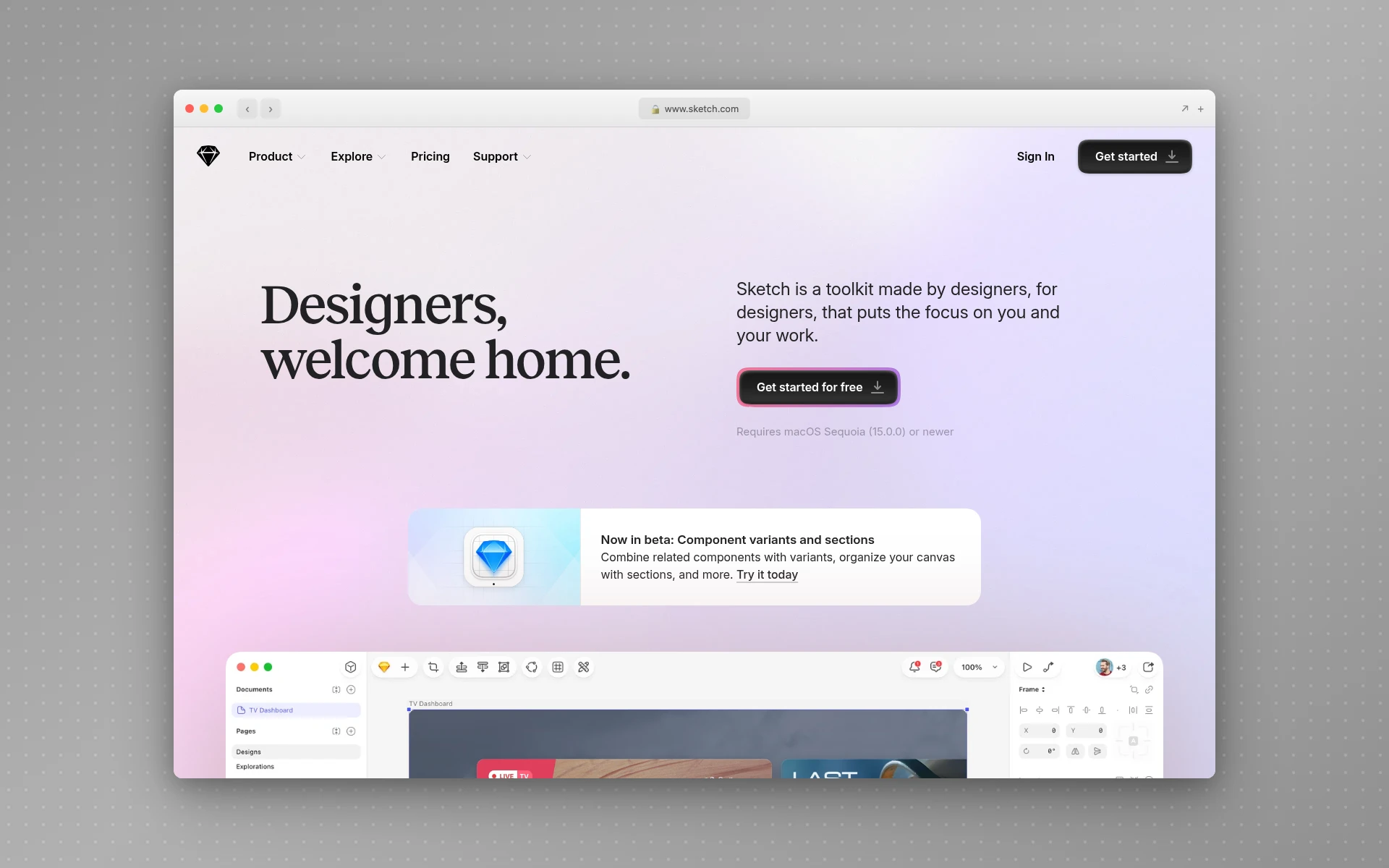 Sketch is still actively developed, but full editing needs the Mac app.
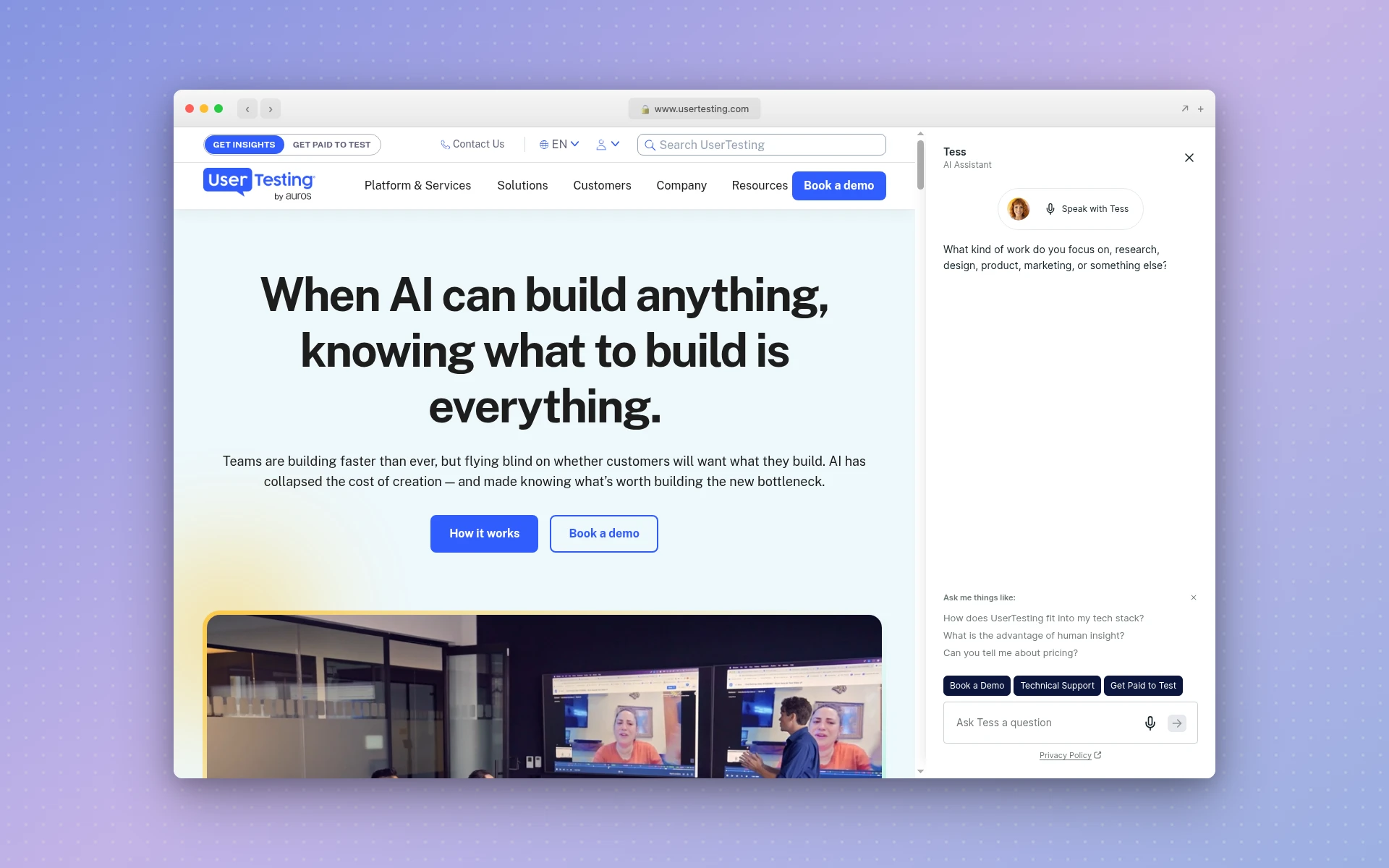 UserTesting sells enterprise plans with pricing by quote only.
Frequently Asked Questions
What tools do UX designers use?
Most UX designers use Figma for wireframes, UI, and prototypes, plus separate tools for the stages Figma doesn’t cover: a research platform like Dovetail or Lyssna, a whiteboard like Miro for mapping, a testing tool like Maze, and analytics like Microsoft Clarity. Many now add an AI generator to draft screens faster.
Is Figma a UX design tool or a UI design tool?
Both, but it’s stronger on the UI side. Figma handles wireframing, high-fidelity UI, prototyping, and developer handoff through Dev Mode, which covers the design half of UX. It doesn’t run user research or collect analytics, so you’ll still need tools like Lyssna, Maze, or Microsoft Clarity for the research and testing half.
What is the best free UX design tool?
Figma’s free Starter plan is the best single free UX design tool, since it covers wireframing, UI design, and prototyping. For the stages Figma doesn’t touch, Microsoft Clarity is completely free for heatmaps and session recordings, Penpot is a free open-source design tool for teams of up to eight, and Maze’s free plan runs one study a month.
Can AI do UX design?
AI can do a growing share of UX production work, but not the research. AIDesigner, for example, generates UI screens from a prompt, keeps variants on-brand with saved brand kits, and publishes them to a live URL you can test. Interviewing users, deciding what to test, and interpreting what you see are still human work.
Is UX harder than UI?
Neither is harder across the board; they’re hard in different ways. UI design asks for visual skill: typography, layout, color, and consistency. UX design asks you to find out what users need and prove a design works, which means research, testing, and more tools. Many people find UX harder to learn alone because practicing it needs real users.
How much do UX design tools cost?
You can start for $0: Figma, Miro, Maze, Lyssna, Microsoft Clarity, Penpot, and Zeplin all have free plans. Entry-level paid design plans run $7 to $25 a month at the prices I checked in November 2026, from Penpot Unlimited to ProtoPie Basic. Research platforms cost far more: Dovetail’s Bronze plan is $4,800 a year.
Start With One Tool Per Stage
Don’t buy a tool for every stage on day one. Start with Figma, add Microsoft Clarity once something is live, and add a testing tool the first time you can’t decide which of two designs is better. Pay for a research platform when your interview volume makes a whiteboard unmanageable.
For the UI stage itself, AIDesigner is how I’d close the gap between a prompt and a polished, responsive screen you can actually test. It’s free to start with 5 lifetime credits and no card, and Pro is $25/month for 100 credits. Try AIDesigner free.