TL;DR: AI mobile app design tools have transformed how founders and product teams create app interfaces. The best tools in 2026 generate professional mobile UI from simple prompts in minutes. AIDesigner leads for premium output quality, Uizard excels at multi-screen prototyping, and Google Stitch offers the best free design-to-code workflow. Here are the 9 tools worth your time.
What Are the Best AI Mobile App Design Tools?
The best AI mobile app design tools in 2026 are AIDesigner, Uizard, Google Stitch, Figma with UX Pilot, and Visily. These tools generate professional mobile UI from text prompts in seconds, with features like multi-screen generation, design-to-code export, and platform-specific styling for iOS and Android.
What Are AI Mobile App Design Tools?
AI mobile app design tools are software platforms that use artificial intelligence to generate mobile user interfaces from text descriptions, sketches, or reference images. Instead of manually designing each screen in Figma or Sketch, you describe what you want in plain English, and the AI creates complete mobile layouts with proper components, spacing, and styling.
The technology has fundamentally changed how startups approach mobile app development. Traditional mobile UI design costs $50-150 per hour and takes weeks. AI tools deliver professional results in minutes for a fraction of the cost.
What’s changed in 2026 is output quality. Early AI design tools produced generic, template-based layouts. The current generation uses models trained on professional design principles, generating interfaces that follow platform conventions and actually look like apps you’d want to use.
According to industry research, the barrier to entry has dropped from thousands of dollars and weeks of work to a simple text prompt and a few clicks.
Quick Comparison: Best AI Mobile App Design Tools 2026
| Tool | Best For | Starting Price | Free Tier | Code Export |
|---|---|---|---|---|
| AIDesigner | Premium mobile UI | $25/mo | Yes | Yes |
| Uizard | Multi-screen prototypes | $12/mo | Yes | React/CSS |
| Google Stitch | Design-to-code workflow | Free | Full access | HTML/CSS |
| Figma + UX Pilot | Figma users | $12/mo | Limited | Via Figma |
| Visily | Non-designers | $11/mo | Yes | Limited |
| Motiff | Design system compliance | $20/mo | Yes | React/HTML |
| Banani | Quick mockups | $19/mo | Yes | Limited |
| Sleek | Mobile-only focus | $20/mo | Yes | Figma/Code |
| RapidNative | React Native code | $20/mo | Yes | React Native |
Why AI Mobile App Design Tools Matter in 2026
Before diving into specific tools, let’s understand why this category has exploded.
The Speed Revolution
Traditional mobile UI design involves creating wireframes, iterating on layouts, designing each screen, building a component library, and maintaining consistency across dozens of screens. A single app might take 2-4 weeks of design work.
AI tools compress this to hours. Describe your app concept, generate 20 screens, refine the ones that work, and move to development. Founders and developers are creating stunning mobile app interfaces in minutes.
Picking a tool is only half of it, though. If you’re not sure where the generation step actually fits, our walkthrough of how to design an application covers the full seven-step process from scoping to handoff, with a worked wireframe-to-UI example.
The Democratization of App Design
Product managers can now visualize features before involving the design team. Solo founders can create investor-ready mockups. Developers can prototype interfaces before writing code.
According to recent data, over 60% of small businesses now use AI for design tasks, with 52% applying it specifically for content creation and design.
The Quality Gap Has Closed
Early AI mobile design tools produced obvious “AI-generated” output. The 2026 generation is different. Tools like AIDesigner and Google Stitch produce screens that pass the “would you ship this?” test - with proper visual hierarchy, platform-appropriate components, and polished aesthetics.
The Perfect Prototyping Tool
Reddit developers agree that AI design tools are “perfect at the ideation and prototyping stage” and useful for “an interactive mockup or a v1 product to test an idea.” Startups and solo builders can get an MVP in front of users fast.
The 9 Best AI Mobile App Design Tools (In-Depth Reviews)
1. AIDesigner
Best for: Premium mobile UI that doesn’t look AI-generated
Rating: 4.9/5
If you care about design quality above all else, AIDesigner stands apart from the crowd.
Most AI tools generate functional but generic layouts. AIDesigner produces mobile interfaces with the polish you’d expect from a senior designer - proper visual hierarchy, thoughtful spacing, and components that work together cohesively. The output looks like apps from top-tier studios, not templates.
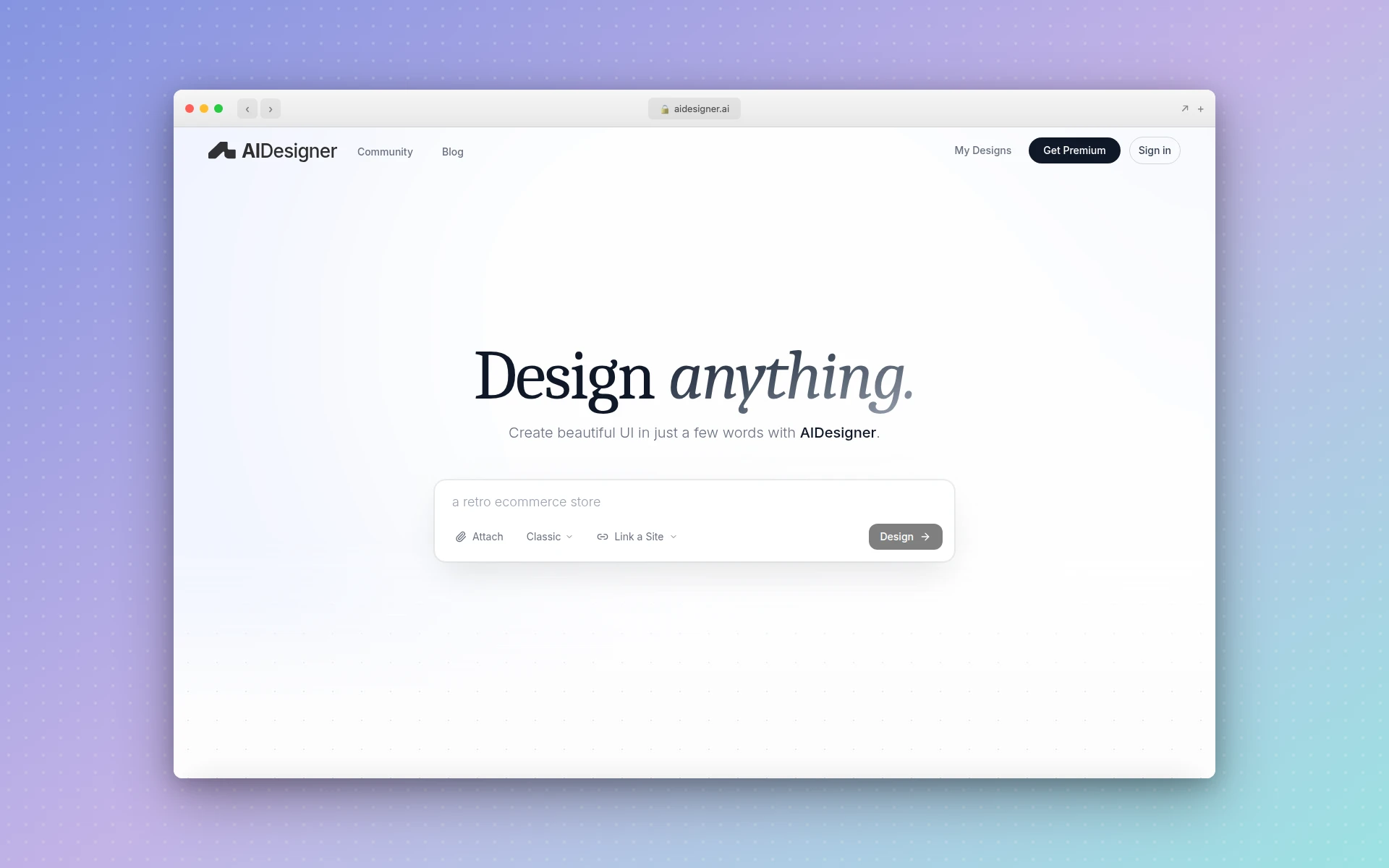 AIDesigner generates premium mobile app UI from simple text prompts on an infinite canvas
Why AIDesigner stands out:
- Premium UI in seconds - Generate production-ready mobile screens instantly
- Infinite canvas workflow - Design multiple screens and compare variations side-by-side
- Reference-based generation - Upload screenshots of apps you like for style matching
- One-click publishing - Turn mobile designs into live previews instantly
- Context-aware editing - Use @ referencing to modify specific screens
What could be better:
- Focused on premium output, so less suited for quick wireframes
- Developers wanting full code control may prefer dev-first tools
Pricing:
- Free: Core features with limited generations
- Pro ($25/month): 100 credits, unlimited projects, high-quality exports
Best fit if: You need mobile app UI that looks professionally designed without hiring a designer or spending hours in Figma.
2. Uizard
Best for: Rapid multi-screen prototyping
Rating: 4.7/5
Uizard has earned its reputation as one of the most comprehensive AI mobile design tools available. What sets it apart is generating entire sets of designs, not just single screens - ideal for mapping out complete user journeys.
The built-in chatbot allows design revisions through conversation, and the plug-and-play component library makes iterations fast. You can even upload a sketch or screenshot and Uizard will convert it to an editable design.
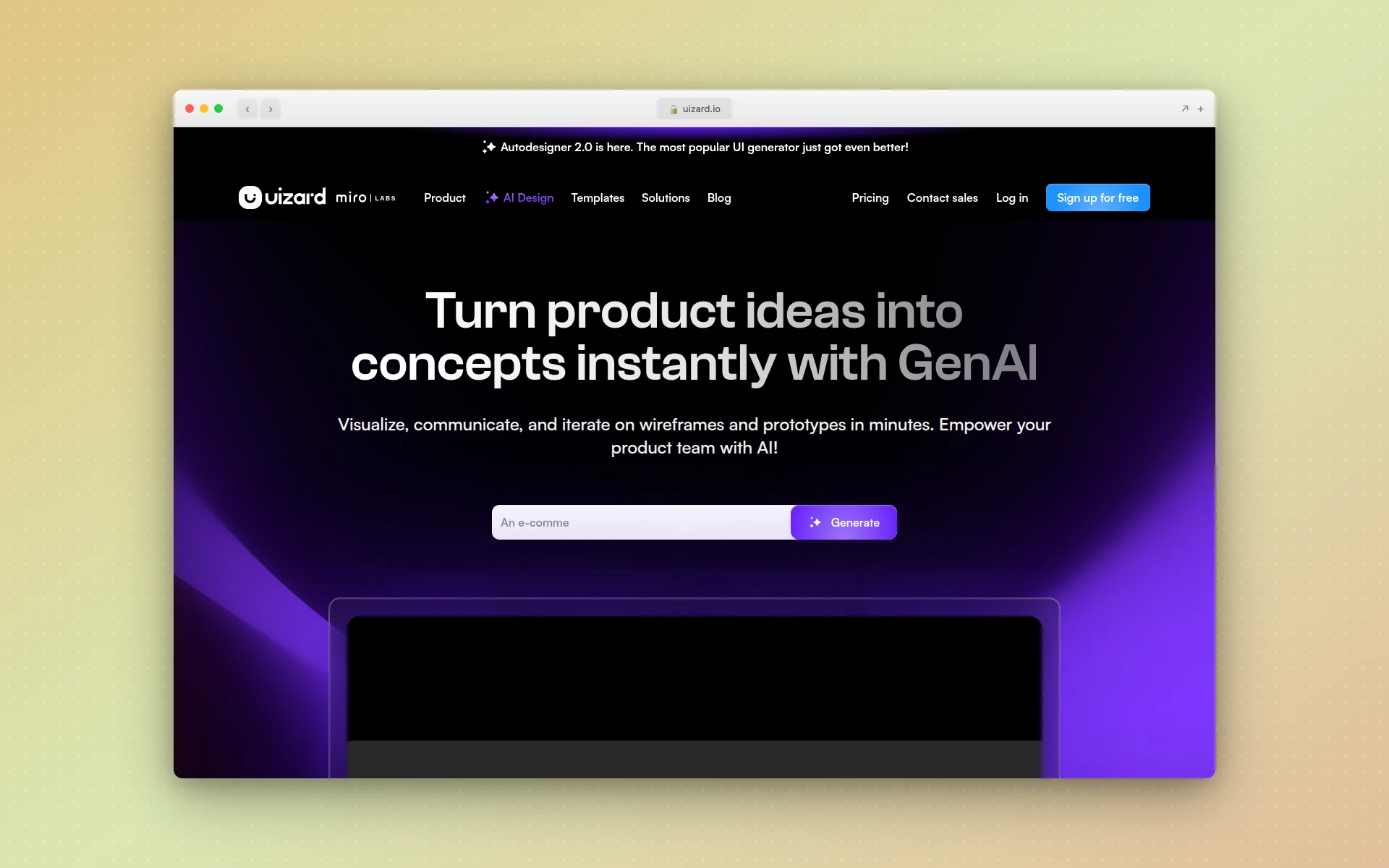 Uizard generates multi-screen mobile app prototypes with AI-powered heatmap predictions
Why Uizard stands out:
- Multi-screen generation - Creates complete app flows, not just single screens
- Attention heatmaps - AI predicts which elements will draw user attention
- Theme generation - Upload a logo and Uizard creates matching color schemes
- Sketch-to-design - Convert hand-drawn wireframes to polished UI
- Interactive prototypes - Add clickable flows without code
What could be better:
- Free plan is tight: 3 AI generations per month, 2 projects, 5 screens per project
- Figma export not as seamless as native tools
- Designs need refinement for production use
Pricing:
- Free: 3 AI generations/month, 2 projects, up to 5 screens per project
- Pro ($12/month annual): 500 AI generations/month, unlimited screens, up to 100 projects
- Business ($39/month annual): 5,000 generations/month, unlimited projects, priority support
Best fit if: You’re prototyping complete app flows and want to visualize the full user journey quickly.
For more on AI prototyping tools, see our best AI UI design tools guide.
3. Google Stitch (formerly Galileo AI)
Best for: Free design-to-code workflow
Rating: 4.6/5
Google Stitch is at the front of the AI mobile design pack. Powered by Gemini 2.5, it converts text prompts, reference images, or annotated screenshots into web and mobile UI, generating up to five interconnected screens per run with structured code export.
The biggest advantage: it’s free. Google acquired Galileo AI in 2025, sunset the standalone usegalileo.ai product, and relaunched the technology as Stitch inside Google Labs, removing the subscription barrier entirely.
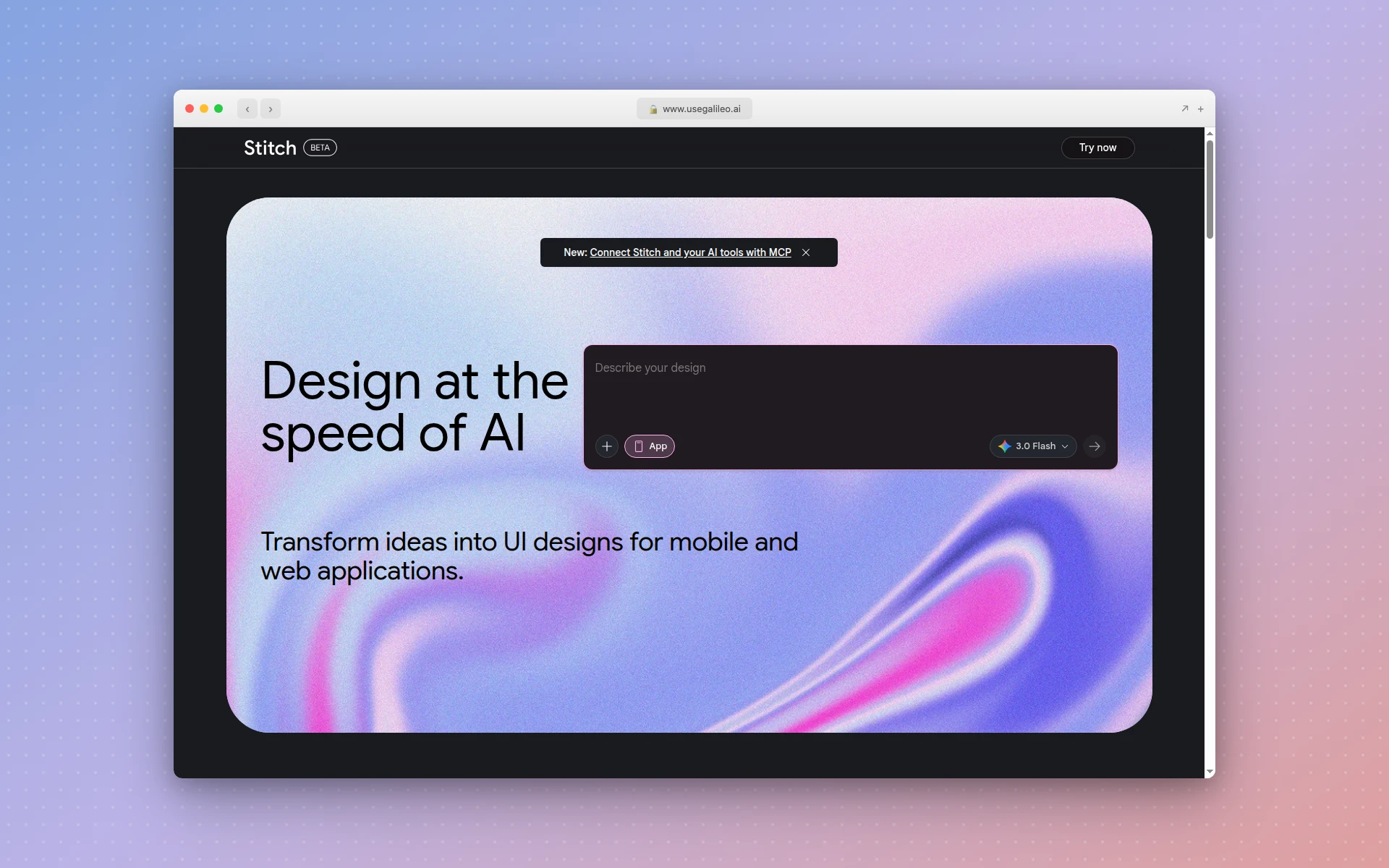 Google Stitch turns prompts and sketches into mobile UI with HTML/CSS export
Why Google Stitch stands out:
- Completely free - No subscription required
- Multimodal input - Text prompts, sketches, and screenshots all work
- Code export - Structured HTML/CSS for faster development handoff
- Figma integration - One-click copy-paste into Figma
- Two generation modes - Standard (fast) and Experimental (higher fidelity)
What could be better:
- As Google Labs project, long-term support uncertain
- Defaults to high-fidelity when wireframes requested
- Less brand customization than dedicated tools
Pricing:
- Free through Google Labs: 350 Standard-mode generations per month plus a pool of higher-fidelity Experimental generations on Gemini 2.5 Pro. Google has signaled paid plans are coming.
Best fit if: You want a genuinely free AI mobile design tool with strong output quality.
4. Figma + UX Pilot
Best for: Teams already using Figma
Rating: 4.5/5
If you’re committed to Figma, UX Pilot brings powerful AI mobile design capabilities directly into your existing workflow. The plugin lets you generate UI screens on the web and transfer them to Figma, or create them directly within the plugin.
Figma’s native First Draft feature also generates designs from prompts, but UX Pilot adds specialized mobile UI generation, wireframing, and attention prediction that Figma’s built-in AI lacks.
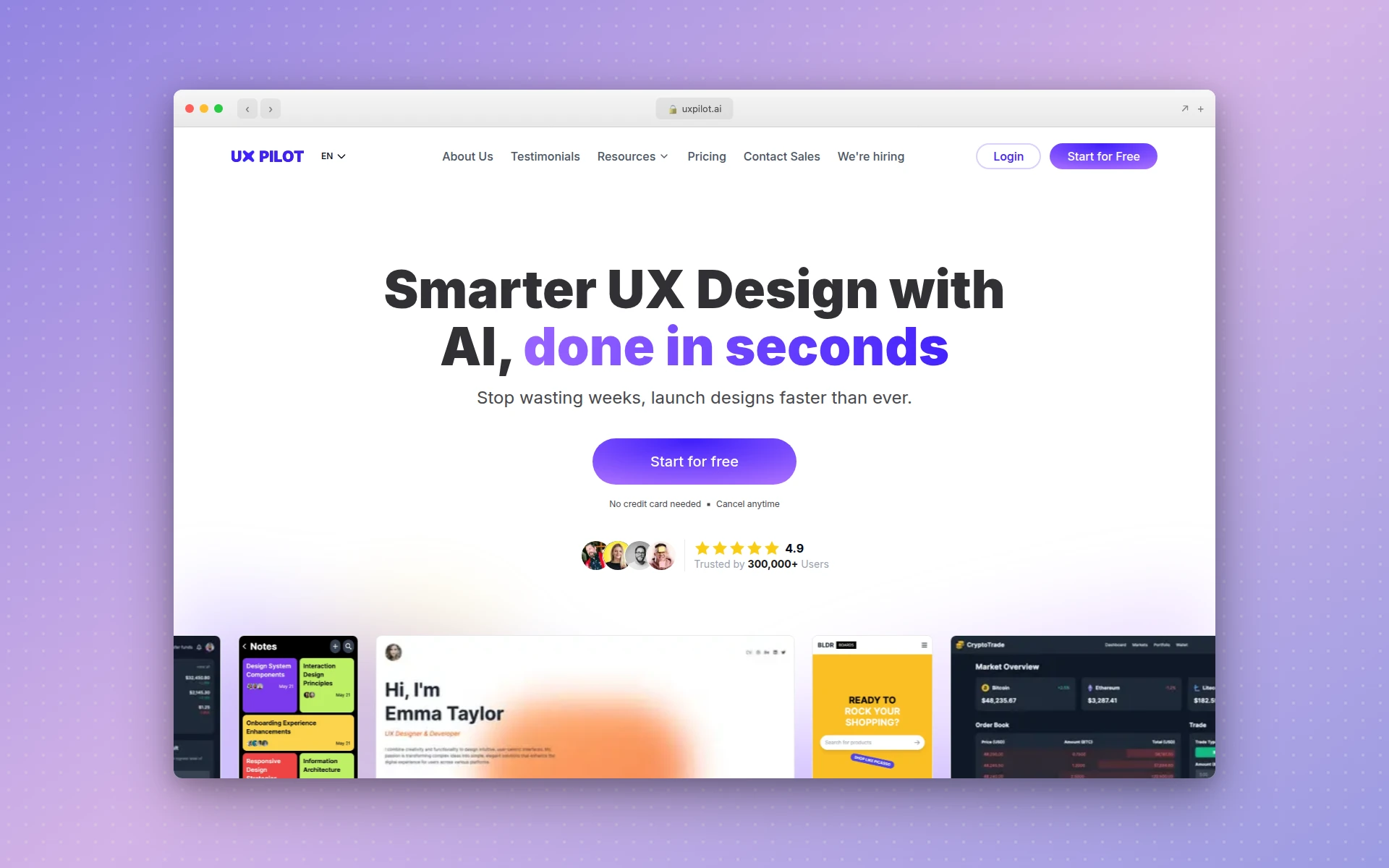 UX Pilot adds AI mobile UI generation directly inside Figma
Why UX Pilot stands out:
- Native Figma integration - No context switching required
- Wireflow generation - Creates connected screen flows, not just individual screens
- Predictive heatmaps - AI-generated attention analysis
- High-fidelity option - Go beyond wireframes when needed
- Team-friendly - Fits existing Figma collaboration workflows
What could be better:
- Requires Figma subscription plus UX Pilot subscription
- Web-focused features more polished than mobile
- Credit costs vary by feature
Pricing:
- Free: 90 credits to explore
- Standard ($12/month): 420 credits
- Pro ($22/month): 1,200 credits, unlimited screen-flow generations
Best fit if: You’re already invested in Figma and want AI mobile design without leaving your workflow.
5. Visily
Best for: Non-designers creating mobile mockups
Rating: 4.4/5
Visily is built specifically for people without design backgrounds. The AI handles the complexity while you focus on describing what you want. Multiple input modes - text, screenshots, sketches, diagrams - all produce usable mobile designs.
The collaborative features make it particularly good for team brainstorming - annotations, cursor chat, and comments are built in.
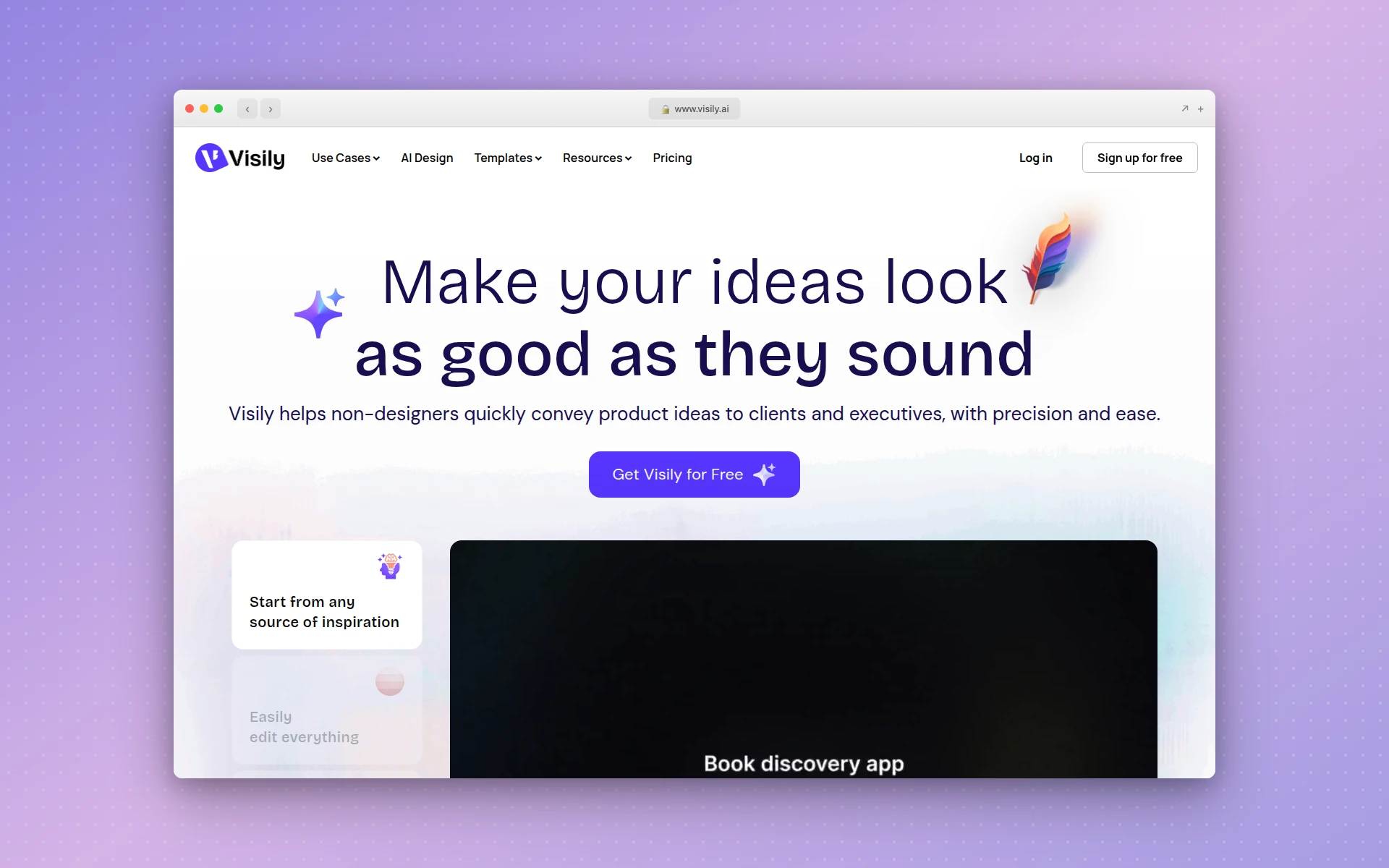 Visily makes AI mobile mockup creation accessible to non-designers
Why Visily stands out:
- Multiple input modes - Text, screenshots, sketches, and diagrams
- Beginner-friendly - No design skills required
- Real-time collaboration - Built-in team features
- Design system support - Connect to existing component libraries
- Generous free tier - Substantial access without payment
What could be better:
- Outputs are wireframe-level, not production-ready
- Credit system can be confusing
- Less suited for final visual design
Pricing:
- Free (Starter): Basic features, limited credits
- Pro ($11/editor/month): Full AI access, guest editors
- Business: Custom pricing
Best fit if: You’re a non-designer who needs to create mobile mockups for team review or stakeholder presentations.
6. Motiff
Best for: Design system compliance
Rating: 4.4/5
Motiff positions itself as an AI-native design tool with built-in support for major design systems. If you need mobile UI that follows Material Design, Ant Design, or Shadcn patterns, Motiff generates compliant components by default.
The platform also offers auto-layout by default and one-click code export to React or HTML.
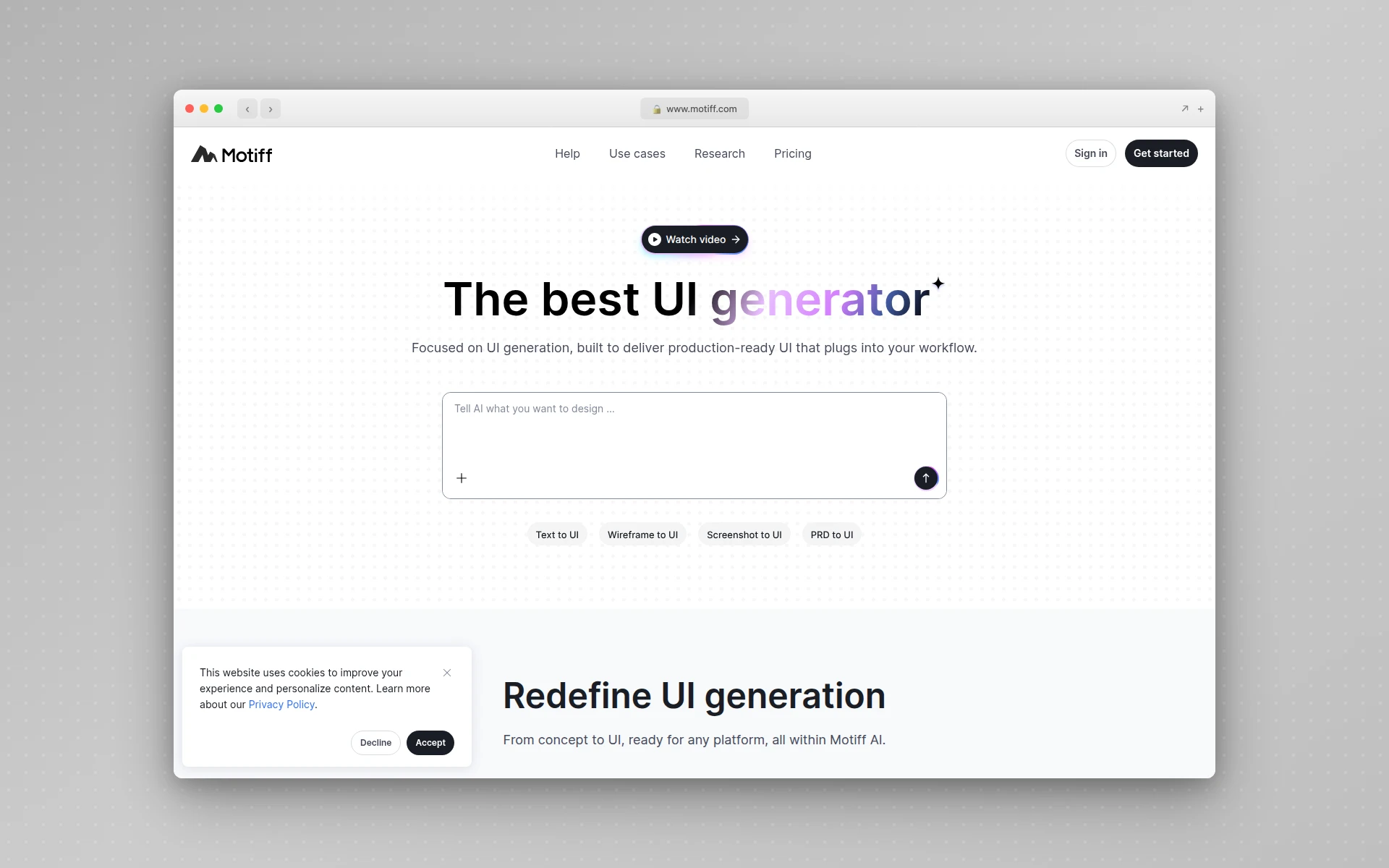 Motiff generates mobile UI with built-in Material, Ant Design, and Shadcn support
Why Motiff stands out:
- Built-in design systems - Material, Ant Design, Shadcn included
- Auto-layout default - Properly structured from the start
- Code export - React and HTML with one click
- Figma-like interface - Familiar controls for designers
- Real-time collaboration - Team editing built in
What could be better:
- Smaller community than Figma
- Some features still maturing
- Limited third-party integrations
Pricing:
- Free (Starter): Basic features, limited AI
- Professional ($20/seat/month): Full AI features
- Organization ($40/seat/month): Team management, SSO
Best fit if: You need mobile UI that strictly follows Material Design or other established design systems.
7. Banani
Best for: Quick mobile mockups with multiple variations
Rating: 4.3/5
Banani’s unique approach generates three design variations for every screen you describe, letting you compare options side-by-side on the canvas. Even better, you can upload your Figma UI kit and Banani will generate using your existing components and styles.
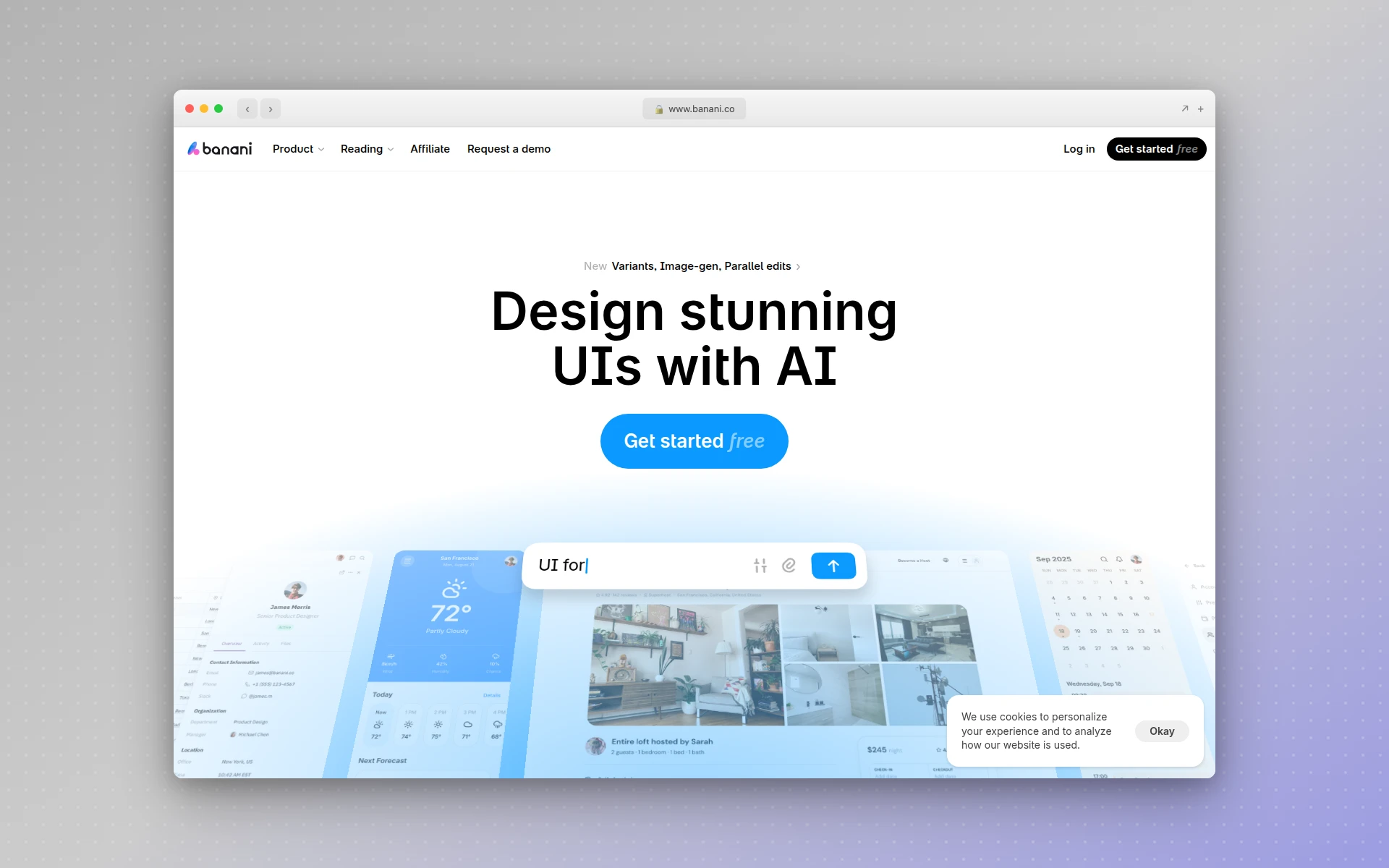 Banani generates three mobile UI variations per prompt for easy comparison
Why Banani stands out:
- Triple variation output - Three options per generation
- Design system aware - Upload your UI kit for consistent output
- Strong mobile focus - Optimized for app interface generation
- Side-by-side comparison - Easy decision making
- Figma export - Move results directly to design files
What could be better:
- Less established than competitors
- Web UI generation less polished
- Limited template library
Pricing:
- Free: Limited generations to try
- Pro ($19/month): Full access, more generations
Best fit if: You want multiple design options per screen and need design system consistency.
8. Sleek
Best for: Mobile-only specialization
Rating: 4.3/5
While most AI design tools try to do everything, Sleek focuses exclusively on mobile app design. This specialization means better output for iOS and Android interfaces without the compromises of tools that also handle web, print, and other formats.
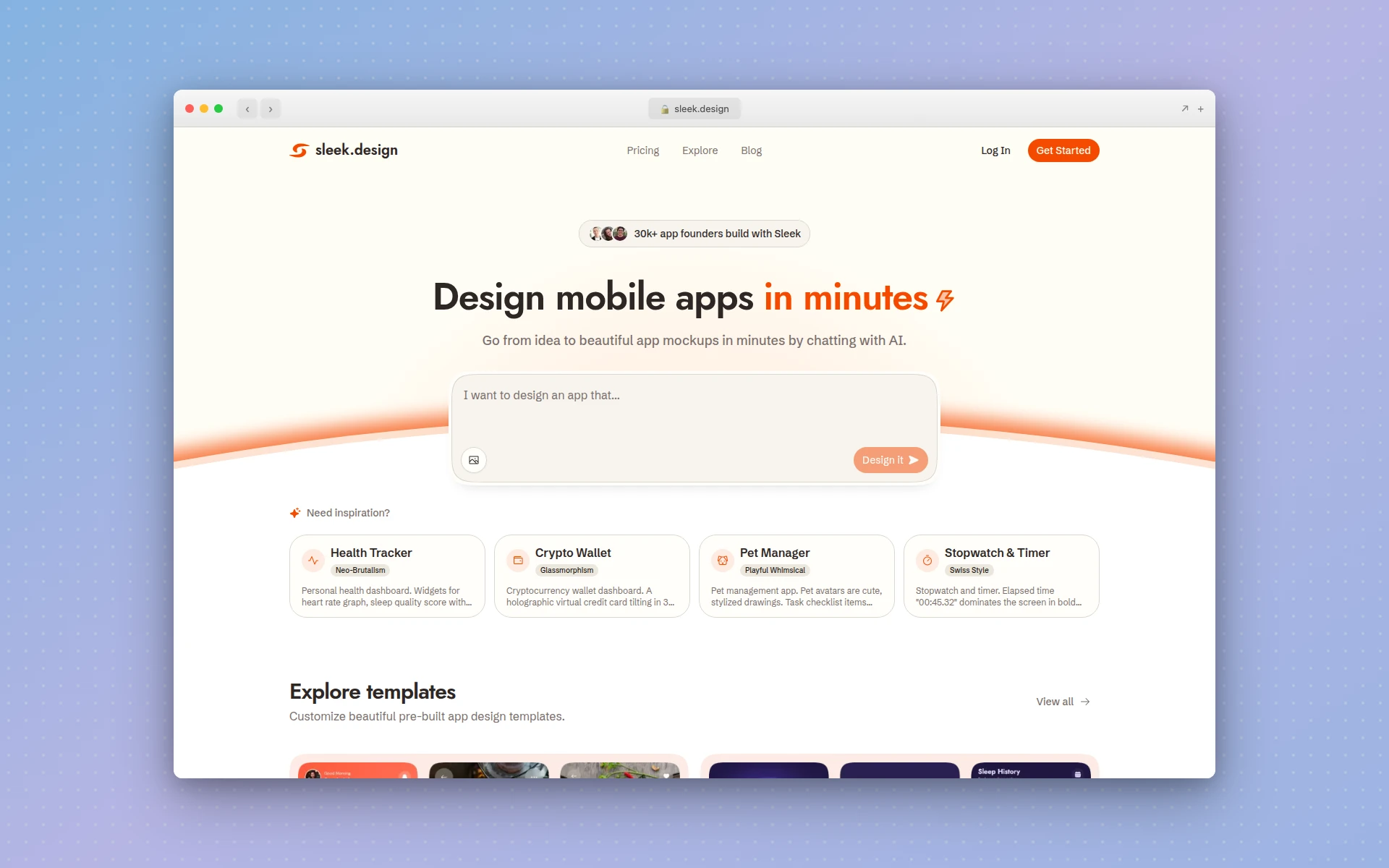 Sleek specializes exclusively in AI-powered mobile app mockup generation
Why Sleek stands out:
- Mobile-only focus - Optimized specifically for app design
- Figma and code export - Multiple output formats
- Professional output - High-quality mobile mockups
- Fast generation - Screens in seconds
What could be better:
- Newer tool with smaller user base
- No web design capabilities
- Limited to mockups (no prototyping)
Pricing:
- Free: Limited generations
- Early Bird ($20/month): Unlimited Figma and code exports
Best fit if: You only need mobile app design and want a tool optimized specifically for that use case.
9. RapidNative
Best for: React Native code output
Rating: 4.1/5
RapidNative bridges design and development by converting prompts, sketches, or Figma designs directly into production-ready React Native code. If you’re building a React Native app, this eliminates the design-to-code translation step entirely.
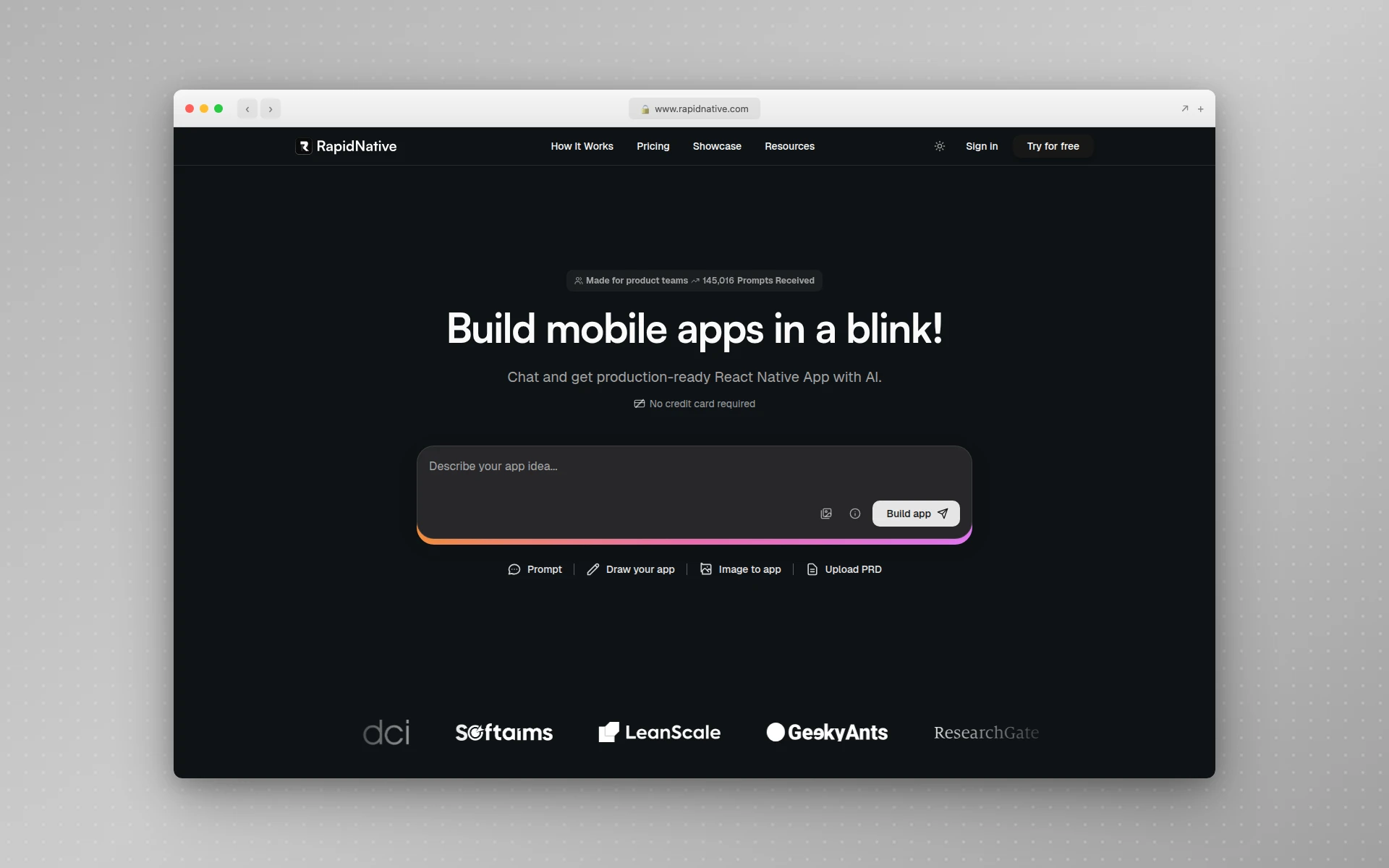 RapidNative converts designs directly to production-ready React Native code
Why RapidNative stands out:
- React Native output - Production-ready mobile code
- Multiple inputs - Prompts, sketches, Figma designs
- Developer-centric - Built for engineering workflows
- Interactive prototypes - Test before coding
What could be better:
- React Native only (no native iOS/Android)
- Limited to developers comfortable with code
- Less focus on pure design quality
Pricing:
- Free: 20 requests/month
- Paid ($20/month): Higher limits, priority processing
Best fit if: You’re building a React Native app and want to skip the design-to-code translation step.
How Much Do AI Mobile App Design Tools Cost?
AI mobile app design tools range from free to $49/month for premium plans. Google Stitch is completely free. Uizard starts at $12/month. AIDesigner Pro is $25/month. This compares favorably to hiring a UI designer at $50-150/hour for custom mobile app design.
Can Non-Designers Use AI Mobile App Design Tools?
Yes, AI mobile app design tools are specifically built for non-designers. Tools like Uizard, Visily, and AIDesigner require no design skills — you describe what you want in plain English, and the AI generates professional mobile UI. Startup founders, product managers, and developers commonly use these tools to visualize app ideas.
How to Choose the Right AI Mobile App Design Tool
With nine options, here’s a decision framework:
For premium visual quality:
- AIDesigner - Best overall mobile UI output
- Google Stitch - Free, high-fidelity generation
For rapid prototyping:
- Uizard - Multi-screen flows with interactive prototypes
- Visily - Quick mockups for non-designers
For existing tool users:
- UX Pilot - For Figma users
- Motiff - For designers wanting Figma alternative
For developers:
- Google Stitch - Free with code export
- RapidNative - Direct React Native output
For budget-conscious teams:
- Google Stitch - Completely free
- Visily - Generous free tier
For design system compliance:
- Motiff - Built-in Material, Ant Design support
- Banani - Upload your own UI kit
Common Concerns About AI Mobile App Design
”Won’t all AI-generated mobile apps look the same?”
This was a valid concern two years ago. Early AI tools produced homogeneous output. The 2026 generation is different - tools like AIDesigner specifically focus on premium, varied results. The solution: use AI as a starting point, customize extensively, and never ship the first output.
”Can AI really replace a mobile designer?”
No, and that’s not the goal. Reddit developers agree that AI is “great for whipping up first-draft mock-ups” but you “still hire pros once things get gnarly.” AI handles the 80% of routine work so designers can focus on strategy, user research, and creative direction.
”What about the ‘last 10%’ problem?”
Developers report that AI tools are “great for the first 90% of the app, but that last 10% polish you may end up doing in code.” This is accurate. AI accelerates initial design dramatically but production polish still requires human judgment.
”What about platform-specific guidelines?”
Tools like Motiff include built-in design systems (Material Design, etc.) that help maintain platform consistency. However, for strict iOS Human Interface Guidelines or Material Design compliance, expect some manual refinement.
AI Mobile Design vs Traditional Design
| Factor | AI Mobile Design | Traditional Design |
|---|---|---|
| Speed | Minutes per screen | Hours per screen |
| Cost | $12-49/month | $50-150/hour |
| Consistency | Depends on prompting | High with systems |
| Uniqueness | Moderate | High |
| Prototyping | Often included | Separate step |
| Learning curve | Very low | Moderate to high |
| Code export | Often included | Manual handoff |
When to use AI: Early-stage exploration, rapid prototyping, non-designer stakeholder communication, developer mockups, MVP design.
When to use traditional: Final production design, complex brand requirements, enterprise applications, apps requiring extensive accessibility work.
Tips for Better AI Mobile Design Results
-
Be specific in prompts - “Finance app dashboard with account balance card, recent transactions list, and bottom navigation with 5 tabs” beats “banking app”
-
Reference existing apps - Many tools support screenshot upload for style matching
-
Generate many variations - Create 10+ options before narrowing down
-
Think in flows - Use tools like Uizard that generate connected screens, not just individuals
-
Check platform conventions - Verify that generated UI follows iOS or Android patterns
-
Test at multiple sizes - Mobile UI needs to work on various screen dimensions
-
Export to Figma for refinement - AI is the starting point, not the finish line
-
Lock a visual direction before you generate screens - This is the single biggest quality lever, and most people skip it. Generate a set of distinct brand directions first, pick one, and save it so every screen you generate afterwards inherits the same palette and typography. Without it, screen four looks like a different app than screen one. The full workflow is in my guide to vibe design
Beyond Mobile: Complete App Design
Mobile UI is one piece of the puzzle. Modern apps need:
- Web dashboards - See our guide to best AI UI design tools
- Landing pages - Check out best free AI website builders
- Marketing materials - Tools like Canva handle these (see Canva alternatives)
- Design systems - Many AI tools now support component library integration
AIDesigner handles both mobile app UI and web design on the same infinite canvas, making it easy to maintain consistency across your entire product.
Final Verdict
AI mobile app design tools in 2026 are genuinely capable of producing professional results. The question isn’t whether they work - it’s which one fits your needs.
My recommendations:
- Best overall quality: AIDesigner - premium mobile UI without the premium process
- Best for prototyping: Uizard - multi-screen flows with attention heatmaps
- Best free option: Google Stitch - advanced AI with zero cost
- Best for Figma users: UX Pilot - AI without leaving your workflow
- Best for developers: RapidNative - direct React Native code output
You can also start from a mobile app UI template and customize the screens with AI instead of prompting from scratch.
The tools will keep improving. 34 million AI images are created daily, and mobile UI generation is advancing rapidly. Starting with AI now gives you a competitive advantage as the technology matures.
Ready to try AI-powered mobile app design? Start with AIDesigner - generate your first professional mobile interface in under 5 minutes.
FAQ
What is the best AI tool for mobile app design?
The best AI mobile app design tool depends on your specific needs. AIDesigner excels at premium, production-ready mobile UI that doesn’t look AI-generated. Uizard is ideal for rapid prototyping with multi-screen generation. Google Stitch (formerly Galileo AI) offers the best design-to-code workflow with completely free access. For teams already using Figma, UX Pilot integrates AI directly into your existing workflow.
Can AI design a mobile app?
Yes, AI can design mobile app interfaces from text descriptions, sketches, or reference images. Modern tools like AIDesigner, Uizard, and Google Stitch generate complete screens with proper layouts, components, and styling in seconds. However, AI-generated designs work best as starting points - most benefit from human refinement before production use.
How much do AI mobile app design tools cost?
AI mobile app design tools range from completely free (Google Stitch, Visily free tier) to $49/month for premium enterprise plans. Most offer free tiers or trials to explore. Uizard starts at $12/month (billed annually), AIDesigner Pro is $25/month, and enterprise solutions vary. This compares very favorably to hiring a designer at $50-150/hour.
What is the difference between AI app design and traditional design?
Traditional mobile app design requires manually creating each screen, component, and interaction in tools like Figma or Sketch - a process that takes hours per screen. AI app design generates complete interfaces from text descriptions in seconds. AI is dramatically faster but offers less granular control. The best approach combines AI generation with human refinement for production use.
Can non-designers use AI mobile app design tools?
Absolutely. AI mobile app design tools are specifically built for non-designers. Tools like Uizard, Visily, and AIDesigner require no design skills - you describe what you want in plain English, and the AI generates professional mobile UI. Startup founders, product managers, and developers commonly use these tools to visualize app ideas before involving design teams.
Do AI-generated mobile designs work across iOS and Android?
Most AI mobile design tools generate responsive designs that work as mockups for both iOS and Android platforms. However, platform-specific design guidelines (Material Design for Android, Human Interface Guidelines for iOS) may require manual adjustment for strict compliance. Tools like Uizard and Motiff include built-in design system support to help maintain platform consistency.
About the Author
Tyler Yin is the founder of AIDesigner, an AI-powered design platform that creates premium UI for web and mobile without the traditional design process. He writes about AI tools, design workflows, and building products that stand out from the template crowd.