TL;DR: Figma’s UI overhaul, pricing changes, and AI-first pivot have designers exploring alternatives. The best Figma alternatives in 2026 are AIDesigner for AI-powered UI generation, Penpot for free open-source design, and Sketch for native macOS performance. Here are 11 alternatives worth your time.
What Are the Best Figma Alternatives?
The best Figma alternatives in 2026 are AIDesigner, Penpot, Sketch, Framer, Webflow, Lunacy, Canva, UXPin, Moqups, Whimsical, and Zeplin. These tools cover AI design generation, free and open-source design, native macOS workflows, website publishing, and traditional vector editing. If you want a focused head-to-head on the AI-first option, see our AIDesigner vs Figma comparison.
Why Look for a Figma Alternative?
Figma dominates UI design with a 40% market share and over 13 million monthly active users. It went public in July 2025 and keeps expanding with new products like Figma Sites, Make, and Draw.
But that growth has come with tradeoffs that are pushing designers to explore alternatives.
The UI overhaul nobody asked for. Figma’s floating panel redesign relocated core features and added extra clicks to common actions like clipping content, applying auto layout, and changing corner radius. Designers who relied on muscle memory found their workflows disrupted overnight.
Pricing keeps climbing. The March 2025 billing overhaul introduced new seat types (Collab, Dev, Full) that confused teams and, in many cases, increased costs. Freelancers and small studios are hit hardest — a Professional Full Seat now costs $15/month per editor billed monthly.
AI features feel forced. Figma Make and other AI additions are impressive demos, but many designers report they don’t fit real production workflows. The perception is that Figma is chasing AI trends rather than solving actual design pain points.
Performance at scale. Large files with hundreds of components still cause lag and crashes, pushing teams to split work across files and lose context.
If any of these issues sound familiar, here are the alternatives worth considering.
Quick Comparison: Best Figma Alternatives 2026
| # | Tool | Best For | Starting Price | Free Plan | Platform |
|---|---|---|---|---|---|
| 1 | AIDesigner | AI-powered UI generation | $25/mo | Yes (5 credits) | Browser |
| 2 | Penpot | Open-source design | Free | Yes (unlimited) | Browser |
| 3 | Sketch | Native macOS design | $10/mo | 30-day trial | macOS + Web |
| 4 | Framer | Design-to-publish websites | $10/mo | Yes | Browser |
| 5 | Webflow | No-code web development | $14/mo | Yes | Browser |
| 6 | Lunacy | Free cross-platform design | Free | Yes | Desktop + Web |
| 7 | Canva | Quick visual design | $14.99/mo | Yes | Browser |
| 8 | UXPin | Code-backed prototyping | $8/mo | Yes | Browser |
| 9 | Moqups | Wireframing and diagrams | $9/mo | Yes | Browser |
| 10 | Whimsical | Fast wireframes and flows | $12/mo | Yes | Browser |
| 11 | Zeplin | Design handoff | Free tier | Yes | Browser + Desktop |
1. AIDesigner — Best AI-Powered Figma Alternative
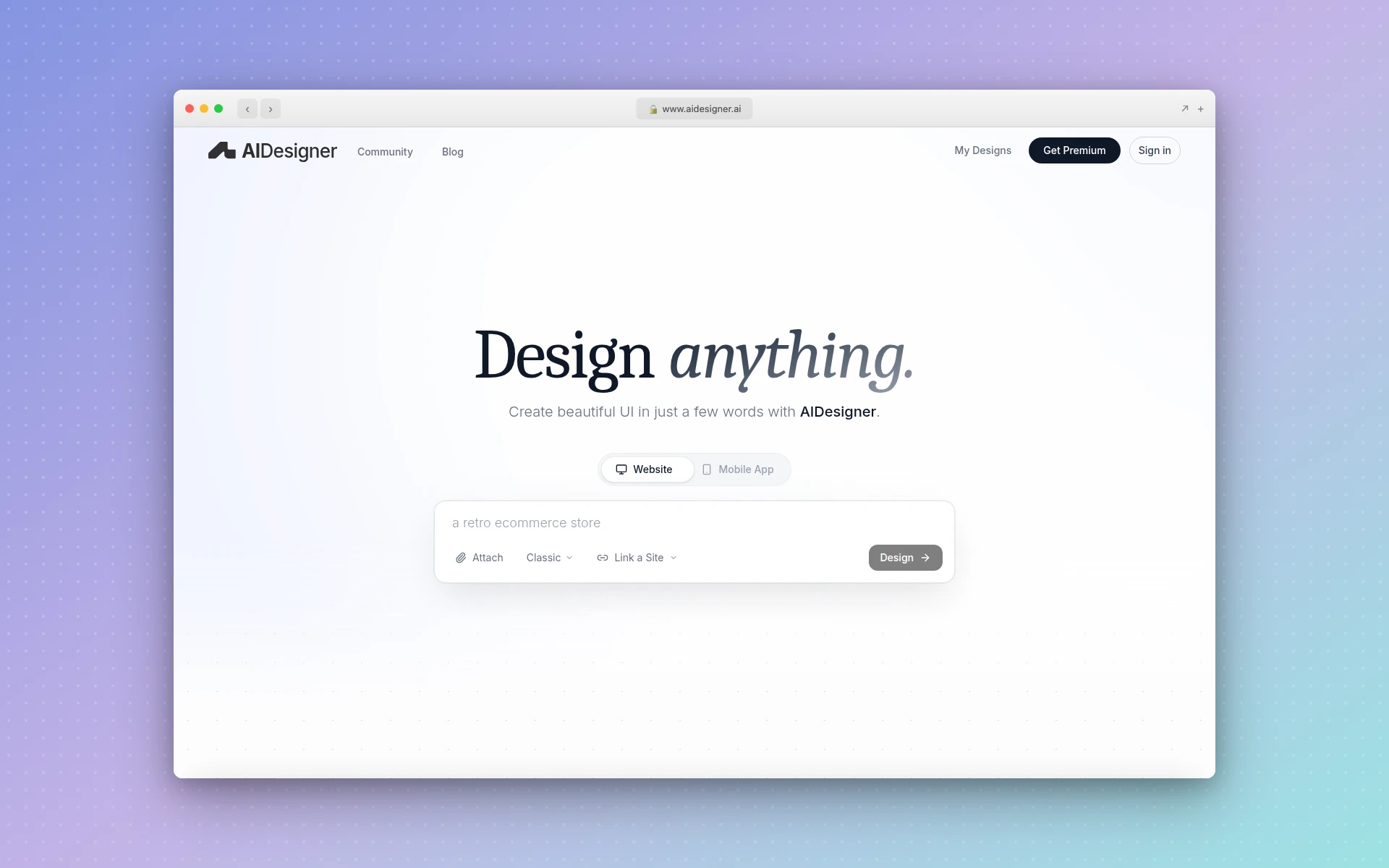 AIDesigner generates production-ready UI designs from text prompts on an infinite canvas.
AIDesigner, an AI designer for websites and apps, takes a fundamentally different approach to UI design. Instead of manually dragging rectangles and adjusting spacing, you describe what you want in natural language and get production-ready interfaces in seconds.
This is not “AI-assisted” design where you still do 90% of the work. AIDesigner generates complete, polished UI — landing pages, dashboards, mobile app screens, multi-page websites — that look like a senior designer spent hours on them.
Key Features
- AI UI Generation: Describe any interface in plain text and get pixel-polished output instantly. Supports landing pages, dashboards, mobile apps, and full websites.
- Infinite Canvas: Work across multiple designs in a single expansive workspace, similar to Figma’s canvas but with AI generation built in.
- Clone Any Website: Paste a URL into the website cloner and AIDesigner recreates the design as an editable starting point. Perfect for competitive analysis or redesign projects.
- Enhance: Feed any URL and the AI improves the design automatically — fixing spacing, color harmony, typography, and layout issues.
- One-Click Publishing: Publish directly to a custom subdomain with automatic SEO optimization. No separate hosting setup required.
- Context-Aware Editing: Use @ referencing to target specific designs on the canvas for AI-powered edits without affecting other work.
- Saved Brand Kits: Generate a 3x3 board of brand directions or auto-extract a kit from any existing website URL, then reuse it across future designs and image assets to keep everything on-brand.
- Creative and Plan Modes: Creative mode generates Dribbble-quality inspiration. Plan mode helps you think through information architecture before designing.
Pricing
AIDesigner Pro starts at $25/month for 100 credits (1 credit = 1 AI generation). Yearly billing saves roughly 17%. There is also a free tier with 5 lifetime credits to test the platform.
Who It’s Best For
Founders building MVPs, marketers who need landing pages fast, and design teams wanting to accelerate their workflow. If you’re tired of spending hours on layouts that an AI can generate in seconds, AIDesigner is the most direct alternative to the manual Figma workflow.
If you’re specifically looking for alternatives to Figma’s AI features rather than the entire platform, check out our Figma Make alternatives comparison.
2. Penpot — Best Free and Open-Source Alternative
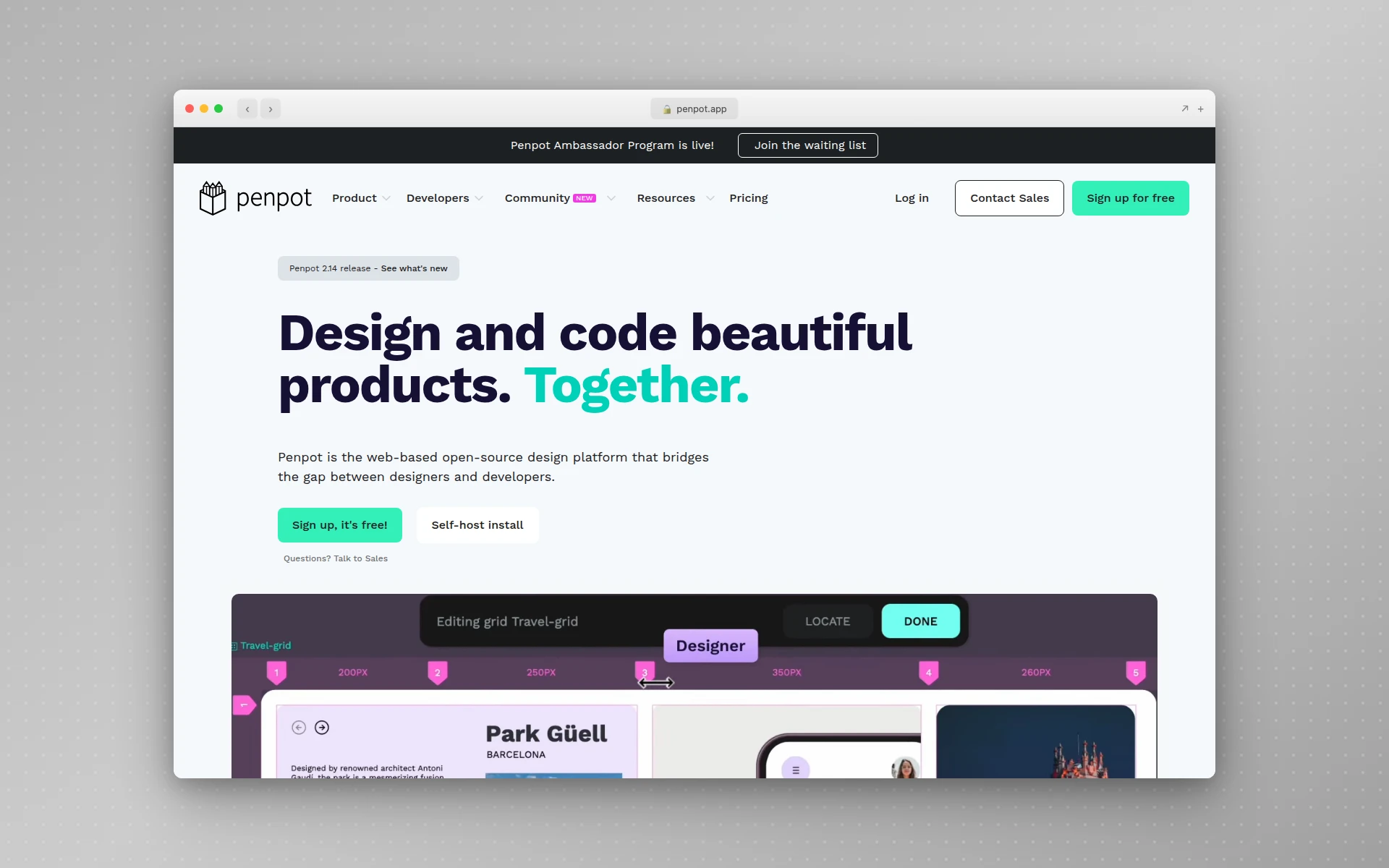 Penpot is the first open-source design and prototyping tool built for cross-functional teams.
Penpot is the strongest free Figma alternative available. It is fully open-source, browser-based, and offers unlimited files, projects, and team members on its free plan — no feature gates.
For teams concerned about vendor lock-in after Figma’s pricing changes, Penpot’s open-source model is a genuine differentiator. You can self-host it on your own servers for complete data ownership, or use the cloud version for convenience.
Key Features
- Native Design Tokens: The only design tool with built-in Design Token support, making design system management seamless across design and development.
- CSS-Ready Output: Penpot generates clean CSS, HTML, and SVG code that developers can use directly, reducing handoff friction.
- Self-Hosting Option: Run Penpot on your infrastructure for full privacy and control. No other mainstream design tool offers this.
- Real-Time Collaboration: Multiple team members can work on the same file simultaneously, with commenting and feedback tools built in.
- Components and Variants: Build reusable component libraries with variants, similar to Figma’s component system.
Pricing
Penpot’s core product is completely free with no user limits. The Unlimited plan at $7/user/month adds advanced features like expanded cloud storage and team management. Enterprise plans start at $950/month for large organizations needing SSO and dedicated support.
Who It’s Best For
Teams that want Figma-like functionality without vendor lock-in or escalating costs. Penpot is ideal for open-source advocates, privacy-conscious organizations, and teams that need design-to-development alignment with native CSS output.
3. Sketch — Best Native macOS Alternative
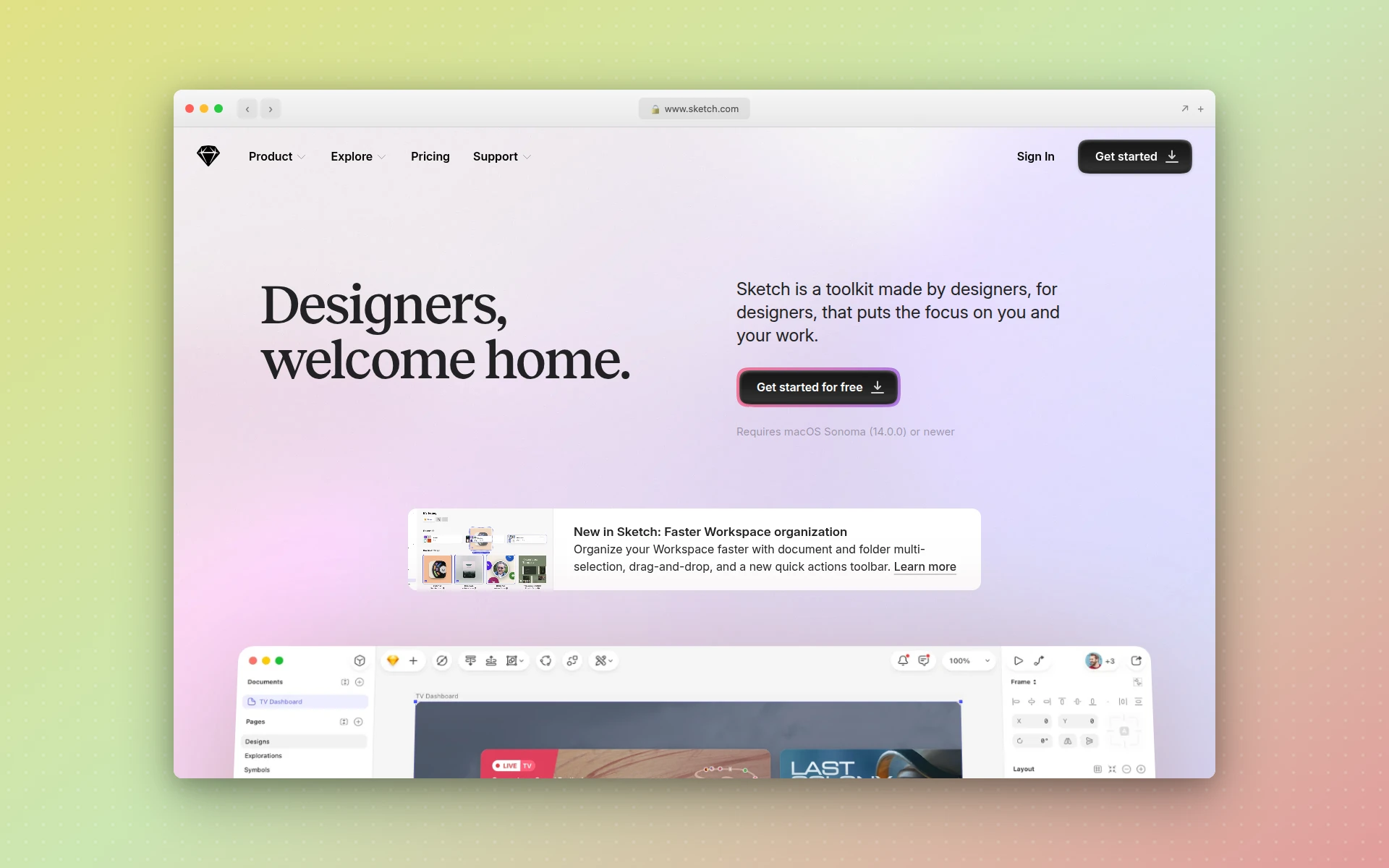 Sketch’s native macOS app delivers fast, fluid performance that browser-based tools struggle to match.
Sketch was the industry standard before Figma took over, and it remains a powerful alternative to Figma for teams committed to the Apple ecosystem. Its native macOS app delivers performance that browser-based tools simply cannot match, especially with large design files.
Sketch has adapted to the collaboration era with browser-based real-time editing, commenting, and handoff features. But its core strength remains the desktop experience — fast rendering, offline access, and tight macOS integration.
Key Features
- Native macOS Performance: Renders complex designs faster than any browser-based tool. No lag on large files with hundreds of artboards.
- Robust Symbol System: Reusable design elements with overrides, nested symbols, and smart layouts that scale across projects.
- Browser-Based Collaboration: Real-time editing in the web app for cross-platform team members, with commenting and handoff built in.
- Plugin Ecosystem: Hundreds of community plugins extending functionality for everything from data population to accessibility testing.
- Free for Education: Students and teachers get Sketch free with a valid educational email.
Pricing
Sketch starts at $10/month per editor on annual billing for teams. Individual designers can use the Mac app with a subscription that includes all features. There is a 30-day free trial available.
Who It’s Best For
Designers on macOS who value native desktop performance over browser-based collaboration. Sketch is the best alternative to Figma if you work primarily in the Apple ecosystem and want a tool that feels as responsive as a native app should.
4. Framer — Best for Design-to-Website Publishing
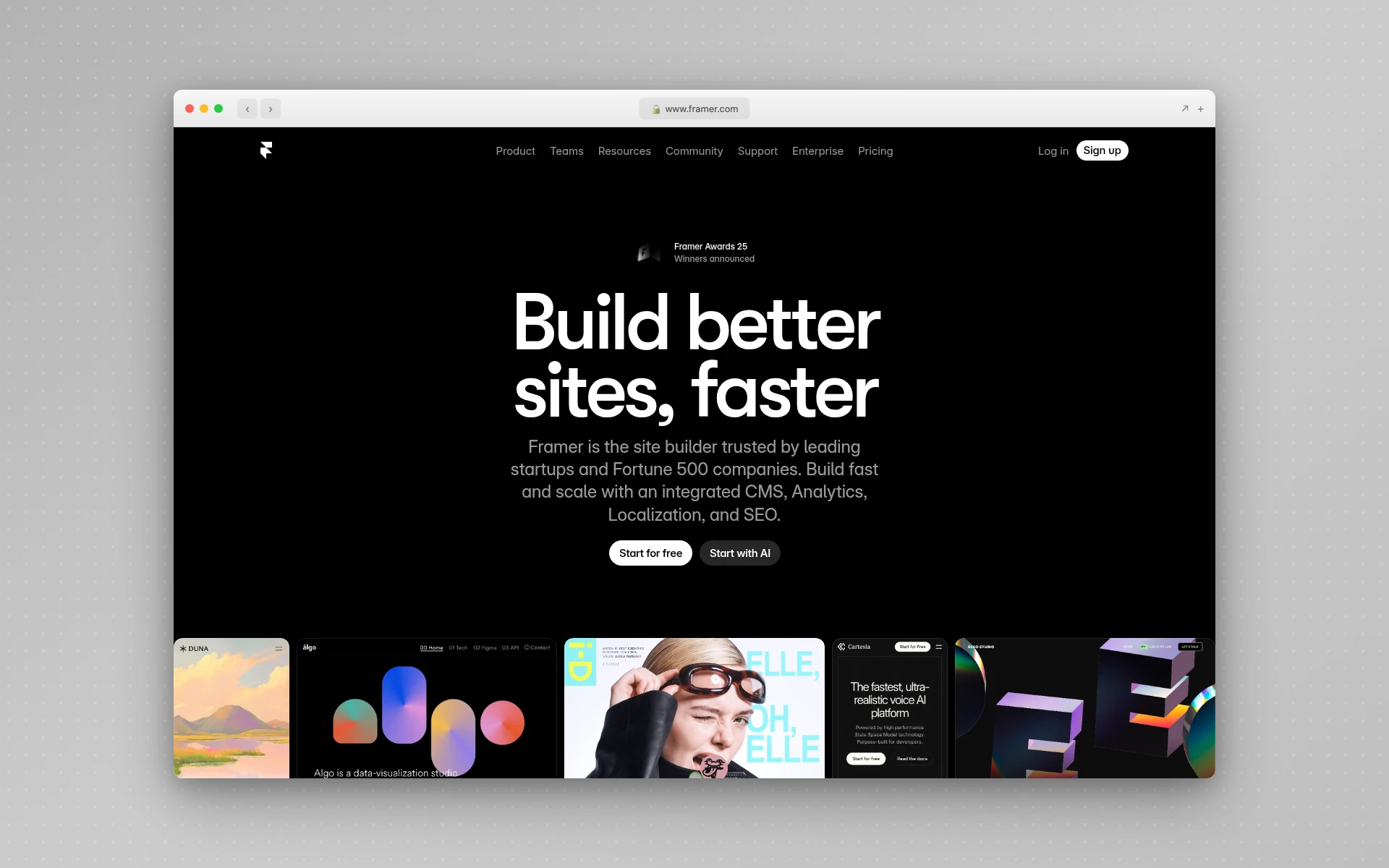 Framer bridges the gap between design and publishing with its integrated website builder.
Framer started as a prototyping tool and evolved into one of the best design-focused website builders available. Unlike Figma, where you design in one tool and publish with another, Framer lets you go from design to live website in a single platform.
Framer’s AI features can generate site layouts and copy from prompts, but its real strength is the manual design experience. The component-based system, smooth animations, and responsive layout tools give designers precise control over every pixel.
For a deeper dive, see our Framer alternatives comparison.
Key Features
- Design-to-Publish Workflow: Design your website and publish it from the same tool. No export, no developer handoff, no separate hosting.
- AI Site Generation: Describe your website and Framer generates a starting design with layout, copy, and images.
- Component System: Build reusable components with variants and breakpoints for responsive design.
- Built-In CMS: Manage blog posts, product listings, and dynamic content directly in Framer.
- Animation Controls: Create smooth scroll-based animations, hover effects, and page transitions without code.
Pricing
Framer’s free plan includes basic features with Framer branding. The Basic plan starts at $10/month (billed annually) with a custom domain. Pro is $30/month and Scale is $100/month for high-traffic sites.
Who It’s Best For
Designers who want to publish websites without involving developers. Framer is the best Figma alternative if your primary output is marketing sites, portfolios, or landing pages and you want one tool for design and hosting.
5. Webflow — Best for No-Code Web Development
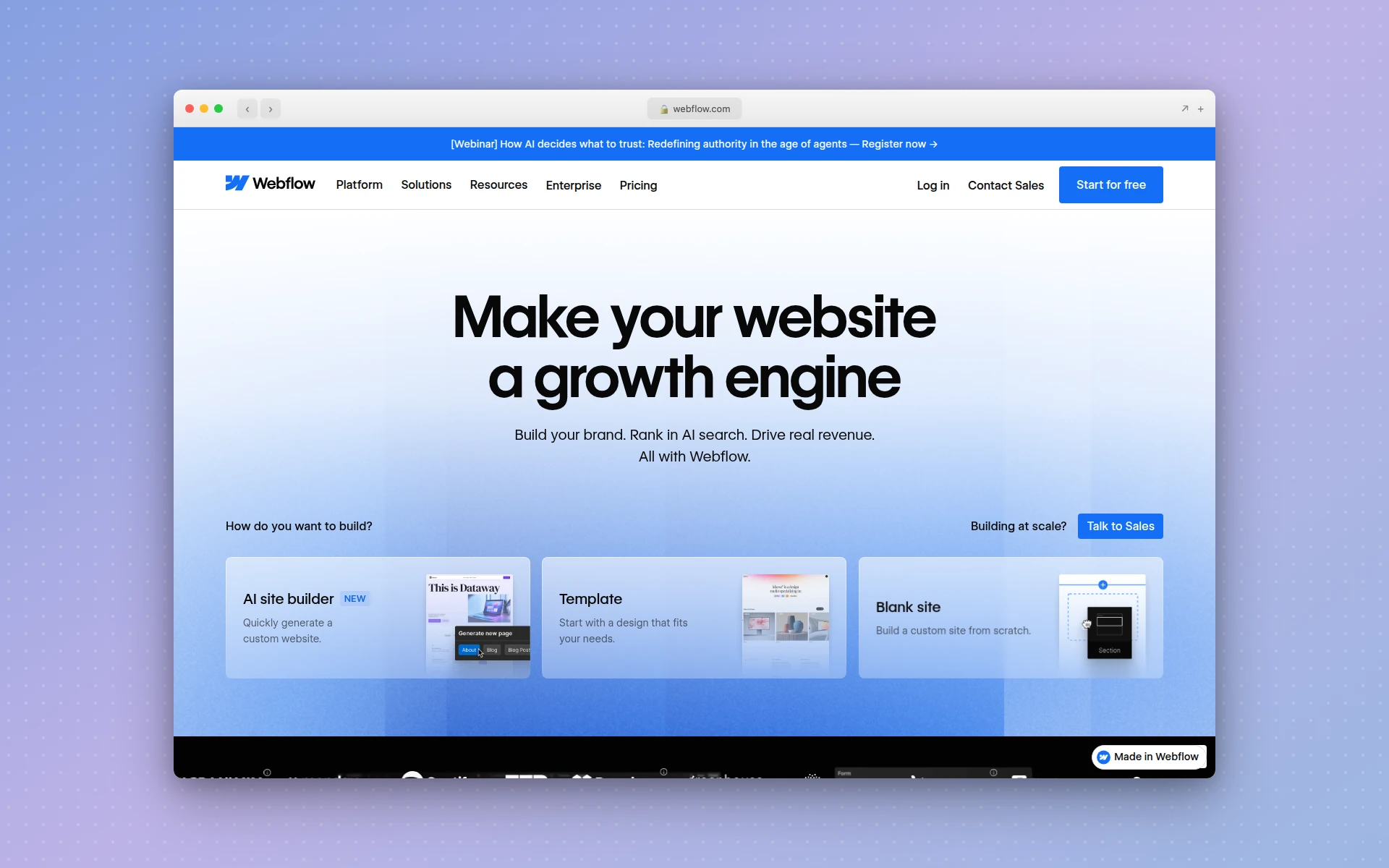 Webflow gives designers full control over HTML, CSS, and JavaScript through a visual interface.
Webflow is not a direct Figma replacement — it is a visual web development platform. But for designers who are tired of designing in Figma only to hand off to a developer who rebuilds everything from scratch, Webflow eliminates that gap entirely.
Where Figma produces static design files, Webflow produces real, production-ready websites with clean semantic HTML and CSS. The learning curve is steeper than Figma’s, but the output is actual code, not a mockup.
Key Features
- Visual CSS Editor: Full control over the CSS box model, flexbox, grid, and animations through a visual interface.
- Robust CMS: Content management with custom fields, dynamic pages, and API access for content-heavy websites.
- E-Commerce: Built-in shopping cart, product management, and checkout flows for online stores.
- Interactions and Animations: Complex scroll-based animations, hover effects, and page transitions without writing JavaScript.
- Code Export: Export clean HTML, CSS, and JavaScript to host anywhere (available on paid workspace plans).
Pricing
Webflow’s free plan includes a staging subdomain and basic features. Site plans start at $14/month (Basic) and go up to $39/month (Business). E-commerce plans start at $29/month with a 2% transaction fee.
Who It’s Best For
Designers who want to build real websites without writing code, and teams that are frustrated by the Figma-to-developer handoff process. Webflow is the best Figma alternative if your end goal is a functioning website, not a design file.
6. Lunacy — Best Free Desktop Alternative
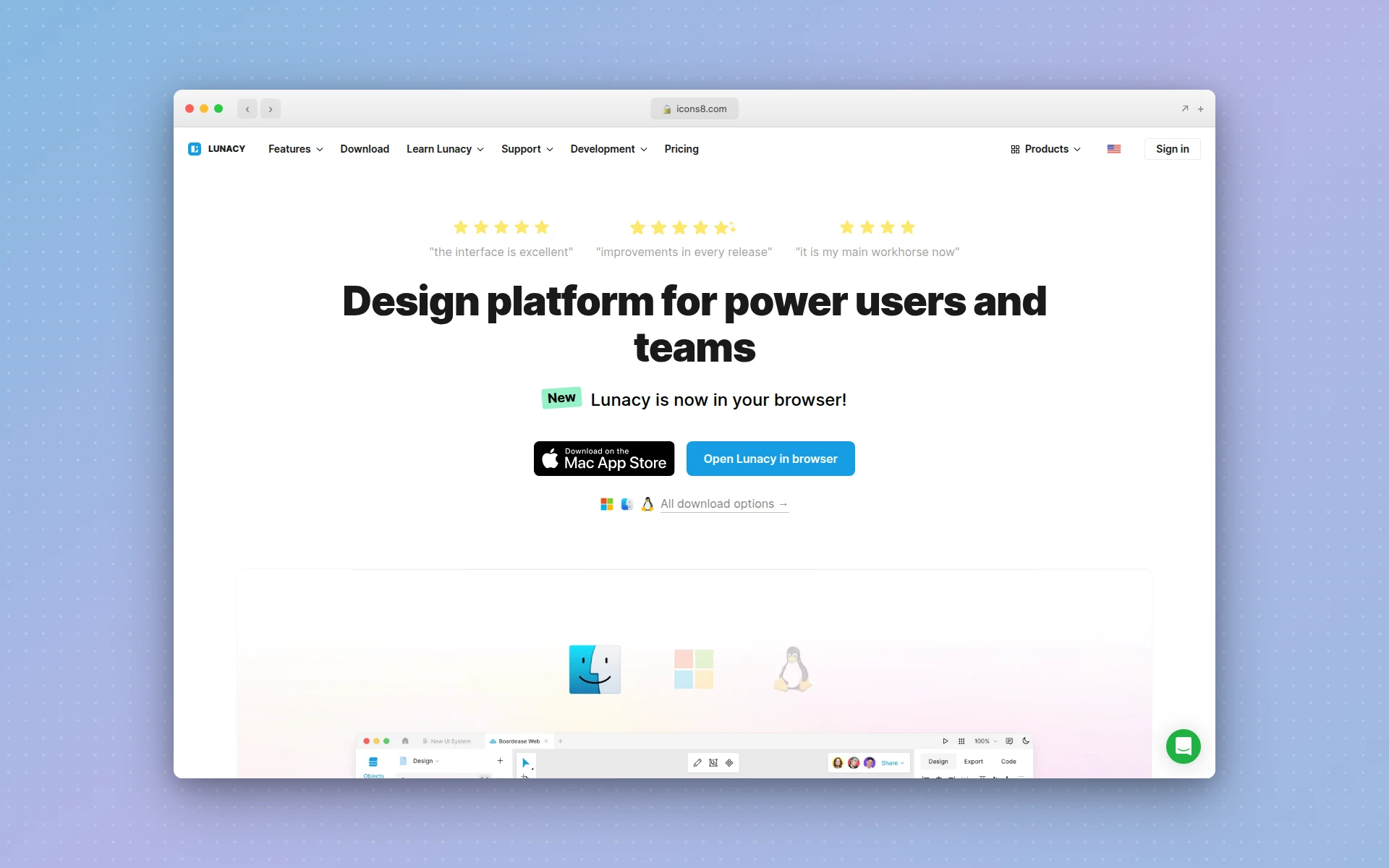 Lunacy offers free cross-platform design with built-in AI tools and 1.5 million design assets.
Lunacy by Icons8 is one of the most underrated Figma alternatives. It is a full-featured vector design tool that runs natively on Windows, macOS, and Linux — and the core product is completely free for personal and commercial use.
Lunacy also has full .sketch file compatibility, built-in AI tools (background remover, image upscaler, avatar generator), and access to over 1.5 million free design assets from the Icons8 library. For solo designers and small teams on a budget, it is hard to beat.
Key Features
- Cross-Platform Desktop App: Native apps for Windows, macOS, and Linux with offline support. Also works in the browser.
- Full .sketch Compatibility: Open, edit, and save Sketch files natively without any conversion.
- Built-In Design Assets: Access 1.5 million+ icons, photos, and illustrations from Icons8 directly in the editor.
- AI-Powered Tools: Background remover, image upscaler, text generator, and avatar generator built into the app.
- Real-Time Collaboration: Work with team members simultaneously across different platforms.
Pricing
Lunacy’s core design features are completely free. Paid plans starting at $11.99/month unlock additional cloud storage, larger team sizes, and full access to the Icons8 asset library.
Who It’s Best For
Solo designers and small teams who need a free, full-featured design tool that works across all operating systems. Lunacy is the best free Figma alternative if you want desktop-native performance without paying for Sketch.
7. Canva — Best for Non-Designers
 Canva’s template-first approach makes professional design accessible to non-designers.
Canva is not a traditional UI design tool, but it is the alternative to Figma that many marketing teams and non-designers actually reach for. With 260 million monthly users and over 610,000 templates, Canva makes professional-looking design accessible to anyone.
Where Figma requires design literacy to produce good output, Canva’s template-first approach lets anyone create social media graphics, presentations, and marketing materials in minutes. It is a different philosophy, but for many teams it solves the same problem: getting professional visuals out the door.
For a deeper look at what else competes with Canva, see our Canva alternatives roundup.
Key Features
- 610,000+ Templates: Pre-designed templates for social media, presentations, print, video, and more.
- Drag-and-Drop Editor: Intuitive interface that requires zero design training.
- Brand Kit: Store brand colors, fonts, and logos for consistent designs across the organization.
- Magic Studio AI: AI-powered features including text-to-image generation, background removal, and design suggestions.
- Team Collaboration: Real-time editing, commenting, and approval workflows.
Pricing
Canva Free includes access to 250,000+ templates and basic features. Canva Pro costs $14.99/month per person. Canva Teams is $29.99/month for up to 5 people.
Who It’s Best For
Marketing teams, social media managers, and non-designers who need to create visual content quickly without learning a professional design tool. Canva is the best Figma alternative if your needs are marketing graphics rather than UI/UX design.
8. UXPin — Best for Code-Backed Prototyping
UXPin takes prototyping further than Figma by letting designers work with real code components. Prototypes built in UXPin behave like the final product — form fields accept input, dropdowns work, conditional logic triggers different states, and data flows between elements.
This code-backed approach means prototypes tested with users are far more realistic than anything Figma’s prototyping mode can produce. For enterprise product teams that need high-fidelity prototyping for usability testing, UXPin fills a gap that Figma does not.
Key Features
- Merge Technology: Import React, Angular, or Vue components directly into the design tool. Designers use real code components without writing code.
- Conditional Interactions: Build prototypes with if/then logic, variables, and expressions that respond to user input.
- AI Component Creator: Generate UI components using AI, powered by GPT and Claude models.
- Design System Management: Create and maintain design systems with coded components that stay in sync with production.
- Accessibility Features: Built-in accessibility checks and WCAG compliance testing.
Pricing
UXPin offers a free plan. The Essentials plan starts at $8/editor/month. Advanced is $39/editor/month with Merge access. Enterprise plans have custom pricing.
Who It’s Best For
Enterprise product teams that need production-fidelity prototypes for usability testing and design-to-development workflows. UXPin is the best Figma alternative if your prototyping needs go beyond clickable mockups.
9. Moqups — Best for Wireframing and Diagrams
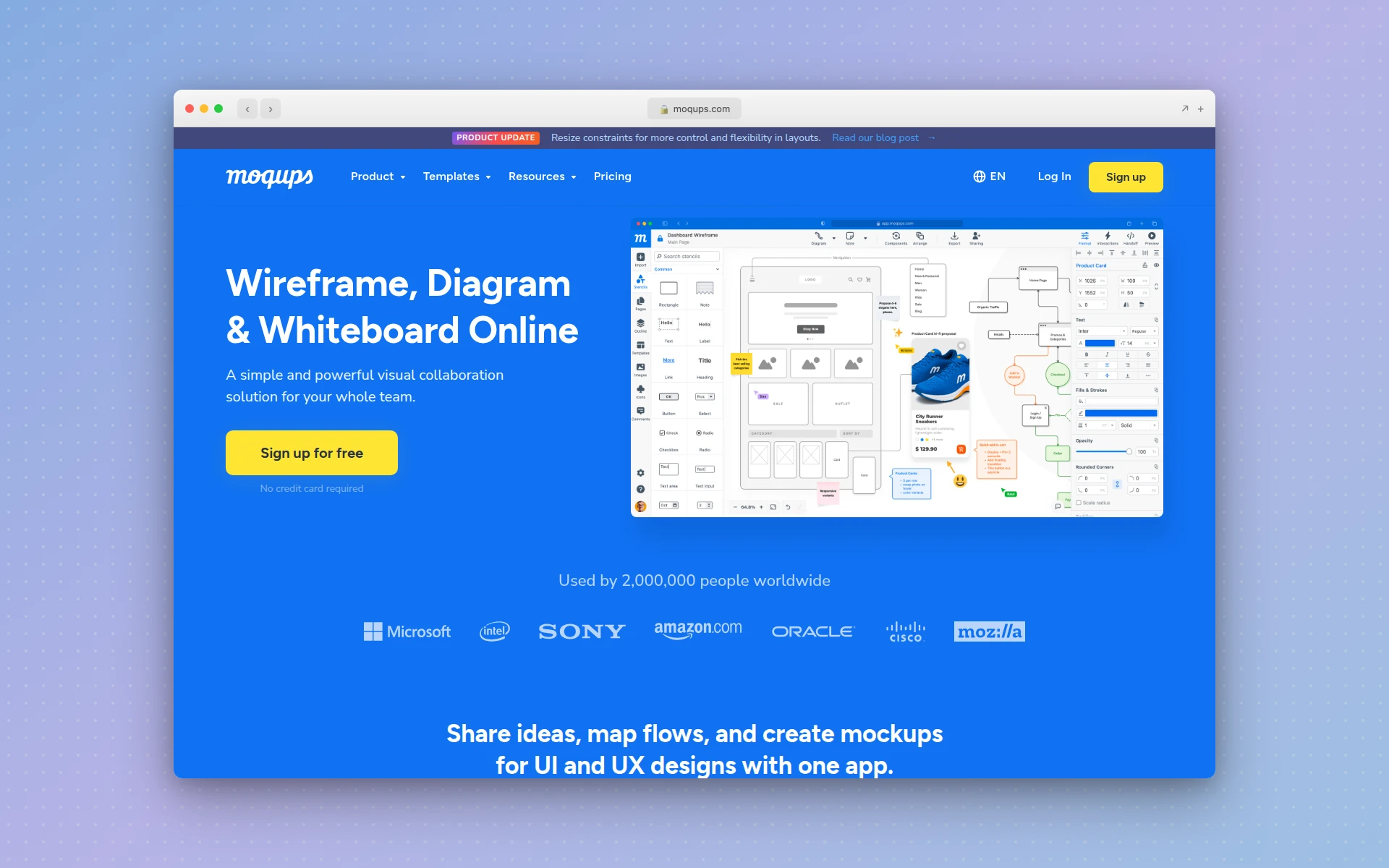 Moqups combines wireframing, diagramming, and prototyping in a single collaborative workspace.
Moqups fills a niche that Figma handles awkwardly: early-stage ideation. While Figma is built for high-fidelity design, Moqups is optimized for wireframes, flowcharts, sitemaps, and user journey maps — the thinking that happens before visual design begins.
If your team spends too much time making Figma wireframes “look nice” instead of focusing on information architecture and user flows, Moqups forces you to stay in low-fidelity mode until you are ready to move forward.
Key Features
- Wireframe Stencils: Pre-built UI component stencils for rapid wireframing without getting distracted by visual details.
- Diagramming Tools: Flowcharts, sitemaps, user journey maps, and organizational charts in the same workspace.
- Interactive Prototyping: Link wireframes together into clickable prototypes for early-stage user testing.
- Collaboration Features: Real-time editing, commenting, and stakeholder review tools.
- Export Options: Export to PDF, PNG, or HTML for sharing with stakeholders.
Pricing
Moqups has a free plan with limited projects. The Solo plan is $9/month, the Team plan is $15/month per user, and enterprise plans have custom pricing.
Who It’s Best For
UX researchers, product managers, and design teams focused on information architecture and early-stage ideation. Moqups is the best Figma alternative if you need dedicated wireframing and diagramming tools rather than a full design suite.
10. Whimsical — Best for Fast Wireframes and Flowcharts
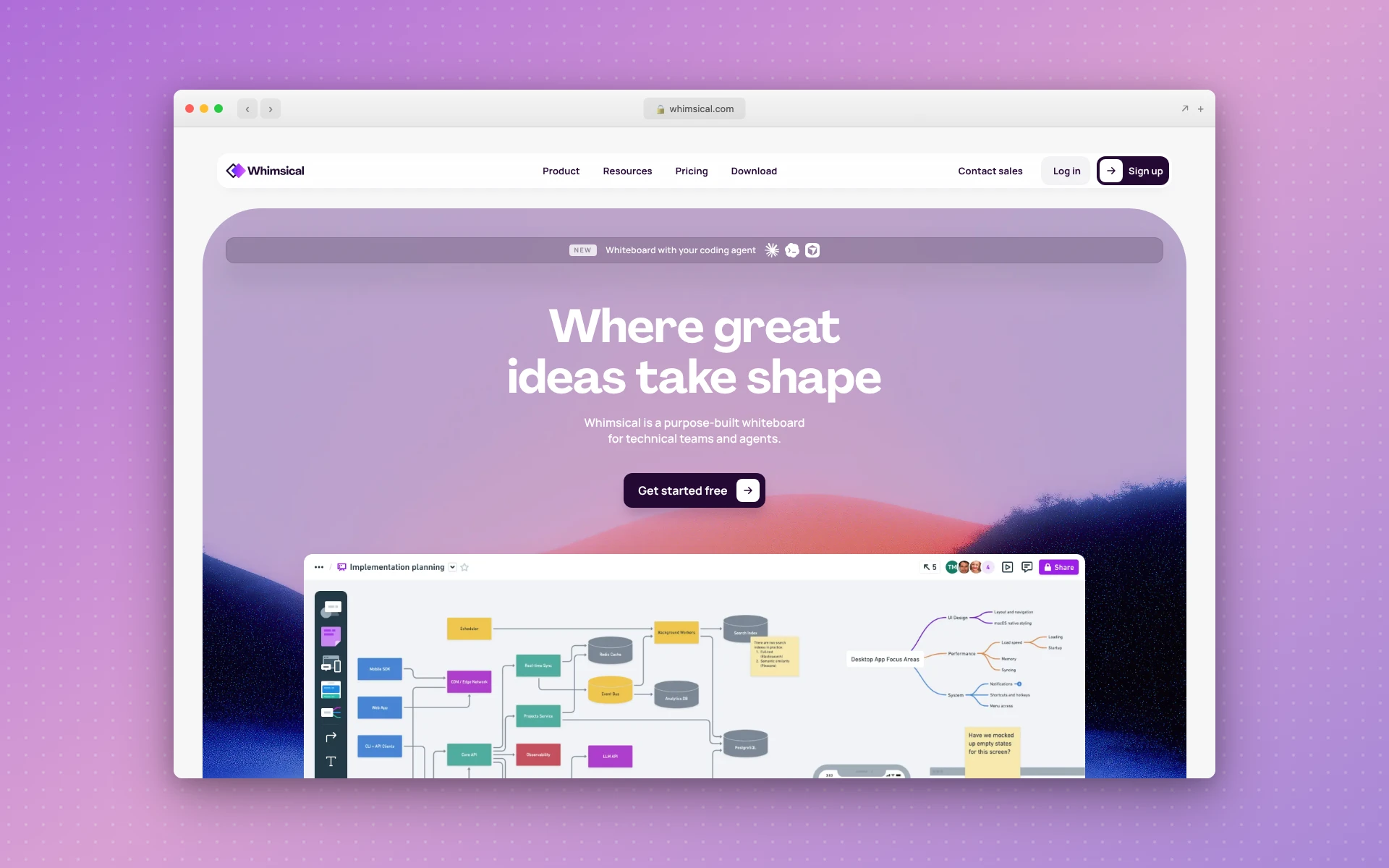 Whimsical’s clean interface is optimized for speed — wireframes and flowcharts take minutes, not hours.
Whimsical is the fastest way to get ideas out of your head and into a visual format. Its opinionated design constraints — limited fonts, fixed color palette, standardized components — eliminate decision fatigue and keep you focused on structure over style.
Where Figma gives you infinite design freedom (which often leads to bikeshedding), Whimsical’s constraints are the feature. Teams using Whimsical consistently report faster alignment on product decisions because there is nothing to debate about visual style.
Key Features
- Speed-Optimized Wireframing: Keyboard shortcuts and smart connectors make wireframing genuinely fast. No fiddling with alignment or spacing.
- Integrated Flowcharts: Build user flows, system diagrams, and decision trees with automatic connector routing.
- Mind Maps: Brainstorm and organize ideas visually with expandable/collapsible mind maps.
- AI Suggestions: Generate wireframe layouts and flowchart structures from text descriptions.
- Docs with Embeds: Create specification documents with embedded wireframes and flowcharts that stay in sync.
Pricing
Whimsical’s free plan includes limited boards. The Pro plan is $12/month per editor with unlimited boards, templates, and integrations.
Who It’s Best For
Product teams that need fast visual communication tools for ideation and planning. Whimsical is the best Figma alternative if you spend more time wireframing and mapping flows than doing high-fidelity visual design.
11. Zeplin — Best for Design Handoff
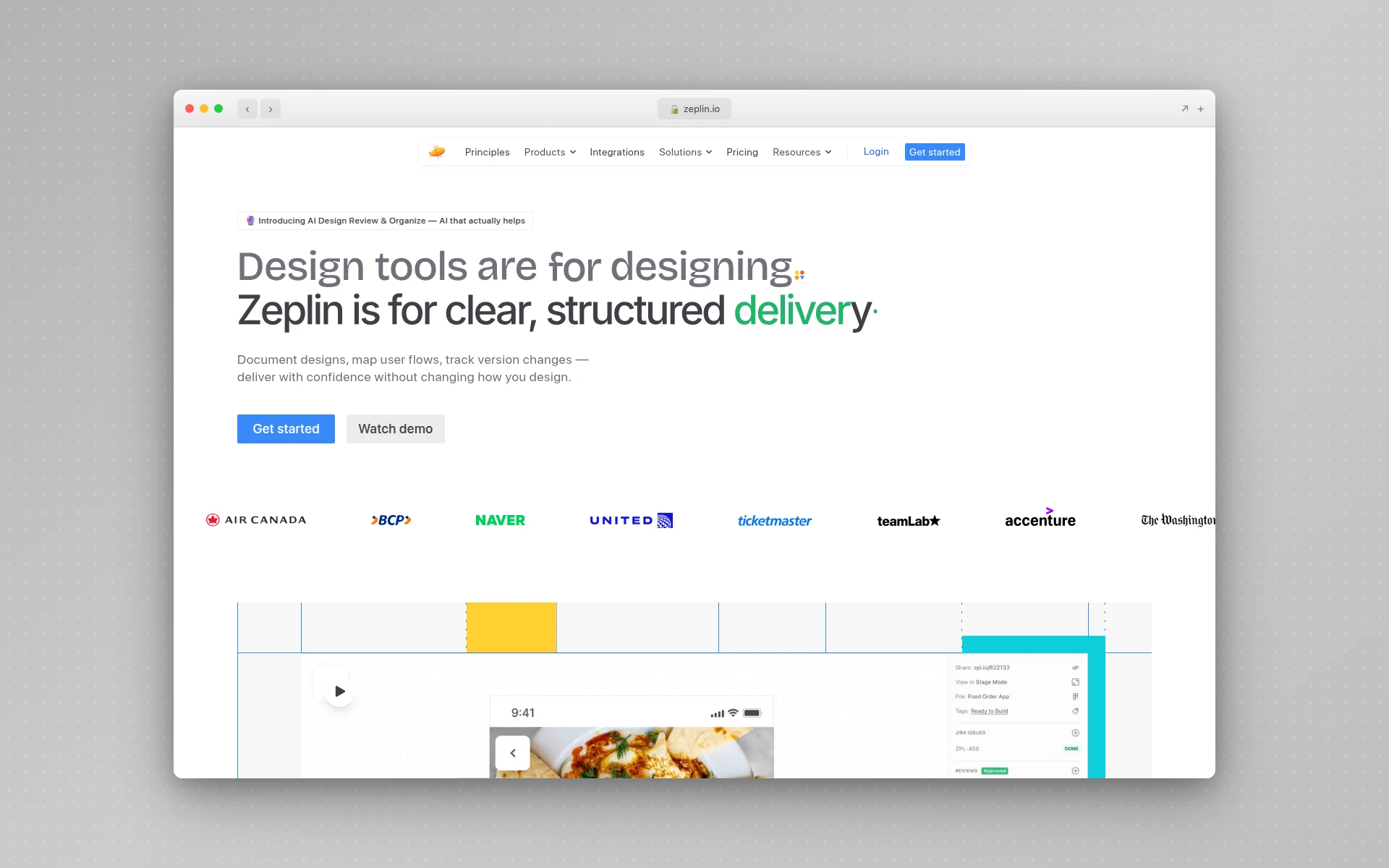 Zeplin transforms static designs into living documentation with automated specs and code snippets.
Zeplin is not a design tool — it is a design handoff tool. But if your main frustration with Figma is the developer handoff process, Zeplin addresses that specific pain point better than any alternative.
Zeplin takes your designs (from Figma, Sketch, or other tools) and automatically generates measurements, color specs, text styles, and code snippets. Developers get everything they need without asking designers “what’s the spacing here?” fifty times a day.
Key Features
- Automated Design Specs: Measurements, colors, text styles, and spacing extracted automatically from your designs.
- Code Snippet Generation: Generate CSS, Swift, Kotlin, and other platform-specific code from design elements.
- AI Design Review: Catches off-system colors, spacing inconsistencies, typos, and accessibility issues before handoff.
- User Flow Mapping: Purpose-built journey mapping tools that connect screens into end-to-end flows.
- Integrations: Works with Slack, Jira, Trello, and all major design tools for seamless workflow integration.
Pricing
Zeplin offers a free tier for single projects. Paid plans provide expanded team features, multiple projects, and advanced handoff capabilities. Zeplin is currently offering 25% off the first year for teams switching from Figma’s Dev Mode.
Who It’s Best For
Development teams that receive designs from Figma and need clean, accurate specs. Zeplin is the best Figma alternative if your problem is not design creation but design-to-code handoff.
If handoff is your primary concern, you might also be interested in our Figma to code tools guide.
How We Chose These Figma Alternatives
We evaluated each tool across six criteria:
| Criteria | Weight | What We Measured |
|---|---|---|
| Design Capability | 25% | Feature depth, component systems, design output quality |
| Collaboration | 20% | Real-time editing, commenting, sharing, team management |
| Pricing Value | 20% | Cost relative to features, free tier generosity, scaling costs |
| Learning Curve | 15% | Time to productivity, documentation quality, familiar patterns |
| Output Quality | 10% | Export options, code quality, production readiness |
| Platform Support | 10% | Browser, desktop, mobile access, offline capability |
Every tool was tested with real projects, not just feature list comparisons. We built the same landing page design in each tool to compare workflows, output quality, and time to completion.
How Much Does Figma Cost in 2026?
Figma’s pricing changed significantly with the March 2025 billing overhaul. Here is the current pricing structure:
| Plan | Price | What You Get |
|---|---|---|
| Starter | Free | 3 Figma files, 3 FigJam boards, unlimited viewers |
| Professional | $15/editor/mo (monthly) or $12/editor/mo (annual) | Unlimited files, shared libraries, branching |
| Organization | $45/editor/mo (annual only) | SSO, centralized admin, design system analytics |
| Enterprise | $90/editor/mo (annual only) | Advanced security, dedicated support, custom terms |
For a team of 5 designers on the Professional plan (annual billing), that is $60/month or $720/year. The Organization plan jumps to $225/month for the same team.
Many alternatives in this list offer comparable features at lower cost, especially for small teams and solo designers.
Can AI Replace Figma for UI Design?
AI design tools are not replacing Figma entirely — but they are eliminating large chunks of the Figma workflow.
Here is the honest breakdown:
Where AI tools are already better than Figma:
- Generating initial UI layouts from a description (seconds vs. hours)
- Creating landing pages and marketing sites quickly
- Producing mobile app screen designs from prompts
- Redesigning existing websites with one click (AIDesigner’s Clone and Enhance features)
Where Figma is still better:
- Building and maintaining complex design systems with hundreds of tokens
- Pixel-perfect control over every element
- Advanced prototyping with complex interactions
- Large-team workflows with branching and version control
The pragmatic approach is to use both. Generate initial designs with the AIDesigner AI design generator, then refine in Figma when you need granular control. Many teams are already adopting this hybrid workflow — AI for speed, Figma for precision.
For more AI-powered design options, see our guide to the best AI UI design tools.
FAQ
What is the best free Figma alternative?
Penpot is the best free Figma alternative. It is fully open-source, runs in the browser, supports real-time collaboration, and has no feature gates on its free plan. Lunacy is another strong free option with cross-platform desktop apps and built-in design assets. Both tools cover the core features most designers need without any cost.
Is Sketch still a good alternative to Figma?
Sketch remains a strong Figma alternative for macOS users who prefer native desktop performance. It added browser-based collaboration and real-time editing in recent years, closing the collaboration gap that once made Figma the obvious choice. However, its Mac-only design requirement limits cross-platform teams, and its plugin ecosystem is smaller than Figma’s.
Can AI replace Figma for UI design?
AI tools like AIDesigner can generate production-ready UI designs from text prompts in seconds, eliminating manual layout work for many use cases. For rapid prototyping, landing pages, and mobile app screens, AI-first tools are faster than Figma. However, Figma remains better for pixel-perfect design systems requiring manual precision and complex team workflows.
Why are designers leaving Figma in 2026?
Designers are leaving Figma due to controversial UI changes that hide common actions behind extra clicks, rising pricing with the new seat-based billing model, performance issues with large files, and a perceived shift in focus toward AI features that feel gimmicky rather than useful to professional workflows.
Is Figma free in 2026?
Figma offers a free Starter plan limited to 3 design files and 3 FigJam boards with unlimited viewers. For professional use, paid plans start at $15 per editor per month (monthly billing) or $12 per editor per month (annual billing) on the Professional tier.
What is the best Figma alternative for website design?
For website design specifically, the best alternatives depend on your workflow. AIDesigner generates complete website designs from text prompts with one-click publishing. Framer lets you design and publish websites from one tool. Webflow gives you full visual control over HTML and CSS. All three eliminate the Figma-to-developer handoff that slows down website projects.
Looking for AI-powered alternatives to other design tools? Check out our comparisons of Canva alternatives, Framer alternatives, and best AI landing page builders.