TL;DR: If you want ship-worthy UI output with a fast iteration workflow, skip the “first draft” tools and use something built for polish and consistency.
What Are the Best Figma Make Alternatives?
The best Figma Make alternatives in 2026 are AIDesigner, Vercel v0, Magic Patterns, Uizard, Relume, and Framer AI. These tools offer stronger AI UI generation with higher design quality, better iteration workflows, and production-ready output compared to Figma’s built-in Make feature.
The Honest Take on Figma Make Alternatives
I love that Figma is finally going hard on “prompt → UI.” Figma Make makes sense for a ton of teams because it keeps everything inside the same creative space.
But if you’re here, you probably hit one of these walls:
- You want more control over style + layout direction
- You want output that’s closer to production UI, not just a solid draft
- You want a workflow that doesn’t end at “cool mockup,” and actually helps you ship
So instead of dumping a list of 25 tools, I’m keeping this tight on purpose.
Here are 6 tools that actually matter if you’re deciding what to use instead of (or alongside) Figma Make.
All Figma Make Alternatives Compared
| # | Tool | Score | Best For |
|---|---|---|---|
| 1 | AIDesigner | 4.8 ⭐️ | High-end UI + fast iteration on an infinite canvas |
| 2 | Vercel v0 | 4.5 ⭐️ | Developers who want React/Tailwind UI fast |
| 3 | Magic Patterns | 4.4 ⭐️ | “Recreate this UI” workflows + design-system outputs |
| 4 | Uizard | 4.2 ⭐️ | Rapid multi-screen prototypes + editable flows |
| 5 | Relume | 4.1 ⭐️ | Website sitemap → wireframe → Figma workflow |
| 6 | Framer AI | 4.0 ⭐️ | Marketing sites you can publish quickly |
How scoring works: Design quality (30%), iteration UX (20%), export/handoff (15%), style control (15%), speed (10%), value (10%).
What is Figma Make?
Figma Make is Figma’s AI-powered “create with prompts” product. You describe what you want, it generates UI, and you can directly edit what it outputs (copy, spacing, images, layout).
Put simply: It’s Figma’s attempt to make “prompt-to-UI” feel native inside the design workflow.
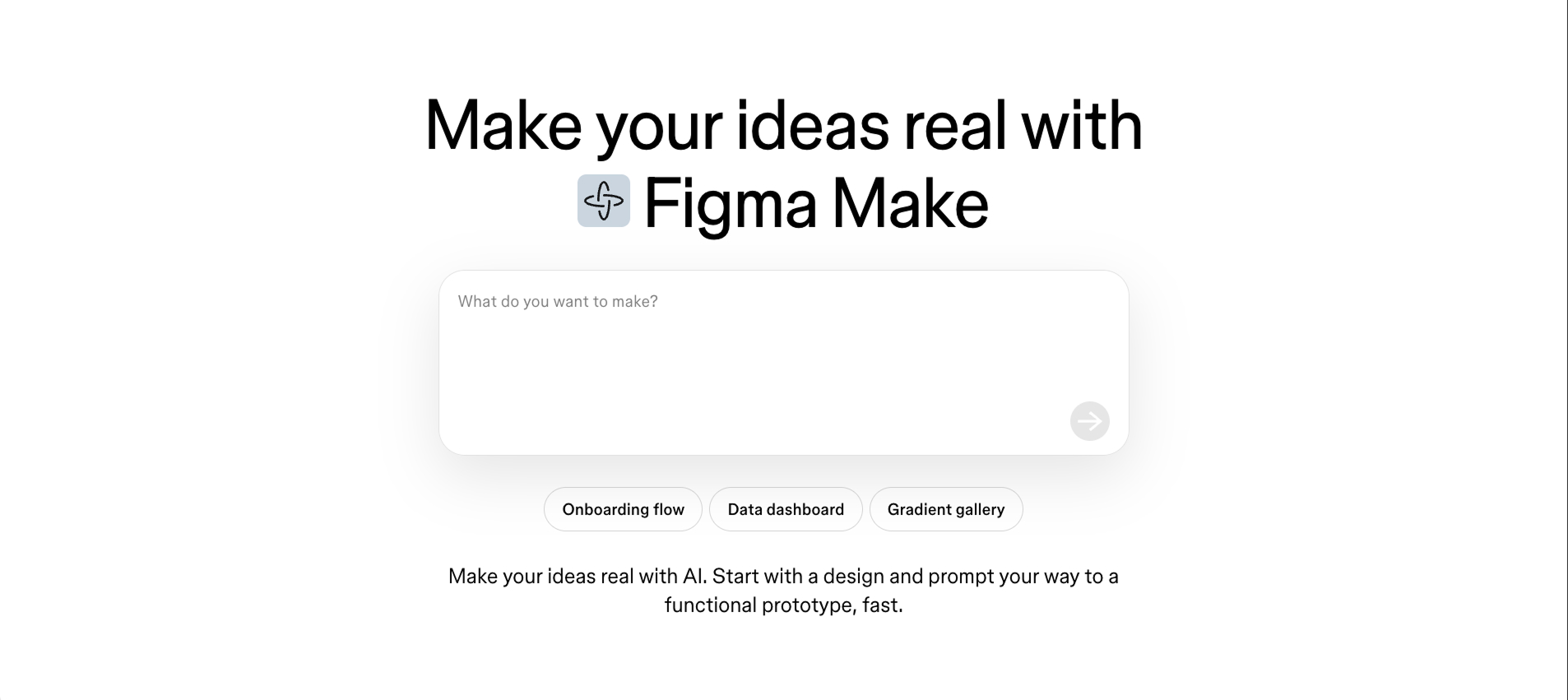 Screenshot of Figma Make’s product page showing the prompt-to-UI concept + editing controls.
Why look for a Figma Make alternative?
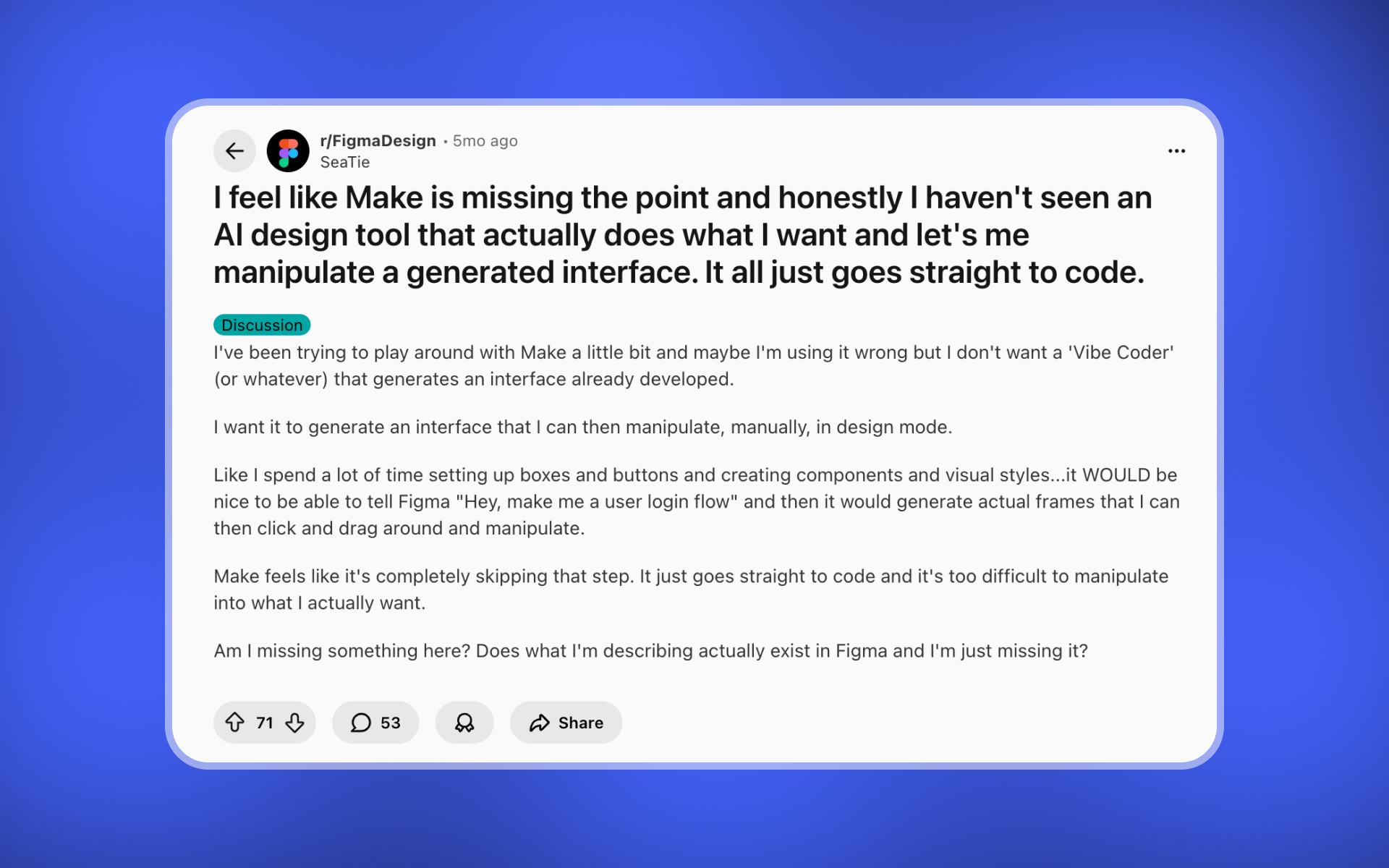
1) It’s impressive — but doesn’t always fit a real workflow (handoff/refinement)
A common theme I keep seeing is: Figma Make feels like an amazing starting point, but people aren’t always sure what the “next step” is — especially when it comes to refinement and handoff.
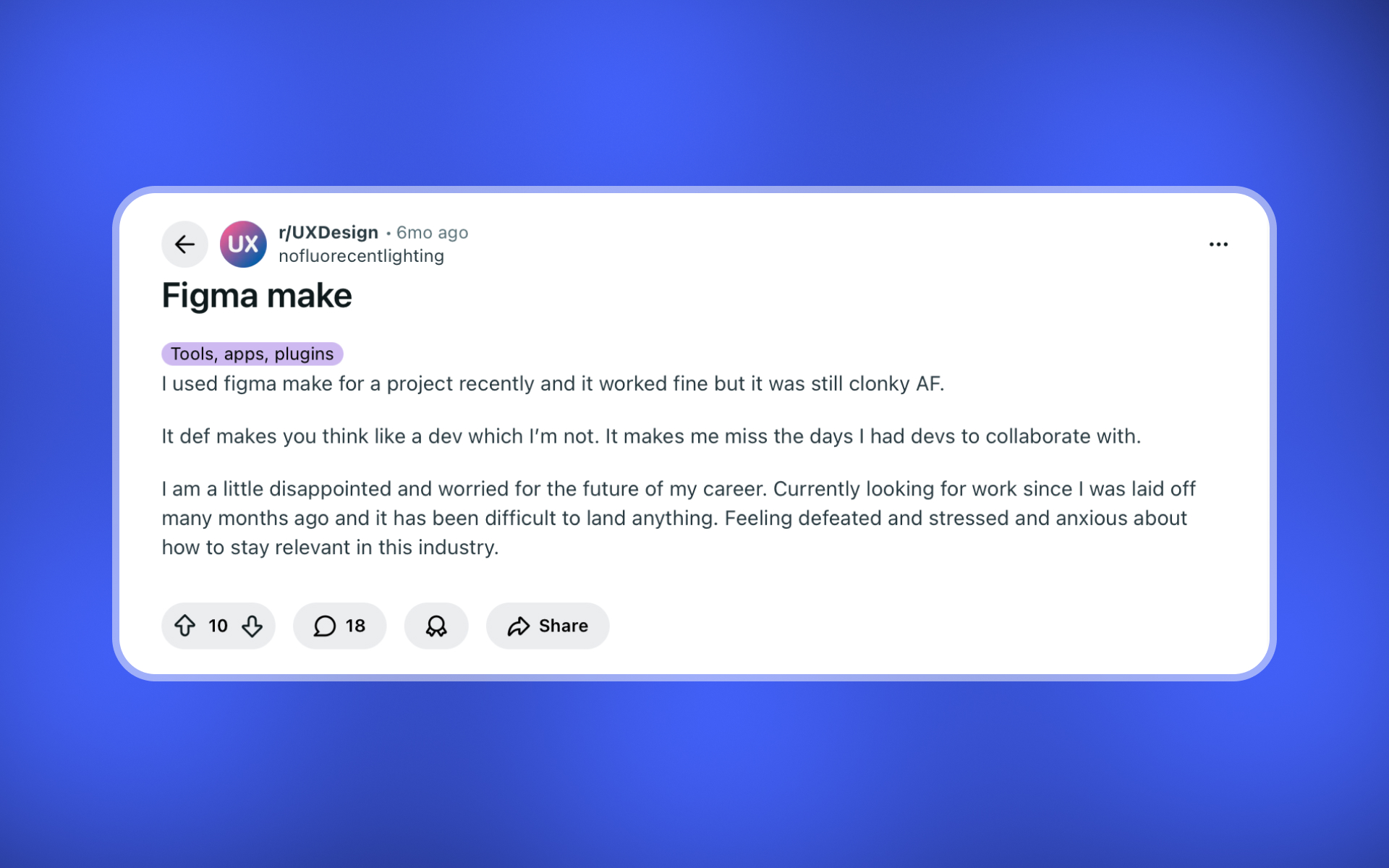
2) You still have to prompt like a dev (and it can feel clunky)
Figma Make can be great, but it often rewards very specific prompting and a more “engineering-ish” mindset. If you’re a designer who just wants to iterate visually, it can feel clunky.
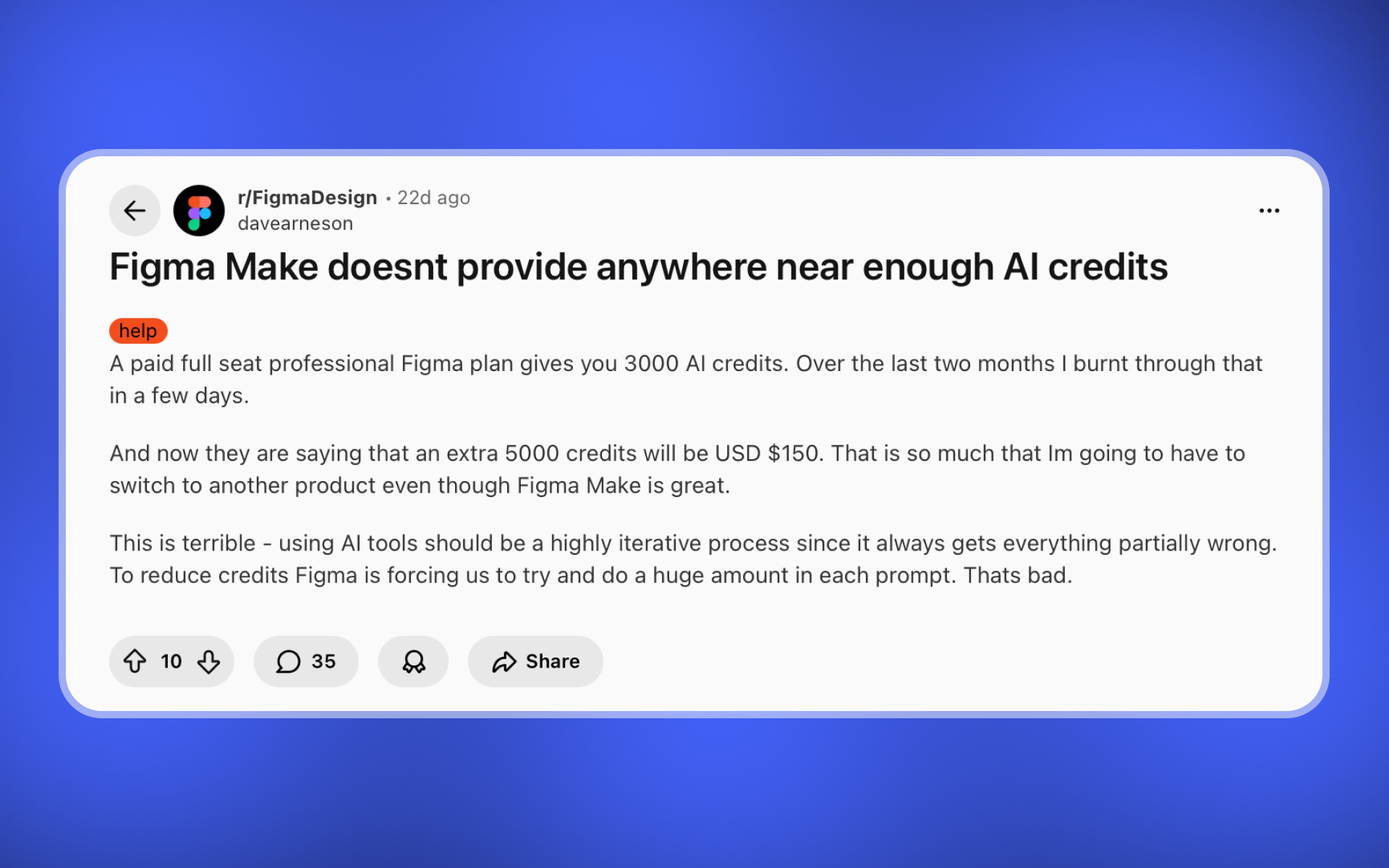
3) Credits / limits make iteration feel risky
When you’re exploring ideas, iteration should feel cheap. A big frustration from early users is burning through AI credits quickly — and uncertainty around limits/pricing.
Top 6 Figma Make Alternatives (in-depth)
In each section, I’ll keep it practical: who it’s for, what I like, what I don’t like, and what it costs.
1) AIDesigner
Rated: 4.8/5 ⭐️
Best for: People who want spectacular UI without “perfect prompting”
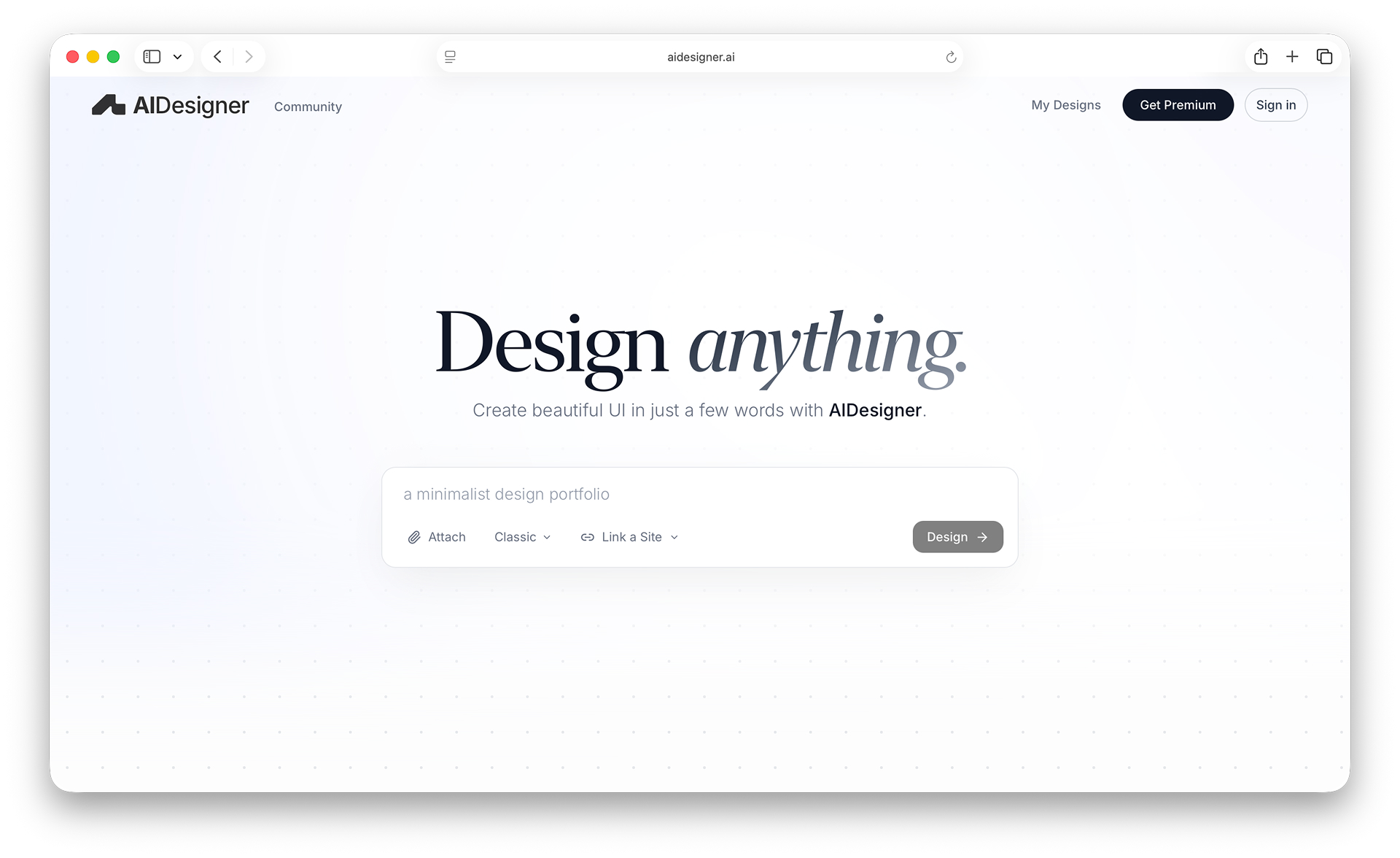
Figma Make is a solid “first draft.” AIDesigner is built for the thing most builders actually want: premium-looking UI that doesn’t scream “vibe-coded template.”
What makes AIDesigner different is the workflow:
- You iterate on an infinite canvas
- You can reference existing pages/components to keep things consistent
- You can generate multiple directions without losing editability
Website: https://www.aidesigner.ai
What I like about AIDesigner
- ✅ Design polish is the point
- ✅ Canvas iteration feels like design work, not chatbot work
- ✅ Great for landing pages and product UI
- ✅ Exports you can actually use (code + images)
- ✅ Style consistency across sections/pages
What I don’t like
- ❌ If you only want a quick rough wireframe, it can feel “too high fidelity”
- ❌ People who want total manual code control may prefer dev-first tools
Pricing
- Free: Try the core experience with limited usage.
- Pro ($25/month): Includes 100 monthly credits, credit rollovers, unlimited projects, high-quality exports, publish unlimited sites, custom domains, watermark-free published sites, and unlimited WebGL effects and backgrounds.
- Custom: Contact us if you need a tailored plan.
Best fit if: you care about UI quality and want something you’d actually ship, fast.
CTA: Build premium UI in minutes →
2) Vercel v0
Rated: 4.5/5 ⭐️
Best for: Developers generating React/Tailwind UI quickly
v0 is excellent if you already live in a React + Tailwind world and want components/sections fast. It’s a strong “dev-first UI generator.”
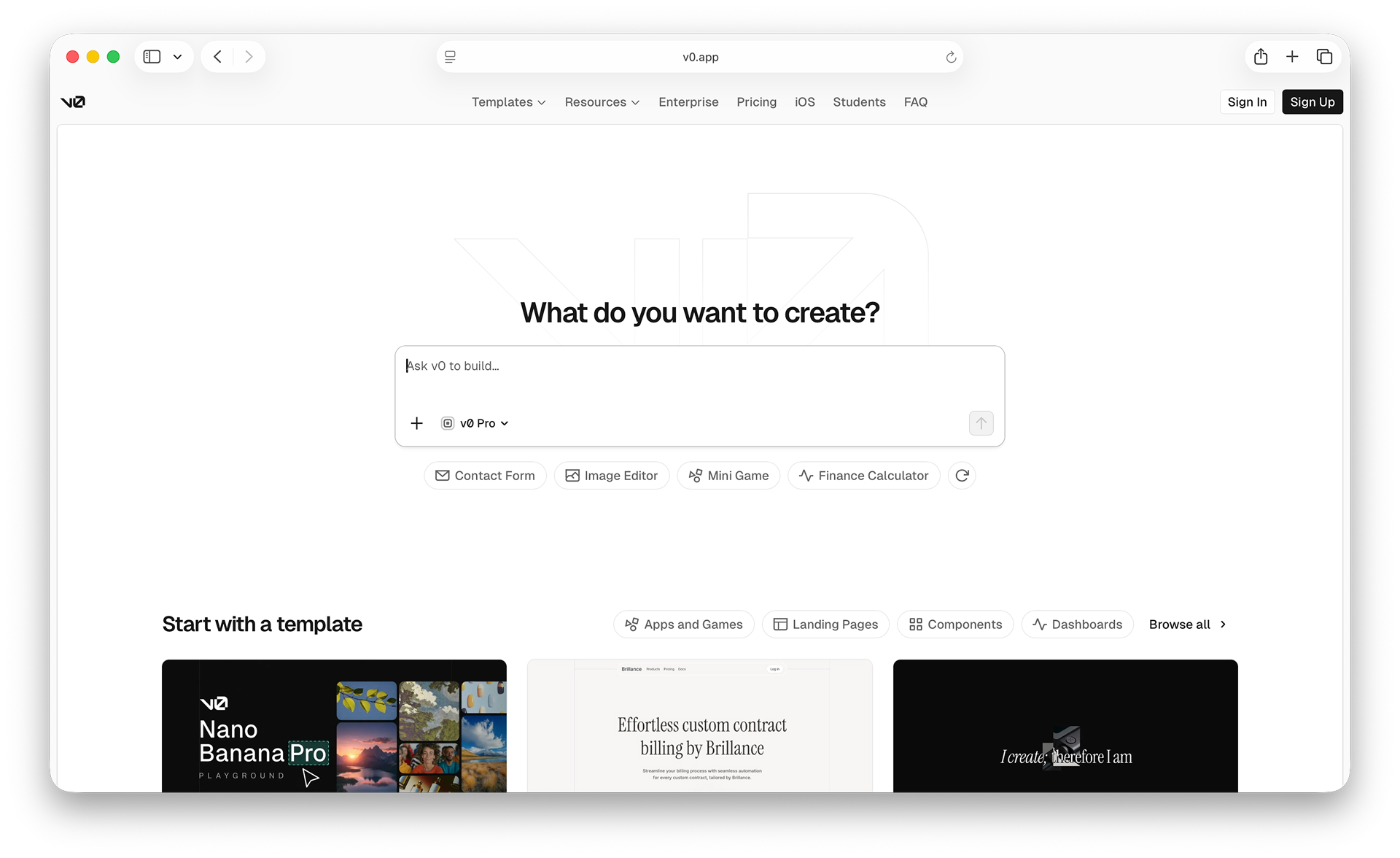
Website: https://v0.dev/
What I like about v0
- ✅ Fast React/Tailwind scaffolding
- ✅ Developer-friendly workflow
- ✅ Great for component-level generation
What I don’t like about v0
- ❌ You’re still in “developer mode” (it’s not a design canvas)
- ❌ Style direction can drift unless you manage it tightly
- ❌ Great UI ≠ finished product (you still assemble + ship)
Pricing
- Free ($0/month): Explore v0 with limited credits.
- Premium ($20/month): Higher limits + option to buy extra credits.
- Team ($30/user/month): Shared projects + team collaboration.
- Business ($100/user/month): More privacy controls for teams.
- Enterprise: Custom (SSO / advanced controls).
Best fit if: you want UI code fast and you’re already comfortable shipping in a dev workflow.
3) Magic Patterns
Rated: 4.4/5 ⭐️
Best for: Recreating UI from screenshots + staying on-design-system
Magic Patterns is one of the best options when your main intent is “match this” — especially if you’re recreating UI from inspiration and want to keep a consistent system.
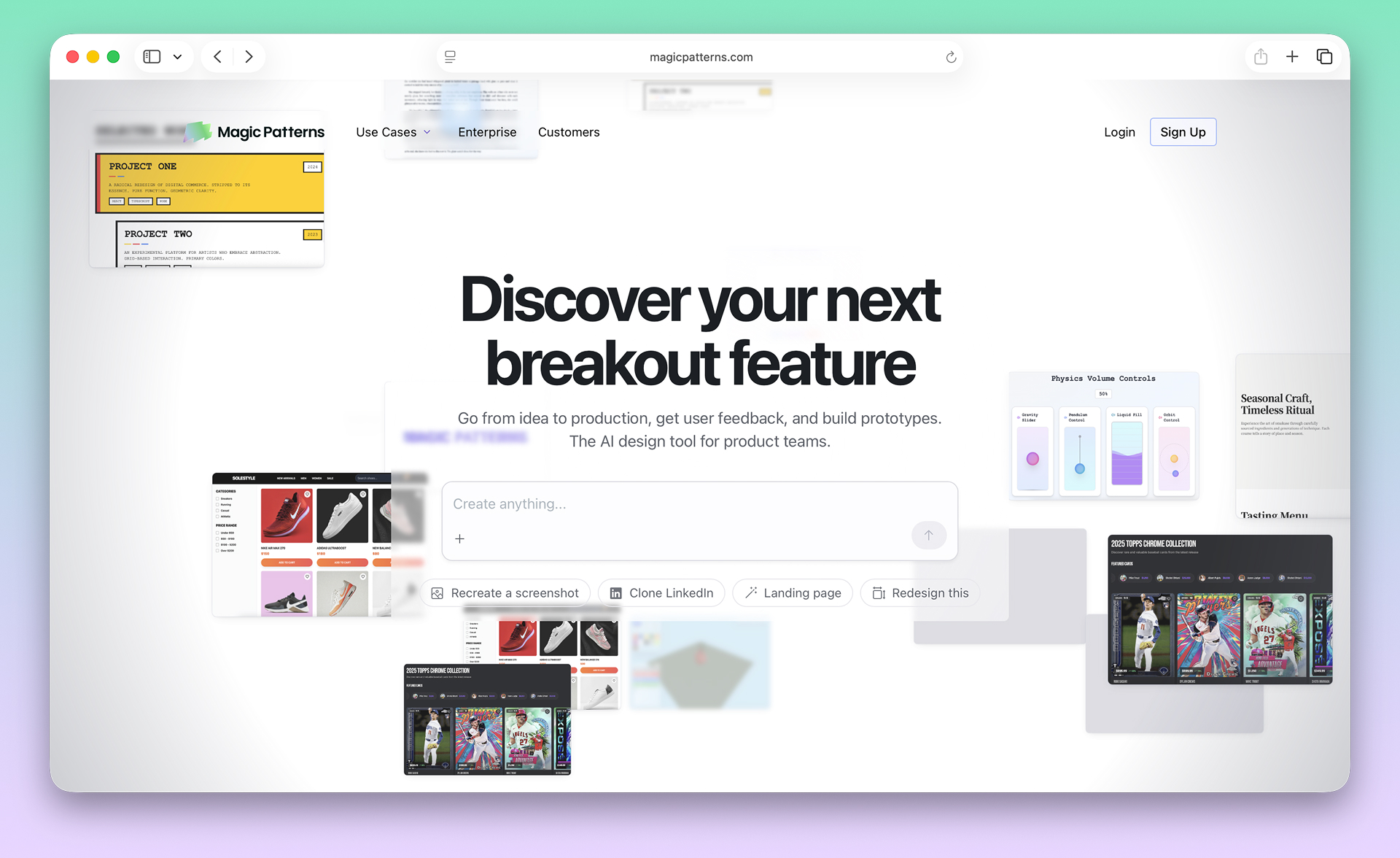
Website: https://www.magicpatterns.com/
What I like about Magic Patterns
- ✅ Screenshot → UI recreation is a superpower
- ✅ Strong for “match this” workflows
- ✅ Collaborative/product-team oriented
What I don’t like about Magic Patterns
- ❌ You may still need strong direction to get “premium brand polish”
- ❌ Depending on your workflow, it can feel less “page composition” than a canvas tool
Pricing
- Free: Start free with a monthly credit allowance (good for trying it out).
- Hobby (~$19/seat/month, billed annually): Higher limits + private generations.
- Pro (~$75/seat/month, billed annually): Much higher limits + team/company features.
- Enterprise: Custom.
Best fit if: you frequently start from screenshots/inspiration and want consistent system output.
4) Uizard
Rated: 4.2/5 ⭐️
Best for: Quick prototypes and multi-screen flows
Uizard shines when you want to go from idea → multi-screen prototype very quickly. It’s built for speed and iteration across flows.
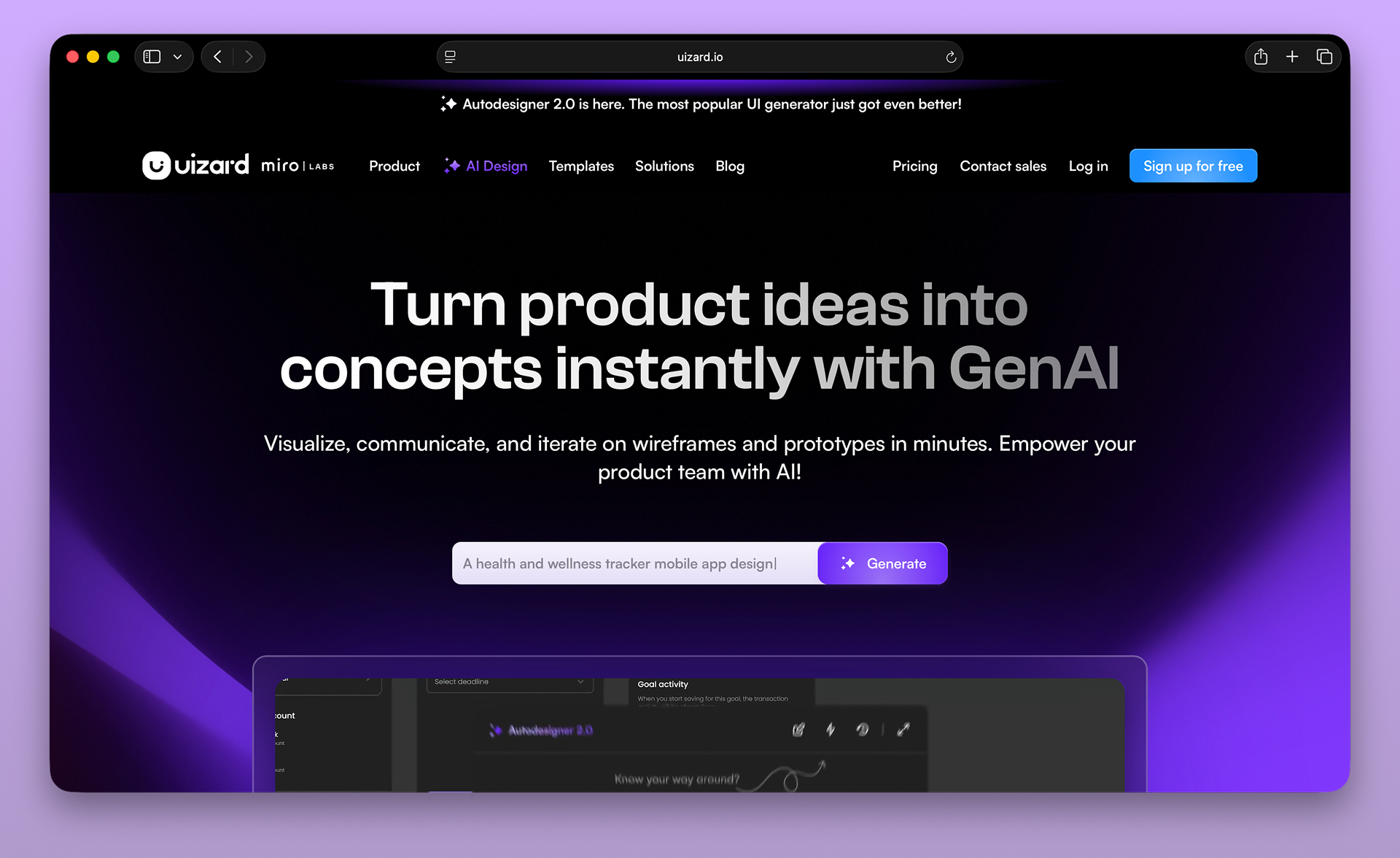
Website: https://uizard.io/
What I like about Uizard
- ✅ Great for fast prototypes and flows
- ✅ Multi-screen generation is strong
- ✅ Clear product positioning (prototype-first)
What I don’t like about Uizard
- ❌ “Prototype good” isn’t always “production beautiful”
- ❌ You may outgrow it once you care about brand-level fidelity
Pricing
- Free: Enough to explore and prototype lightly.
- Pro: $19/month billed monthly (or $12/month billed annually).
- Business: $39/month billed monthly (or $24/month billed annually).
- Enterprise: Custom (for larger org needs).
Best fit if: you’re prioritizing speed and flows over high-end polish.
5) Relume
Rated: 4.1/5 ⭐️
Best for: Website planning: sitemap → wireframe → Figma workflow
Relume is very systematic if you’re building marketing sites. It’s strong for structure (pages, sections, hierarchy), and can slot nicely into a Figma-based workflow.
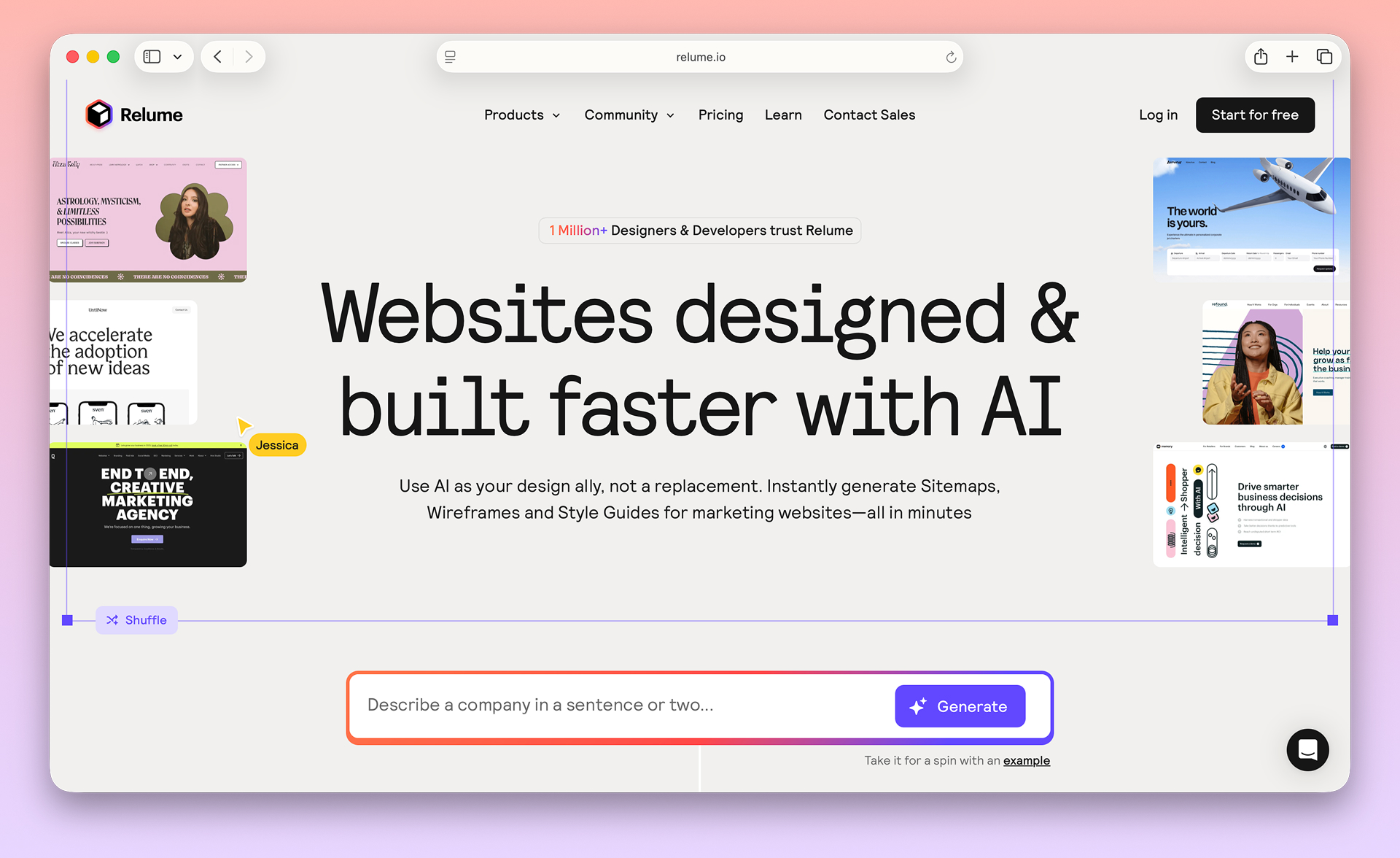
Website: https://www.relume.io/
What I like about Relume
- ✅ Systematic for marketing websites
- ✅ Great for information architecture and planning
- ✅ Fits well into Figma workflows
What I don’t like about Relume
- ❌ Less geared toward product UI/dashboards
- ❌ You’ll still do the “final look” elsewhere
Pricing
- Free: Limited access for basic site planning.
- Starter ($18/month): For smaller sites and lighter usage.
- Pro ($40/month): Unlimited access for bigger sites and ongoing work.
- Team ($36/month): Built for collaboration (Team plan requires a minimum number of users).
Best fit if: your main goal is planning and assembling marketing pages efficiently.
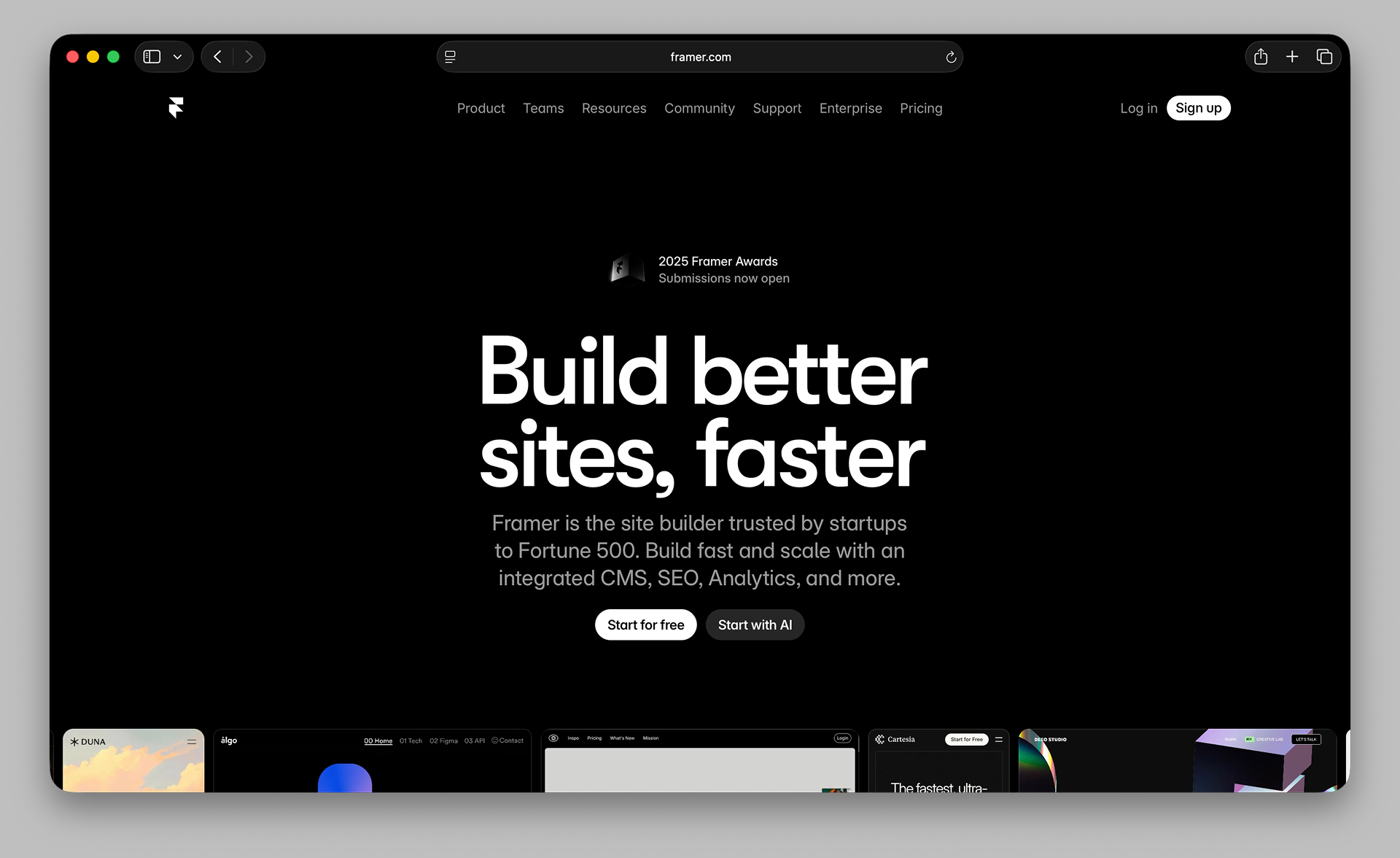
6) Framer AI
Rated: 4.0/5 ⭐️
Best for: Marketing sites you can publish quickly
If your goal is to generate a marketing site and publish quickly, Framer AI can be a good fit.
Website: https://www.framer.com/
What I like about Framer AI
- ✅ Good for fast marketing sites
- ✅ Publishing workflow is strong
- ✅ Great for landing pages
What I don’t like about Framer AI
- ❌ Less suited for product UI/dashboards
- ❌ Style control can require extra iteration
Pricing
- Mini ($5/month): Simple personal sites.
- Basic ($15/month): More pages/traffic + more features.
- Pro ($30/month): Best fit for serious marketing sites.
- Scale ($60/month): Higher limits for growing sites/teams.
- Enterprise: Custom.
Best fit if: you want a fast marketing site that can go live quickly.
Is Figma Make Free to Use?
Figma Make is included with Figma’s free and paid plans, but AI generation uses credits that are limited on free accounts. The free tier provides a small number of AI generations per month. For frequent use, Figma’s paid plans start at $15/month per editor, which includes more AI credits.
Can AI Replace Figma for UI Design?
AI tools can replace parts of Figma’s workflow — especially initial design generation and prototyping. Tools like AIDesigner and v0 generate production-quality UI faster than manual Figma design. However, Figma remains superior for collaborative design systems, developer handoff, and complex interaction design.
How to choose your best Figma Make alternative
Ask one question:
Do you want a draft… or do you want a result you’d actually ship?
- If you want premium UI output + iteration → AIDesigner
- If you want developer-first components → v0
- If you want screenshot recreation → Magic Patterns
- If you want prototype flows → Uizard
- If you want website planning + wireframes → Relume
- If you want publishable marketing sites → Framer AI
If you’re still at the visual-direction stage rather than picking a generator, our website mockup guide covers getting a page everyone agrees on first.
How we test (the rubric)
We score tools based on the stuff that matters when you’re actually trying to ship:
- Design quality & polish: 30%
- Iteration workflow: 20%
- Export/handoff: 15%
- Style control (brand/reference): 15%
- Speed: 10%
- Pricing/value: 10%
Final verdict
Figma Make is a great “first draft.” If your goal is ship-worthy UI, you’ll probably pair it with (or swap to) something that’s built for polish.
If you want the cleanest path to spectacular UI without prompt gymnastics, AIDesigner is the one I’d pick.
CTA: Build premium UI in minutes →
FAQ: Figma Make Alternatives
1) What is the closest tool to Figma Make?
If you want prompt-to-UI with editing workflows, tools like Uizard and Magic Patterns are often the closest “category match.”
2) What if I want React/Tailwind output?
Use v0 if you want dev-friendly React/Tailwind UI generation quickly.
3) Is Figma Make enough to ship production UI?
It can be a great starting point. But if you want premium polish, stronger style control, and fast multi-page iteration, you’ll likely want a more specialized workflow.
About the author
Tyler is the founder of AIDesigner. I’m building it because I love building products — and I hate spending 2 weeks getting UI to stop looking like a template.