TL;DR: Uizard pioneered AI-powered prototyping, but its limited free tier, repetitive outputs, and lack of code export have users searching for better options. The best Uizard alternatives in 2026 are AIDesigner for premium UI quality, Google Stitch for generous free access, and Figma AI for teams already in the Figma ecosystem. Here are 10 alternatives worth considering.
What Are the Best Uizard Alternatives?
The best Uizard alternatives in 2026 are AIDesigner, Google Stitch, Figma AI, Visily, and Bolt.new. These tools offer higher-quality AI design output, better free tiers, code export capabilities, and more customization options than Uizard’s current offering.
What Are Uizard Alternatives?
Uizard alternatives are AI-powered design tools that generate user interfaces from text prompts, screenshots, or sketches, similar to Uizard but with different strengths in output quality, pricing, code export, or publishing capabilities. These tools range from visual-first platforms like AIDesigner to full-stack builders like Bolt.new, each addressing specific gaps in Uizard’s workflow.
Uizard was one of the first tools to bring AI-powered UI generation to the mainstream. Describe a screen, upload a sketch, or paste a screenshot, and Uizard would turn it into an editable wireframe. For product managers and startup founders who needed fast prototypes without design skills, it was a game-changer.
But the AI design space has moved fast since then. In 2026, Uizard’s output quality, limited customization, and restrictive free tier make it harder to justify when newer tools produce polished, production-ready designs with better pricing and more features.
I’ve tested every major tool in this category while building AIDesigner. Here’s my honest take on the alternatives that actually deliver.
Quick Comparison: Best Uizard Alternatives 2026
| Tool | Best For | Starting Price | Free Plan | Code Export | Output Quality |
|---|---|---|---|---|---|
| AIDesigner | Premium UI/web publishing | $25/mo | Yes | HTML | Excellent |
| Google Stitch | Free AI UI generation | Free | Yes (350/mo) | HTML/CSS | Excellent |
| Figma AI (Make) | Teams in Figma ecosystem | $20 beta | Yes (limited) | Via plugins | Excellent |
| Visily | Collaborative wireframing | $11/mo | Yes | No | Good |
| UX Pilot | Figma-integrated AI | $15/mo | Yes | HTML/CSS | Good |
| Motiff | Design systems at scale | $16/mo | Yes (100 credits) | React/HTML | Very Good |
| Magic Patterns | Component prototyping | $15/mo | Yes | React/Tailwind | Very Good |
| Creatie | Small team collaboration | Free beta | Yes | No | Good |
| Framer | Marketing websites | $5/mo | Yes | No (publishes) | Very Good |
| Bolt.new | Full-stack app building | $29/mo | Yes | Full-stack | Good (functional) |
Why Users Are Looking for Uizard Alternatives in 2026
Before I get into specific tools, here is what’s pushing users away from Uizard.
The Free Plan Is Too Restrictive
Uizard’s free tier gives you just 3 AI generations per month and 2 projects. Worse, the free plan only includes access to Autodesigner 1.5, the older engine. To use Autodesigner 2.0 with better output quality, you need a paid plan. When competitors like Google Stitch offer 350 free generations per month, Uizard’s free tier feels punitive.
AI Output Feels Repetitive
Multiple user reviews on Capterra and Software Advice report that Uizard’s Autodesigner produces “repetitive designs with minor variations” and generates pages “irrelevant to the provided prompt.” While the AI is fast, the output often looks templated, especially across multiple screens in the same project.
No Code Export or Publishing
Uizard generates visual prototypes, but it stops there. You cannot export production-ready code, and there is no built-in publishing feature. If your goal is to ship a landing page or hand clean code to developers, you need a separate tool to rebuild everything from scratch.
Limited Customization for Professionals
Although Uizard is quick and simple, it frequently sacrifices control over detailed design elements. Professional designers find the customization options too restrictive for polished, brand-specific work. The lack of design systems, component libraries, and advanced typography controls becomes a bottleneck as projects grow.
Reliability Concerns
Some users on Trustpilot have reported losing work due to projects not loading properly, along with confusing billing practices where subscriptions were re-enrolled after cancellation. These reliability issues erode trust for teams relying on the tool for serious projects.
10 Best Uizard Alternatives in 2026
1. AIDesigner - Best for Premium UI Quality and Publishing
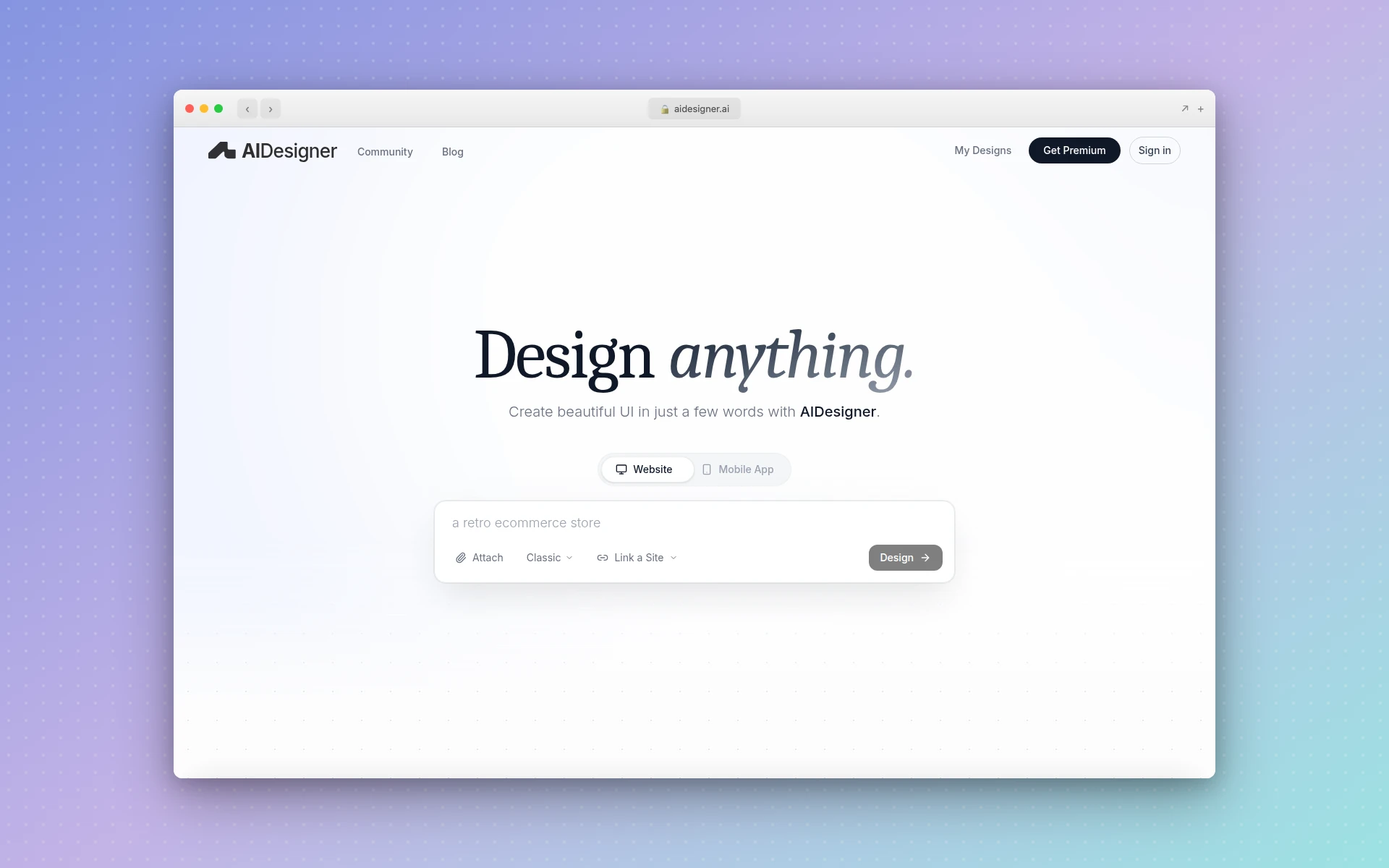 AIDesigner generates premium, production-ready UI designs from text prompts with one-click website publishing.
AIDesigner is the Uizard alternative I would recommend to anyone who needs designs that look finished, not like wireframes. Where Uizard excels at quick, low-fidelity prototyping, AIDesigner produces polished, premium UI that you would actually ship to production.
What makes it different from Uizard:
- Premium output quality. AIDesigner generates high-fidelity designs that look like they were crafted by a senior designer. No more cleaning up generic wireframes.
- Infinite canvas. Work on multiple screens, pages, and design variations in a single expansive workspace. Uizard’s project-based structure feels cramped by comparison.
- One-click publishing. Design a landing page, hit publish, and it’s live on a custom subdomain with automatic SEO optimization. Uizard has zero publishing capability.
- Context-aware editing. Use @ referencing to target specific designs for AI edits, giving you precise control over revisions without regenerating entire screens.
- Website cloning. See a design you like? Clone any website as an editable starting point. Uizard’s screenshot-to-design feature is limited to wireframe conversion.
Pricing: Free tier available. Pro starts at $25/month with unlimited AI generations.
Best for: Designers, marketers, and founders who need production-ready landing pages, dashboards, and mobile app UI without the wireframe-to-polish gap.
Weighing it directly against Uizard? Our AIDesigner vs Uizard comparison breaks down output quality, code export, and pricing side by side. For a broader view, see our comparison of the best AI UI design tools.
2. Google Stitch - Best Free Uizard Alternative
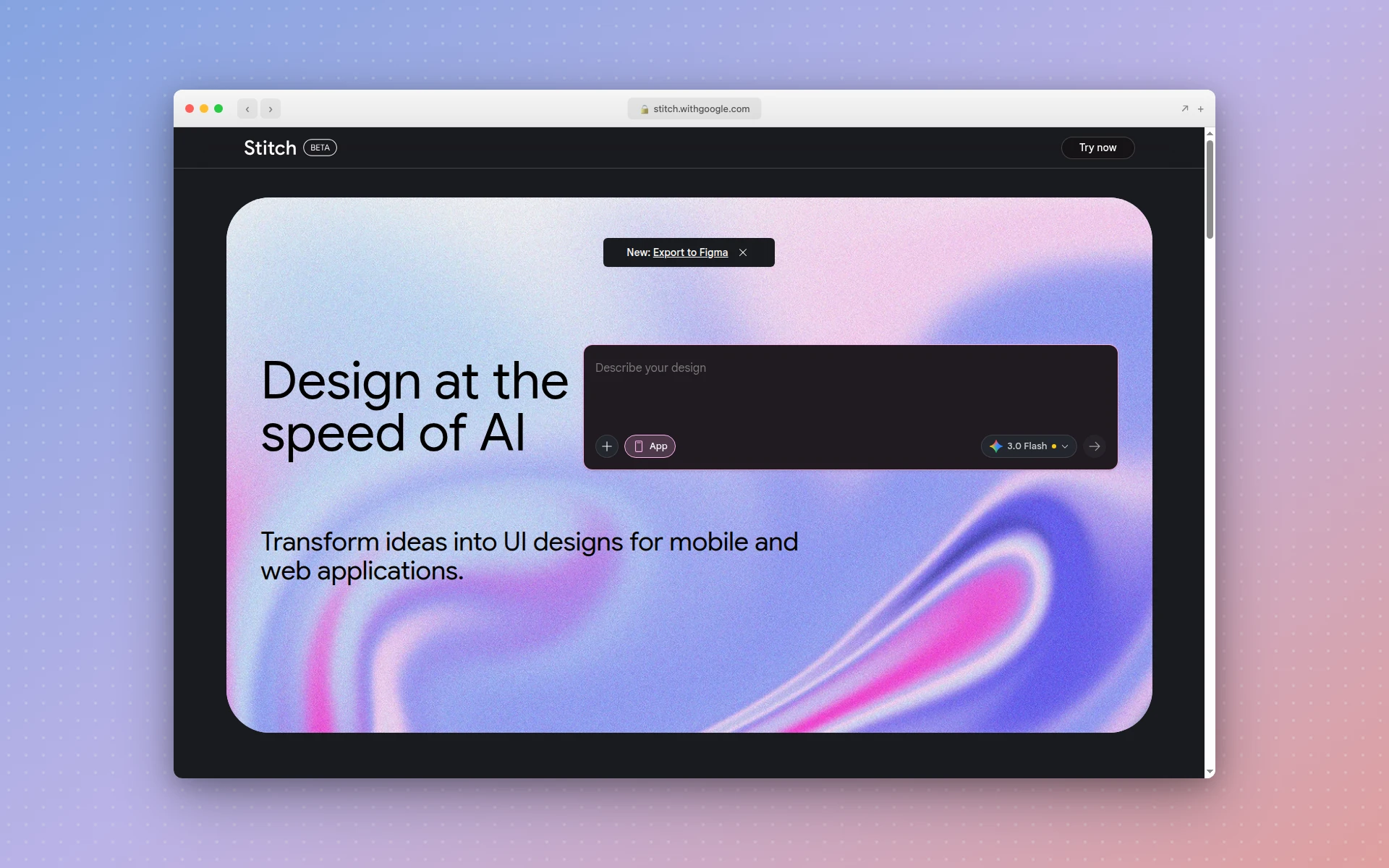 Google Stitch (formerly Galileo AI) offers 350 free AI generations per month with Gemini-powered design quality.
Google Stitch (formerly Galileo AI) is the strongest free alternative to Uizard right now. Google acquired Galileo AI in 2025 and sunset the standalone usegalileo.ai product, relaunching the technology as Stitch inside Google Labs. It pairs Gemini 2.5 generation with usage limits that make Uizard’s 3-generation free plan look absurd.
What makes it different from Uizard:
- 350 free generations per month in Standard mode (Gemini 2.5 Flash), plus a separate pool of higher-fidelity Experimental generations on Gemini 2.5 Pro. Uizard caps free users at 3.
- Code export covers HTML, CSS, and Tailwind (plus React and other frameworks), so you can hand structured code to developers. Uizard only exports images and PDFs.
- One-click Figma paste drops a design into Figma with auto-layout, named layers, and grouped components intact.
- Multimodal input takes text prompts, reference images, and annotated screenshots, and generates up to five interconnected screens per run.
- Responsive layouts for both web and mobile, with light/dark theme toggling.
Pricing: Free through Google Labs. Google has signaled paid tiers are coming, but there is no paid plan required today.
Best for: Anyone who wants high-quality AI design output without paying anything. Ideal for early-stage startups and solo designers.
3. Figma AI (Make) - Best for Teams Already in Figma
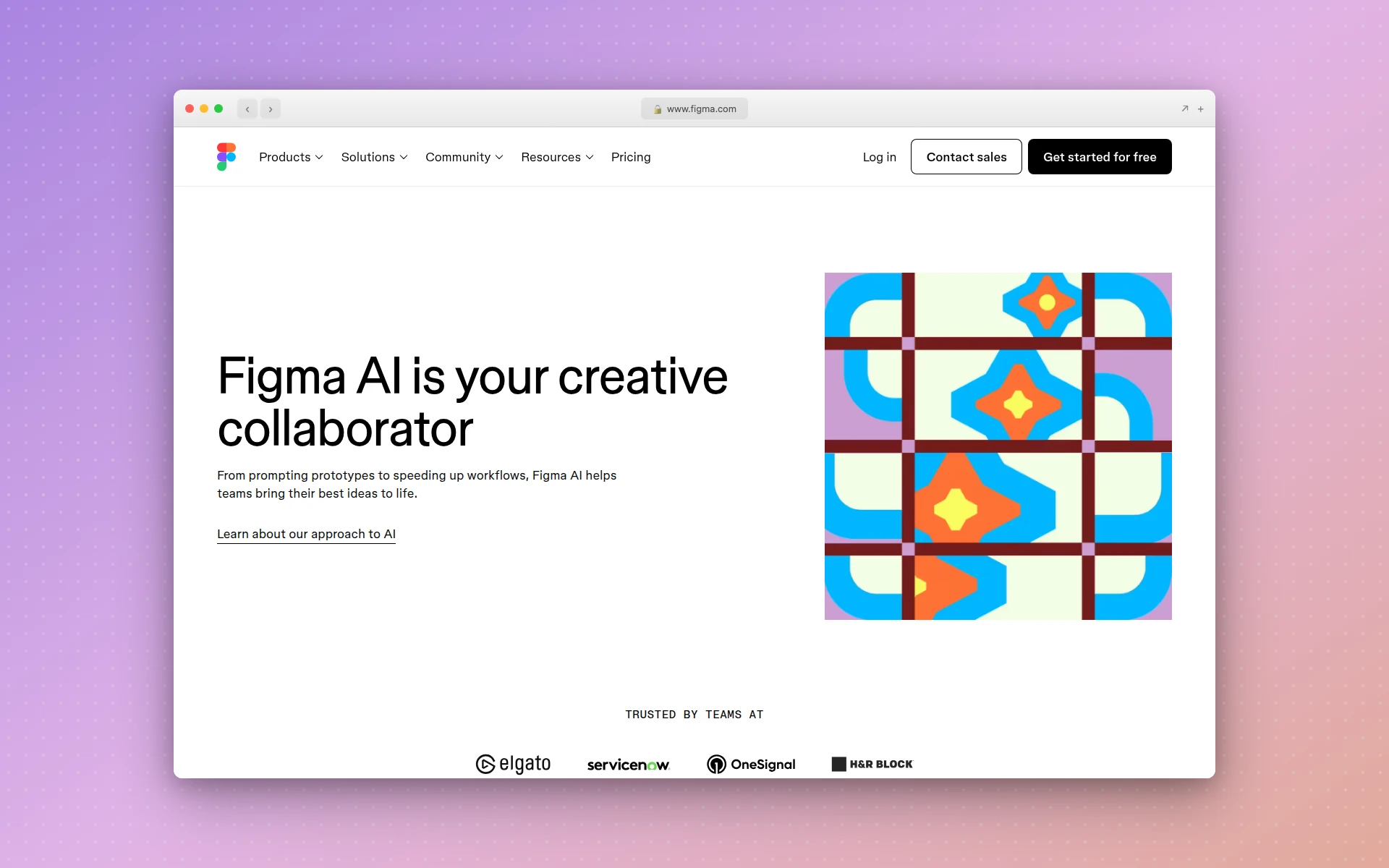 Figma Make uses Claude Sonnet 4 to generate multi-page designs directly inside the Figma ecosystem.
If your team already lives in Figma, Figma AI eliminates the context-switching that Uizard requires. Instead of generating designs in one tool and rebuilding them in Figma, you stay in a single environment where everything connects to your existing design system.
What makes it different from Uizard:
- Professional-grade design environment. Figma’s component systems, auto-layout, and design tokens are leagues ahead of Uizard’s basic editor.
- Make feature generates multi-page website designs from prompts using Claude Sonnet 4 as the AI backbone.
- Real-time collaboration with developers, designers, and stakeholders in the same file.
- AI credit model gives proportional access across all Figma AI features, not just generation.
- Massive plugin ecosystem for code export, accessibility checks, and design system management.
Pricing: Figma Make is $20 (beta). Figma Pro is $16/month per editor. AI credits are allocated per plan.
Best for: Design teams that already use Figma and want AI generation without leaving their primary tool. Not great for non-designers due to Figma’s learning curve.
For a deeper look at Figma Make and its competitors, see our Figma Make alternatives guide.
4. Visily - Best for Collaborative Wireframing
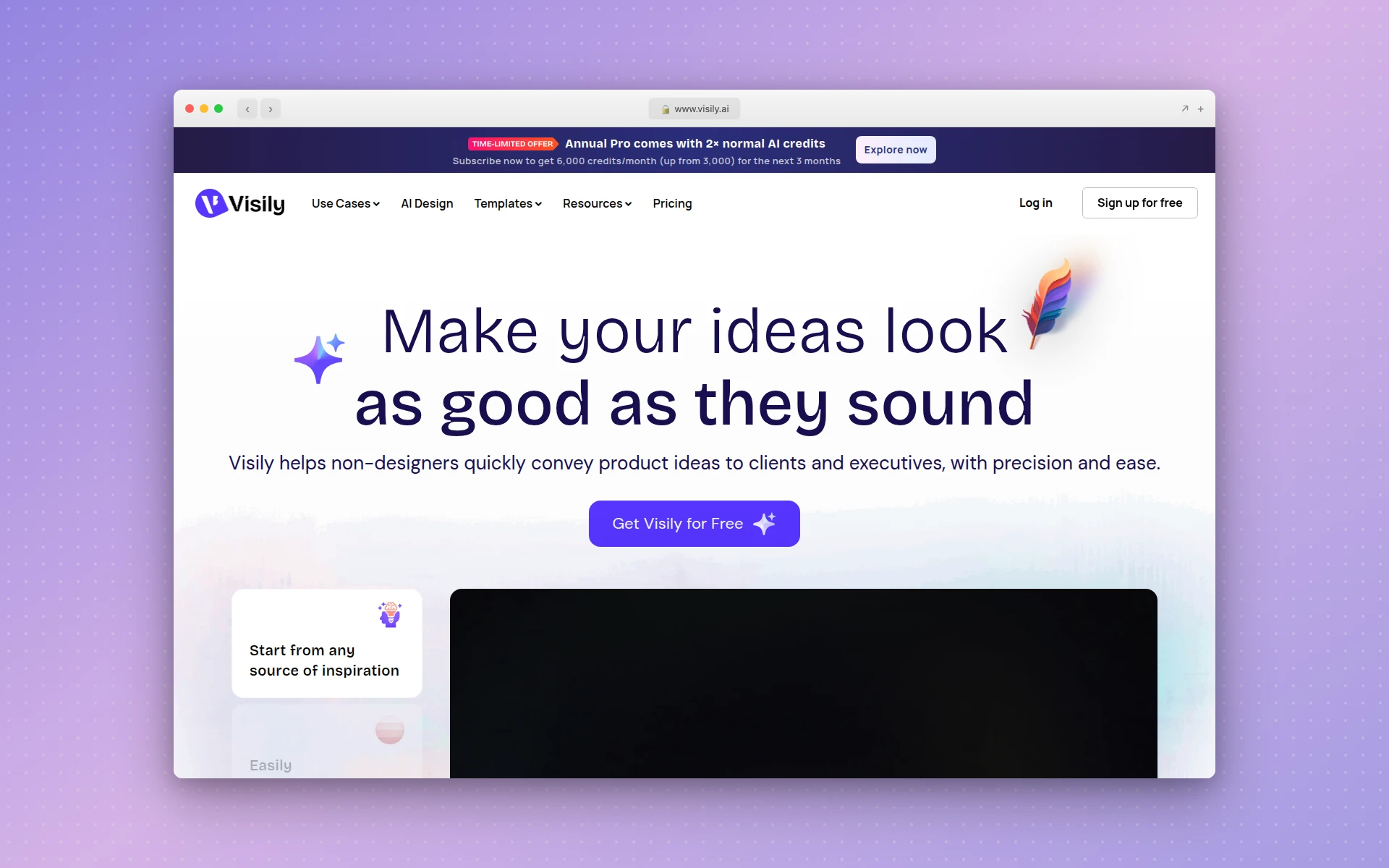 Visily turns text descriptions, screenshots, and hand-drawn sketches into editable wireframes with AI.
Visily is the closest direct competitor to Uizard in terms of target audience and functionality. Both focus on making UI design accessible to non-designers through AI. But Visily edges ahead with better collaboration features and a more polished template library.
What makes it different from Uizard:
- 1,500+ pre-built templates compared to Uizard’s 10 free templates. More starting points mean faster results.
- Multiple input methods: text descriptions, screenshots, and hand-drawn sketch conversion. Uizard has similar inputs but Visily’s recognition is more accurate.
- Stronger collaboration tools with cursor chat, follower mode, and shared asset libraries.
- Drag-and-drop simplicity with a lower learning curve than even Uizard.
- Both mobile and web wireframes with proper responsive behavior.
Pricing: Free plan available. Pro starts at $11/month per editor.
Best for: Product managers and non-designers who need collaborative wireframing with more templates and better team features than Uizard offers.
5. UX Pilot - Best Figma Plugin for AI Generation
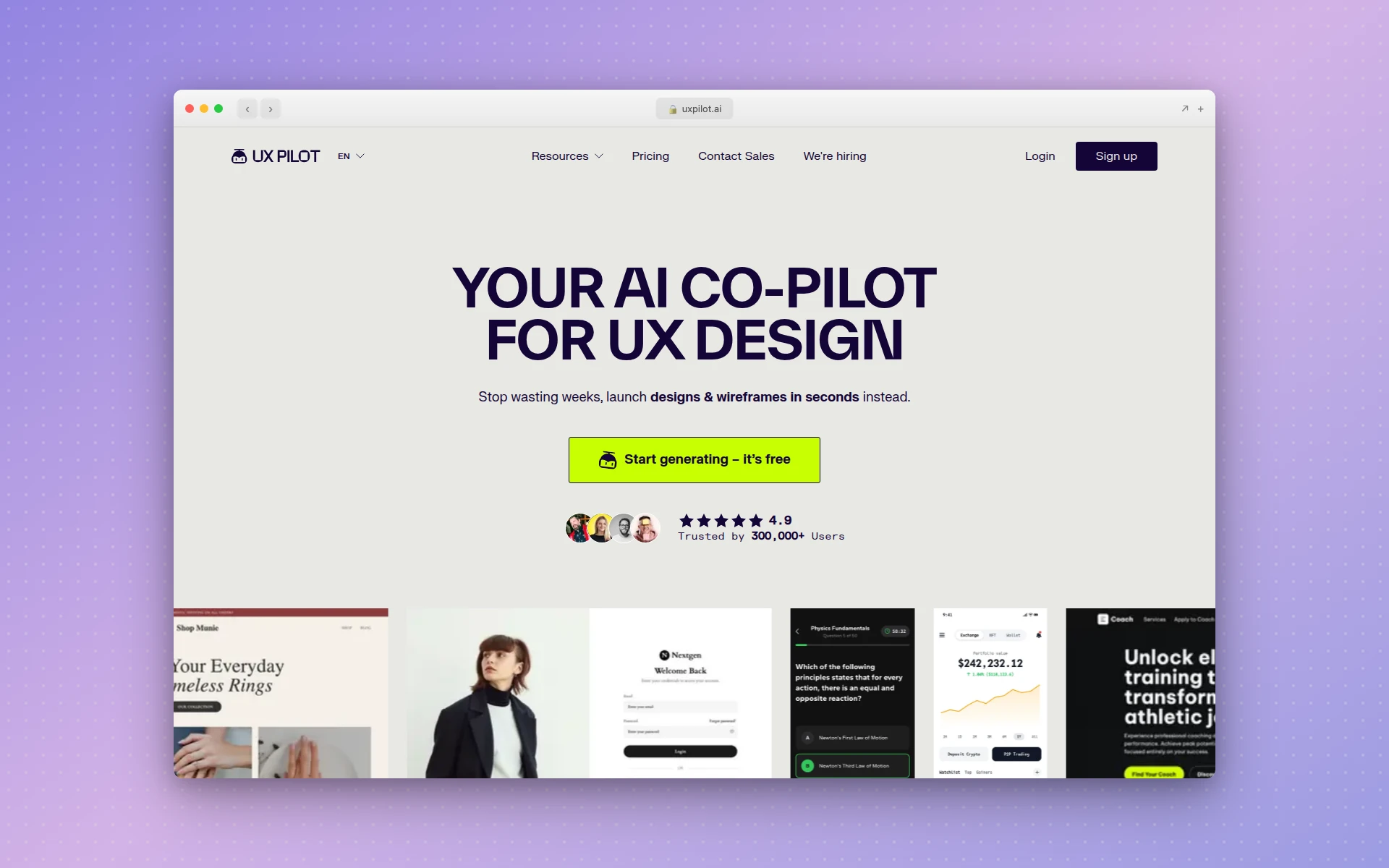 UX Pilot offers AI wireframe generation both as a standalone tool and as a Figma plugin.
UX Pilot takes a different approach by working both as a standalone tool and as a Figma plugin. If you want AI generation power without leaving your existing Figma workflow, UX Pilot’s plugin is one of the best options available.
What makes it different from Uizard:
- Figma plugin lets you generate wireframes and UI directly inside Figma projects, using existing designs as references.
- Chat-based editing lets you talk to your design to tweak components or regenerate screens using natural language.
- Visual attention simulation shows where users are likely to focus, helping you validate layouts before user testing.
- HTML/CSS export for basic frontend code handoff. Not production-ready, but a useful starting point.
- Design feedback tools built into the workflow for iterative improvement.
Pricing: Free plan available for individuals. Paid plans start at $15/month, Pro at $29/month.
Best for: UX designers who want AI assistance integrated into their Figma workflow rather than a separate tool.
6. Motiff - Best for Design Systems at Scale
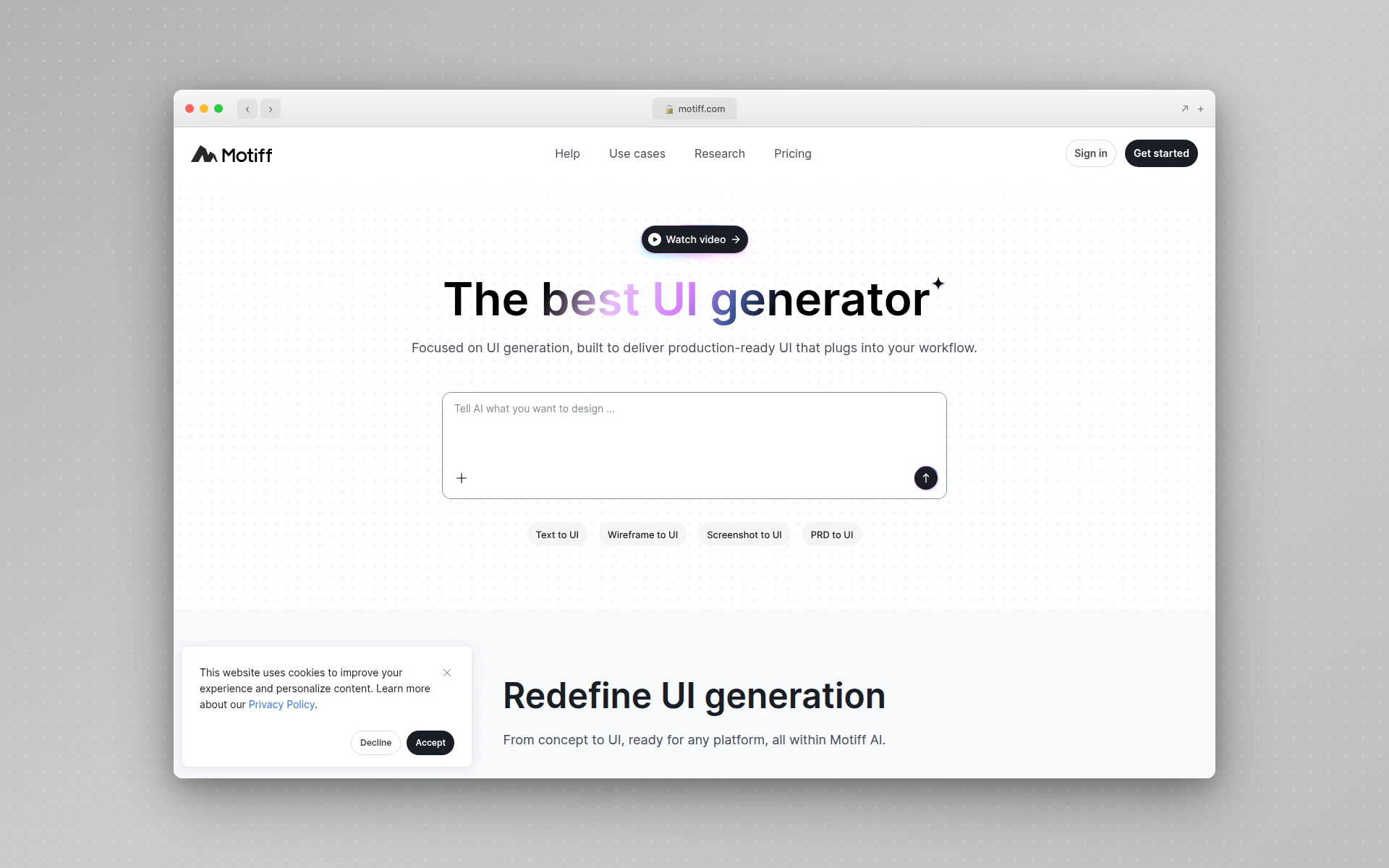 Motiff combines AI UI generation with built-in design systems like Material, Ant Design, and Shadcn.
Motiff goes deeper on design systems than any other Uizard alternative. While Uizard generates isolated screens, Motiff generates UI within the context of established design frameworks, which means consistent components, proper spacing, and tokens-based styling from the start.
What makes it different from Uizard:
- Built-in design systems (Material, Ant Design, Shadcn) ensure generated UI follows established patterns.
- AI Consistency Checker scans your designs for inconsistencies in spacing, colors, and component usage.
- React and HTML code export produces clean, production-ready code with one click.
- AI Design System Creator and Maintainer automate design system creation and upkeep.
- Website extraction turns live websites into editable designs, similar to Uizard’s screenshot feature but with better fidelity.
Pricing: Free plan with 100 credits/month and up to 10 UIs. Pro is $16/month with 1,000 credits and Figma copy support.
Best for: Design teams building products at scale who need AI generation that respects their design system. Especially strong for enterprise UI work.
7. Magic Patterns - Best for Production-Ready Components
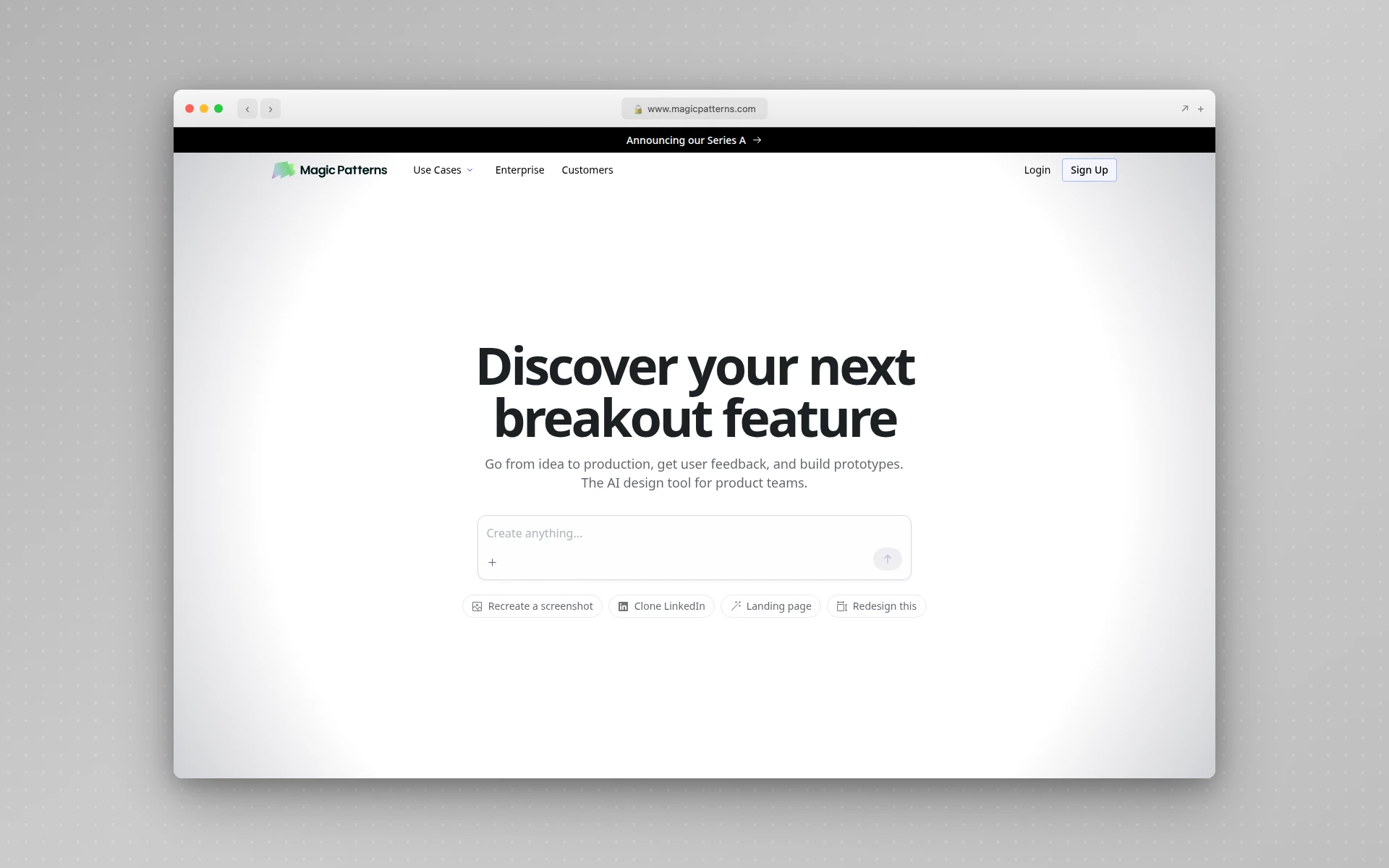 Magic Patterns generates production-ready React and Tailwind components from text prompts or captured screenshots.
Magic Patterns bridges the gap between design and code better than Uizard. Where Uizard stops at visual prototypes, Magic Patterns generates actual React components with Tailwind CSS that developers can drop into production codebases.
What makes it different from Uizard:
- Production-ready code output in React, Tailwind, and Vue. Uizard has zero code export.
- Design system upload ensures generated components match your branding, spacing, and typography.
- Chrome extension lets you capture UIs from any website and adapt them in your project.
- Figma export sends layered designs directly into Figma for further refinement.
- Real-time multiplayer for team collaboration on component libraries.
Pricing: Free plan available. Paid plans start at $15/month.
Best for: Development teams and designers who need the bridge between visual design and production code. Y Combinator-backed with over 100,000 components generated by the community.
If you’re comparing Magic Patterns to other code-generating tools, our v0 alternatives guide covers the broader landscape of AI code generators.
8. Creatie - Best for Small Teams on a Budget
 Creatie offers a comprehensive design platform with AI wireframing, prototyping, and design handoff in one tool.
Creatie is built specifically for small teams that need a full design workflow without paying enterprise prices. Where Uizard is limited to AI generation and basic editing, Creatie covers ideation, design, collaboration, prototyping, and developer handoff in a single platform.
What makes it different from Uizard:
- All-in-one workflow from ideation to handoff. Uizard only covers the generation step.
- Figma/Sketch/XD import lets you bring existing designs into Creatie with high fidelity.
- Creatie Wizard generates design ideas and helps overcome creative blocks.
- Magicon creates 3D icons and assets from text inputs.
- Free Dev Mode for all paid users, with core inspection free for everyone.
Pricing: Free tier available during beta. Pro Team plan unlocks unlimited files, pages, and team library.
Best for: Small teams and freelancers who need a comprehensive design tool that goes beyond prototyping. Strong Figma alternative for teams that want AI built in from the start.
9. Framer - Best for Publishing Marketing Websites
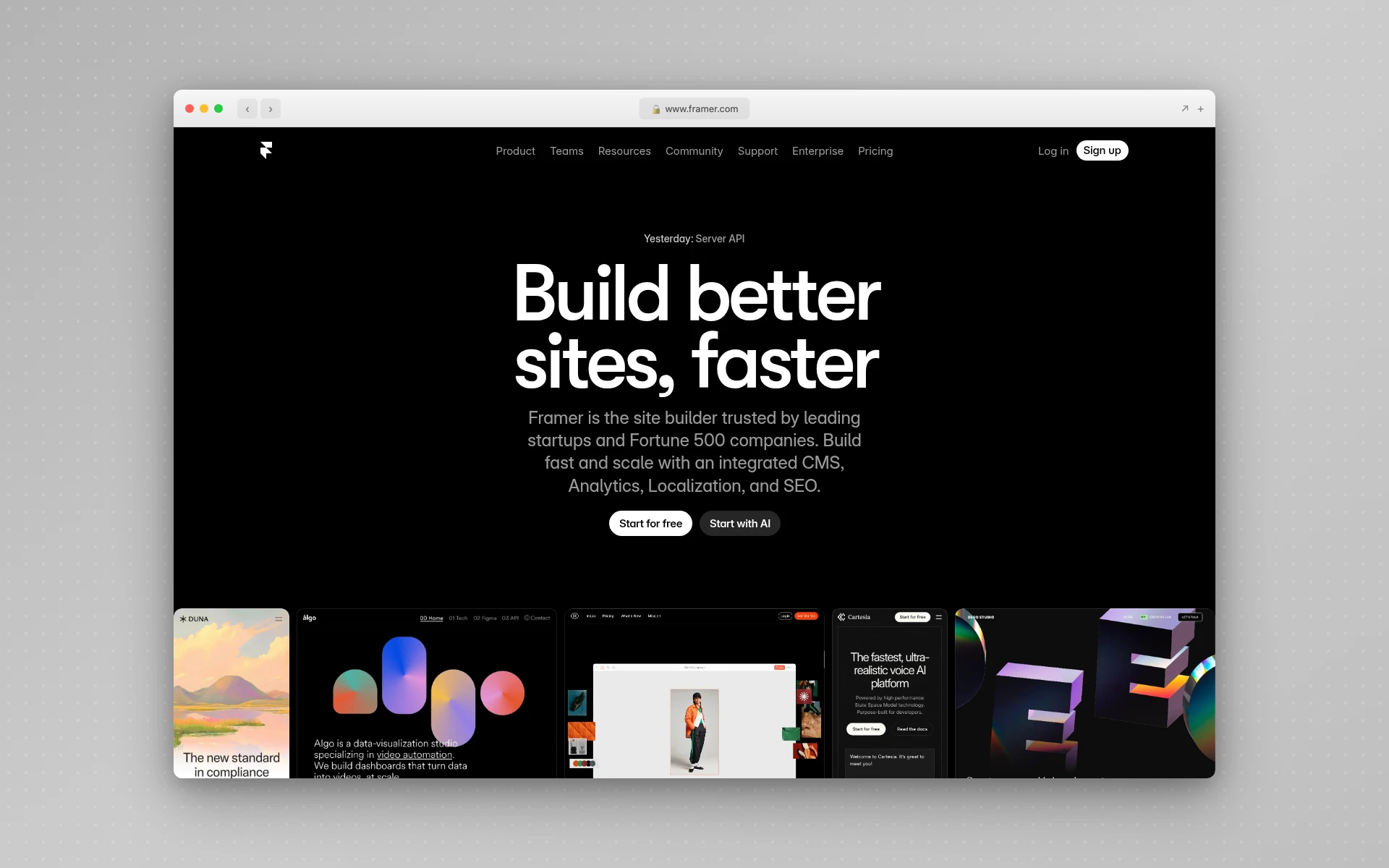 Framer combines AI-powered design generation with built-in CMS and website hosting.
Framer is the Uizard alternative for users who do not just want to design a website but actually publish it. While Uizard generates prototypes you cannot ship, Framer generates multi-page, mobile-responsive websites that go live with a single click.
What makes it different from Uizard:
- Built-in hosting and publishing. Framer generates and hosts your website. Uizard generates prototypes that cannot be published.
- CMS integration for content management without touching code.
- On-page editing lets you edit live pages directly in the browser.
- Multi-page generation from a single detailed prompt, complete with responsive layouts and real copy.
- Custom domains and SEO features for professional web presence.
Pricing: Free plan available. Mini at $5/month, Basic at $15/month, Pro at $30/month per site. Annual billing saves 33%.
Best for: Marketers and small businesses who want to go from AI prompt to published website without involving a developer. See our best free AI website builders guide for more publishing-focused options.
10. Bolt.new - Best for Full-Stack Application Building
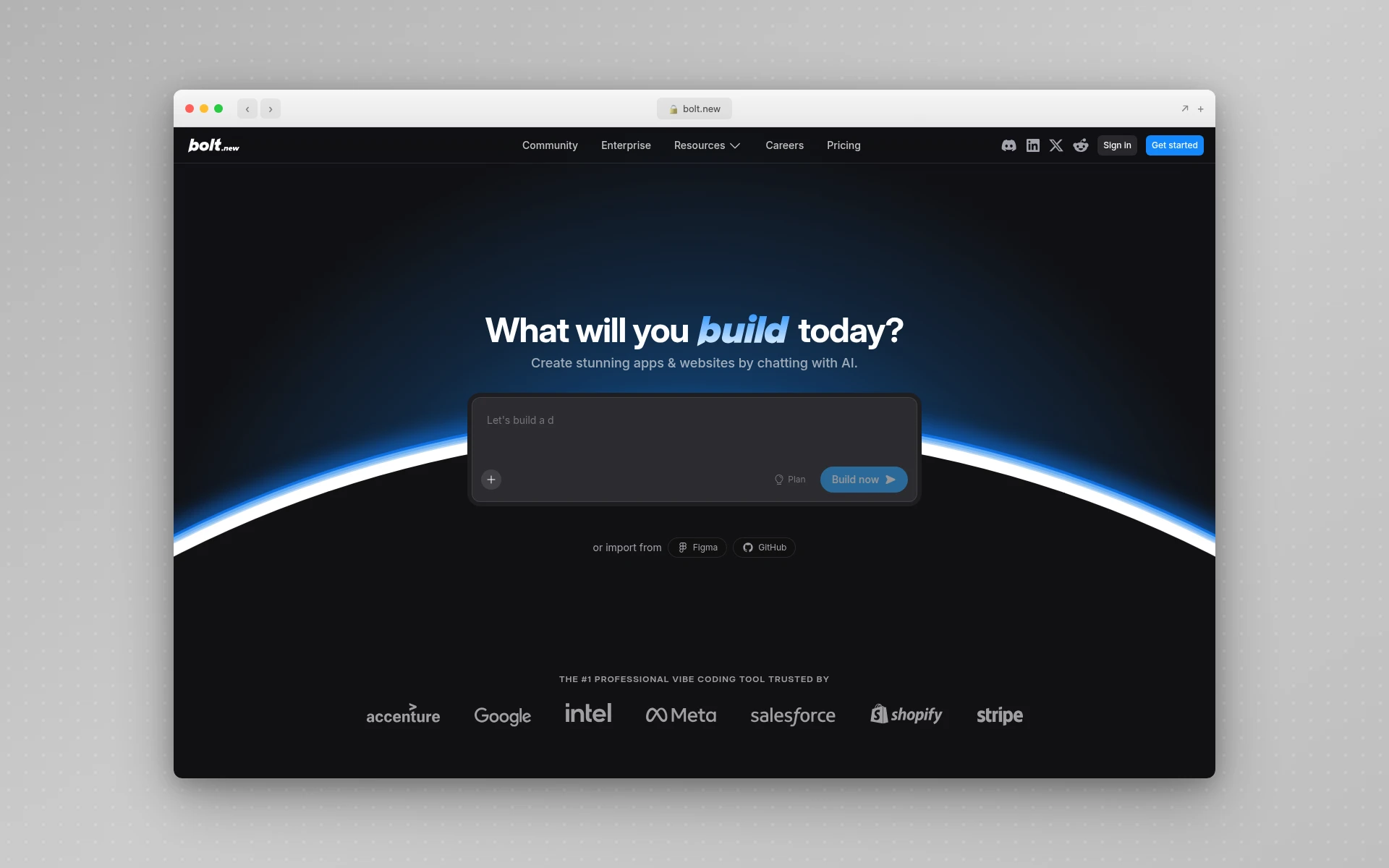 Bolt.new generates complete full-stack applications with frontend, backend, and deployment from a single prompt.
Bolt.new is the most ambitious Uizard alternative on this list. While Uizard generates UI mockups, Bolt.new generates entire working applications - frontend, backend, database, authentication, and deployment.
What makes it different from Uizard:
- Full-stack generation produces complete applications, not just visual mockups.
- Built-in hosting with custom domains, serverless functions, and analytics.
- Discussion Mode lets you brainstorm with the AI before making changes, like chatting with a developer.
- Real deployment turns prototypes into live applications without leaving the browser.
- Database and auth integration with services like Supabase, making it a true app builder.
Pricing: Free plan available. Pro starts at $29/month. Higher tiers at $100/month and $200/month for intensive use.
Best for: Founders and developers who want to go from idea to deployed application in hours, not weeks. Overkill if you only need UI design.
Uizard vs. Top Alternatives: Feature Comparison
| Feature | Uizard | AIDesigner | Google Stitch | Figma AI | Visily |
|---|---|---|---|---|---|
| Free AI Generations | 3/month | Yes | 350/month | Limited credits | Yes |
| Output Quality | Good | Excellent | Excellent | Excellent | Good |
| Code Export | No | HTML | HTML/CSS | Via plugins | No |
| Website Publishing | No | Yes (one-click) | No | No | No |
| Figma Integration | No | No | Yes | Native | No |
| Design Systems | No | No | No | Yes | No |
| Mobile UI Support | Yes | Yes | Yes | Yes | Yes |
| Screenshot-to-UI | Yes | Yes (clone) | Yes | No | Yes |
| Starting Price | $12/mo | $25/mo | Free | $16/mo | $11/mo |
What Is the Best Free Uizard Alternative?
Google Stitch (formerly Galileo AI) is the best free Uizard alternative. It offers 350 AI generations per month in Standard mode, plus additional higher-fidelity Experimental generations, completely free through Google Labs. Unlike Uizard’s free plan which limits you to 3 AI generations, Stitch provides generous usage with output powered by Gemini 2.5.
Does Uizard Export to Figma or Generate Code?
No, Uizard does not offer direct Figma export or production-ready code generation. You can export designs as PNG or PDF only. Alternatives like Google Stitch, Motiff, and UX Pilot offer direct Figma export, while Magic Patterns and Bolt.new generate React and Tailwind code.
How to Choose the Right Uizard Alternative
Picking the right tool depends on where your biggest frustration with Uizard lies.
If you need better output quality…
Choose AIDesigner or Google Stitch. Both produce high-fidelity designs that look production-ready, not like wireframes. AIDesigner adds one-click publishing. Google Stitch is completely free.
If you need code export…
Choose Magic Patterns (React/Tailwind), Motiff (React/HTML), or Google Stitch (HTML/CSS). These tools bridge the gap between design and development that Uizard completely ignores.
If you need to publish websites…
Choose AIDesigner or Framer. Both let you go from prompt to live website. Uizard stops at the prototype stage.
If you want to stay in Figma…
Choose Figma AI (Make) for native generation or UX Pilot for plugin-based AI inside existing Figma projects.
If you need a generous free tier…
Choose Google Stitch (350 free generations/month) or Creatie (free during beta). Both offer dramatically more than Uizard’s 3 free generations.
If you need full-stack apps…
Choose Bolt.new or check our v0 alternatives guide for AI tools that generate working applications, not just mockups.
FAQ
What is the best free Uizard alternative?
Google Stitch (formerly Galileo AI) is the best free Uizard alternative. It offers 350 AI generations per month in Standard mode plus a pool of higher-fidelity Experimental generations, all free through Google Labs. Unlike Uizard’s free plan which limits you to 3 AI generations and 2 projects, Stitch provides generous usage with output powered by Gemini 2.5.
Is Uizard worth paying for in 2026?
Uizard’s value depends on your needs. At $12/month for Pro, it is affordable for rapid wireframing and early-stage prototyping. However, the free plan only includes 3 AI generations with the older Autodesigner 1.5 engine. For production-ready design output, tools like AIDesigner or Google Stitch offer better quality at competitive or lower prices.
Can Uizard export to Figma?
Uizard does not offer direct Figma export. You can export designs as PNG or PDF, but there is no native integration that preserves layers, components, or structure. Alternatives like Google Stitch, Motiff, and UX Pilot all offer direct Figma export with intact layer structure.
What is the difference between Uizard and Figma?
Uizard is an AI-first prototyping tool that generates designs from text prompts and screenshots, aimed at non-designers who want quick wireframes. Figma is a professional design platform with deep component systems, real-time collaboration, and developer handoff. Figma AI (Make) adds AI generation but within a full professional design environment.
Does Uizard generate real code?
No. Uizard generates visual prototypes and wireframes but does not export production-ready code. For code output, consider alternatives like Magic Patterns (React/Tailwind), Bolt.new (full-stack), or Google Stitch (HTML/CSS export).
Final Verdict
Uizard deserves credit for being an early mover in AI-powered design. It made prototyping accessible to non-designers at a time when few tools could match that promise.
But in 2026, the competition has leapfrogged it. The 3-generation free tier is indefensible when Google Stitch offers 350 for free. The lack of code export is a dealbreaker when Magic Patterns and Motiff produce clean React components. And the absence of publishing means you always need another tool to get anything live.
If I had to pick just one Uizard alternative, it would be AIDesigner. It solves the core problem better than Uizard does: turning ideas into polished, production-ready designs that you can actually ship. The one-click publishing, infinite canvas, and context-aware editing make it a complete workflow, not just a prototyping step.
Try AIDesigner free and see the difference premium AI-powered design makes.