TL;DR: v0.dev is great for generating React components, but its frontend-only focus, credit limitations, and code-first approach leave gaps for many teams. The best v0 alternatives in 2026 are AIDesigner for better UI design quality, Bolt.new for full-stack apps, and Lovable for shipping MVPs fast. Here are 8 alternatives worth considering.
What Are the Best v0 Alternatives?
The best v0 alternatives in 2026 are AIDesigner, Bolt.new, Lovable, Cursor, and Magic Patterns. These tools go beyond v0’s component-only focus, offering full-stack app generation, better visual design quality, React UI generation, and complete development workflows from text prompts.
What Are v0 Alternatives?
v0 alternatives are AI-powered tools that generate user interfaces, code, or complete applications from text prompts, similar to Vercel’s v0.dev but with different strengths, output formats, or scope. These range from visual design tools like AIDesigner to full-stack builders like Bolt.new, each addressing specific limitations users experience with v0’s component-focused approach.
Vercel’s v0 changed the game when it launched. The idea was simple: describe a UI component, get production-ready React code with Tailwind CSS. For developers building Next.js apps, it was a revelation.
But as the AI UI space has matured, v0’s limitations have become harder to ignore. It only generates frontend components. The credit system burns through allowances fast. And if you’re not building with React and Next.js, the output requires significant rework.
I’ve tested every major tool in this space while building the AI design tool AIDesigner. Here’s my honest breakdown of the alternatives that actually matter.
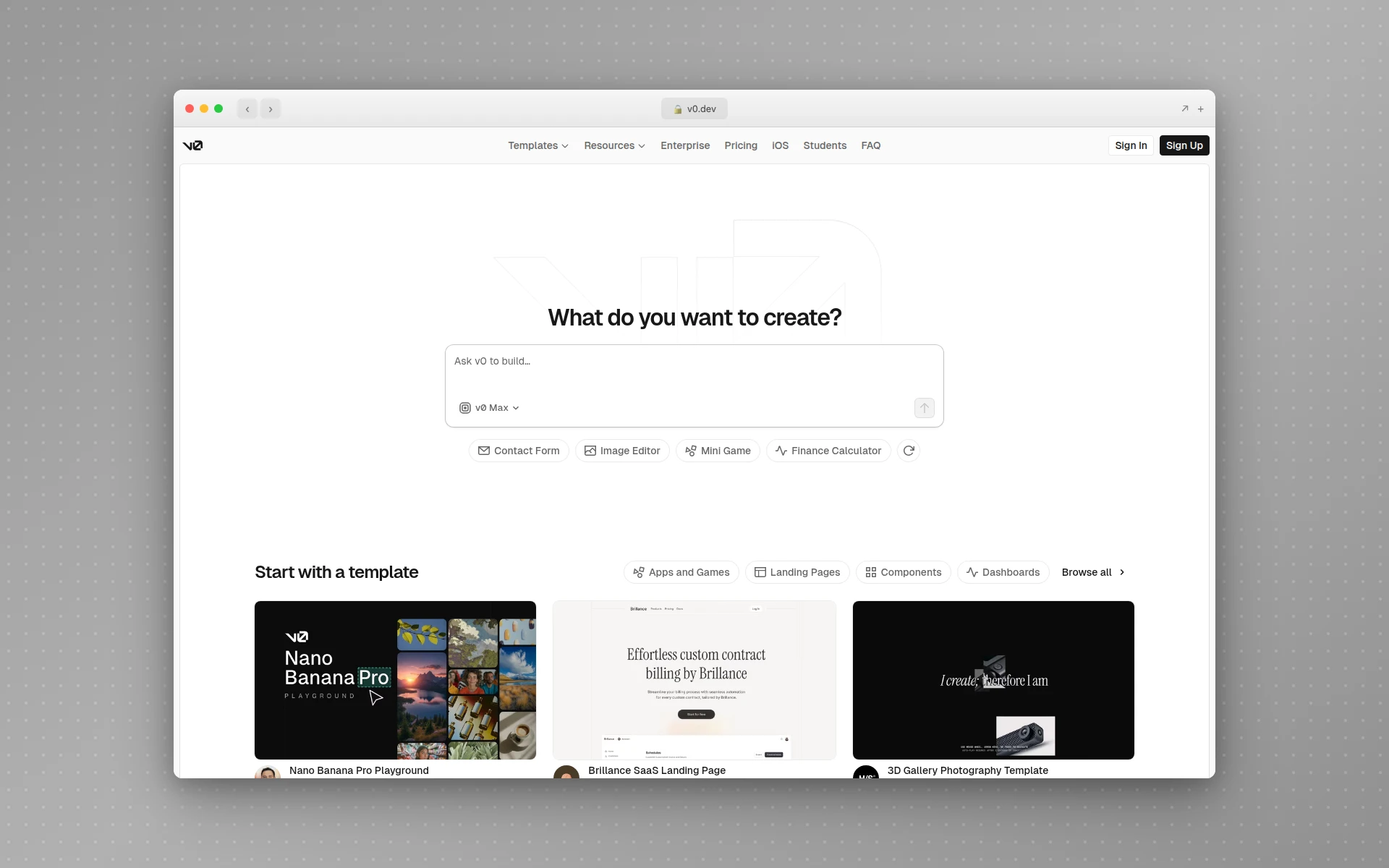 v0.dev by Vercel generates React components from text prompts, but its frontend-only focus has users looking for alternatives.
Quick Comparison: Best v0 Alternatives 2026
| Tool | Best For | Starting Price | Full-Stack | Output Format |
|---|---|---|---|---|
| AIDesigner | Premium UI design | Free / $25/mo | No (design-focused) | Visual design + code export |
| Bolt.new | Full-stack apps in browser | Free / $25/mo | Yes | React + Node.js + DB |
| Lovable | Shipping MVPs fast | Free / $25/mo | Yes (via Supabase) | React + Supabase |
| Magic Patterns | Design system components | Free / $15/mo | No | React/Vue + Figma |
| Google Stitch | High-fidelity mockups | Free | No | Code + Figma paste |
| Uizard | Rapid prototyping | Free / $12/mo | No | Editable prototypes |
| Framer AI | Marketing websites | Free / $5/mo | No (CMS only) | Published websites |
| Cursor | AI-assisted coding | Free / $20/mo | Yes | Any code |
Why People Are Looking for v0 Alternatives
Before diving into the tools, here’s what drives users away from v0.
Frontend-Only Limitations
v0 generates React components — and that’s it. No backend logic, no database schemas, no authentication flows. If you’re building anything beyond a static UI, you’ll need to wire everything together yourself. For teams that want to go from idea to working product, this is a dealbreaker.
The Credit Crunch
v0’s free plan includes just $5 of monthly credits and caps you at 7 messages a day. Credits are consumed based on token usage, so complex prompts with longer outputs drain your balance faster than you’d expect. Users on the Vercel Community forums have complained that v0 charges credits even when the platform produces errors or incomplete code.
The 2026 repricing sharpened this. v0 moved from v0.dev to v0.app and retired the $20 Premium plan for new users, so the entry paid tier is now Plus at $30 per user per month. If you signed up expecting $20, the cheapest way back in costs half again as much.
React/Next.js Lock-In
v0 outputs React components designed for Next.js projects. If your stack uses Vue, Svelte, Angular, or anything else, you’re either rewriting the code or looking elsewhere. In a world where framework choice is increasingly diverse, this lock-in frustrates many teams.
Design Quality vs. Code Quality
Here’s the tension most people don’t talk about: v0 optimizes for code correctness, not visual polish. The components work, but they often look like they came from a UI library’s default theme. If you need interfaces that look professionally designed — not just functional — v0 falls short.
The 8 Best v0 Alternatives (In-Depth Reviews)
1. AIDesigner
Best for: Premium UI design that doesn’t look AI-generated
Rating: 4.8/5
If your frustration with v0 is that the output looks generic, AIDesigner solves that problem entirely.
Where v0 generates code-first components with default styling, AIDesigner generates visually stunning interfaces on an infinite canvas. The design quality is noticeably higher — proper visual hierarchy, thoughtful color palettes, and layouts that look like a senior designer spent hours on them.
What sets AIDesigner apart from v0:
- Design quality first — Output looks professionally designed, not template-based
- Infinite canvas — Work on multi-page projects without switching contexts
- One-click publishing — Publish directly to custom subdomains with SEO optimization
- Mobile app design — Generate mobile app UIs, something v0 doesn’t support at all
- Context-aware editing — Use @ referencing to target specific designs for AI modifications
- No framework lock-in — Visual designs can be exported to any framework
AIDesigner also includes an AI website cloner for teams that want to paste a URL, copy a website design as a starting point, and then edit it into an original page.
Where v0 still wins:
v0 produces copy-paste React code immediately. If you’re a developer who wants to drop a component into your Next.js project in 30 seconds, v0’s code-first approach is faster. AIDesigner focuses on design quality and exports code as a secondary step.
Pricing:
- Free tier with limited generations
- Pro: $25/month for unlimited access
Who should use it: Founders, marketers, and product teams who need UI that looks professionally designed without hiring a designer. If you care more about visual quality than raw code output, AIDesigner is the clear choice.
If you’re evaluating AI design tools more broadly, check out our complete guide to AI UI design tools, or read our head-to-head AIDesigner vs v0 comparison for a direct breakdown of design-first versus code-first output.
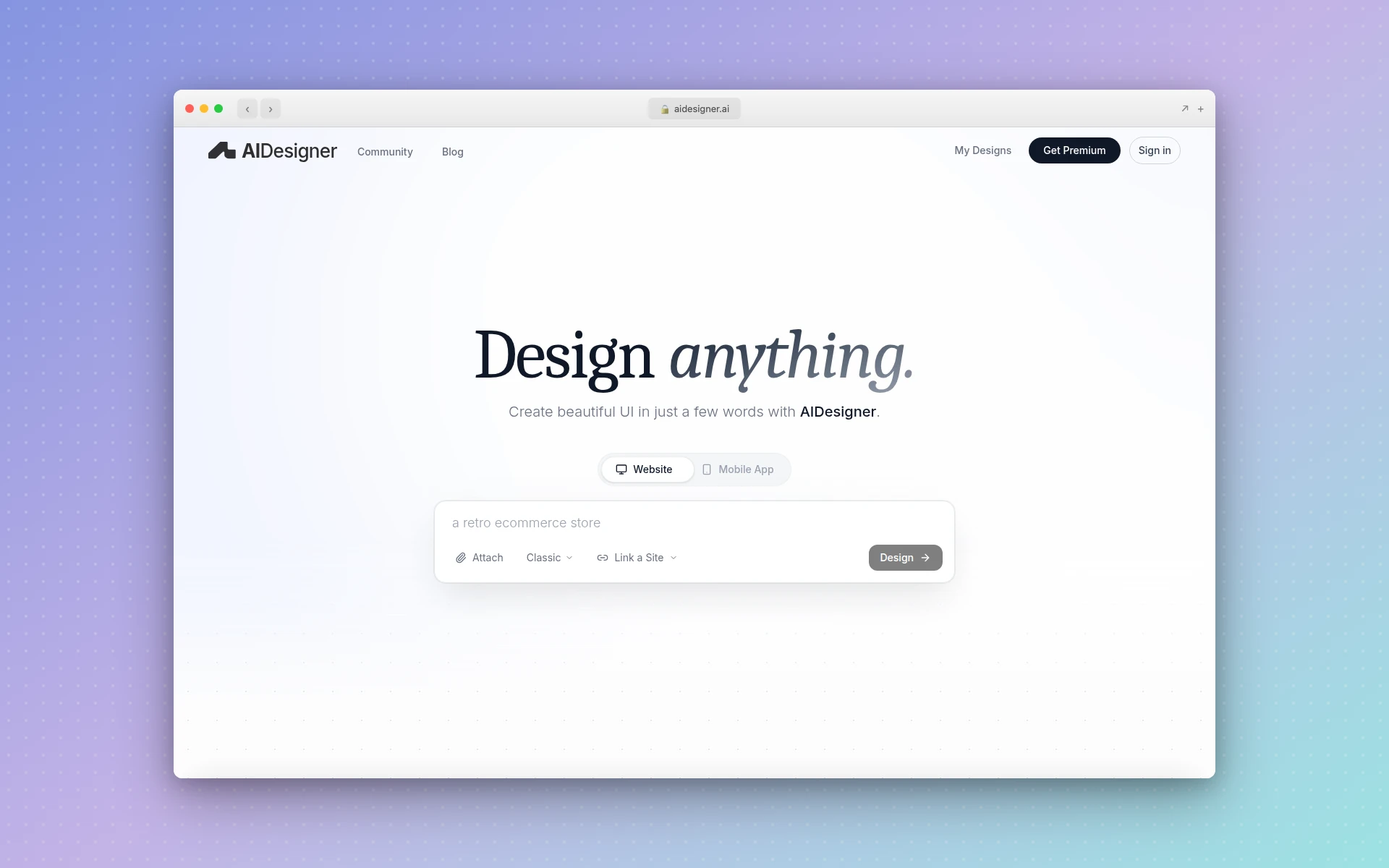 AIDesigner generates premium, production-ready UI on an infinite canvas with one-click publishing.
2. Bolt.new
Best for: Building complete full-stack apps in the browser
Rating: 4.6/5
If your complaint about v0 is “I need more than just frontend components,” Bolt.new is the answer. Built on StackBlitz’s WebContainer technology, Bolt generates entire applications — frontend, backend, database, and deployment — from a single prompt, all running in your browser.
Key advantages over v0:
- Full-stack generation — React frontend, Node.js backend, database models, and auth in one go
- Live preview — See your app running in real-time as the AI builds it
- Browser-based — No local setup, no terminal commands, no environment configuration
- Interaction Discussion Mode — Brainstorm with the AI before committing to changes
The trade-off:
Bolt’s output is functional but can require cleanup for production use. The token-based pricing means complex apps consume your allowance quickly. And because it generates everything at once, the code architecture isn’t always as clean as hand-written code.
Pricing:
- Free: 150,000 tokens/day (1M/month cap)
- Pro: $20/month
- Pro 100: $100/month
- Team: $40/user/month
Who should use it: Non-technical founders and indie hackers who want working prototypes fast. Developers who want to skip boilerplate and get to a functional MVP in hours instead of days.
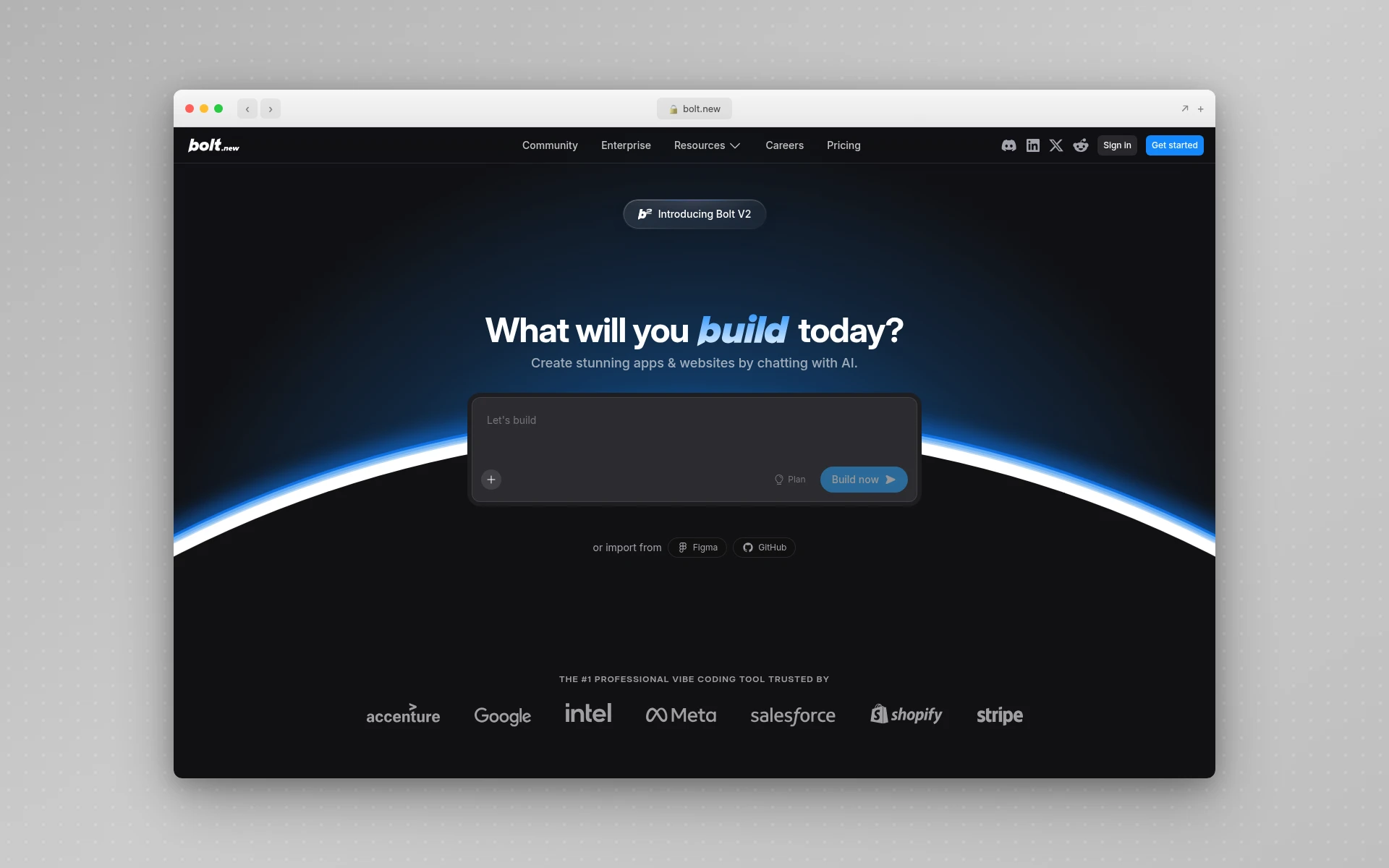 Bolt.new builds full-stack applications entirely in the browser using AI-powered code generation.
3. Lovable
Best for: Shipping React + Supabase MVPs at startup speed
Rating: 4.5/5
Lovable (formerly GPT Engineer) hit $20M ARR in just two months — and for good reason. It’s the fastest path from idea to deployed application if your stack is React and Supabase.
Why people switch from v0 to Lovable:
- Full-stack with Supabase — Auto-generates database tables, authentication, and row-level security
- GitHub export — Clean, standard React/Tailwind code you actually own
- Deployable output — Ship to production, not just preview components
- Visual editing — Edit the UI visually, not just through prompts
Credit consumption reality:
Lovable uses a credit system where simple UI updates cost 1-2 credits and complex features (auth, API integration, database changes) cost 5-10 credits each. The free tier gives you 5 daily credits — enough to test, not enough to build.
Pricing:
- Free: 5 daily credits
- Starter: $25/month (100 credits)
- Launch: $50/month (250 credits)
- Scale: $100/month (500+ credits)
Who should use it: Startup founders validating ideas, solo developers building React + Supabase apps, and teams that need to move from concept to deployed MVP in days.
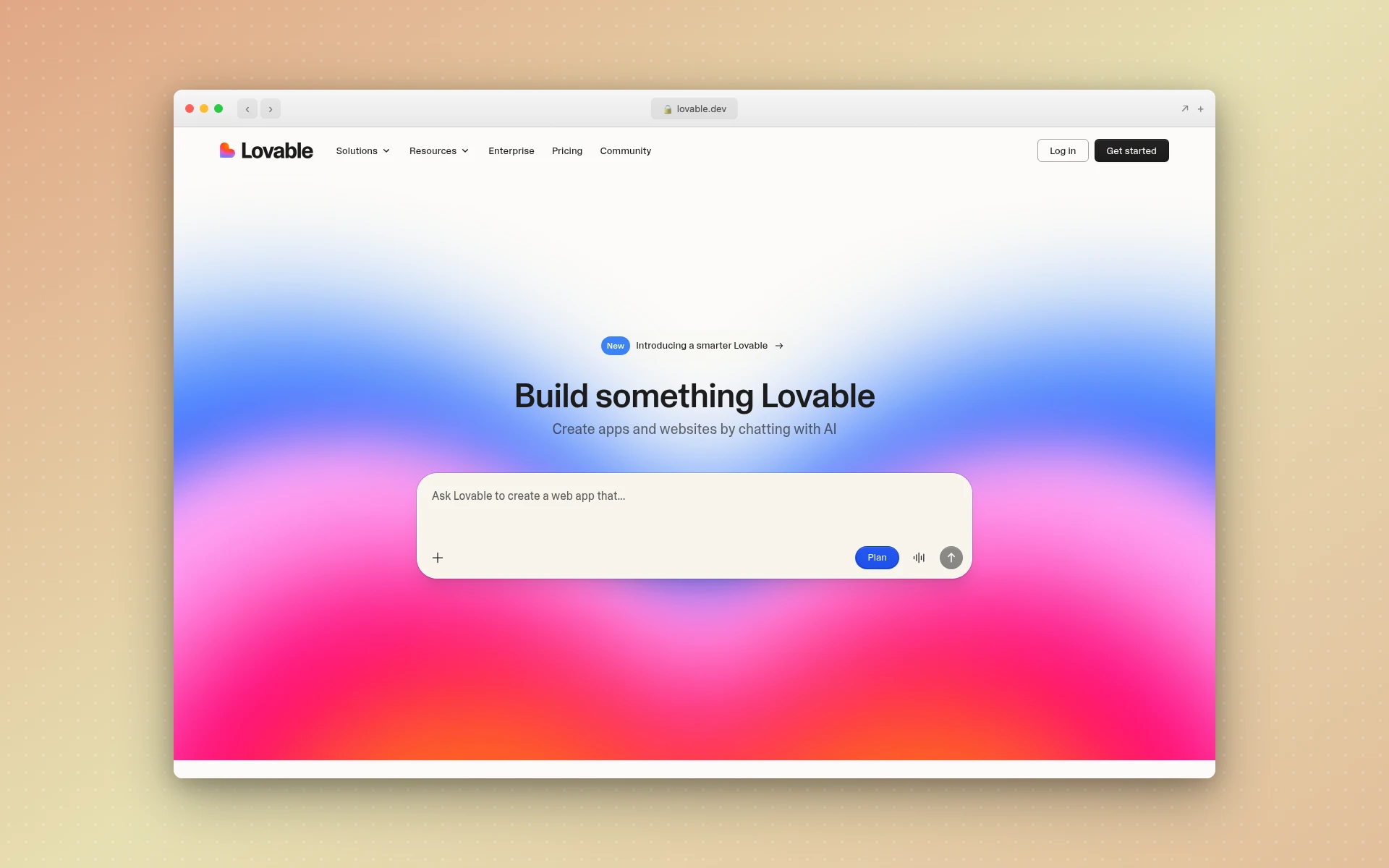 Lovable generates complete React + Supabase applications from text descriptions with GitHub export.
4. Magic Patterns
Best for: Design system-aware component generation
Rating: 4.4/5
Magic Patterns sits in a unique position between v0 and traditional design tools. Like v0, it generates components from prompts. But unlike v0, it understands and respects your existing design system.
What Magic Patterns does differently:
- Design system import — Upload your design system and Magic Patterns generates components that match your branding, spacing, and typography
- Multi-framework export — React, Vue, and Tailwind code output (not just React like v0)
- Figma integration — Export layered designs directly into Figma
- Chrome extension — Capture UIs from any website and adapt them to your project
- Real-time collaboration — Edit and iterate with your team live
Where it falls short:
Magic Patterns focuses on individual components and screens, similar to v0. It’s not a full-stack builder. The design quality is good but not as polished as dedicated design tools like AIDesigner or Google Stitch.
Pricing:
- Free plan available
- Pro: $15/month
- Team: Custom pricing
Who should use it: Product teams with established design systems who want to generate components that actually match their brand. If you’re already using Figma and want AI-generated components that integrate seamlessly, Magic Patterns is worth a look.
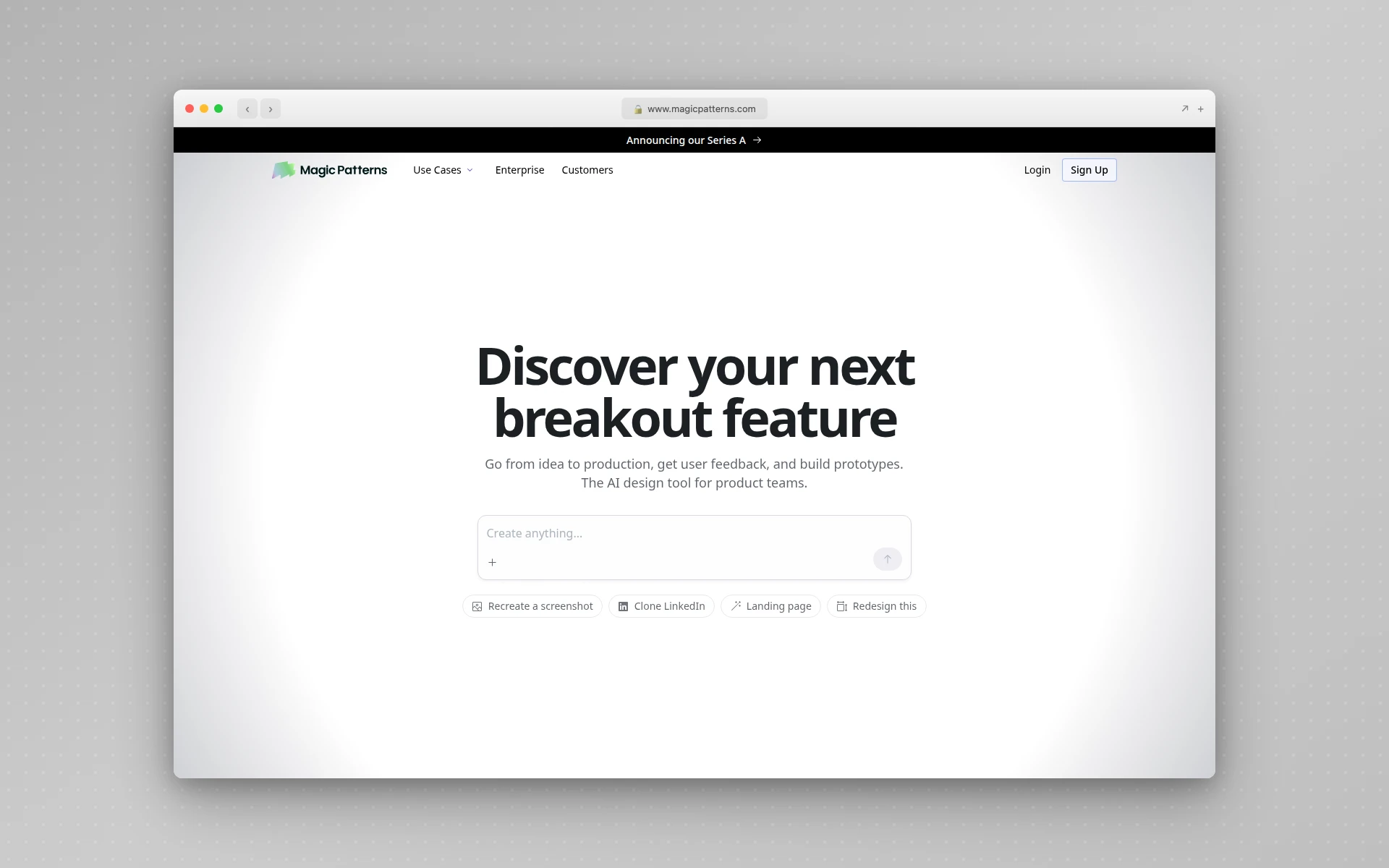 Magic Patterns generates design system-aware UI components with Figma integration and multi-framework export.
5. Google Stitch (formerly Galileo AI)
Best for: High-fidelity visual designs with Figma export
Rating: 4.4/5
If v0 gives you code, Google Stitch gives you designs first. Stitch is what Galileo AI became: Google acquired Galileo in 2025, sunset the standalone usegalileo.ai product, and relaunched the technology as a free Google Labs tool powered by Gemini 2.5 Pro. It turns text prompts, reference images, and annotated screenshots into high-fidelity UI you can push straight into Figma.
Google Stitch vs. v0:
- Visual design focus — Produces polished, multi-screen mockups (up to five screens per run), not isolated code components
- One-click Figma paste — Designs land in Figma with auto-layout, named layers, and grouped components intact
- Multimodal input — Prompt with text, upload wireframes, or annotate a screenshot to steer the output
- Code export too — Download HTML, CSS, Tailwind, or React when you’re ready to build
Why it matters:
Stitch is genuinely free, which makes it the easiest v0 alternative to try when you care about design polish over raw code. Treat its output as a strong starting point — Google is upfront that generated designs still need a designer’s pass before they ship.
Pricing:
- Free through Google Labs: 350 Standard-mode generations per month plus a pool of higher-fidelity Experimental generations
- No paid tier required today (Google has signaled paid plans are coming)
Who should use it: Designers who want AI-assisted mockup creation, product managers exploring concepts, and teams that work primarily in Figma.
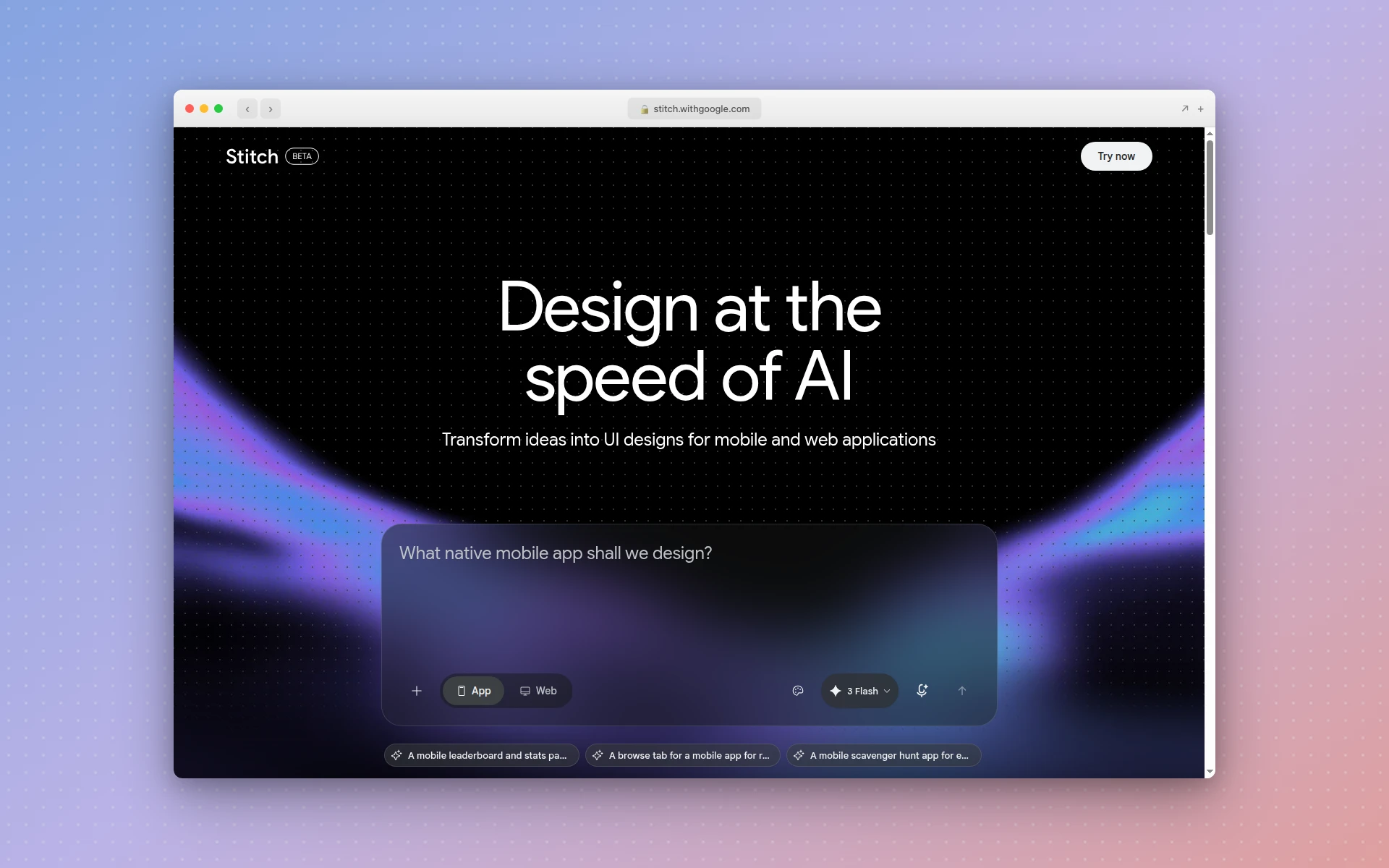 Google Stitch (formerly Galileo AI) generates high-fidelity UI designs from prompts with one-click Figma paste.
6. Uizard
Best for: Rapid multi-screen prototyping
Rating: 4.2/5
Uizard takes a different approach than v0 — instead of generating individual components, it creates entire multi-screen prototypes with connected user flows. If you need to visualize a complete app experience rather than isolated pieces, Uizard is purpose-built for that.
Uizard’s prototyping strengths:
- Multi-screen generation — Create entire app flows from a single description
- Sketch-to-UI — Upload hand-drawn sketches and get digital prototypes
- Drag-and-drop editor — Refine AI output visually without touching code
- Developer handoff — Export React CSS for development teams
The limitations:
Uizard’s free plan caps you at 3 AI generations per month. The Pro plan at $12/month (billed annually) is reasonable, but the per-user pricing can get expensive for larger teams. Design quality is functional but won’t win design awards.
Pricing:
- Free: 3 AI generations/month
- Pro: $12/month (billed annually)
- Business: $39/month
- Enterprise: Custom
Who should use it: Product managers and startup teams who need to prototype and validate multi-screen app concepts quickly without deep design skills. For more AI-powered mobile app design options, see our guide to AI mobile app design tools.
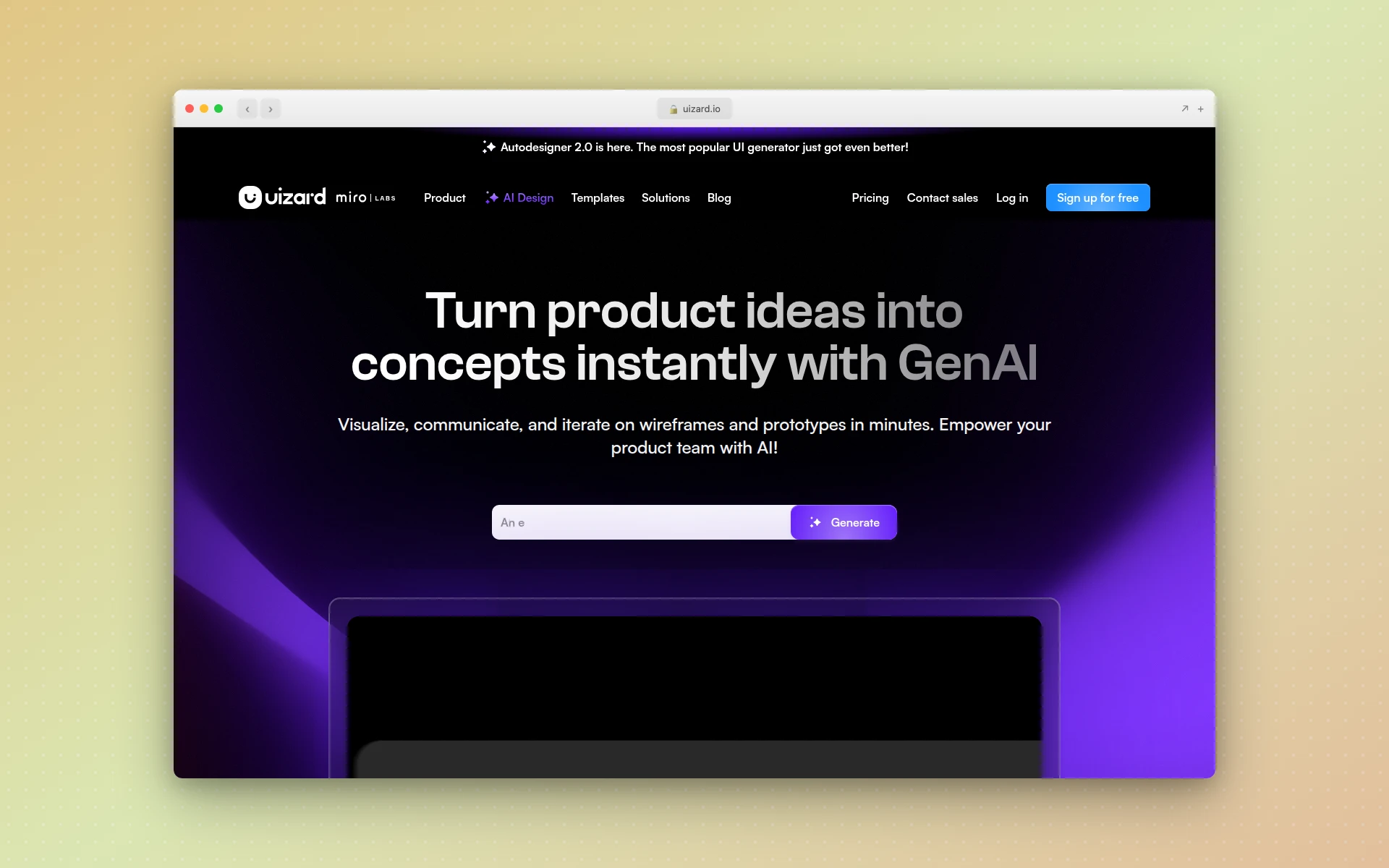 Uizard creates multi-screen prototypes with AI, including sketch-to-UI conversion and drag-and-drop editing.
7. Framer AI
Best for: Publishing marketing websites without code
Rating: 4.1/5
Framer AI occupies a unique space: it’s the only v0 alternative on this list that both generates and hosts your website. Describe the site you want, Framer builds it, and you can publish it immediately with a custom domain.
What Framer does that v0 can’t:
- End-to-end publishing — Generate, edit, and publish a live website from one tool
- Built-in CMS — Manage content without external tools
- SEO and analytics — Built-in optimization and tracking
- Responsive design — Automatic mobile responsiveness
- Animations and interactions — Add smooth effects visually
The trade-off:
Framer is specifically for marketing and content websites. It’s not designed for generating app UI components or complex application interfaces. The AI generation is a starting point — you’ll spend time customizing the output in Framer’s visual editor.
Pricing:
- Free: Basic features
- Mini: $5/month
- Basic: $15/month
- Pro: $30/month
Who should use it: Startups and agencies building marketing sites who want to skip the design-to-development handoff entirely. If you need a live website fast, Framer delivers. For more options in this space, check our best free AI website builders guide.
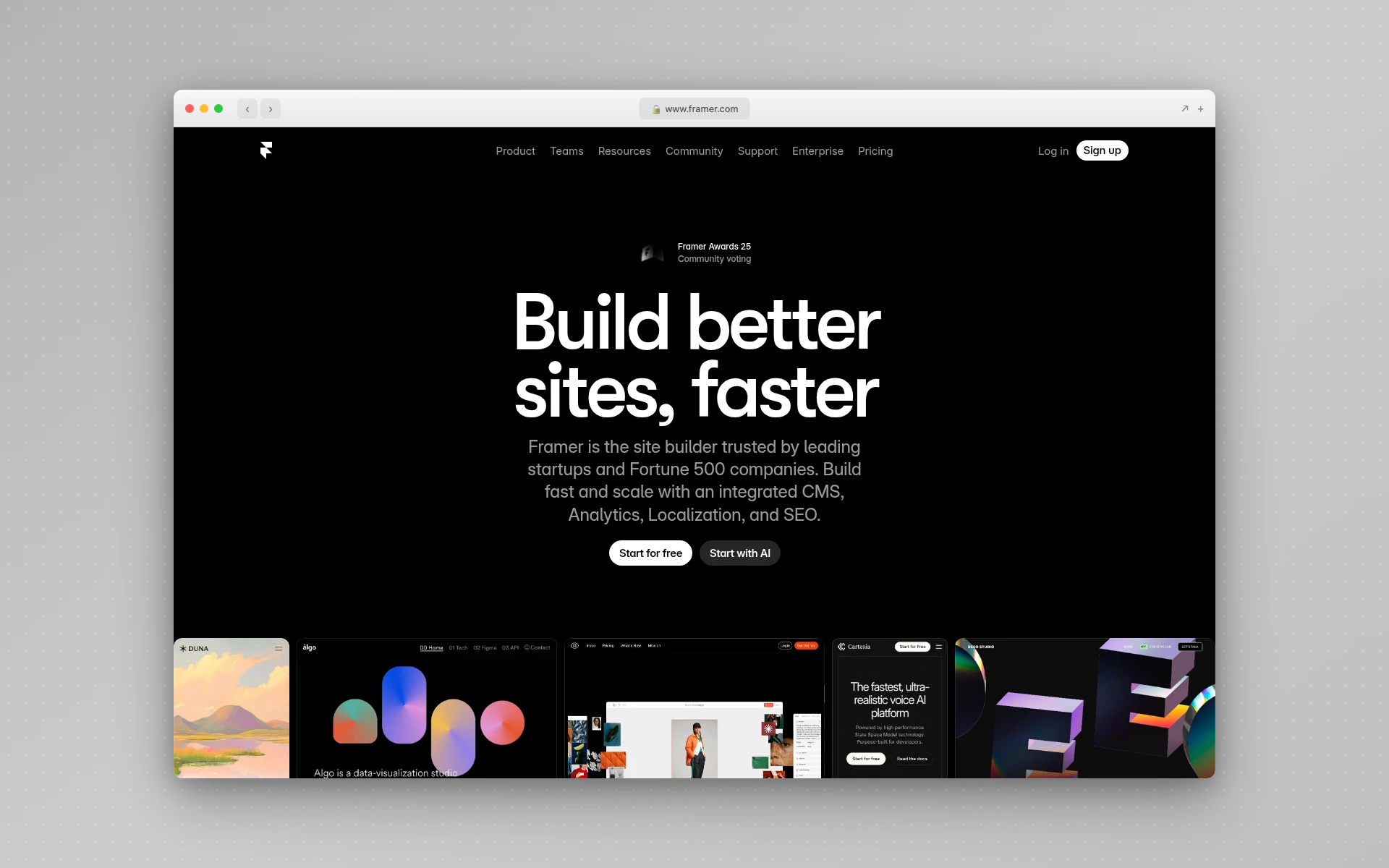 Framer AI generates and publishes complete marketing websites with built-in CMS, SEO, and analytics.
8. Cursor
Best for: Developers who want AI throughout their entire coding workflow
Rating: 4.5/5
Cursor is fundamentally different from v0. Rather than generating UI from prompts, Cursor is a full AI-powered code editor built on VS Code that assists with writing, refactoring, debugging, and understanding code across your entire project.
Why developers choose Cursor over v0:
- Full IDE experience — Not just generation, but AI-assisted editing, debugging, and refactoring
- Multi-file awareness — Understands your entire codebase, not just the current prompt
- Framework agnostic — Works with React, Vue, Svelte, Angular, Python, Go, or anything else
- Model flexibility — Access Claude, GPT-5, Gemini 2.5 Pro, and other frontier models
The key difference:
v0 is a generation tool. You prompt it, it produces a component, and you copy-paste. Cursor is a development environment. It sits with you as you code, suggests improvements, catches bugs, and helps you build faster. Cursor claims to accelerate development cycles by 30-40%.
Pricing:
- Hobby: Free
- Pro: $20/month (completions + credit pool)
- Pro+: $60/month (3x usage)
- Ultra: $200/month (20x usage)
- Teams: $40/user/month
Who should use it: Professional developers who spend 4+ hours daily coding and want AI assistance embedded in their workflow, not just for UI generation but for everything.
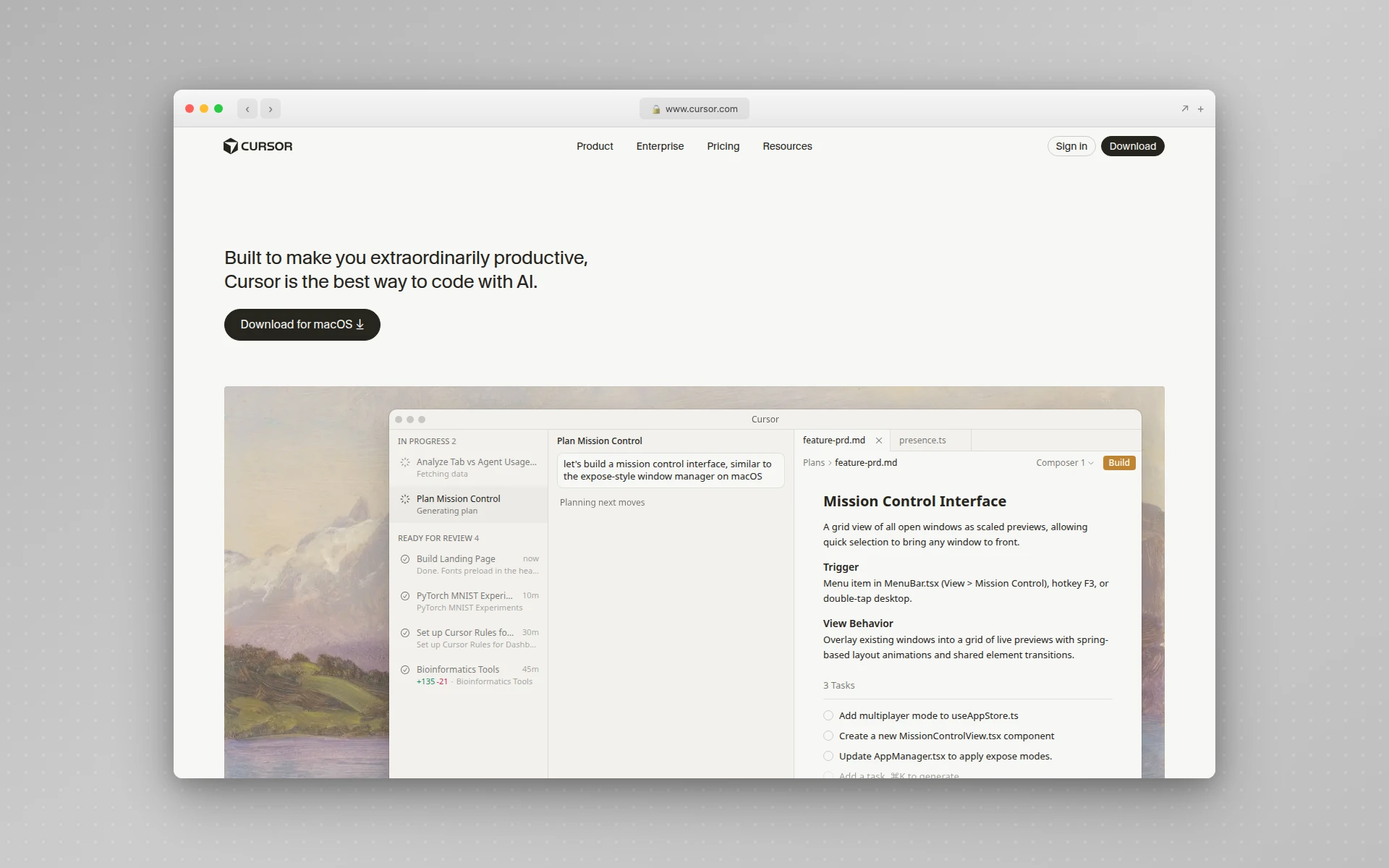 Cursor is a full AI-powered code editor built on VS Code with multi-file awareness and model flexibility.
Is v0.dev Free to Use?
Yes, partly. v0 (now at v0.app, renamed from v0.dev) offers a free plan with $5 of included monthly credits and a 7 message per day limit. Credits are consumed based on token usage, so complex prompts drain them quickly. The old $20 Premium plan has been retired for new users: v0’s pricing page now starts paid access at $30 per user per month for Plus, with Business at $100 per user per month.
Can v0 Build Full-Stack Applications?
No, v0.dev only generates frontend UI components, primarily React and Next.js code with Tailwind CSS. For backend logic, databases, and authentication, you need separate tools. Alternatives like Bolt.new and Lovable generate complete full-stack applications from a single prompt.
How to Choose the Right v0 Alternative
If you want better design quality
Choose: AIDesigner
v0 generates functional components; AIDesigner generates beautiful ones. If visual polish matters more than raw code output, AIDesigner’s infinite canvas and premium design generation are unmatched. This was a major consideration in our Figma Make alternatives comparison as well.
If you need full-stack generation
Choose: Bolt.new or Lovable
Both generate complete applications from prompts. Bolt.new is better for browser-based development with instant preview. Lovable is better if your stack is React + Supabase and you want clean GitHub export.
If you work in Figma
Choose: Magic Patterns or Google Stitch
Magic Patterns generates design system-aware components with Figma export. Google Stitch (formerly Galileo AI) produces high-fidelity mockups that paste into Figma as layered, auto-layout files.
If you want a live website
Choose: Framer AI
The only tool here that generates, hosts, and publishes your site in one workflow.
If you’re a developer who wants more than generation
Choose: Cursor
Not a v0 replacement, but a fundamentally different approach. Cursor makes you faster across your entire codebase, not just UI generation.
FAQ
Is v0.dev free to use?
v0.dev offers a free plan with $5 of monthly credits. However, credits are consumed based on token usage, so complex prompts and larger outputs drain credits faster. Once credits run out, generation pauses until the next month. Paid plans start at $20/month for the Premium tier.
What is the best free v0 alternative?
AIDesigner offers the best free v0 alternative with its free tier that includes AI-powered UI generation on an infinite canvas. Unlike v0, AIDesigner focuses on visual design quality rather than raw code output, making it accessible to both designers and developers.
Can v0 build full-stack applications?
No. v0.dev only generates frontend UI components, primarily React and Next.js code with Tailwind CSS. For backend logic, databases, and authentication, you need separate tools. Alternatives like Bolt.new and Lovable generate complete full-stack applications from a single prompt.
What is the difference between v0 and Bolt.new?
v0 generates individual UI components as React code, while Bolt.new builds complete full-stack applications including frontend, backend, and database. v0 is better for component-level design; Bolt.new is better for shipping working prototypes and MVPs quickly.
Is Cursor a good alternative to v0?
Cursor serves a different purpose than v0. While v0 generates UI components from prompts, Cursor is a full AI-powered code editor built on VS Code that assists with writing, refactoring, and debugging code across entire projects. Cursor is better for developers who want AI assistance throughout their coding workflow, not just for UI generation.
The Bottom Line
v0.dev carved out the AI UI generation category, and it still does component-level React generation well. But the space has evolved. Teams need more than isolated frontend components — they need design quality, full-stack capabilities, and framework flexibility.
My recommendations:
- For premium UI design: AIDesigner’s AI design generator creates production-ready interfaces with visual polish that v0 can’t match
- For full-stack MVPs: Bolt.new or Lovable get you from idea to deployed app in hours
- For design teams: Google Stitch or Magic Patterns produce Figma-ready designs that fit existing workflows
- For developers: Cursor transforms your entire coding experience, not just UI generation
The right choice depends on whether you need design output, code output, or complete applications. But one thing is clear: v0’s “generate a React component” approach is just one slice of what AI can do for your development workflow.
Want AI-generated UI that actually looks professionally designed? Try AIDesigner free and see the difference between code-first and design-first AI generation.