TL;DR: AI landing page builders have moved far beyond basic template swapping. We tested 10+ tools and found that AIDesigner delivers the best design quality, Unbounce leads for AI-powered conversion optimization, and Leadpages offers the best value for small businesses. The right choice depends on whether you prioritize visual polish, A/B testing, or budget. Here are the tools worth your time — and your ad spend.
What Are the Best AI Landing Page Builders?
The best AI landing page builders in 2026 are AIDesigner, Unbounce, Leadpages, Instapage, and Landingi. These tools generate conversion-optimized landing pages from text prompts with features like A/B testing, AI copywriting, smart traffic routing, and built-in analytics.
What Is an AI Landing Page Builder?
An AI landing page builder is a tool that uses artificial intelligence to generate single, conversion-focused pages from text prompts, descriptions, or structured inputs. Unlike general AI website generators that create multi-page sites with navigation and blogs, AI landing page builders are purpose-built for one goal: getting visitors to take a specific action — whether that is signing up, purchasing, or booking a demo.
This matters more than you might think. The landing page builder market hit $725 million in 2025 and is projected to reach $2.83 billion by 2035. That growth reflects a clear trend: businesses are shifting from hand-coding individual campaign pages to generating and optimizing them with AI in minutes.
The median landing page conversion rate across industries sits at 6.6% according to Unbounce’s analysis of 41,000 landing pages. But here is the key insight — AI-powered personalization can increase conversions by up to 40%, and businesses using optimization tools see an average 30% lift in conversion rates. The tools in this guide are built to capitalize on exactly that advantage.
How is this different from our other guides? If you need a full website with multiple pages, navigation, and a blog, check out our best AI website generators or best free AI website builders. If you need UI design for apps and dashboards, see our best AI UI design tools. This guide is specifically about tools optimized for creating high-converting, single-purpose landing pages.
Quick Comparison: Best AI Landing Page Builders 2026
| Tool | Best For | Key AI Feature | A/B Testing | Starting Price |
|---|---|---|---|---|
| AIDesigner | Design-quality landing pages | AI UI generation on infinite canvas | No | Free / $25/mo |
| Unbounce | Conversion optimization | Smart Traffic AI routing | Yes | $99/mo |
| Leadpages | Small business value | AI copy and layout suggestions | Pro plan ($99/mo) | $49/mo |
| Instapage | Enterprise teams | AI content + AdMap | Yes | $199/mo |
| Landingi | Affordable full-featured | AI Composer + Text Assistant | Yes | Free / $29/mo |
| Carrd | Budget one-pagers | Template-based (no AI generation) | No | Free / $19/yr |
| Swipe Pages | Mobile-first AMP pages | AMP auto-conversion | Yes | $39/mo |
| Phonesites | Mobile-first creation | AI copywriting assistant | No | $49/mo |
| Unicorn Platform | Startup landing pages | AI Co-Pilot builder | No | Free / $9/mo |
| Sitekick AI | Pure AI generation | Full page generation from prompt | No | $20/mo |
How We Tested These AI Landing Page Builders
We did not just read feature lists. For each tool, we:
- Generated the same landing page — “Create a landing page for a B2B SaaS product that helps sales teams automate outreach. Include a hero section, three feature highlights, social proof, pricing, and a demo request form.”
- Evaluated design quality — Does the output look professional enough to run paid ads to? Or does it scream “template”?
- Tested conversion features — A/B testing, dynamic text replacement, analytics, and form capabilities.
- Measured time to publish — From first click to a live, shareable URL.
- Compared pricing vs. value — What do you actually get at each price point?
We also weighted our evaluation toward what matters most for landing pages specifically: conversion rate optimization features, page load speed, mobile responsiveness, and integration with ad platforms. A landing page that looks beautiful but loads in 5 seconds and cannot connect to your CRM is not doing its job.
The 10 Best AI Landing Page Builders (In-Depth Reviews)
1. AIDesigner
Best for: Landing pages that look hand-designed, not AI-generated
Rating: 4.8/5
AIDesigner is the one I reach for first, so here’s what it does well and where it stops.
AIDesigner takes a fundamentally different approach to landing page creation. Instead of starting with a template and swapping content, you describe what you want in plain language — “a SaaS landing page for a project management tool with a dark gradient hero, animated feature cards, and a pricing table” — and the AI landing page builder generates a complete, polished page in seconds.
The design quality is where AIDesigner separates itself. The output genuinely looks like a senior designer spent hours on it: thoughtful typography, consistent spacing, and modern website layouts with visual hierarchy that guides the eye toward your CTA. It’s also worth naming the hero section pattern you want in the prompt, since that block does most of the work on a landing page. The infinite canvas workspace lets you generate multiple landing page variations side by side, compare them, and iterate with follow-up prompts using context-aware @ referencing to target specific sections.
One-click publishing pushes your landing page to a custom subdomain with automatic SEO optimization. For founders pitching investors, marketers launching campaign pages, or anyone who needs a landing page that does not look like every other Unbounce template, the visual output is hard to beat.
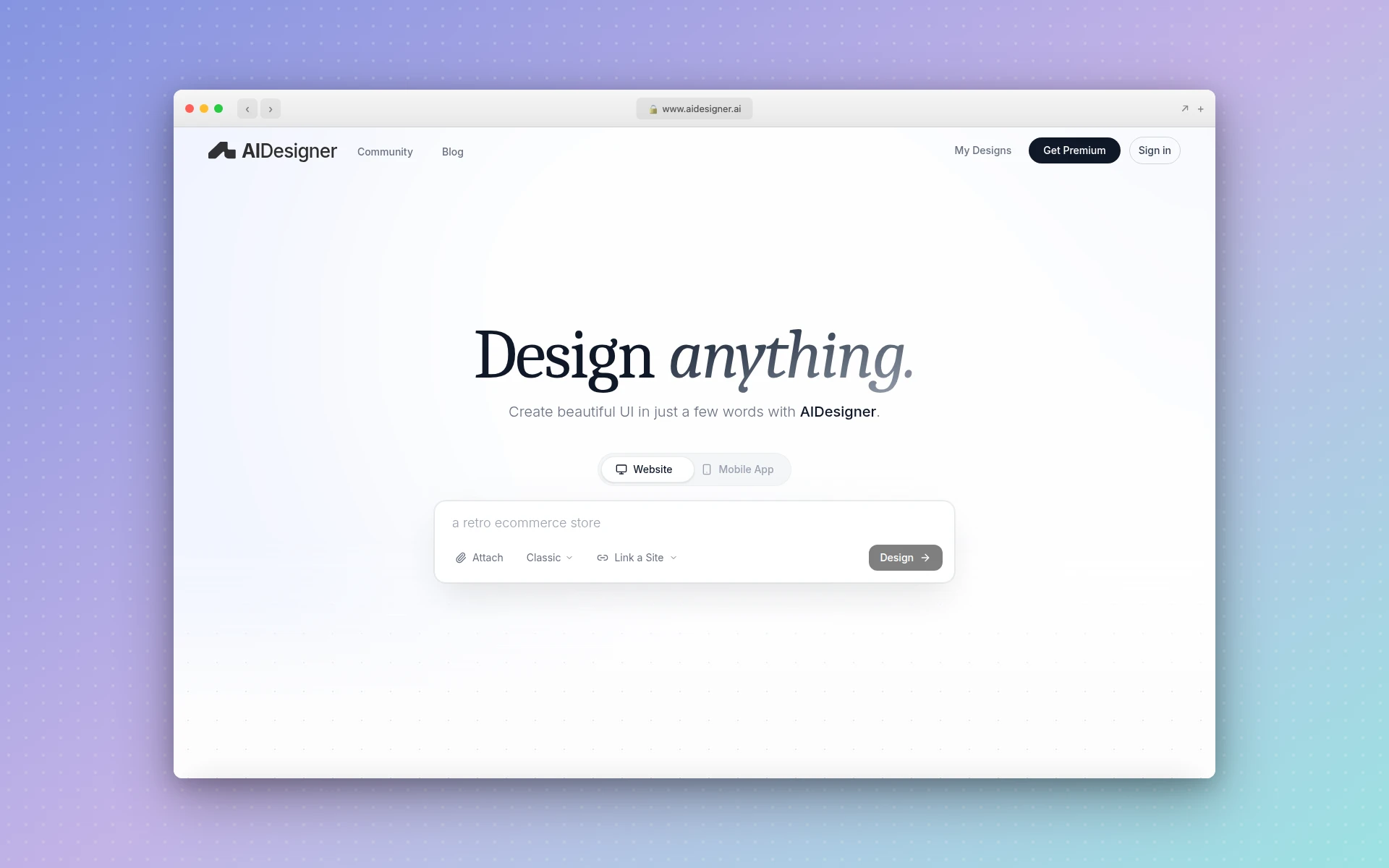 AIDesigner generates premium landing page designs on an infinite canvas with one-click publishing
Strengths:
- Highest design quality — Output looks premium and hand-crafted, not template-based
- Infinite canvas — Generate and compare multiple landing page variations simultaneously
- One-click publishing — Live subdomain with SEO optimization in seconds
- Context-aware editing — Use @ references to refine specific sections without regenerating the entire page
- Speed — From prompt to polished landing page in under 30 seconds
Weaknesses:
- No built-in A/B testing or conversion analytics
- Not a traditional landing page platform — no form builder, CRM integrations, or lead management
- Free tier has generation limits
- Best suited for design generation rather than full conversion optimization workflows
Pricing:
- Free: 5 lifetime credits to try the platform
- Pro (from $25/month): Flexible credit tiers that scale to your needs — 100 credits at $25/mo, 200 at $50/mo, 400 at $100/mo, all the way up to 10,000 credits at $2,250/mo. 1 credit = 1 AI design generation. Yearly billing saves ~17%. All Pro tiers include one-click publishing, custom domains, watermark-free published sites, unlimited WebGL effects and backgrounds, unlimited projects, credit rollovers, and priority support.
Verdict: If your landing pages need to look exceptional — for investor demos, product launches, or brand-conscious campaigns — AIDesigner produces the best visual output of any tool on this list. Pair it with a conversion tool like Google Optimize or your existing marketing stack for the full workflow. Not the right pick if you need built-in A/B testing and lead management in one platform.
2. Unbounce
Best for: Data-driven marketers who optimize landing pages for maximum conversions
Rating: 4.7/5
Unbounce is the veteran in this space, and its AI capabilities have matured significantly. The platform’s standout feature is Smart Traffic — an AI system that analyzes visitor attributes (location, device, browser, time of day) and automatically routes each visitor to the landing page variant most likely to convert for them. It starts optimizing after just 50 visits and delivers an average 30% lift in conversions.
The Smart Builder generates landing pages by recommending layouts based on your industry and conversion goal. It is not a “type a prompt, get a page” experience like some newer tools — instead, it guides you through a structured flow that produces data-backed layouts. You choose your industry, select a goal (lead gen, click-through, or ecommerce), and the AI suggests section arrangements proven to convert for similar businesses.
Smart Copy, Unbounce’s AI copywriting tool, generates headlines, CTAs, and body text tuned for conversion. Dynamic text replacement automatically matches your landing page headline to the ad keyword that brought the visitor, which consistently improves Quality Scores and reduces cost per click in Google Ads campaigns.
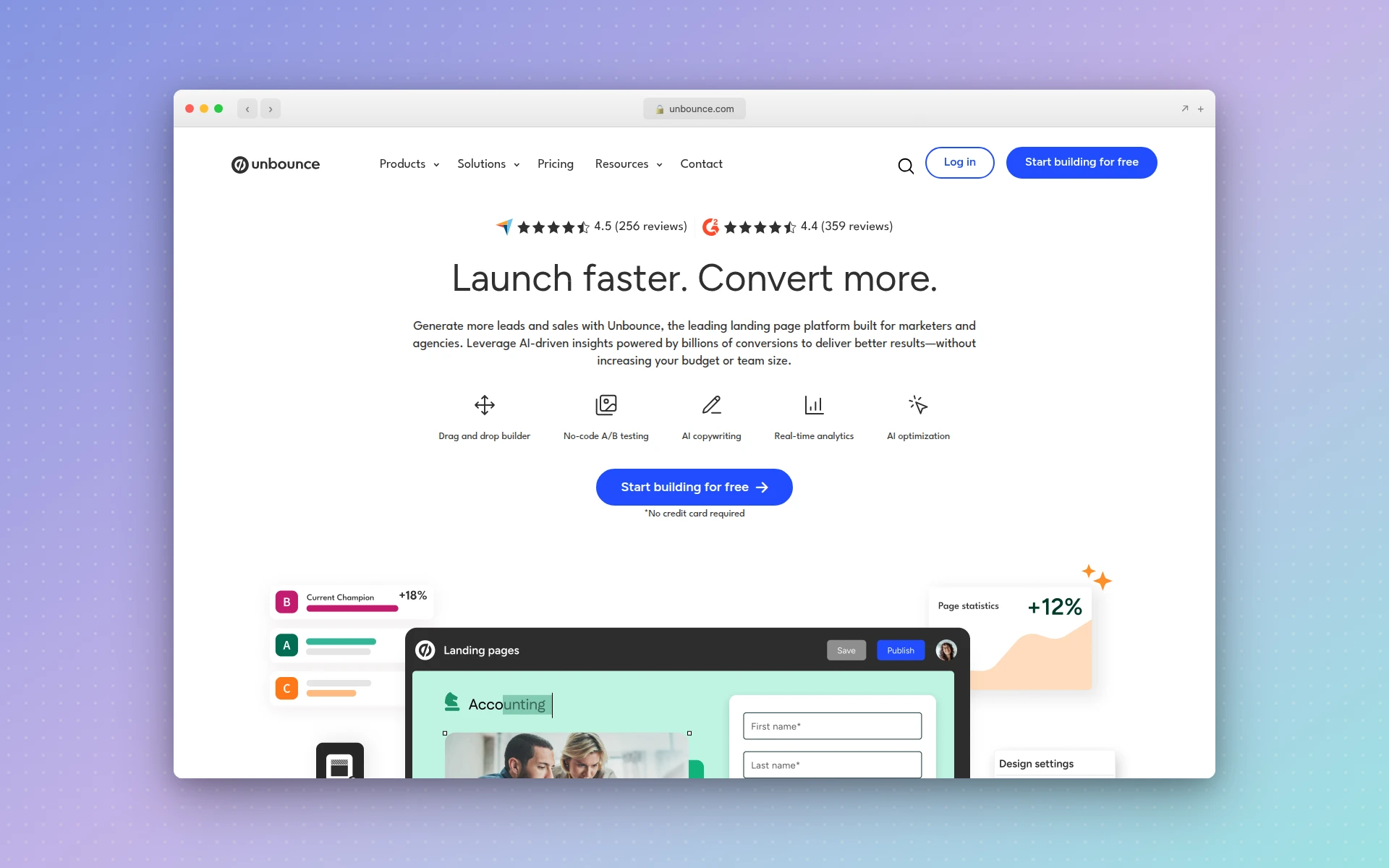 Unbounce combines Smart Builder, Smart Traffic, and Smart Copy for AI-powered conversion optimization
Strengths:
- Smart Traffic AI — Automatic visitor routing delivers measurable conversion lifts
- Dynamic text replacement — Match landing page copy to ad keywords automatically
- Proven track record — Used by over 15,000 brands with documented conversion improvements
- 100+ templates — Industry-specific, conversion-optimized starting points
- Robust integrations — Connects to Salesforce, HubSpot, Mailchimp, Zapier, and more
Weaknesses:
- Expensive starting price at $99/month (or $74/month billed annually)
- Smart Traffic requires the Optimize plan at $249/month for full capabilities
- Design flexibility lags behind dedicated design tools
- Learning curve for advanced optimization features
Pricing:
- Build ($99/month): Landing pages, popups, sticky bars, AI copywriting
- Experiment ($149/month): Adds A/B testing, Smart Traffic basics
- Optimize ($249/month): Full Smart Traffic, advanced targeting, audience insights
All plans include a 14-day free trial.
Verdict: If you are running paid ad campaigns and need a landing page builder that actively optimizes for conversions, Unbounce is the industry standard. Smart Traffic alone justifies the investment for high-traffic pages. The price point is steep for solopreneurs, but for teams spending seriously on ads, the conversion lift more than covers the cost.
3. Leadpages
Best for: Small businesses and entrepreneurs who want conversion tools without enterprise pricing
Rating: 4.4/5
Leadpages hits a sweet spot between affordability and conversion capability that makes it one of the most popular landing page builders for small businesses, coaches, and creators. The AI engine assists with layout recommendations, section suggestions, and copy generation based on your page goal — whether that is lead capture, webinar registration, or product promotion.
The standout feature is the Conversion Guidance system, which scores your landing page before you publish it. It analyzes your layout, CTA placement, form fields, and copy against conversion best practices and suggests specific improvements. Think of it as a conversion rate optimization consultant built into the editor. In our testing, following its suggestions consistently produced cleaner, more focused pages.
Leadpages also includes a full website builder alongside its landing page tools, unlimited traffic and leads on all plans, and a robust set of built-in features like countdown timers, Calendly integrations, and OpenTable reservations. For businesses that need more than just a landing page but do not need Unbounce-level optimization, Leadpages covers a lot of ground.
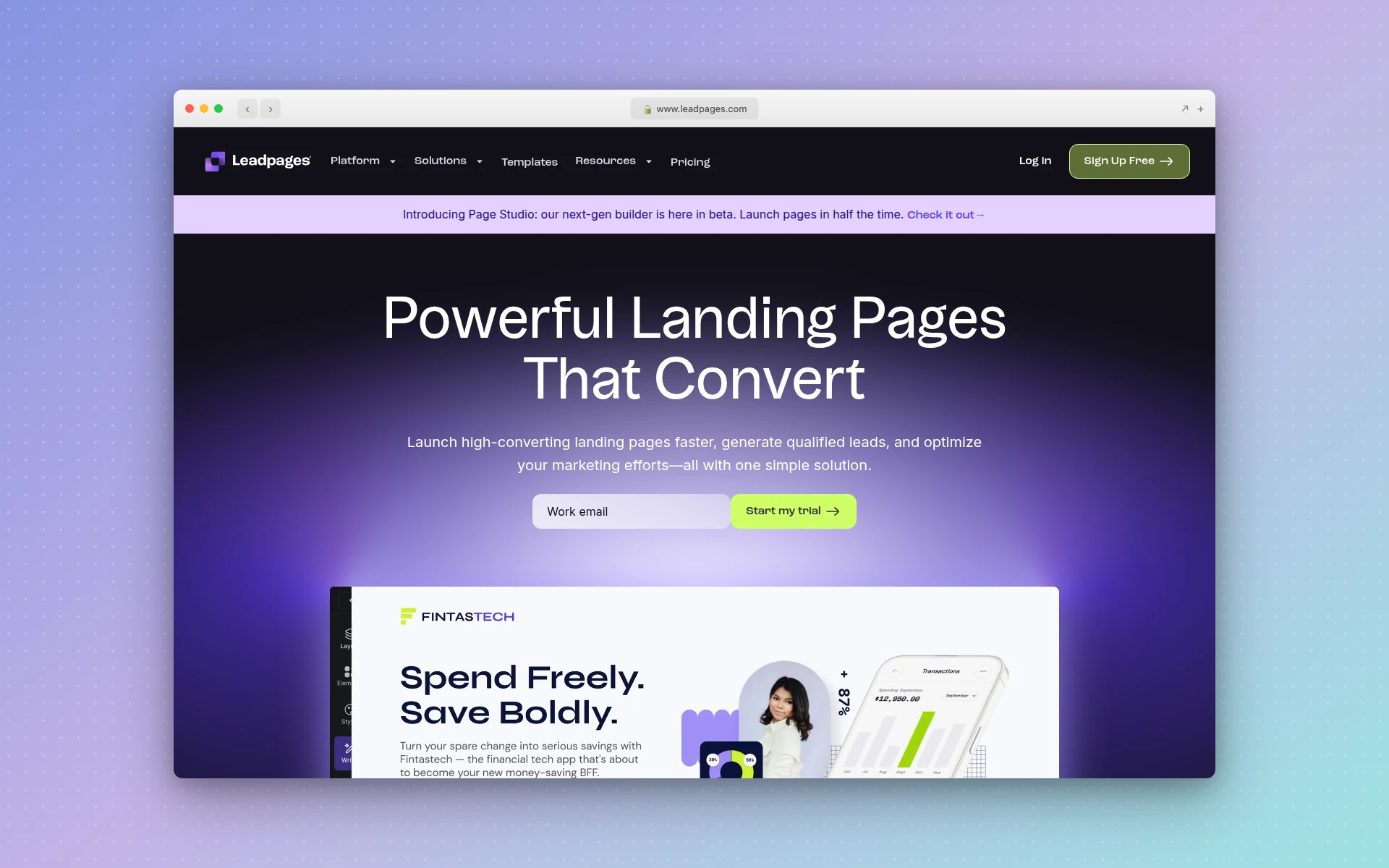 Leadpages offers Conversion Guidance scoring and AI-assisted layout recommendations
Strengths:
- Conversion Guidance — AI scores your page and suggests improvements before publishing
- All-in-one value — Landing pages, website builder, pop-ups, and alert bars included
- Unlimited traffic and leads — No visitor caps on any plan
- 200+ templates — Sorted by conversion rate so you start with proven layouts
- Built-in payments — Accept payments directly on landing pages via Stripe
Weaknesses:
- A/B testing requires the Pro plan at $99/month — a significant jump from the $49 Standard plan
- AI features are assistive rather than generative — you still build manually
- Design customization is more limited than Unbounce or Instapage
- No dynamic text replacement for ad-to-page matching
Pricing:
- Standard ($49/month): 1 custom domain, landing pages, pop-ups, AI features, unlimited traffic
- Pro ($99/month): 3 domains, A/B testing, online payments, advanced integrations
14-day free trial available on all plans.
Verdict: Leadpages is the best ai landing page builder for small businesses that want solid conversion tools without enterprise pricing. The Conversion Guidance scoring is genuinely useful, and unlimited traffic means no surprise bills when a campaign goes viral. Upgrade to Pro only when you are ready to A/B test seriously.
4. Instapage
Best for: Marketing teams and agencies managing landing pages at scale
Rating: 4.5/5
Instapage positions itself as the landing page platform for teams that take conversion optimization seriously — and the feature set backs that up. The drag-and-drop editor offers pixel-perfect control with a design experience closer to Figma than a typical page builder. Real-time collaboration lets team members edit simultaneously and leave feedback directly on the page, which eliminates the review-by-screenshot workflow that slows most teams down.
The AI Content feature generates headlines, paragraphs, and CTAs, with the real value showing during A/B testing — you can quickly generate copy variations to test without waiting for a copywriter. AdMap is Instapage’s unique feature that visually connects your ad campaigns to their corresponding landing pages, ensuring message match across every ad group. This alone can significantly improve Quality Scores and reduce cost per acquisition.
Instablocks let you create reusable content modules — a testimonial section, pricing table, or feature grid — and deploy them across hundreds of landing pages with one update. For agencies managing dozens of client campaigns, this saves enormous time. The platform connects to 120+ apps including Google Ads, Facebook Ads, Salesforce, Marketo, and HubSpot.
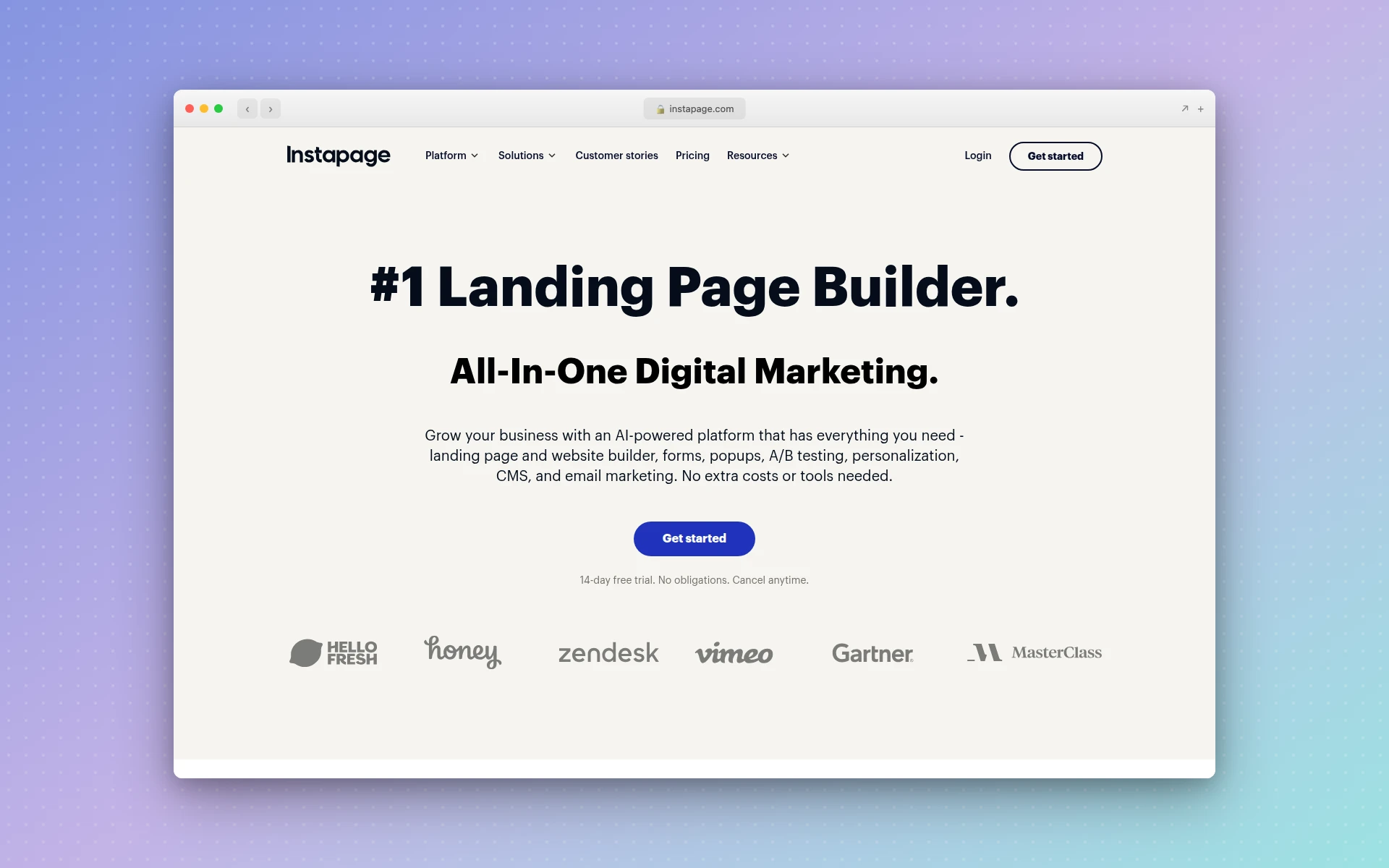 Instapage offers pixel-perfect editing, AdMap for ad-to-page alignment, and real-time team collaboration
Strengths:
- AdMap — Visual ad-to-page mapping ensures message match across campaigns
- Real-time collaboration — Team editing and feedback without external tools
- Instablocks — Reusable modules across all pages, update once, deploy everywhere
- Pixel-perfect editor — Design flexibility approaching dedicated design tools
- Server-side A/B testing — Eliminates the flicker effect of client-side tests
- 120+ integrations — Deep connections with major ad and marketing platforms
Weaknesses:
- Most expensive option on this list — $199/month on the Build plan
- No free plan (14-day trial only)
- The learning curve is steeper than simpler tools
- AI content features are useful but not as advanced as Unbounce’s Smart Traffic
Pricing:
- Build ($199/month billed annually): Unlimited pages, A/B testing, AI content, AdMap, Instablocks, integrations
- Convert (custom pricing): Advanced analytics, personalization, dedicated support
14-day free trial available.
Verdict: Instapage is the best ai landing page creator for agencies and marketing teams who manage multiple campaigns and need collaboration, reusable components, and ad platform integration. The price is premium, but for teams spending five figures monthly on ads, the workflow efficiency and conversion improvements deliver clear ROI.
5. Landingi
Best for: Feature-rich landing pages at a fraction of the enterprise price
Rating: 4.3/5
Landingi is the quiet overachiever on this list. It offers a feature set comparable to Unbounce and Instapage — 400+ templates, A/B testing, popups, conversion analytics, and four built-in AI tools — at roughly 50-60% lower cost. For marketers who want serious landing page capabilities without the enterprise price tag, Landingi is a compelling option.
The four AI tools are included in all paid plans: AI Composer generates landing page content from prompts, Text Assistant rewrites and optimizes existing copy, SEO Generator creates meta tags and descriptions, and Background Remover cleans up product images. None of these are as sophisticated as Unbounce’s Smart Traffic, but the combined toolkit covers the most common AI-assisted tasks.
What makes Landingi particularly valuable for performance marketers is its ability to generate hundreds of personalized landing pages from a single template using CSV upload or API. If you are running Google Ads campaigns across multiple cities or products, you can dynamically generate location-specific or product-specific pages at scale — a capability that normally requires custom development or enterprise pricing at competitors.
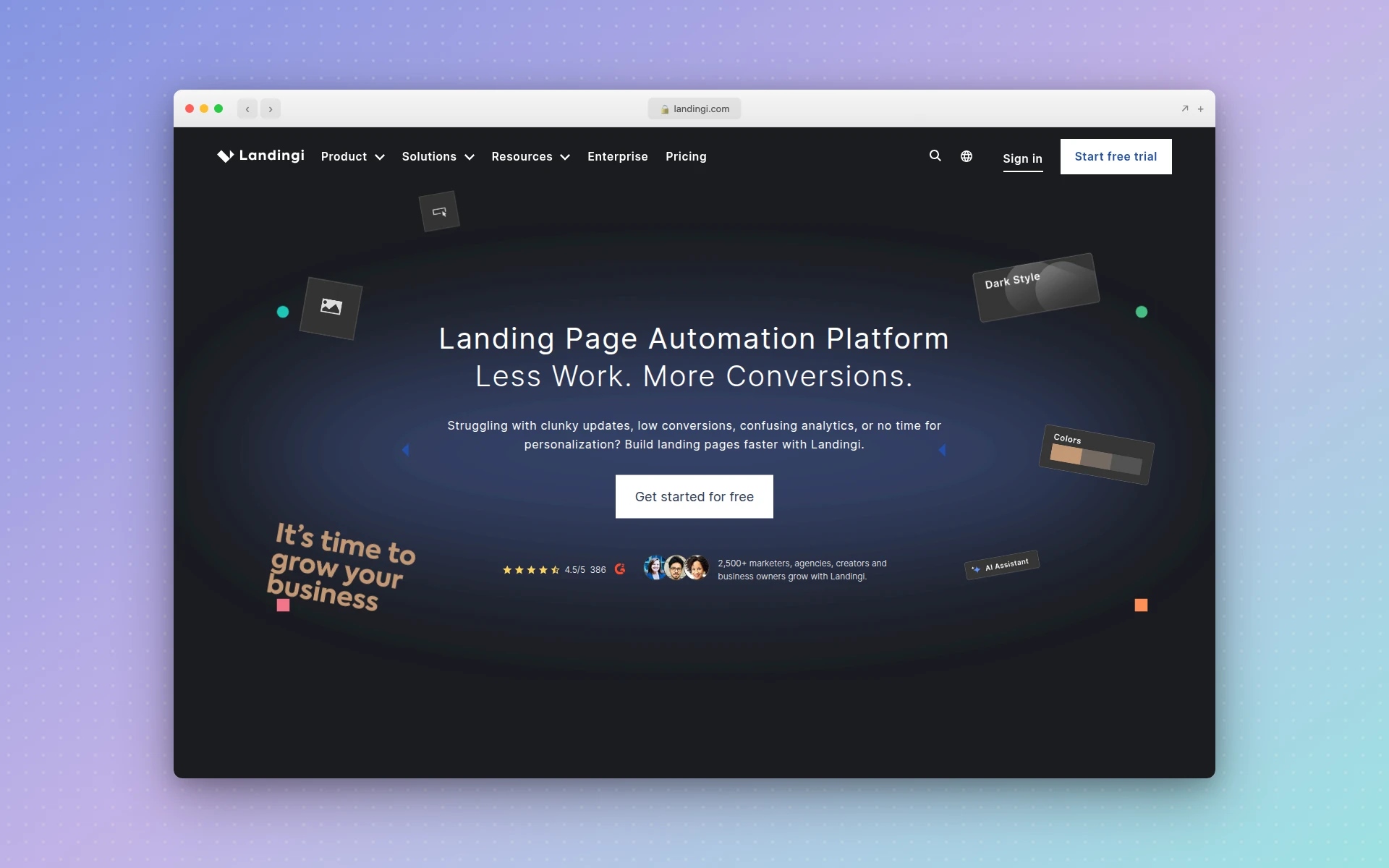 Landingi combines 400+ templates with four built-in AI tools and A/B testing at competitive pricing
Strengths:
- Best value for features — A/B testing, AI tools, and 400+ templates from $29/month
- Dynamic page generation — Create hundreds of personalized pages from CSV/API
- Free plan available — 5 landing pages, 100 visits/month, custom domain
- Four AI tools included — Composer, Text Assistant, SEO Generator, Background Remover
- Behavior tracking — Built-in analytics beyond basic pageviews
Weaknesses:
- Free plan is extremely limited (100 visits/month)
- AI tools are functional but not as advanced as Unbounce or Instapage
- The editor can feel cluttered with so many options
- Fewer integrations than enterprise competitors
Pricing:
- Free: 5 landing pages, 100 visits/month
- Lite ($29/month): Unlimited conversions, 5,000 visits/month
- Professional ($89/month): A/B testing, 50,000 visits/month, advanced features
- Agency ($149/month): Audit log, white-label options
14-day free trial with no credit card required.
Verdict: Landingi is the best ai landing page builder free option that can scale to a professional tool. If Unbounce’s pricing makes you wince but you still need A/B testing, AI content tools, and dynamic page generation, Landingi delivers 80% of the capability at 40% of the cost.
6. Carrd
Best for: Simple, beautiful one-page landing pages on a shoestring budget
Rating: 4.1/5
Carrd is not an AI landing page builder — and that is precisely why it is on this list. Sometimes you do not need AI-generated copy, dynamic personalization, or machine learning optimization. Sometimes you need a clean, single-page site live in 20 minutes for $19 a year. Carrd does that better than anyone.
The builder is deliberately minimal. Choose from a curated set of templates, customize with a simple editor, and publish. No bloat, no feature overwhelm, no subscription that costs more than your hosting. The design aesthetic leans modern and minimal — exactly what you want for a startup launch page, waitlist page, or link-in-bio landing page.
Carrd supports forms through integrations with Mailchimp, ConvertKit, ActiveCampaign, and others. You can embed Stripe payments, Typeform surveys, and custom code. For the price of a single coffee per year, you get a professional landing page with a custom domain and SSL. The trade-off is clear: no A/B testing, no analytics beyond what you add manually, and strictly one-page sites.
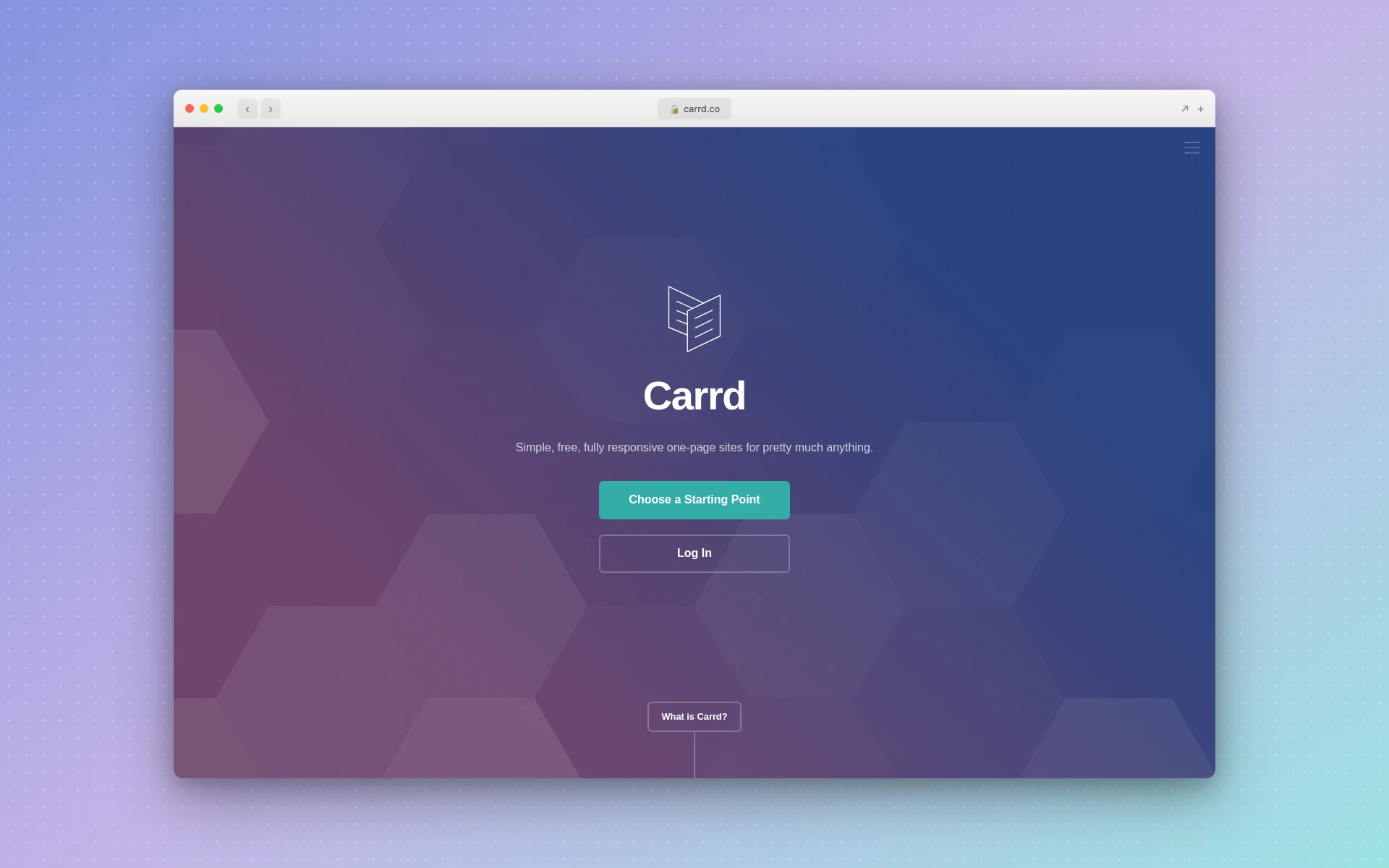 Carrd specializes in clean, responsive one-page sites at an unbeatable price point
Strengths:
- Unbeatable pricing — Pro plans from $19/year (not per month)
- Clean design aesthetic — Templates are modern, minimal, and professional
- Dead simple editor — No learning curve, publish in minutes
- Generous free plan — Build up to 3 sites on carrd.co subdomains
- Form integrations — Mailchimp, ConvertKit, ActiveCampaign, and more
Weaknesses:
- No AI generation or AI-assisted features
- One-page sites only — no multi-page landing page funnels
- No A/B testing or conversion analytics
- Limited customization compared to full landing page builders
- 50-element limit on free plan
Pricing:
- Free: Up to 3 sites, carrd.co subdomain, 50 elements
- Pro Lite ($9/year): Custom domains, remove branding
- Pro Standard ($19/year): Forms, embeds, custom code
- Pro Plus ($49/year): Up to 25 sites, all features
Verdict: Carrd is the best choice when you need a simple landing page fast and cheap. Startup waitlist page? Carrd. Link-in-bio page? Carrd. Product hunt launch page? Carrd. If you need A/B testing, dynamic personalization, or AI generation, look elsewhere. But for straightforward pages, nothing beats the value.
7. Swipe Pages
Best for: Mobile-first AMP landing pages that load instantly
Rating: 4.2/5
Swipe Pages focuses on a specific technical advantage that most landing page builders ignore: AMP (Accelerated Mobile Pages). AMP landing pages load in under 2 seconds on mobile devices — compared to the 3-5 second average for standard pages — which directly translates to lower bounce rates and higher conversion rates on mobile traffic.
This matters because over 60% of web traffic is mobile, and Google’s own data shows that 53% of visitors abandon pages that take longer than 3 seconds to load. Swipe Pages automatically converts your designs to AMP code at publish time, using compression algorithms and custom AMP components. You design in a standard drag-and-drop editor with 80+ pre-built blocks and 45+ templates — the AMP conversion happens behind the scenes.
The platform also supports multi-step landing pages (the “swipe” in the name), which break longer forms or messages into card-like sequences. This app-like experience on mobile can significantly improve form completion rates for lead generation campaigns. A/B testing, analytics, and integrations with Zapier, Mailchimp, and Google Analytics are included.
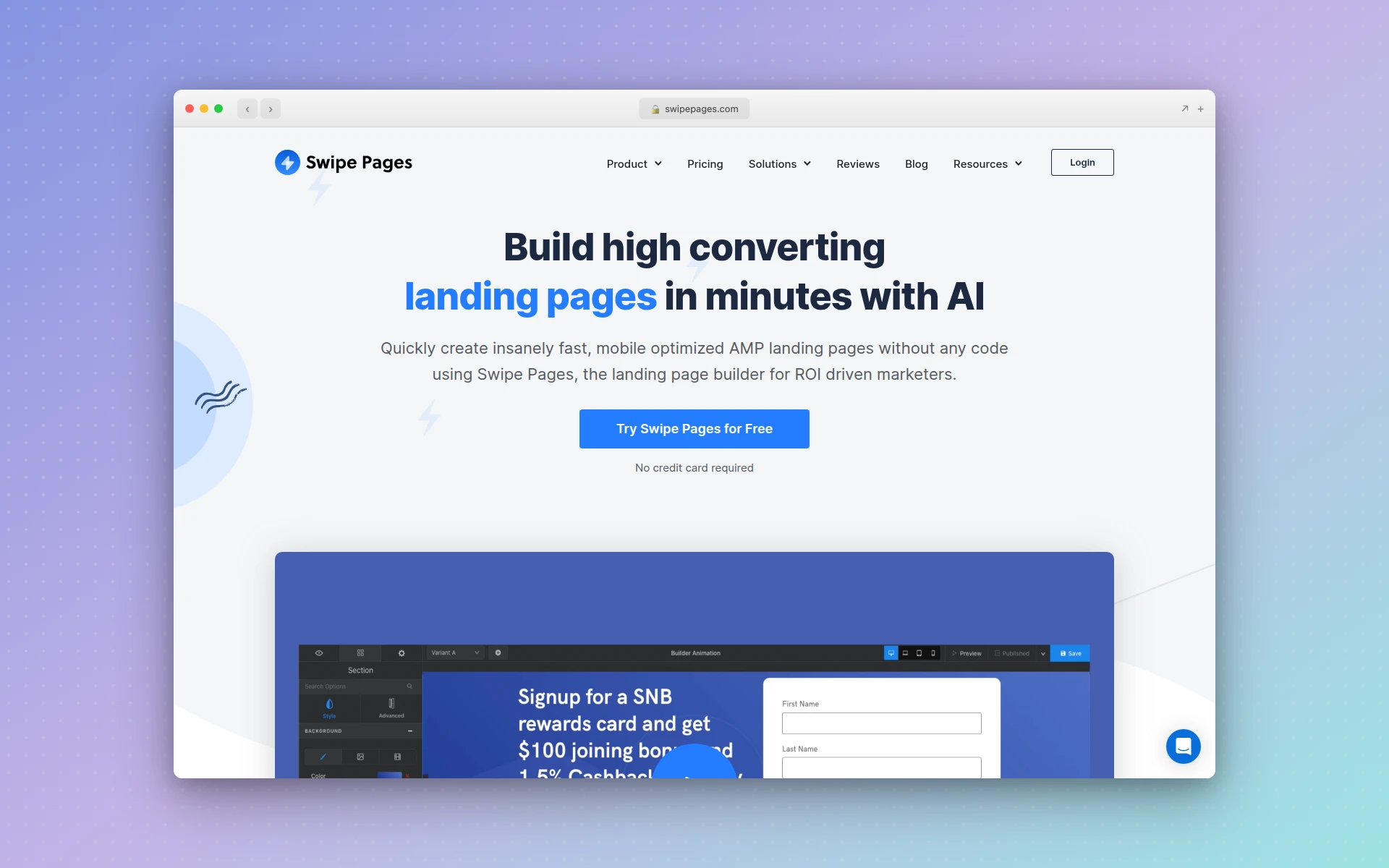 Swipe Pages builds AMP landing pages that load in under 2 seconds on mobile devices
Strengths:
- AMP landing pages — Sub-2-second mobile load times in all plans
- Multi-step pages — App-like swipe experience for mobile lead gen
- Affordable AMP access — AMP usually requires $200+/month plans at competitors
- Built-in A/B testing — Test variants without third-party tools
- 80+ pre-built blocks — Speed up page creation with modular sections
Weaknesses:
- Smaller template library than Unbounce or Leadpages
- No AI content generation features
- The editor lacks the polish of Instapage or Unbounce
- Limited to landing pages — no website builder or broader marketing tools
- Startup plan limits to 1 custom domain
Pricing:
- Startup ($39/month): AMP pages, drag-and-drop editor, 1 domain, A/B testing
- Marketer ($89/month): 5 domains, direct integrations, priority support
- Agency ($199/month): Unlimited domains, 1:1 onboarding
14-day free trial with no credit card required.
Verdict: If mobile conversion is your top priority — especially for paid social campaigns where traffic is overwhelmingly mobile — Swipe Pages’ AMP technology gives you a measurable speed advantage. The fact that AMP is included in the $39/month plan is exceptional value compared to competitors who gate it behind premium tiers.
8. Phonesites
Best for: Creating landing pages from your phone, on the go
Rating: 3.8/5
Phonesites built its entire platform around a single insight: many entrepreneurs and sales professionals need to create landing pages from their mobile devices, not a desktop. The editor is designed for thumb-friendly interaction, and you can go from idea to published landing page during a commute or between meetings.
The platform includes 500+ mobile-first templates, drag-and-drop editing, and an AI copywriting assistant that generates headlines and body text based on your product or service description. Built-in email and SMS follow-up sequences trigger automatically when someone submits a form — a feature that most competitors handle through integrations with external email tools. For solo entrepreneurs and sales teams who need quick lead capture pages, this self-contained approach eliminates the need to set up separate email automation.
That said, Phonesites is clearly positioned for speed and simplicity rather than optimization sophistication. There is no A/B testing, no advanced analytics, and the design output is functional rather than beautiful. The AI copywriting requires the Unlimited+ plan at $148/month, which is steep for what you get.
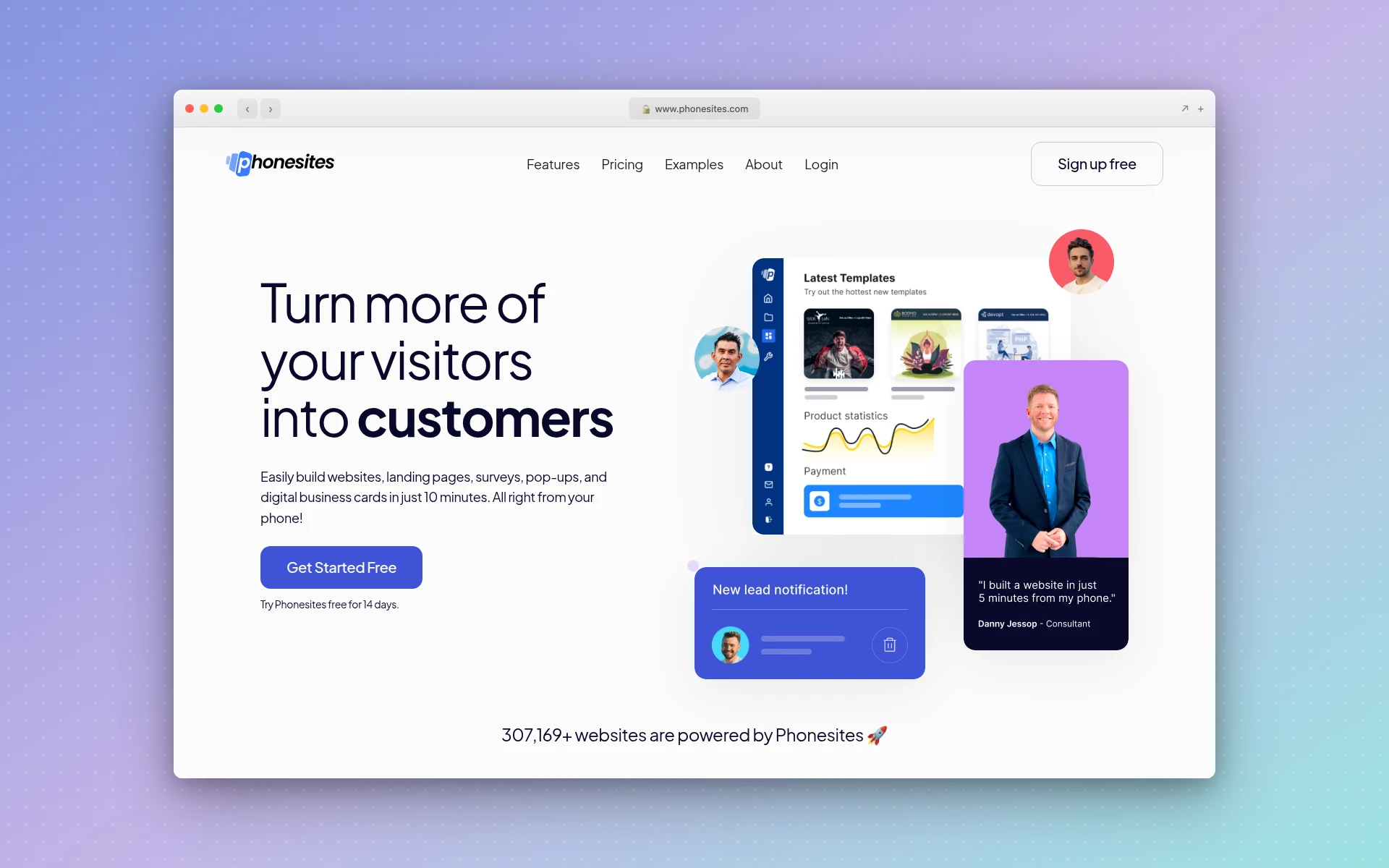 Phonesites lets you create and publish landing pages directly from your mobile device
Strengths:
- True mobile creation — Build full landing pages from your phone
- Built-in follow-ups — Email and SMS sequences without external tools
- 500+ templates — Large library of mobile-first designs
- Quick to publish — From idea to live page in minutes
- Zapier integration — Connect to your broader marketing stack
Weaknesses:
- No A/B testing capabilities
- AI copywriting only on the most expensive plan ($148/month)
- Design quality is basic compared to desktop-first builders
- The mobile-first approach means the desktop editing experience is limited
- $49/month starting price is high for the feature set
Pricing:
- Essential ($49/month): 25 landing pages, 1 domain, 1,000 leads
- Unlimited ($99/month): Unlimited pages, domains, and leads
- Unlimited+ ($148/month): Everything plus AI copywriting
14-day free trial available.
Verdict: Phonesites serves a specific niche well: entrepreneurs and sales reps who need to capture leads immediately and do not have time to sit at a desk. If mobile creation is a genuine priority, nothing else on this list matches it. For everyone else, the desktop-first builders offer better design, better features, and better value.
9. Unicorn Platform
Best for: Startup and SaaS landing pages with a clean, modern aesthetic
Rating: 4.0/5
Unicorn Platform is purpose-built for the startup ecosystem. The templates, design components, and default styles are all tuned for SaaS products, mobile apps, and tech startups — the kind of clean, modern aesthetic you see on Product Hunt launches and Y Combinator demo pages. Over 104,000 websites have been built on the platform, and it shows in the polish of the component library.
The AI Co-Pilot assists with content generation and layout adjustments. You describe what you need, and it suggests sections, rewrites copy, or restructures your page. The drag-and-drop editor includes dozens of pre-designed components specifically for startup landing pages: feature grids, pricing tables, testimonial carousels, and integration showcases. If you have ever spent hours trying to make a generic template look like a proper SaaS landing page, Unicorn Platform eliminates that friction.
The free plan is genuinely useful — you can publish a website, add custom code, and create blog posts. For pre-launch startups validating ideas, this means zero cost to get a professional landing page live.
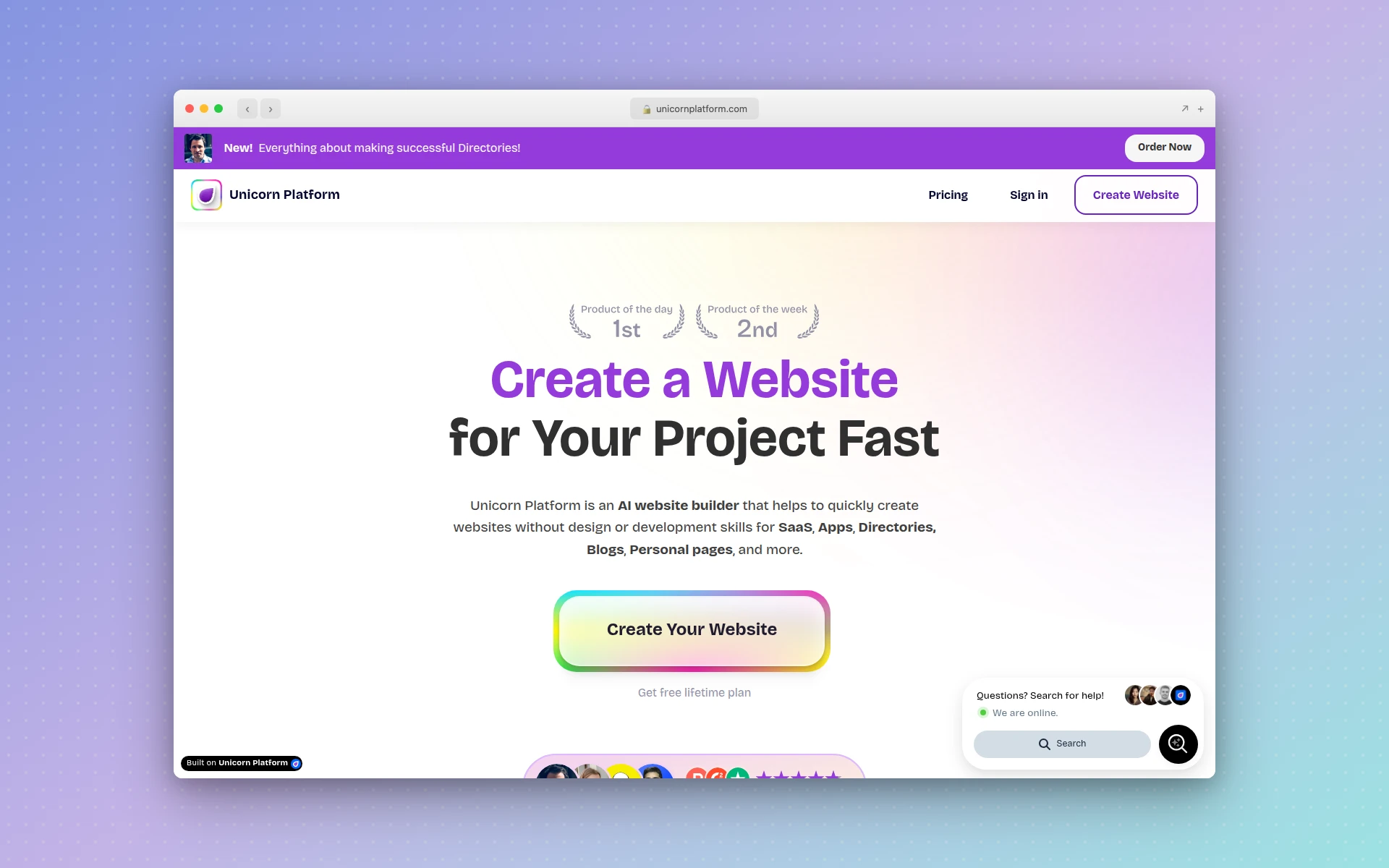 Unicorn Platform offers startup-focused components and AI Co-Pilot for SaaS landing pages
Strengths:
- Startup-native design — Templates and components built specifically for SaaS and tech products
- Extremely affordable — Paid plans from $9/month with a functional free tier
- AI Co-Pilot — AI assistance for content and layout decisions
- Blog included — Built-in CMS for content marketing alongside your landing page
- Clean output — Fast-loading pages with modern design conventions
Weaknesses:
- No A/B testing or conversion optimization tools
- Limited to the startup aesthetic — not ideal for every industry
- Fewer integrations than established landing page platforms
- No form builder sophistication (basic email capture only)
- The AI is assistive, not generative — you still build the page manually
Pricing:
- Free: 1 website, 10 blog posts, custom code
- Maker ($9/month): Core AI builder features
- Startup ($29/month): Unlimited blog posts, remove branding, collaborator access
- Business ($49/month): 3 websites, unlimited collaborators
Verdict: If you are building a SaaS product or startup and need a landing page that looks like it belongs in the tech ecosystem, Unicorn Platform is the most cost-effective option. The $9/month starting price with an AI assistant is hard to beat. Just know that you are trading conversion optimization tools for design aesthetics and affordability.
10. Sitekick AI
Best for: Generating a complete landing page from a single prompt with zero manual building
Rating: 3.9/5
Sitekick AI is the closest to a “pure AI landing page generator” on this list. Describe your product or service, and the AI generates an entire landing page — layout, copy, images, and CTA — in under 5 minutes. The AI is trained on thousands of high-converting landing pages and uses the latest conversion best practices to structure the output.
The image generation is powered by DALL-E 3, creating custom visuals that match your page’s style instead of relying on generic stock photos. Multi-language support covers 100+ languages natively, which is valuable for businesses targeting international markets. After generation, a drag-and-drop editor lets you customize any element, and built-in tools include email signup forms, an ecommerce store, and a full CMS for blogging.
The limitation is that Sitekick has no free plan or trial — you are committing $20/month to test it. The AI generation produces good starting points, but the output often needs refinement. Think of it as getting a solid first draft rather than a finished page.
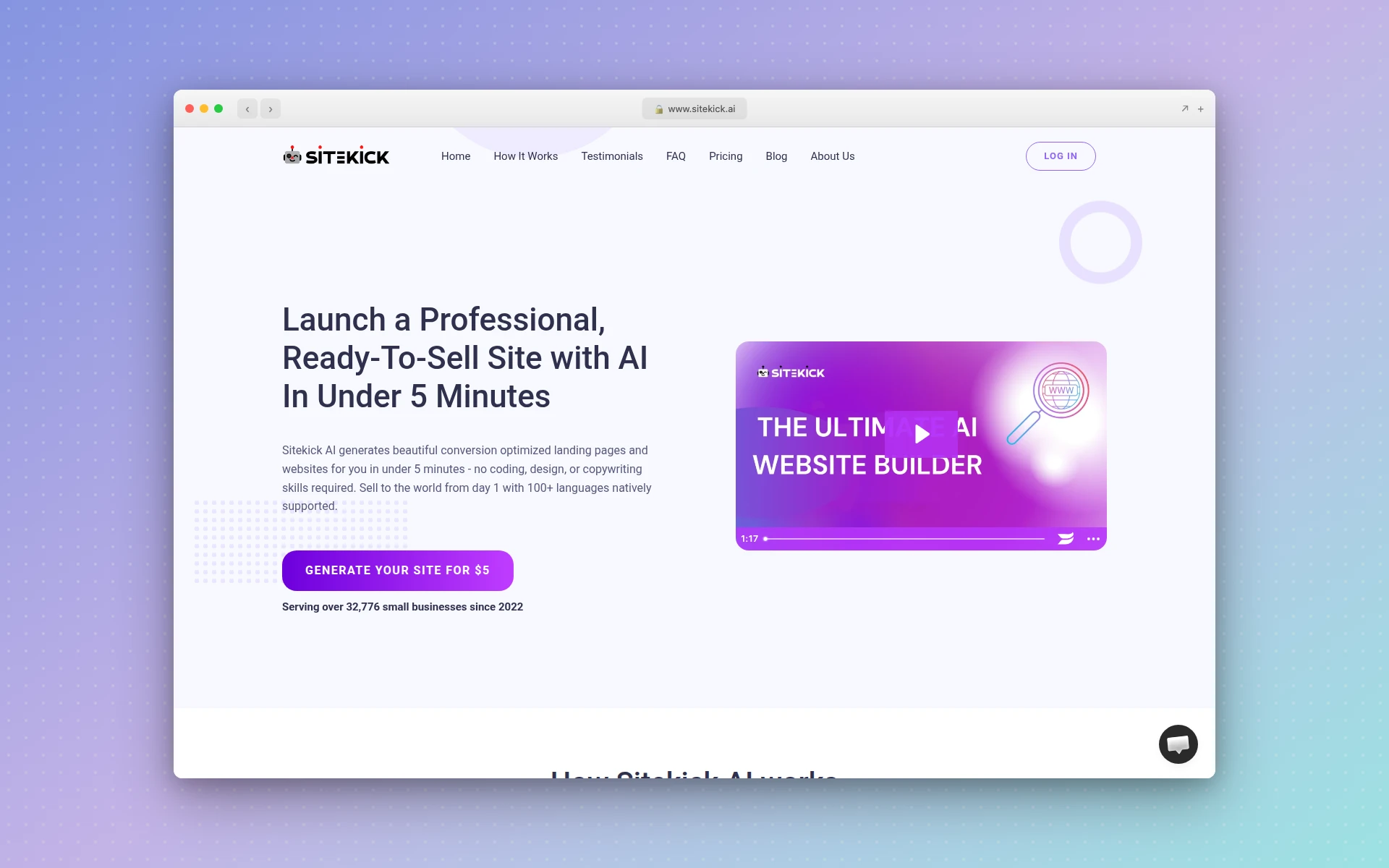 Sitekick AI generates complete landing pages from text prompts using AI trained on high-converting pages
Strengths:
- Full page generation — Complete landing page from a single prompt
- DALL-E 3 images — Custom AI-generated visuals, not stock photos
- 100+ languages — Native multi-language support for international campaigns
- Built-in tools — Email forms, ecommerce, blog CMS included
- Conversion-trained AI — Layout decisions based on high-converting page patterns
Weaknesses:
- No free plan or free trial
- No A/B testing capabilities
- Generated pages often need significant refinement
- Smaller user base means fewer community resources and templates
- The drag-and-drop editor is less polished than established competitors
Pricing:
- Basic ($20/month): Unlimited landing pages, 1 website hosting
- Pro ($49/month): Priority support, 3 websites
- Agency ($99/month): 10 websites, all features
Verdict: Sitekick AI is best for solopreneurs who want a complete landing page generated from a prompt without manually assembling sections. The DALL-E 3 integration for custom images is a nice touch. However, the lack of a free trial means you are taking a $20 gamble, and the output typically needs hands-on refinement to match what you would get from AIDesigner or a well-configured Unbounce page.
How Much Do AI Landing Page Builders Cost?
AI landing page builders range from free to over $200/month. Budget options include Carrd at $19/year and Unicorn Platform at $9/month. Mid-range tools like Leadpages start at $49/month and Landingi at $29/month. Enterprise platforms like Unbounce start at $99/month and Instapage at $199/month.
Do AI Landing Page Builders Include A/B Testing?
Most AI landing page builders include A/B testing, but not always on the cheapest plans. Unbounce, Instapage, and Landingi include it on standard plans. Leadpages requires the Pro plan at $99/month. Budget tools like Carrd and Unicorn Platform do not offer built-in A/B testing.
How to Choose the Right AI Landing Page Builder
The “best” tool depends entirely on what you are optimizing for. Here is a decision framework:
Choose based on your primary goal:
- Design quality matters most — AIDesigner produces the most visually polished output. If your landing page represents your brand to investors, partners, or premium customers, design quality is not a nice-to-have.
- Conversion optimization is the priority — Unbounce with Smart Traffic or Instapage with AdMap. These tools exist specifically to squeeze more conversions from your traffic.
- You are budget-conscious — Carrd ($19/year) for simple pages, Landingi (free tier) for more features, or Unicorn Platform ($9/month) for startup-focused pages.
- You run mobile-heavy campaigns — Swipe Pages’ AMP technology gives you a measurable speed advantage on mobile traffic.
- You manage campaigns at scale — Instapage for team collaboration and Instablocks, or Landingi for dynamic page generation from CSVs.
- You need a page in minutes, not hours — AIDesigner or Sitekick AI for AI generation, or Carrd for template-based speed.
Questions to ask before choosing:
- How much traffic will this page get? (High-traffic pages justify Unbounce/Instapage pricing)
- Do you need A/B testing? (This eliminates Carrd, Phonesites, Unicorn Platform, and Sitekick)
- How important is design quality vs. conversion features? (AIDesigner for design, Unbounce for conversions)
- Do you already have a marketing stack? (If yes, check integrations before choosing)
- Is this a one-off page or an ongoing campaign? (One-off favors simpler tools; ongoing favors optimization platforms)
Tips for Higher-Converting AI Landing Pages
Generating a landing page with AI is the easy part. Making it convert is where the real work begins. Here are actionable tips that apply regardless of which tool you choose:
1. One page, one goal. The most common landing page mistake is trying to do too much. Every element on the page should drive toward a single conversion action. If you are asking for email signups, do not also promote your blog, link to your About page, and embed a product tour video.
2. Match your ad copy to your headline. If your Google Ad says “Free Project Management Tool for Remote Teams,” your landing page headline should echo that exact language. This is called message match, and tools like Unbounce (dynamic text replacement) and Instapage (AdMap) automate it. Without automation, do it manually — the conversion impact is significant.
3. Speed kills (in a good way). Every second of load time costs you 7% of conversions. If you are running paid traffic to a landing page, test your page speed with Google PageSpeed Insights. Swipe Pages’ AMP technology handles this automatically; for other tools, compress images, minimize scripts, and use the platform’s built-in CDN.
4. Social proof above the fold. Testimonials, client logos, user counts, or review scores should be visible without scrolling. AI tools generate placeholder social proof — replace it with real data immediately. “Trusted by 500+ teams” with actual client logos converts dramatically better than generic testimonials.
5. A/B test the headline first. If you can only test one element, test your headline. It has the single largest impact on conversion rates. Tools like Unbounce and Landingi make this easy; if your builder does not support A/B testing, use Google Optimize as a free overlay.
6. Remove navigation. Landing pages should not have a full site navigation bar. Every link that is not your CTA is a potential exit. The most effective landing pages have one way out: the conversion action.
7. Use AI as a starting point, not the finish line. Every AI landing page builder on this list produces good first drafts. None produce perfect pages. Plan to spend 30-60 minutes refining copy, swapping placeholder images for real ones, and tightening the value proposition for your specific audience.
For more on AI-powered approaches to building interfaces quickly, see our guide on what is vibe coding — the same principles apply to landing page creation.
FAQ
What is the best AI landing page builder in 2026?
The best AI landing page builder depends on your priorities. AIDesigner produces the highest design quality for pages that look hand-crafted. Unbounce offers the best AI-powered conversion optimization with Smart Traffic. Leadpages delivers the most value for small businesses. Landingi gives you the best balance of features and affordability. For simple one-pagers, Carrd at $19/year is unbeatable on price.
Can AI really create a high-converting landing page?
Yes. AI landing page builders in 2026 use machine learning trained on thousands of high-converting pages to generate layouts, copy, and CTAs that follow proven conversion principles. Unbounce reports an average 30% lift in conversions from its AI Smart Traffic feature alone. However, you should still A/B test and refine AI-generated pages for your specific audience rather than publishing the first draft unchanged.
What is the difference between an AI landing page builder and an AI website builder?
An AI landing page builder specializes in creating single, conversion-focused pages designed to drive a specific action like signups, purchases, or downloads. An AI website builder creates multi-page websites with navigation, blogs, and multiple sections. Landing page builders typically include A/B testing, conversion analytics, and CRO tools that website builders lack.
Are there free AI landing page builders?
Several AI landing page builders offer free tiers. Carrd lets you build up to three one-page sites for free. Landingi offers a free plan with up to 5 landing pages and 100 visits per month. Unicorn Platform includes a free plan with basic features and publishing. Most premium tools like Unbounce, Leadpages, and Instapage offer 14-day free trials. For more free options, see our best free AI website builders guide.
How much does an AI landing page builder cost?
Pricing ranges from free to over $200 per month. Budget options include Carrd at $19 per year and Unicorn Platform at $9 per month. Mid-range tools like Leadpages start at $49 per month and Landingi at $29 per month. Enterprise platforms like Unbounce start at $99 per month and Instapage at $199 per month. Your choice should depend on traffic volume, A/B testing needs, and integration requirements.
Do AI landing page builders include A/B testing?
Most do, but not always on the cheapest plans. Unbounce, Instapage, and Swipe Pages include A/B testing on their standard plans. Leadpages requires the Pro plan at $99 per month. Landingi includes it on the Professional plan at $89 per month. Budget tools like Carrd, Unicorn Platform, and Sitekick AI do not offer built-in A/B testing — for those, you can use Google Optimize as a free alternative.
Final Verdict
The AI landing page builder you choose should match the value of the traffic you are sending to it. If you want to skip the blank-page problem entirely, start from a landing page template and edit it with AI rather than generating from scratch. Here is the short version:
- Running $10K+ monthly ad campaigns? Unbounce or Instapage. The conversion optimization and A/B testing will pay for themselves.
- Need landing pages that look exceptional? AIDesigner. The design quality gap is real and visible.
- Small business on a budget? Leadpages for conversion features, Landingi for the free tier, or Carrd if simplicity is the goal.
- Mobile-first campaigns? Swipe Pages for AMP speed advantages.
- Startup launching a product? Unicorn Platform for the aesthetic, or AIDesigner for the polish.
The landing page builder market has matured to the point where every tool on this list can produce a competent page. The difference is in what happens after the page goes live — how well it converts, how easily you can iterate, and how much time it saves your team. Match the tool to your workflow, not just your budget.