TL;DR: Framer is a powerful design-oriented website builder, but its per-site pricing, limited CMS, and learning curve have users looking for alternatives. The best Framer alternatives in 2026 are AIDesigner for AI-powered design generation, Webflow for professional no-code development, and Wix for easy drag-and-drop building. Here are 10 alternatives worth considering.
What Are the Best Framer Alternatives?
The best Framer alternatives in 2026 are AIDesigner, Webflow, Wix, Squarespace, and WordPress. Each offers a different approach to website building — from AI-powered generation to drag-and-drop editing — with competitive pricing and professional design quality.
What Are Framer Alternatives?
Framer alternatives are website builders and design tools that let you create, design, and publish websites without extensive coding knowledge, similar to Framer but with different strengths in areas like pricing, ease of use, AI capabilities, or content management. These range from AI-first tools like AIDesigner to established platforms like Webflow and Squarespace, each addressing specific limitations users encounter with Framer.
Framer has earned a loyal following among designers for good reason. Its component-based design system, smooth animations, and tight integration between design and publishing make it one of the most design-forward website builders available. When you compare Framer vs Webflow or other traditional builders, Framer’s visual approach stands out.
But as your needs grow beyond a sleek marketing page, Framer’s limitations start to surface. And with AI-powered design tools now capable of generating entire websites from a text prompt, many users are asking whether Framer’s manual approach is still worth the investment.
I’ve tested every major website builder while developing AIDesigner, and here’s my honest assessment of the best Framer alternatives available today.
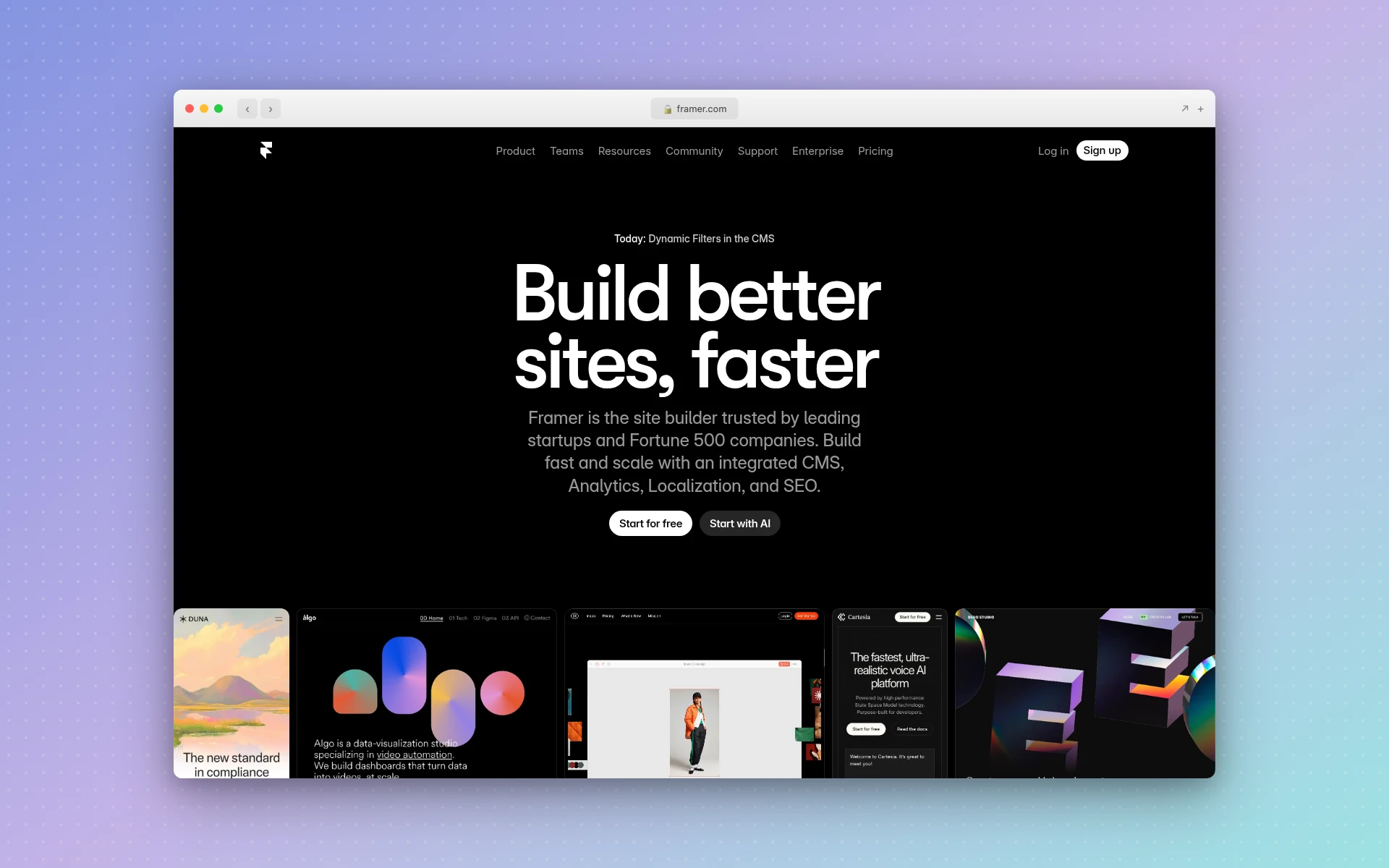 Framer combines design and publishing in one tool, but its pricing model and feature limitations have users exploring alternatives.
Quick Comparison: Best Framer Alternatives 2026
| Tool | Best For | Starting Price | Free Plan | AI Features |
|---|---|---|---|---|
| AIDesigner | AI-powered website design | Free / $25/mo | Yes | Full AI generation |
| Webflow | Professional no-code sites | $14/mo | Yes | Limited AI tools |
| Wix | Easy drag-and-drop | $17/mo | Yes | Wix ADI |
| Squarespace | Beautiful templates | $16/mo | 14-day trial | Basic AI text |
| Cargo | Creative portfolios | Free / $13/mo | Yes | None |
| Readymag | Editorial design | $18/mo | Yes | None |
| WordPress + Elementor | Flexibility + plugins | $4/mo hosting | Yes (self-host) | AI via plugins |
| Carrd | Simple one-page sites | Free / $19/yr | Yes | None |
| Google Sites | Free and simple | Free | Yes | None |
| Super.so | Notion-powered websites | $16/mo | No | Notion AI |
Why People Are Looking for Framer Alternatives
Before diving into the tools, let’s understand what’s driving users to search for Framer alternatives and Framer competitors in 2026.
Per-Site Pricing Gets Expensive Fast
Framer’s pricing model charges per site rather than per account. The free plan is severely limited (2 pages, Framer badge, no custom domain), and the Mini plan at $5/month only gives you 5 pages. Most users need the Basic plan at $15/month minimum, and if you’re managing multiple client sites, costs multiply quickly. A freelancer with 10 client sites is looking at $150/month just for hosting.
Compare that to platforms like Wix or Squarespace where a single subscription covers your needs, and you can see why agencies and freelancers start exploring alternatives.
Limited CMS for Content-Heavy Sites
Framer’s CMS has improved significantly, but it still falls short for blogs, news sites, or any project where content is the primary focus. The CMS lacks features like scheduled publishing, content workflows, and advanced filtering that platforms like WordPress or Webflow handle natively. If you’re building a site that will have hundreds of pages of content, Framer’s CMS will feel restrictive.
The Learning Curve Is Real
While Framer markets itself as a no-code tool, its component-based design system, variants, and interaction model have a steeper learning curve than most beginners expect. Users coming from simpler tools like Squarespace or Wix often find themselves watching hours of tutorials before they can build their first real page. The tool is powerful, but “no-code” doesn’t mean “no learning.”
SEO Limitations
Framer’s SEO capabilities are adequate for basic sites but lack the depth that serious content marketers need. Limited control over URL structures, no native XML sitemap customization, and basic meta tag management mean you’ll hit walls if organic search is a core growth channel. Platforms like WordPress with Yoast SEO or Webflow offer significantly more SEO control.
AI Is Changing the Game
Perhaps the biggest reason people are looking for alternatives is the rise of AI-powered design tools. Why spend hours manually arranging components in Framer when you can describe what you want in plain English and get a professional design in seconds? Tools like AIDesigner represent a fundamentally different approach to web design — one that eliminates the manual layout process entirely.
If you’re interested in how AI is transforming web design, our guide to the best free AI website builders covers this shift in detail.
The 10 Best Framer Alternatives (In-Depth Reviews)
1. AIDesigner
Best for: AI-powered website and landing page design
Rating: 4.8/5
If you’re looking for a Framer alternative that fundamentally changes how you approach web design, AIDesigner is it. Instead of manually dragging and dropping elements, you describe the website you want in natural language and get a polished, professional design in seconds.
This isn’t a gimmick or a basic AI template filler. AIDesigner generates genuinely impressive designs with proper visual hierarchy, thoughtful color palettes, and layouts that look like they were crafted by an experienced designer. Where Framer requires you to build every interaction and layout by hand, AIDesigner handles the heavy lifting so you can focus on refinement. When you only need one marketing page instead of a full site, the AI landing page builder handles it end to end.
Key features:
- AI-first design — Generate complete website designs from text prompts with professional quality
- Infinite canvas — Work on multiple pages and design variations in a single workspace
- One-click publishing — Publish directly to custom subdomains with built-in SEO optimization
- Mobile app design — Generate mobile UI designs alongside web pages, something Framer doesn’t support
- Context-aware editing — Use @ referencing to target specific elements for AI-powered modifications
- No design skills required — Get professional results without learning a complex design system
Where Framer still wins:
Framer offers more granular control over animations and micro-interactions. If you need custom scroll-triggered animations or complex component states, Framer’s manual approach gives you pixel-perfect control that AI generation doesn’t match yet.
Pricing:
- Free tier with limited generations
- Pro: $25/month for unlimited access
Best for: Founders, startups, and marketers who need professional website designs fast without the learning curve. If speed and design quality matter more than animation control, AIDesigner is the clear winner.
For a broader look at AI design tools, check our guide on the best AI UI design tools. And if you want to see exactly how the two stack up head to head, our AIDesigner vs Framer comparison breaks down code export, mobile design, and pricing in detail.
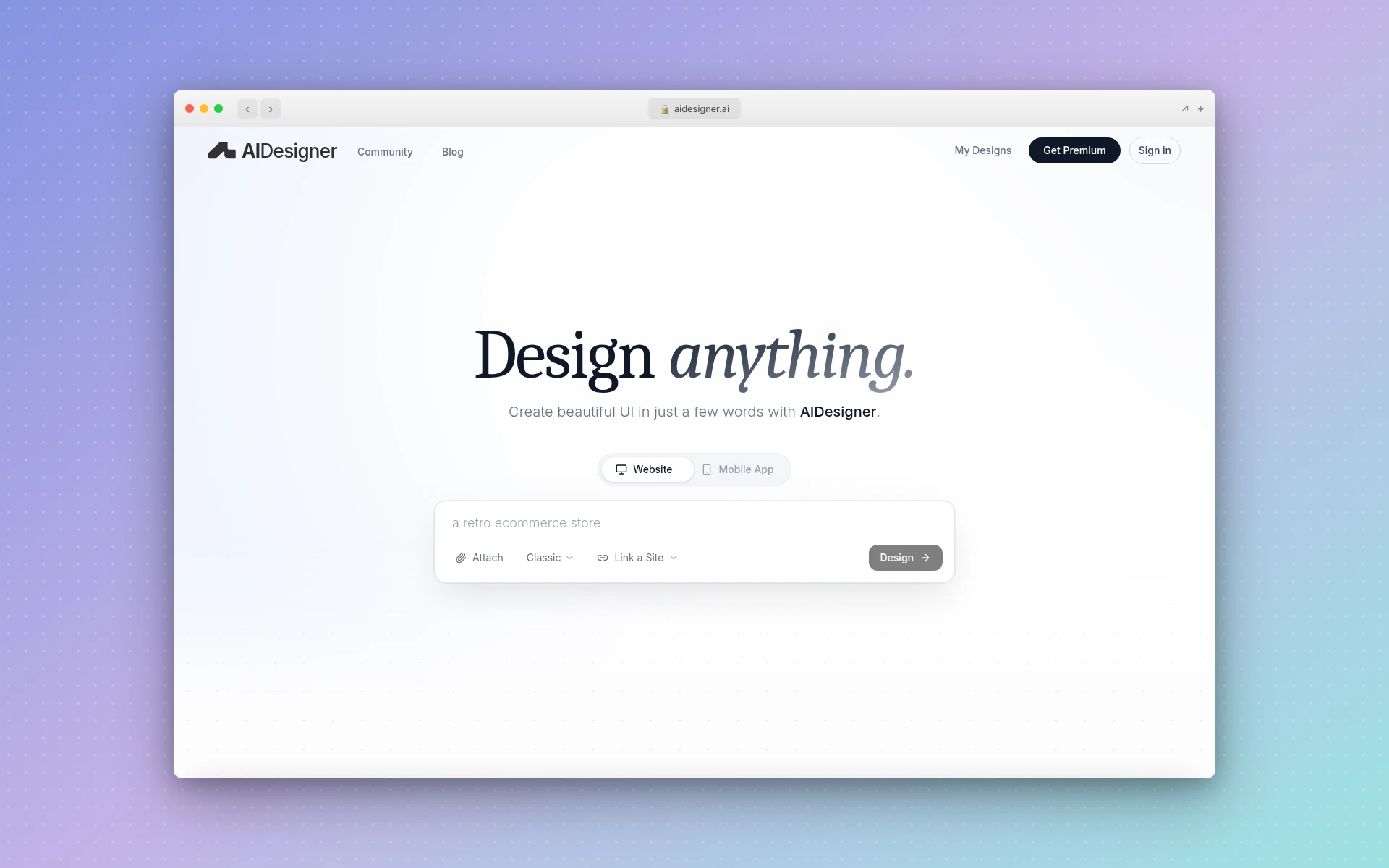 AIDesigner generates professional website designs from text prompts, eliminating the manual layout process that makes Framer time-consuming.
2. Webflow
Best for: Professional no-code website development
Rating: 4.7/5
In any conversation about Framer vs Webflow, the answer depends entirely on your needs. Webflow is the most powerful no-code website builder available, offering a level of design control and CMS capability that Framer can’t match for complex projects.
Webflow gives you near-complete control over HTML, CSS, and JavaScript through a visual interface. Its CMS is robust enough for enterprise content operations, and its e-commerce features let you build full online stores. Where Framer excels at quick, design-forward marketing pages, Webflow handles everything from simple landing pages to complex web applications.
Key features:
- Visual CSS editor — Full control over every CSS property through a visual interface
- Robust CMS — Content types, dynamic pages, filtered collections, and scheduled publishing
- E-commerce built-in — Full shopping cart, checkout, and inventory management
- Interactions and animations — Scroll-based, hover, and page-load animations with a visual timeline
- Client billing — Transfer sites to client accounts with their own billing
- Enterprise-grade hosting — AWS-backed infrastructure with global CDN
Where Framer still wins:
Framer’s design workflow feels more intuitive for designers coming from tools like Figma. Webflow’s interface, while powerful, can feel overwhelming. For simple marketing sites, Framer gets you to a finished product faster.
Pricing:
- Free: 2 pages, webflow.io subdomain
- Basic: $14/month (custom domain, 150 pages)
- CMS: $23/month (up to 2,000 CMS items)
- Business: $39/month (10,000 CMS items, form logic)
Best for: Agencies, freelancers, and businesses building complex, content-driven websites that need professional-grade CMS and e-commerce capabilities.
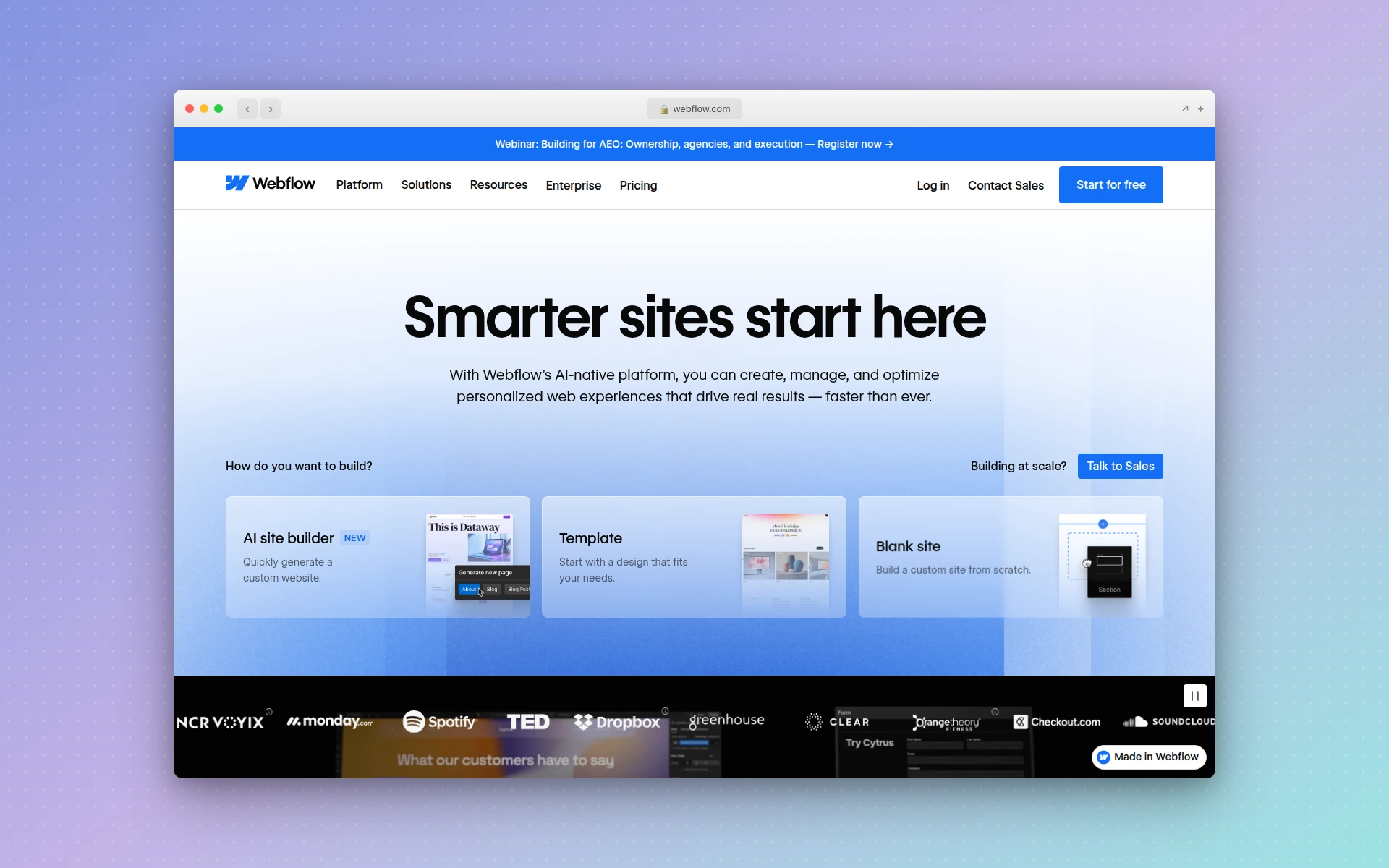 Webflow offers the most powerful visual development platform available, with full CSS control and enterprise-grade CMS features.
3. Wix
Best for: Beginners who want drag-and-drop simplicity
Rating: 4.3/5
If Framer’s learning curve frustrated you, Wix is the polar opposite. It’s the most beginner-friendly website builder on the market, with a true drag-and-drop editor that lets you place any element anywhere on the page. No component systems, no design constraints — just point, click, and build.
Wix also offers Wix ADI (Artificial Design Intelligence), which generates a basic website from answers to a few questions. It’s not as sophisticated as AIDesigner’s AI generation, but it gives beginners a starting point without facing a blank canvas.
Key features:
- True drag-and-drop — Place elements anywhere without grid constraints
- Wix ADI — AI-powered site generation from questionnaire answers
- 800+ templates — Massive template library covering every industry
- App Market — 500+ apps for added functionality (booking, events, forums)
- Built-in e-commerce — Online store with payment processing and inventory
- Wix SEO Wiz — Step-by-step SEO setup wizard
Where Framer still wins:
Framer produces cleaner, more modern-looking websites. Wix’s flexibility means it’s easier to create sites that look amateurish if you’re not careful. Framer’s design constraints actually help maintain visual quality.
Pricing:
- Free: Wix-branded subdomain with ads
- Light: $17/month (custom domain, remove ads)
- Core: $29/month (e-commerce, storage)
- Business: $36/month (advanced business tools)
Best for: Small business owners, solopreneurs, and anyone who wants to build a website quickly without any technical knowledge. Wix is the “just works” option.
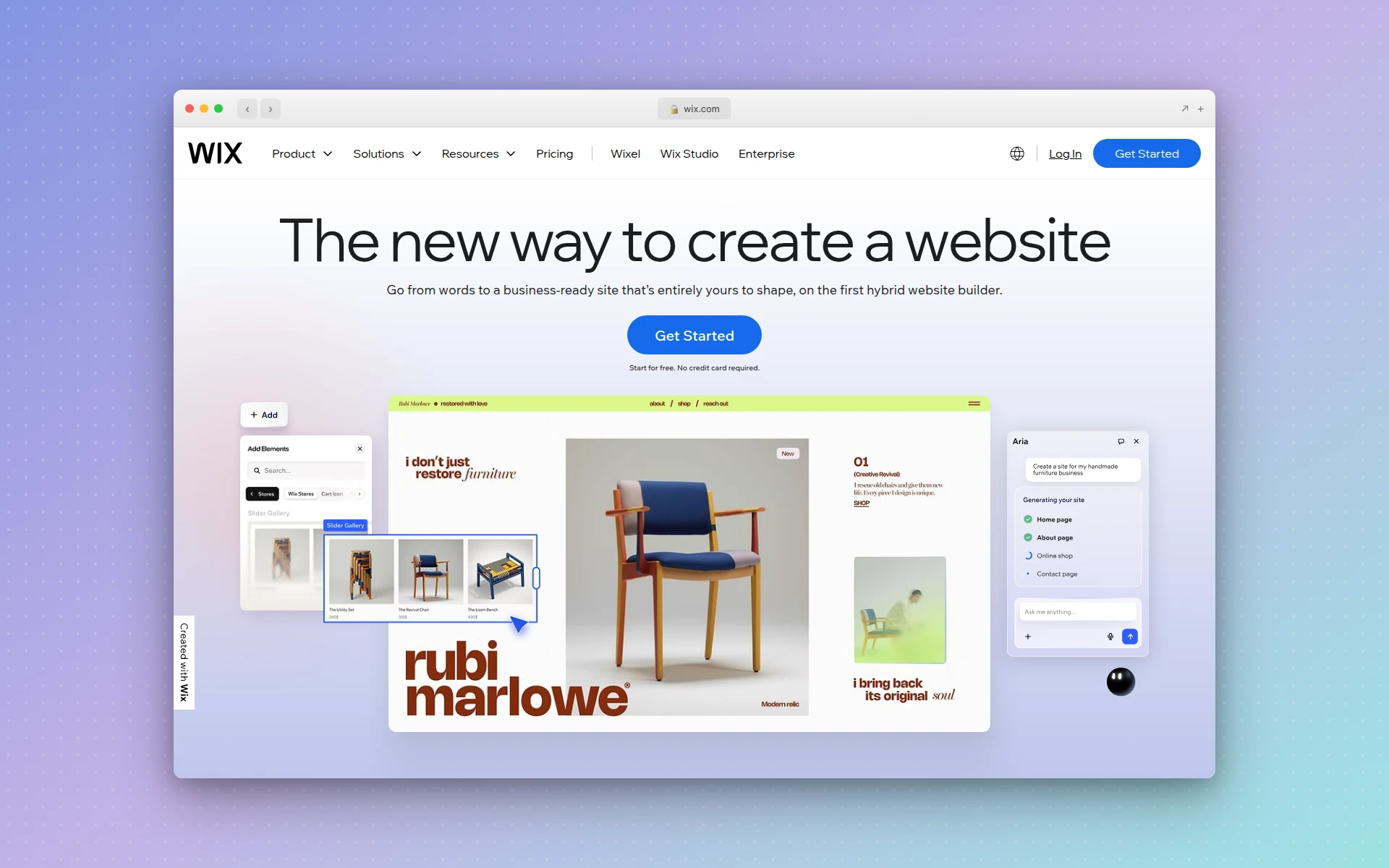 Wix makes website building accessible to everyone with its intuitive drag-and-drop editor and massive template library.
4. Squarespace
Best for: Beautiful, template-driven websites
Rating: 4.5/5
Squarespace has long been the gold standard for template quality. If Framer appeals to you because of its design-forward approach but the learning curve is too steep, Squarespace delivers stunning websites through a curated selection of professionally designed templates.
Every Squarespace template is responsive, beautifully crafted, and designed to make your content shine. The editing experience is more structured than Framer — you work within the template’s framework rather than building from scratch — but that constraint ensures consistently professional results.
Key features:
- Award-winning templates — Every template is professionally designed and mobile-responsive
- Integrated e-commerce — Sell products, subscriptions, and digital downloads
- Built-in analytics — Traffic insights without third-party tools
- Email campaigns — Send marketing emails directly from your dashboard
- Scheduling and booking — Built-in appointment scheduling (Acuity integration)
- Domain management — Purchase and manage domains within the platform
Where Framer still wins:
Framer offers significantly more design freedom. Squarespace templates are beautiful but rigid — you’re working within their structure. If you need custom layouts or unique design elements, Framer gives you more creative control.
Pricing:
- Personal: $16/month (websites, no e-commerce)
- Business: $23/month (basic commerce, promotional pop-ups)
- Basic Commerce: $27/month (no transaction fees)
- Advanced Commerce: $49/month (subscriptions, advanced shipping)
Best for: Photographers, restaurants, small businesses, and anyone who wants a beautiful website without spending time on design decisions. Squarespace is “good taste as a service.”
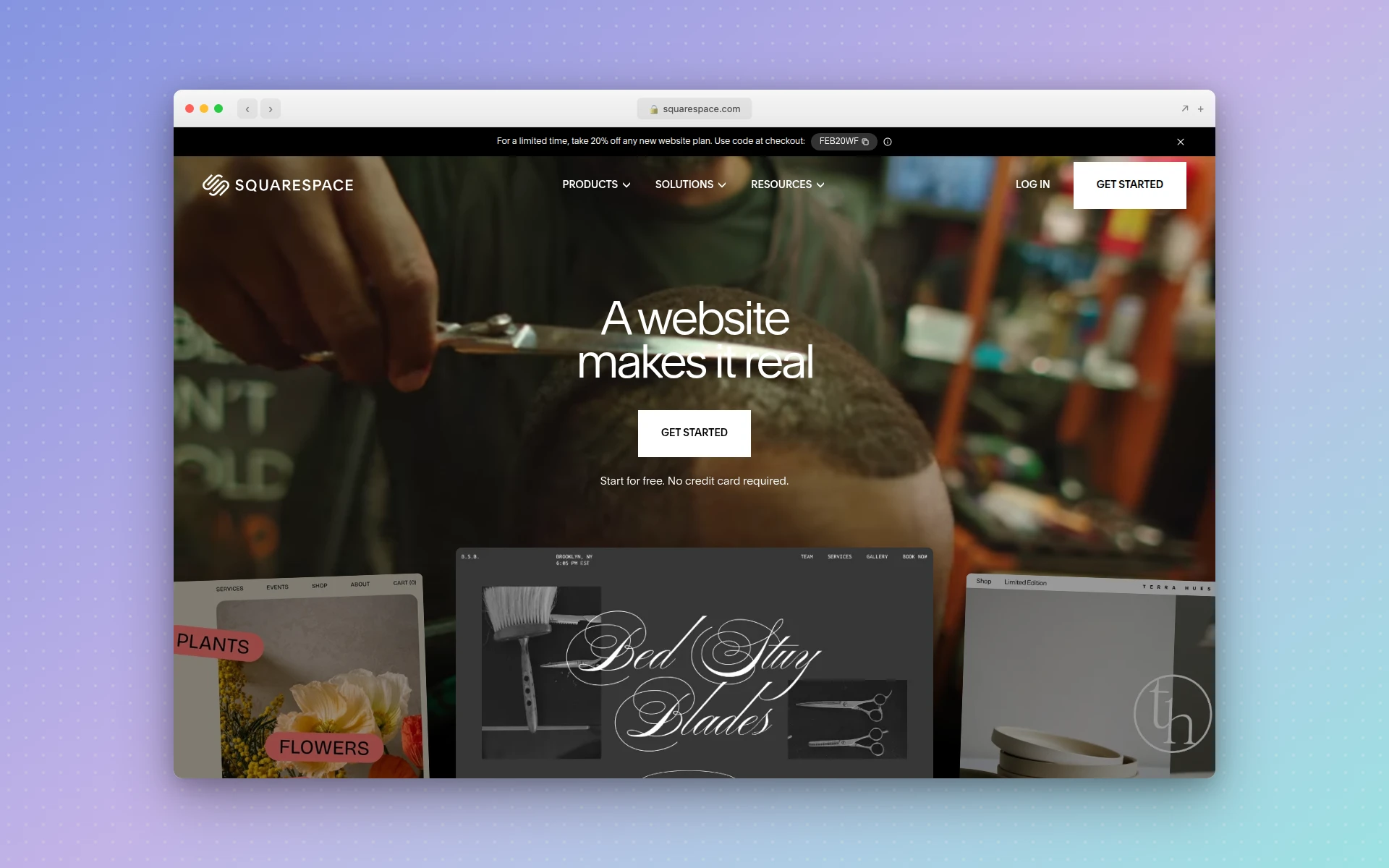 Squarespace delivers consistently beautiful websites through its curated template library and structured editing experience.
5. Cargo
Best for: Creative professionals and portfolio websites
Rating: 4.4/5
Cargo occupies a unique niche in the website builder space: it’s built specifically for creative professionals who want their portfolio to make a statement. Where Framer focuses on marketing sites and Squarespace caters to small businesses, Cargo is laser-focused on designers, artists, photographers, and architects who need their work to speak for itself.
The platform offers distinctive, gallery-focused templates and a design environment that encourages experimentation. Cargo sites have a recognizable aesthetic — bold, editorial, and unapologetically creative.
Key features:
- Creative-first templates — Designed specifically for portfolios and creative work
- Advanced typography — Extensive font library and typographic controls
- Gallery layouts — Multiple presentation modes for visual work
- Custom code access — Full HTML/CSS/JS editing for advanced customization
- Free plan available — Publish a basic portfolio at no cost
- Responsive by default — All templates adapt to mobile automatically
Where Framer still wins:
Framer is more versatile for non-portfolio websites. If you need a marketing site, SaaS landing page, or anything beyond a portfolio, Framer’s broader template library and component system are more suitable.
Pricing:
- Free: Basic portfolio with Cargo branding
- Personal: $13/month (custom domain, no branding)
- Pro: $26/month (client sites, priority support)
Best for: Designers, artists, photographers, and architects who want a portfolio that stands out from the template-driven crowd. If your website is your calling card, Cargo makes it a memorable one.
6. Readymag
Best for: Editorial design and interactive storytelling
Rating: 4.3/5
Readymag is what you get when editorial design meets the web. If you’re drawn to Framer for its design quality but wish it had better tools for long-form content and visual storytelling, Readymag fills that gap beautifully.
The platform is particularly popular among graphic designers, art directors, and publishers who want their web presence to feel like a curated publication. Readymag’s design tools prioritize typography, white space, and visual rhythm in ways that most website builders don’t even consider.
Key features:
- Pixel-perfect design control — Freeform layout without grid constraints
- Advanced animations — Scroll-based effects, parallax, and element transitions
- Typography-first approach — Extensive typographic controls and font pairing tools
- Collaboration tools — Real-time editing with team members
- Widget library — Pre-built interactive elements (slideshows, forms, maps)
- Custom domain and SEO — Full hosting with SEO controls
Where Framer still wins:
Framer has a stronger component system for reusable design patterns and better support for complex interactive features. Readymag is more of a layout tool and less of an app-like website builder.
Pricing:
- Free: 1 project with Readymag branding
- Personal: $18/month (3 projects, custom domains)
- Professional: $28/month (unlimited projects)
- Business: Custom pricing
Best for: Graphic designers, art directors, and content creators who want their website to feel like a designed publication. Ideal for portfolios, editorial projects, and brand presentations.
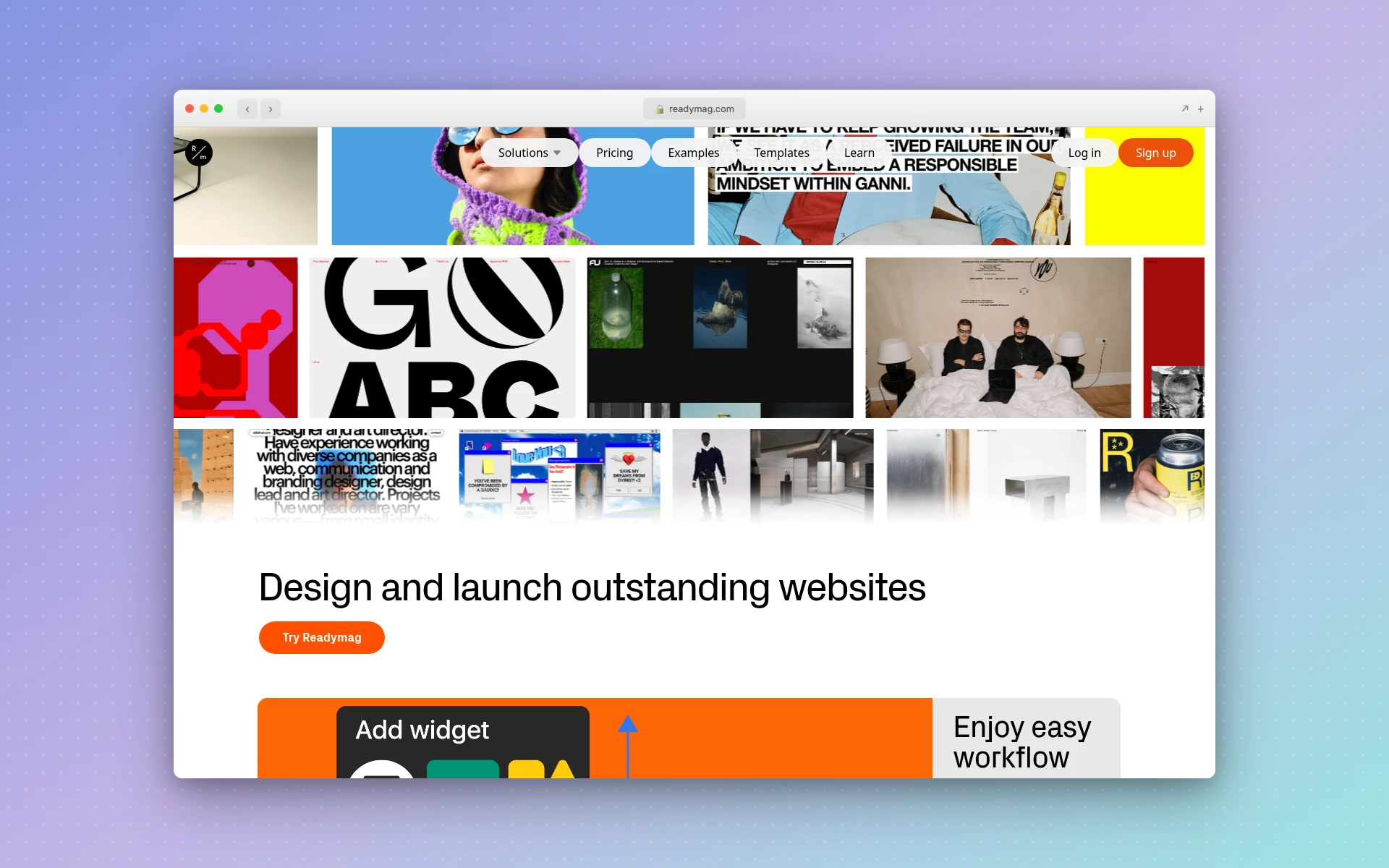 Readymag brings editorial design sensibilities to the web, perfect for designers who prioritize typography and visual storytelling.
7. WordPress + Elementor
Best for: Maximum flexibility with plugin ecosystem
Rating: 4.4/5
WordPress powers over 40% of the internet, and pairing it with Elementor — the most popular visual page builder plugin — creates a Framer alternative that beats every other option in raw flexibility. If your primary complaint about Framer is that it can’t do something you need, WordPress + Elementor almost certainly can.
This combination gives you Elementor’s drag-and-drop visual builder on top of WordPress’s massive plugin ecosystem (60,000+ plugins), theme marketplace, and battle-tested CMS. Need membership features? There’s a plugin. Need advanced SEO? Yoast or RankMath. Need multilingual support? WPML or Polylang. The possibilities are essentially unlimited.
Key features:
- 60,000+ plugins — Extend functionality for virtually any use case
- Elementor visual builder — Drag-and-drop page building with 100+ widgets
- Full CMS power — WordPress’s content management is unmatched in flexibility
- Self-hosted option — Complete control over your data and infrastructure
- WooCommerce — The world’s most popular e-commerce platform
- Massive community — Tutorials, forums, and developers for every problem
Where Framer still wins:
Framer produces more modern-looking websites out of the box. WordPress + Elementor requires more effort to achieve the same visual quality, and plugin conflicts can create maintenance headaches. Framer’s all-in-one approach is simpler to manage than WordPress’s modular architecture.
Pricing:
- WordPress.org: Free (self-hosted, pay for hosting ~$4-30/month)
- Elementor Pro: $59/year (1 site) to $399/year (1,000 sites)
- WordPress.com: $4-45/month (managed hosting plans)
Best for: Businesses that need specific functionality (membership sites, LMS, complex e-commerce), developers who want full control, and anyone who values the security of building on the web’s most established platform.
8. Carrd
Best for: Simple, fast one-page websites
Rating: 4.2/5
If Framer feels like overkill for what you need, Carrd might be the refreshing alternative you’re looking for. Carrd specializes in one-page websites — landing pages, link-in-bio pages, portfolio previews, and simple business cards for the web. It does one thing and does it extremely well.
The entire building experience takes minutes, not hours. You pick a template, customize the content, and publish. There’s no learning curve, no component system to master, and no complex CMS to configure. For users who find Framer’s power overwhelming when they just need a simple web presence, Carrd is liberating.
Key features:
- One-page focused — Streamlined editor built for single-page sites
- 100+ templates — Responsive, minimal templates for every purpose
- Custom domains — Use your own domain on the Pro plan
- Form integrations — Connect to Mailchimp, Google Sheets, Airtable, and more
- Fast loading — Minimal code means lightning-fast page speeds
- Incredibly affordable — Pro plan costs less than a single month of most competitors
Where Framer still wins:
Framer can build multi-page websites with complex navigation, CMS, and interactive features. Carrd is strictly limited to one-page sites. If you need more than a landing page, Carrd won’t work.
Pricing:
- Free: 3 sites with carrd.co subdomain
- Pro Lite: $9/year (custom domains, no branding)
- Pro Standard: $19/year (forms, widgets, Google Analytics)
- Pro Plus: $49/year (more sites, more forms)
Best for: Freelancers, indie hackers, and anyone who needs a simple web presence fast. At $19/year, Carrd is also the most affordable Framer alternative on this list by a wide margin.
9. Google Sites
Best for: Free, no-frills website building
Rating: 3.5/5
Sometimes the best Framer alternative is the simplest one. Google Sites is completely free, requires no technical knowledge, and integrates seamlessly with the Google ecosystem. If you need an internal company site, a project hub, or a basic web presence and don’t want to pay for anything, Google Sites delivers.
The platform won’t win any design awards, but it’s functional, reliable, and costs nothing. You can embed Google Docs, Sheets, Slides, Maps, and YouTube videos directly into your pages. For teams already living in Google Workspace, it’s the path of least resistance.
Key features:
- Completely free — No paid plans, no hidden costs
- Google Workspace integration — Embed any Google product seamlessly
- Zero learning curve — If you can use Google Docs, you can use Google Sites
- Automatic mobile responsiveness — All sites adapt to any screen size
- Collaboration — Real-time editing with Google Workspace permissions
- Custom domains — Map your own domain at no additional cost
Where Framer still wins:
Framer wins in every design-related category. Google Sites has extremely limited design customization, no animations, basic typography control, and templates that look dated. It’s a functional tool, not a design tool.
Pricing:
- Free (completely free with a Google account)
- Google Workspace: $6-18/month per user (for business features, not required for Sites)
Best for: Internal company pages, project documentation hubs, school projects, and anyone who needs a free website builder like Framer but without the design requirements. Google Sites is the ultimate “good enough” solution.
10. Super.so
Best for: Turning Notion pages into websites
Rating: 4.1/5
Super.so takes a radically different approach to website building. Instead of a dedicated design tool, it transforms your existing Notion pages into fast, SEO-optimized websites. If you already use Notion for content management (and millions of people do), Super.so eliminates the need for a separate website builder entirely.
The appeal is obvious: write your content in Notion’s familiar editor, and Super.so handles the design, hosting, and performance optimization. Updates are instant — edit a Notion page, and your website updates automatically. For content-first websites where the writing matters more than custom animations, this workflow is remarkably efficient.
Key features:
- Notion as CMS — Use Notion’s editor for all content management
- Instant updates — Changes in Notion reflect on your site automatically
- Custom themes — Apply professional themes without touching code
- Fast performance — Optimized static site generation with global CDN
- Custom domains — Full custom domain support with SSL
- SEO optimization — Meta tags, Open Graph, and sitemap generation
Where Framer still wins:
Framer offers infinitely more design control. Super.so sites look good, but they look like Notion pages with a theme applied. If you need custom layouts, animations, or interactive features, Framer is the better choice.
Pricing:
- Starter: $16/month (1 site, custom domain)
- Pro: $32/month (3 sites, advanced analytics)
- Business: $60/month (10 sites, priority support)
Best for: Content creators, bloggers, and teams who already use Notion and want to publish their content as a website with minimal friction. Super.so is the fastest path from “I have a Notion doc” to “I have a website.”
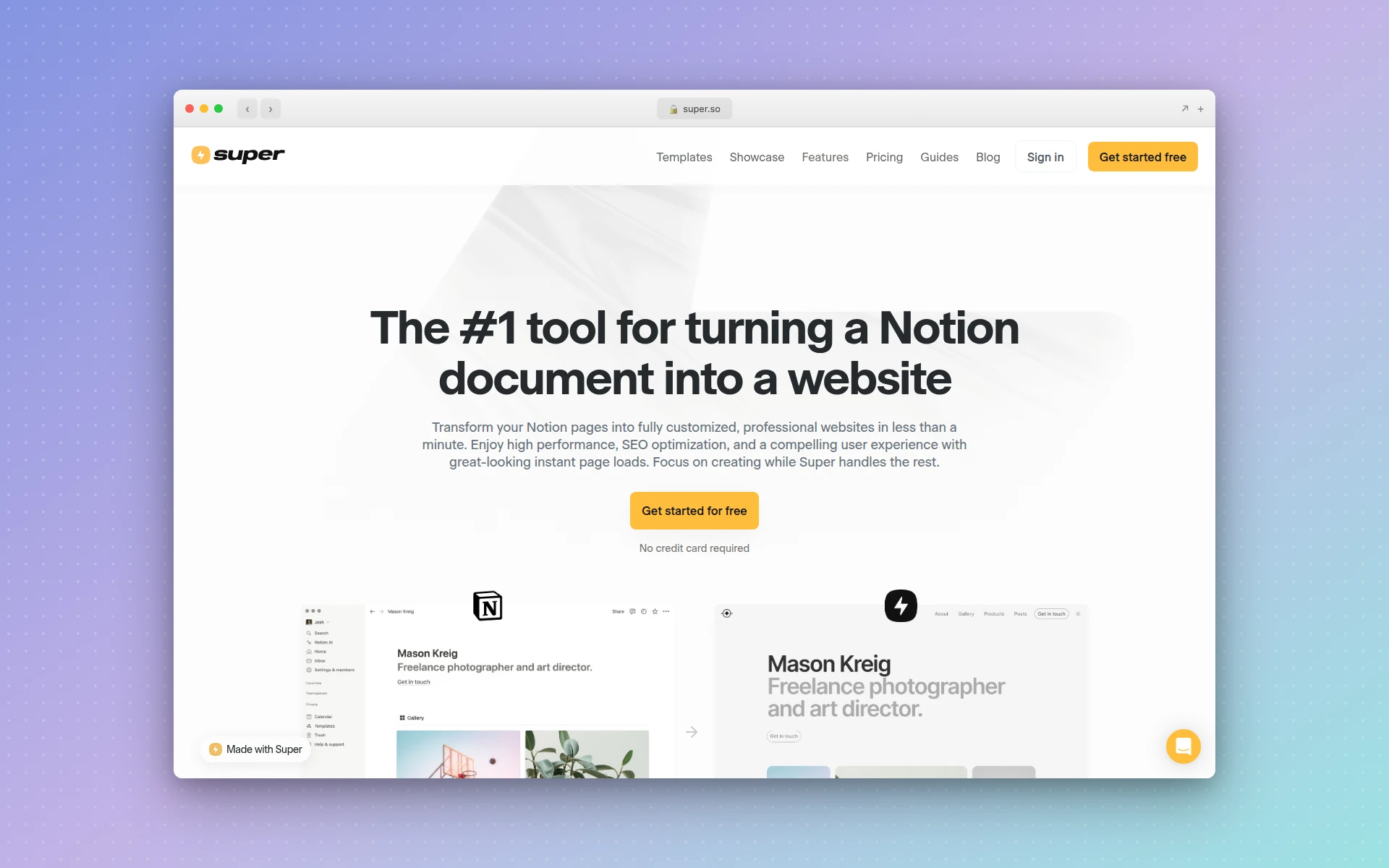 Super.so turns your Notion pages into fast, professional websites with custom domains and SEO optimization.
Is Framer Still Worth Using in 2026?
Framer remains a strong choice for designers who value animation control and component-based design systems. However, its per-site pricing structure, limited CMS for content-heavy sites, and steep learning curve make alternatives like AIDesigner, Webflow, or Wix better fits for many users and use cases.
What Is the Best Free Framer Alternative?
Google Sites is the best completely free Framer alternative for simple websites. For more capable free options, AIDesigner offers a free tier with AI-powered design generation, and Carrd provides free single-page websites. Wix also has a generous free plan with drag-and-drop editing.
How to Choose the Right Framer Alternative
With 10 solid options, the right choice depends on your specific needs. Here’s a decision framework:
Choose AIDesigner if…
You want professional-quality website designs generated by AI in seconds. Best for founders and marketers who value speed and design quality over manual control. If you’re tired of the manual layout process in tools like Framer, AIDesigner’s AI-first approach is a game-changer.
Choose Webflow if…
You need a powerful no-code platform for complex, content-heavy websites. Best for agencies and developers who want full design control without writing code. If you’re comparing Framer vs Webflow, choose Webflow when your project demands a robust CMS and e-commerce.
Choose Wix if…
You’re a beginner who wants the easiest possible path to a finished website. Best for small business owners who need to get online quickly without technical knowledge.
Choose Squarespace if…
You want a beautiful website with minimal design decisions. Best for businesses that value polished aesthetics and don’t need extreme customization.
Choose Cargo or Readymag if…
You’re a creative professional building a portfolio or editorial site. Cargo for bold visual portfolios, Readymag for typography-focused editorial design.
Choose WordPress + Elementor if…
You need maximum flexibility and specific functionality through plugins. Best for businesses with complex requirements that no single platform covers.
Choose Carrd if…
You need a simple one-page site and don’t want to overthink it. Best for link-in-bio pages, landing pages, and minimal web presences at an unbeatable price.
Choose Google Sites if…
You need something free, simple, and integrated with Google Workspace. Best for internal sites, project hubs, and “I just need a web page” situations.
Choose Super.so if…
You already use Notion and want to turn your pages into a website without learning a new tool.
Frequently Asked Questions
Is Framer free to use?
Framer offers a free plan that lets you build and test websites, but it comes with significant limitations. Free sites display a Framer badge, are restricted to 2 pages, and cannot use a custom domain. Paid plans start at $5/month (Mini) for basic sites, with the Basic plan at $15/month being the minimum most users need for a real website.
What is the best free Framer alternative?
Google Sites is the best completely free Framer alternative for simple websites. For more capable free options, AIDesigner offers a free tier with AI-powered design generation, and Carrd provides free single-page websites. Wix also has a generous free plan with drag-and-drop editing, though it includes Wix branding.
Is Webflow better than Framer?
Webflow is better than Framer for complex, content-heavy websites that need a robust CMS, advanced animations, and e-commerce functionality. Framer is better for designers who want rapid prototyping and simpler marketing sites. Webflow has a steeper learning curve but offers more professional-grade features. The choice depends on your project complexity and technical comfort level.
Why are people switching away from Framer?
Users are switching from Framer due to its pricing structure that charges per-site rather than per-account, limited CMS capabilities for content-heavy sites, SEO limitations compared to dedicated platforms, and the learning curve of its component-based design system. Many users also find that Framer’s strengths in prototyping don’t translate to the best production website experience.
Can I use AI to build a website instead of Framer?
Yes. AI-powered tools like AIDesigner can generate complete website designs from text prompts in seconds, eliminating the manual design process entirely. Unlike Framer where you build layouts by hand, AI website builders create professional designs instantly and let you refine them with follow-up prompts. This approach is faster and requires no design skills. For more AI options, see our guide to the best free AI website builders.
What is the cheapest Framer alternative for a portfolio site?
Carrd is the cheapest option at $19/year for a Pro plan that supports custom domains and multiple sites. Super.so is another affordable choice at $16/month if you already use Notion. For a free option, Google Sites works for basic portfolios, and Cargo offers a free plan specifically designed for creative professionals.
Final Verdict
Framer remains an excellent tool for designers who want tight control over their website’s visual design and interactions. But it’s no longer the only game in town, and for many use cases, it’s not the best choice.
If you’re exploring Framer alternatives because you want faster results, AIDesigner’s AI-powered approach eliminates the manual design process entirely. If you need more power and flexibility, Webflow is the professional-grade platform that scales with your ambitions. And if you just want something simple and affordable, Carrd at $19/year is hard to beat.
The best website builder is the one that matches your workflow, budget, and goals. Hopefully this comparison helps you find it.
Ready to try the AI-first approach to web design? Get started with AIDesigner for free and see how AI-generated designs compare to what you’ve been building manually.