TL;DR: Bolt.new pioneered browser-based AI app building, but its token consumption issues, code quality concerns, and AI-only support have users searching for alternatives. The best Bolt.new alternatives in 2026 are AIDesigner for premium UI design, Lovable for clean full-stack apps, and Cursor for professional development workflows. Here are 9 alternatives worth considering.
What Are the Best Bolt.new Alternatives?
The best Bolt.new alternatives in 2026 are AIDesigner, Lovable, v0.dev, Cursor, Replit, Windsurf, Firebase Studio, Framer AI, and Base44. These tools address Bolt.new’s key limitations — from token consumption problems and code quality issues to the lack of human customer support — while offering stronger options for UI design, full-stack development, and production-ready code.
What Are Bolt.new Alternatives?
Bolt.new alternatives are AI-powered development tools that generate web applications, UI designs, or complete codebases from natural language prompts, similar to StackBlitz’s Bolt.new but with different strengths in areas like design quality, code architecture, token efficiency, or developer experience. These range from visual design platforms like AIDesigner to full IDE environments like Cursor, each solving specific pain points that Bolt.new users encounter.
Bolt.new changed the game when it launched. The concept was powerful: describe an app in plain English, and a full-stack application — frontend, backend, database — appears in your browser tab, running on StackBlitz’s WebContainer technology. No local setup, no terminal commands, no deployment headaches.
But as projects grew more complex and users pushed beyond simple prototypes, Bolt.new’s cracks became hard to ignore. Token consumption spirals, excessive file rewrites during debugging, and an AI-only support system have left many developers looking for better options.
I’ve tested every major tool in this space hands-on, including AIDesigner, which is the one I reach for when design quality is the priority. Here’s my honest assessment of the alternatives that actually deliver.
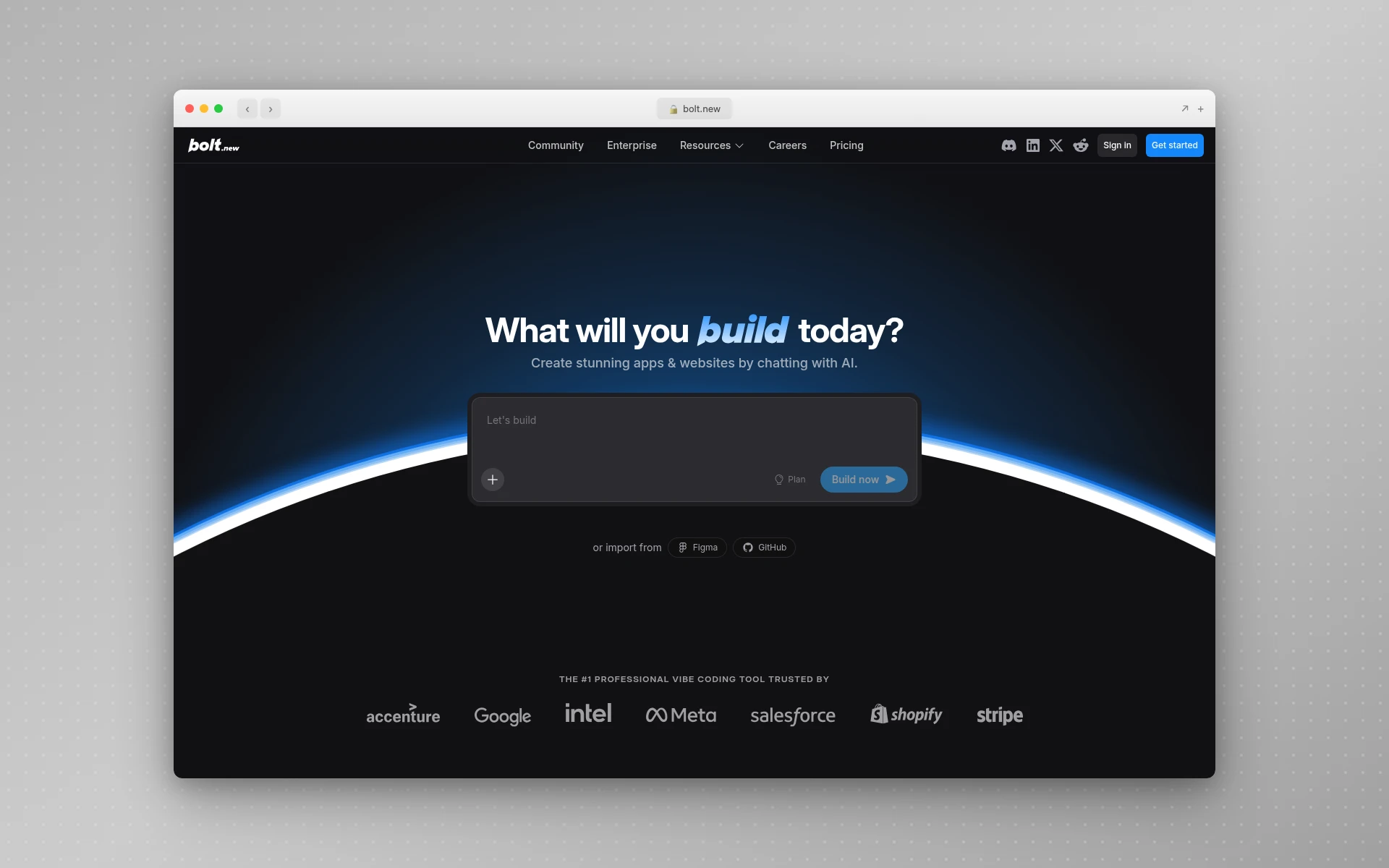 Bolt.new builds full-stack applications in the browser using AI, but token consumption issues and code quality concerns have users exploring alternatives.
Quick Comparison: Best Bolt.new Alternatives 2026
| Tool | Best For | Starting Price | Full-Stack | Output Format |
|---|---|---|---|---|
| AIDesigner | Premium UI design | Free / $25/mo | No (design-focused) | Visual design + code export |
| Lovable | Clean full-stack apps | Free / $25/mo | Yes (Supabase) | React + Supabase |
| v0.dev | Frontend components | Free / $20/mo | No | React + Tailwind |
| Cursor | Professional coding | Free / $20/mo | Yes (any stack) | Any code |
| Replit | All-in-one dev environment | Free / $20/mo | Yes | Any language |
| Windsurf | Agentic IDE workflows | Free / $15/mo | Yes (any stack) | Any code |
| Firebase Studio | Google ecosystem apps | Free (preview) | Yes (Firebase) | Any framework + Firebase |
| Framer AI | Marketing websites | Free / $10/mo | No (CMS only) | Published websites |
| Base44 | No-code app building | Free / $20/mo | Yes (built-in) | Hosted web apps |
Why People Are Looking for Bolt.new Alternatives
Before diving into the tools, here’s what’s driving developers away from Bolt.new.
Token Consumption Spirals
This is the number one complaint. Bolt.new’s token-based pricing sounds reasonable on paper — the Pro plan gives you 10 million tokens for $25/month. But in practice, tokens drain far faster than expected. When Bolt encounters a bug, it often rewrites entire files instead of making targeted fixes, burning through hundreds of thousands of tokens on minor changes. Users on GitHub have reported spending over 20 million tokens trying to fix a single authentication issue.
The “diffs” feature that prevents full-file rewrites helps, but it stays off by default — a decision that costs users millions of tokens before they discover it.
Code Quality Degrades at Scale
Bolt.new generates functional prototypes quickly, but the code architecture rarely holds up beyond 15-20 components. As projects grow, the AI starts creating inconsistent patterns, duplicating logic, and producing code that becomes increasingly difficult to maintain. Developers who need production-ready codebases find themselves spending more time cleaning up Bolt’s output than they would have spent writing the code from scratch.
AI-Only Customer Support
As of early 2026, Bolt.new handles all customer support through AI — there’s no human support team to escalate to. For a product with paid plans starting at $25/month, this is a notable gap. Users on Trustpilot have reported waiting weeks for resolution on billing issues like disappearing token balances, with no way to reach a human.
If you’re weighing the broader category rather than Bolt.new specifically, our guide to vibe coding walks through the same build loop from scratch.
Limited Design Quality
Bolt.new prioritizes getting code to work, not making it look good. The generated UIs are functional but generic — default spacing, basic typography, and color choices that look like they came from a template’s starter theme. If visual design quality matters for your project, Bolt’s output will disappoint.
The 9 Best Bolt.new Alternatives (In-Depth Reviews)
1. AIDesigner
Best for: Premium UI design that doesn’t look AI-generated
Rating: 4.8/5
If your frustration with Bolt.new is that the generated UIs look generic and template-like, AIDesigner solves that problem entirely. While Bolt focuses on full-stack code generation, AIDesigner focuses on producing visually stunning, production-ready interfaces that look like a senior designer crafted them.
The difference is immediately visible. Where Bolt outputs functional-but-plain components with default styling, AIDesigner generates interfaces with proper visual hierarchy, thoughtful color palettes, and layouts that feel polished and professional. It’s the difference between “works in a demo” and “ready for real users.”
What sets AIDesigner apart from Bolt.new:
- Design quality first — Output that looks professionally designed, not code-generated
- Infinite canvas — Work on multi-page projects in a single expansive workspace
- One-click publishing — Publish directly to custom subdomains with automatic SEO optimization
- Mobile app design — Generate mobile app UIs alongside web designs, something Bolt can’t do
- Context-aware editing — Use @ referencing to target specific designs for AI modifications
- Clone and Enhance — Recreate or improve any existing website as a starting point
Where Bolt.new still wins:
Bolt generates complete full-stack applications with backend logic, databases, and deployment. AIDesigner focuses on the design layer — if you need a working Node.js backend with Supabase auth, Bolt handles that while AIDesigner does not. For a full side-by-side breakdown of where each tool fits, see our AIDesigner vs Bolt.new comparison.
Pricing:
- Free tier with 5 generations
- Pro: $25/month for 100 credits (1 credit = 1 generation), scaling up to higher tiers
Who should use it: Founders, marketers, and product teams who need interfaces that look professionally designed. If visual quality matters more than full-stack code output, AIDesigner is the clear choice. For a broader comparison of AI design tools, see our guide to the best AI UI design tools.
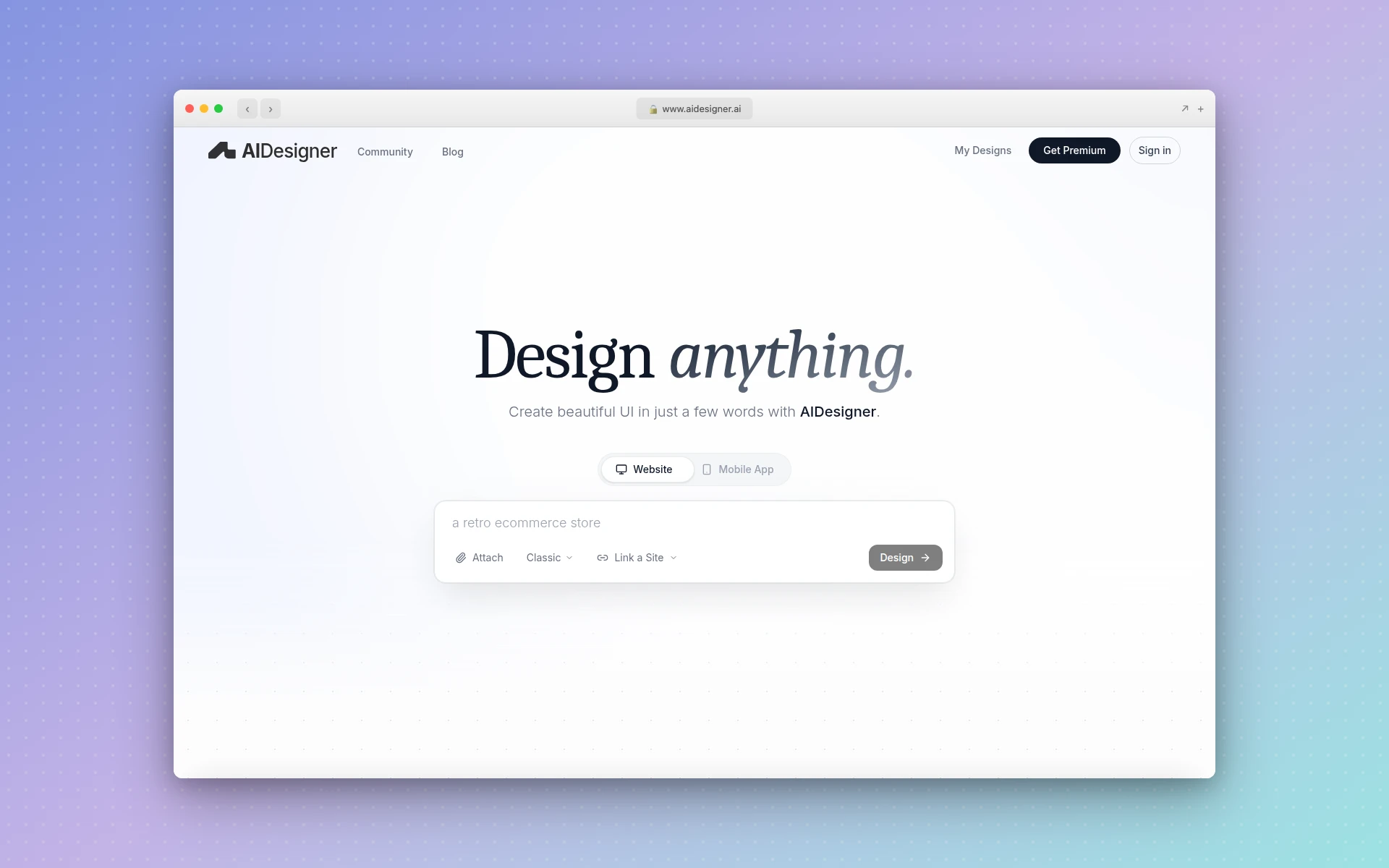 AIDesigner generates premium, production-ready UI designs on an infinite canvas with one-click publishing to custom domains.
2. Lovable
Best for: Shipping clean React + Supabase MVPs fast
Rating: 4.6/5
If your complaint about Bolt.new is that the code quality doesn’t hold up for production use, Lovable is the strongest alternative. Formerly known as GPT Engineer, Lovable hit $20M ARR in just two months by focusing on what Bolt struggles with: producing clean, maintainable code that you can actually ship.
Lovable generates React + Supabase applications with proper code architecture, built-in authentication, and database integration that works reliably. The key difference from Bolt is code ownership — Lovable exports clean code to GitHub with two-way sync, so you’re never locked into the platform.
Why people switch from Bolt.new to Lovable:
- Cleaner code output — Generates standard React/Tailwind code that follows best practices
- Supabase integration — Auto-generates database tables, auth, and row-level security
- GitHub export — Clean code you own, with two-way sync to your repository
- Visual editing — Edit UI elements visually, not just through prompts
- Agent Mode — Autonomous AI development with proactive debugging and web search
Where Bolt.new still wins:
Bolt is more framework-agnostic. While Lovable is tightly coupled to React + Supabase, Bolt can generate apps with different frontend frameworks and backend configurations. Bolt’s browser-based IDE also provides a more complete development experience with terminal access.
Pricing:
- Free: 5 daily credits
- Starter: $25/month (100 credits)
- Launch: $50/month (250 credits)
- Scale: $100/month (500+ credits)
Who should use it: Startup founders validating ideas and solo developers building React + Supabase apps who want clean, exportable code instead of Bolt’s browser-locked environment.
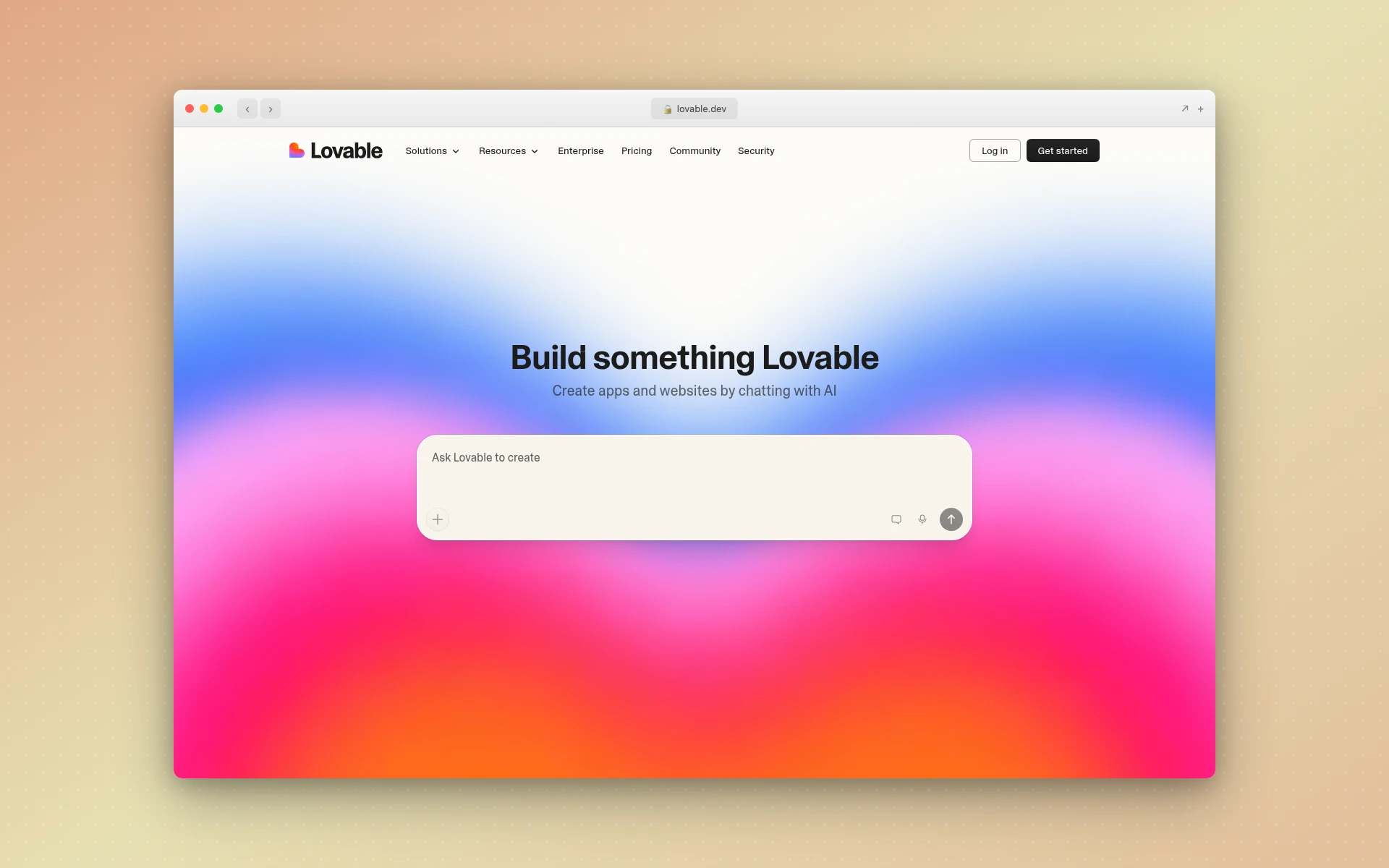 Lovable generates clean React + Supabase applications with GitHub export and two-way sync for production-ready code.
3. v0.dev
Best for: High-quality frontend component generation
Rating: 4.5/5
Vercel’s v0.dev takes a narrower but more polished approach than Bolt.new. Instead of trying to generate entire full-stack applications, v0 focuses specifically on frontend components — and does it exceptionally well. The React + Tailwind output is cleaner than what Bolt produces, and since it’s built by Vercel, the components integrate seamlessly with Next.js projects.
v0 received a major update in February 2026 adding Git integration, a full VS Code-style editor, and improved live previews. The introduction of three distinct AI models (Mini, Pro, Max) gives users control over the quality-speed tradeoff.
Why people switch from Bolt.new to v0:
- Higher-quality frontend code — React/Tailwind output that follows industry best practices
- Vercel ecosystem — Native integration with Next.js, Vercel hosting, and the broader Vercel stack
- Multiple AI models — Choose between speed (Mini), balance (Pro), and quality (Max)
- VS Code-style editor — Full code editing environment, not just a chat interface
- Cleaner component architecture — Components that work as standalone, reusable pieces
Where Bolt.new still wins:
Bolt generates complete applications including backend, databases, and authentication. v0 only generates frontend components — you need to wire up the backend yourself. For quick full-stack prototypes, Bolt is faster end-to-end.
Pricing:
- Free: $5 in monthly credits
- Premium: $20/month
- Team: $30/user/month
Who should use it: Frontend developers in the Vercel/Next.js ecosystem who want high-quality component generation without Bolt’s full-stack complexity. For more options in this category, see our complete v0 alternatives guide.
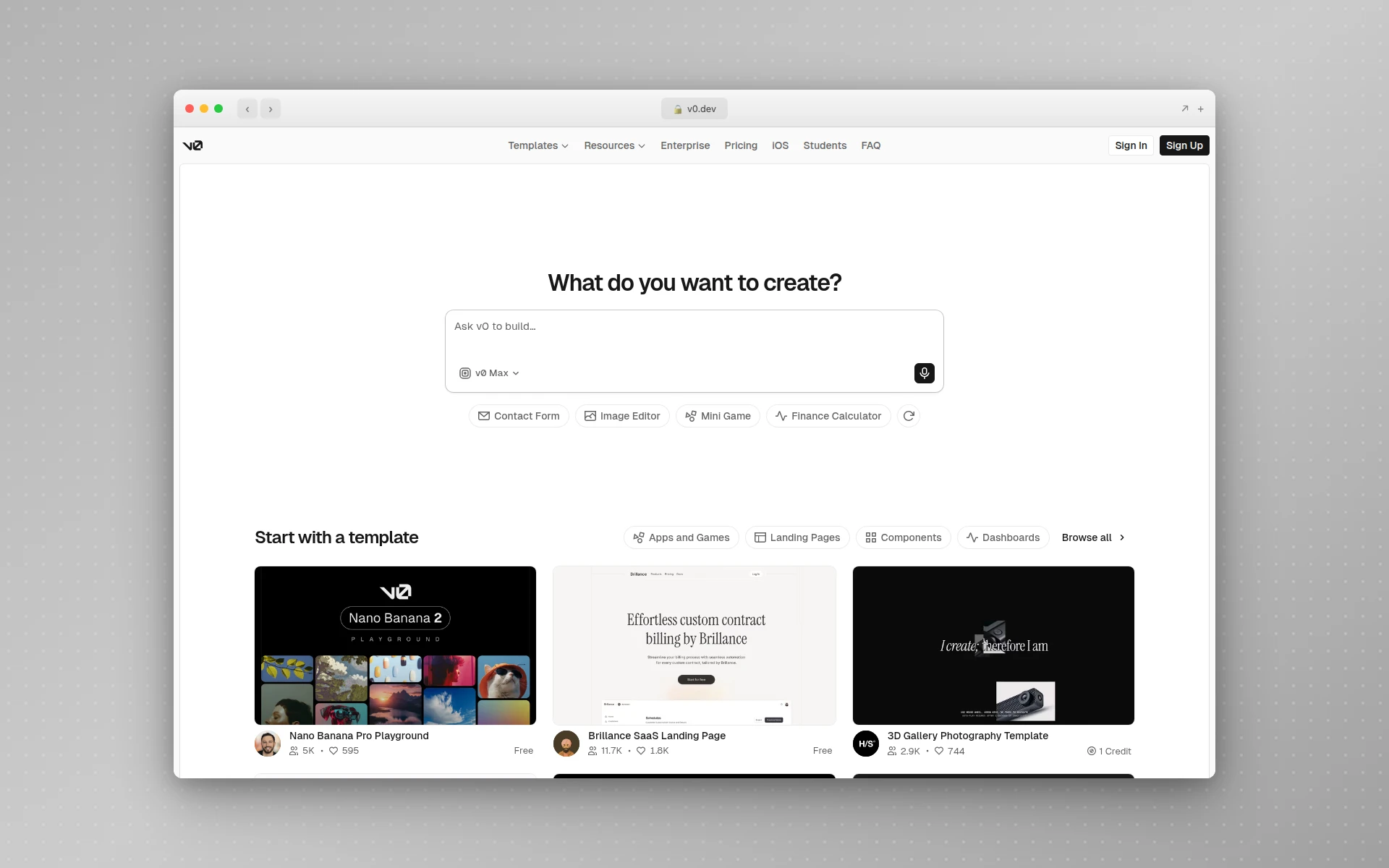 v0.dev by Vercel generates production-quality React components with a new VS Code-style editor and multiple AI model tiers.
4. Cursor
Best for: Professional developers who want AI throughout their entire workflow
Rating: 4.7/5
Cursor is fundamentally different from Bolt.new. Where Bolt is a browser-based app generator that produces code from prompts, Cursor is a full AI-powered code editor built on VS Code that assists with writing, refactoring, debugging, and understanding code across your entire project. It doesn’t replace your development workflow — it supercharges it.
The key distinction: Bolt generates an app and you hope it works. Cursor sits with you as you build, understands your entire codebase, and helps you make better decisions at every step. Cursor claims to accelerate development cycles by 30-40%, and from my testing, that tracks for complex projects.
Why developers choose Cursor over Bolt.new:
- Full IDE experience — Not just generation, but AI-assisted editing, debugging, and refactoring
- Multi-file awareness — Understands your entire codebase, not just the current prompt
- Framework agnostic — Works with React, Vue, Svelte, Python, Go, or anything else
- Model flexibility — Access Claude, GPT-5, Gemini 2.5 Pro, and other frontier models
- Local development — Your code stays on your machine, not in a browser sandbox
Where Bolt.new still wins:
Bolt requires zero setup. You open a browser tab, type a prompt, and get a working app in minutes. Cursor requires a local development environment, knowledge of how to set up projects, and actual coding ability. For non-technical users, Bolt is far more accessible. If you want to learn Cursor from scratch, our guide to using Cursor AI covers setup, essential shortcuts, and Agent mode workflows.
Pricing:
- Hobby: Free (limited AI requests)
- Pro: $20/month (unlimited completions + credit pool)
- Pro+: $60/month (3x credits)
- Ultra: $200/month (20x credits)
Who should use it: Professional developers who spend 4+ hours daily coding and want AI assistance embedded in their workflow. If you know how to code and want to move faster, Cursor is the better investment over Bolt.new. For more AI-assisted coding options, see our best AI coding tools guide.
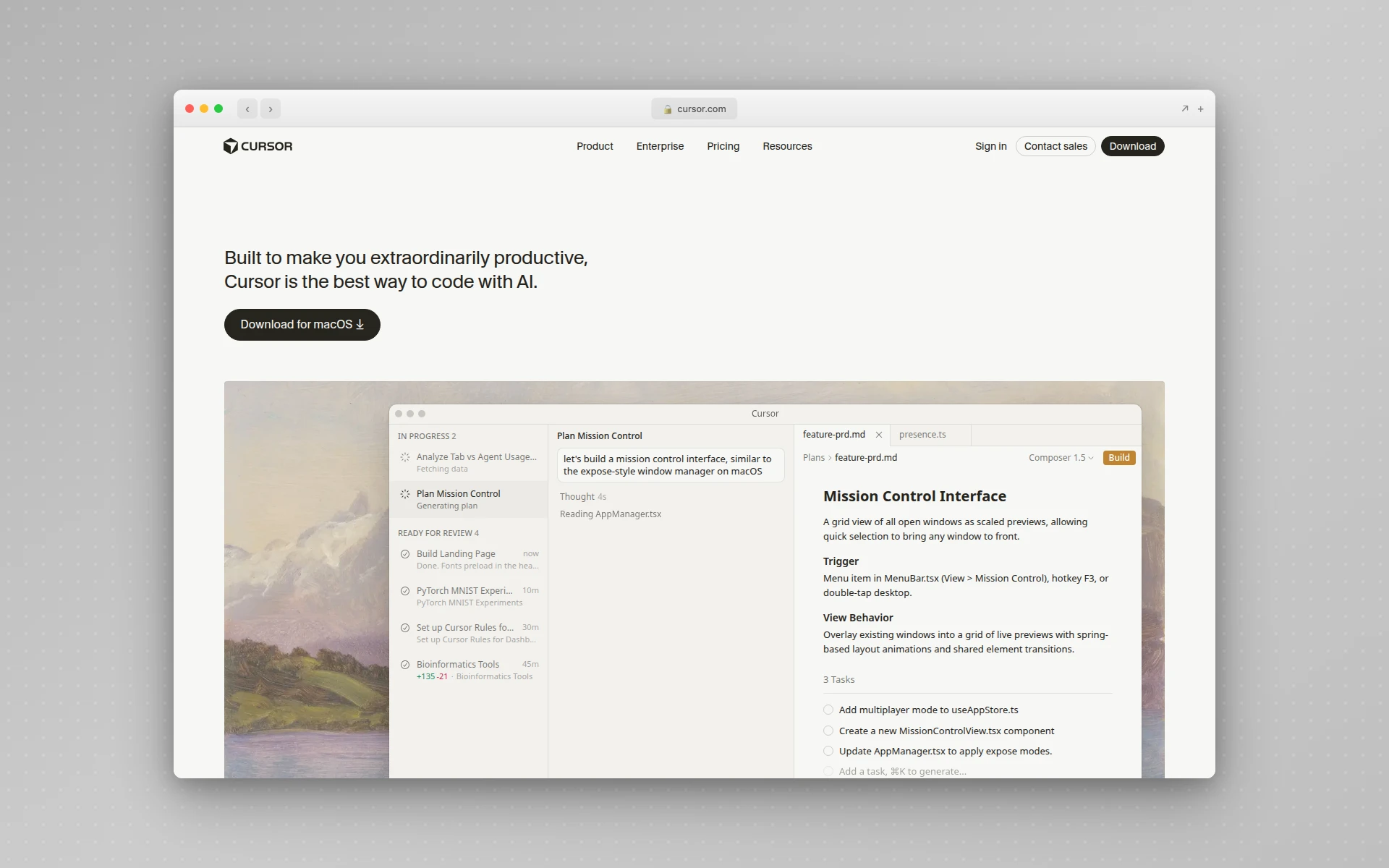 Cursor is a full AI-powered code editor built on VS Code with multi-file awareness and model flexibility for professional developers.
5. Replit
Best for: All-in-one cloud development with AI assistance
Rating: 4.4/5
Replit is the closest direct competitor to Bolt.new in terms of concept: a browser-based environment where you can build, run, and deploy applications without local setup. But Replit brings something Bolt doesn’t — a mature cloud IDE with real-time collaboration, 50+ language support, and integrated hosting that has been battle-tested for years before adding AI.
Replit Agent, their AI assistant, turns natural language prompts into working applications similar to Bolt. But because it sits on top of a real development environment, you get terminal access, package management, version control, and the ability to manually edit code alongside AI assistance.
Why people switch from Bolt.new to Replit:
- Mature platform — Years of battle-tested cloud IDE infrastructure, not just an AI wrapper
- 50+ languages — Build in Python, Node.js, Go, Rust, or virtually anything else
- Real-time collaboration — Multiplayer editing with your team, Google Docs-style
- Integrated hosting — Deploy directly from Replit with automatic scaling
- Manual + AI hybrid — Use Agent for generation, then edit code directly in the same environment
Where Bolt.new still wins:
Bolt’s WebContainer technology provides a faster startup experience for web apps specifically. Replit’s more general-purpose environment means slightly more setup friction. Bolt also tends to generate more complete initial outputs, while Replit Agent sometimes requires more iterative prompting.
Pricing:
- Starter: Free (basic AI, 1 published app)
- Core: $20/month ($25 in AI credits)
- Pro: $100/month (advanced Agent modes, priority support)
Who should use it: Developers and teams who want a complete cloud development environment with AI assistance, not just an AI app generator. Ideal for those who need to work across multiple programming languages and want real collaboration features.
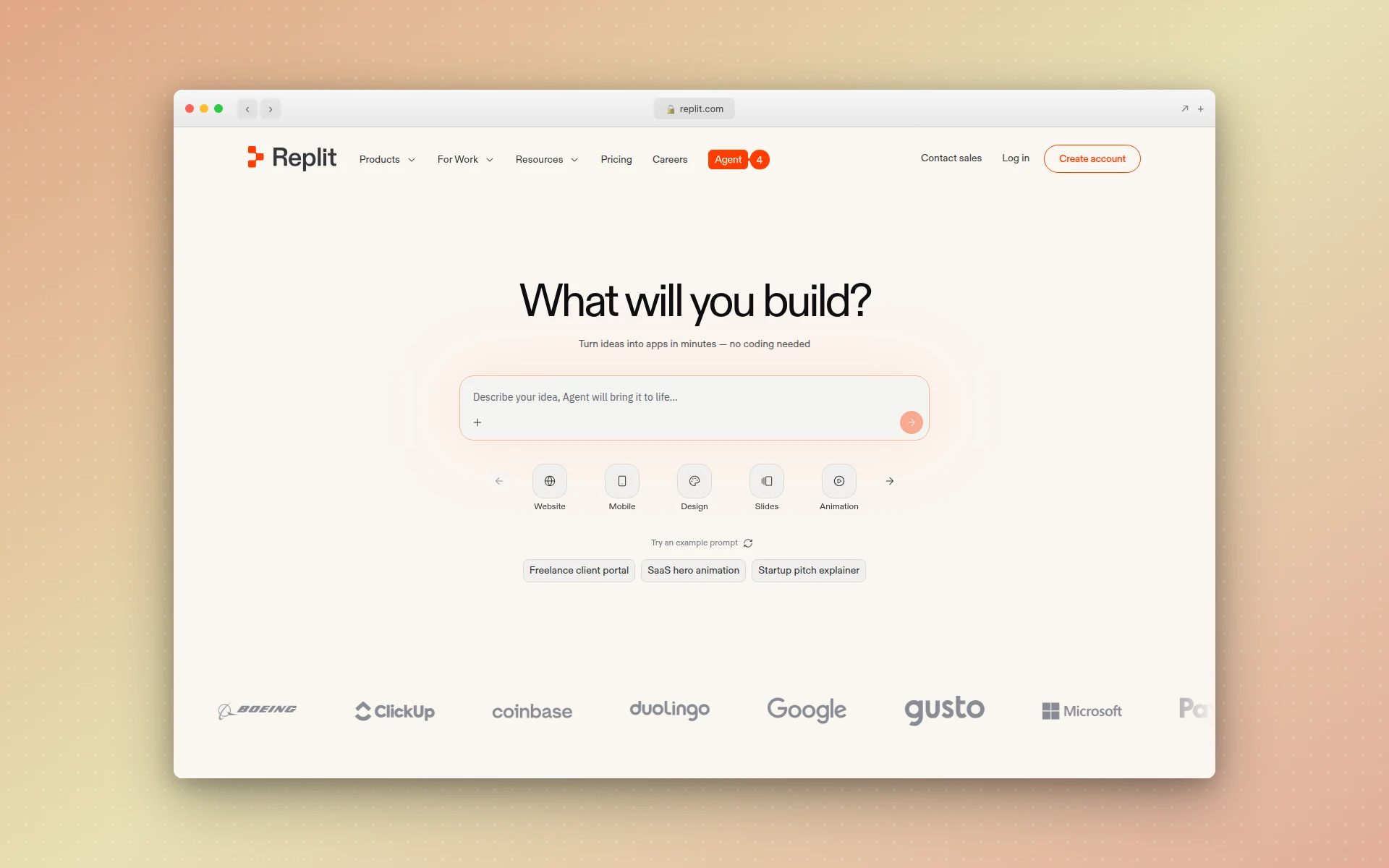 Replit combines a mature cloud IDE with AI Agent capabilities for building, collaborating, and deploying applications in the browser.
6. Windsurf
Best for: Agentic AI coding with deep codebase understanding
Rating: 4.5/5
Windsurf (formerly Codeium) sits between Bolt.new and Cursor in the AI development tool spectrum. Like Cursor, it’s an AI-powered code editor. But Windsurf’s signature feature — Cascade — provides agentic workflows that feel closer to Bolt’s “describe and generate” approach while maintaining the control of a real IDE.
What makes Windsurf stand out is its Memories feature. After indexing your codebase, it learns your architecture patterns, naming conventions, and coding style. In testing on large codebases, Memories suggested components consistent with existing patterns 78% of the time — something Bolt.new, which starts fresh each time, simply cannot do.
Why people switch from Bolt.new to Windsurf:
- Cascade — Agentic AI that combines codebase understanding with multi-step task execution
- Memories — Learns your coding patterns and maintains context across sessions
- JetBrains integration — Works natively inside JetBrains IDEs, not just as a standalone editor
- SWE-1.5 model — Custom coding model achieving near Claude 4.5-level performance at 13x the speed
- Affordable pricing — Pro at $15/month is cheaper than both Bolt and Cursor
Where Bolt.new still wins:
Bolt requires zero coding knowledge. Windsurf is built for developers who already know how to code and want AI augmentation. For non-technical users who need a working prototype fast, Bolt’s browser-based generation is more accessible.
Pricing:
- Free: 25 credits/month
- Pro: $15/month (500 credits)
- Teams: $30/user/month
- Enterprise: $60/user/month
Who should use it: Developers who want the agentic generation power of Bolt.new but within a professional IDE that understands their existing codebase. Windsurf is particularly strong for teams with established coding standards.
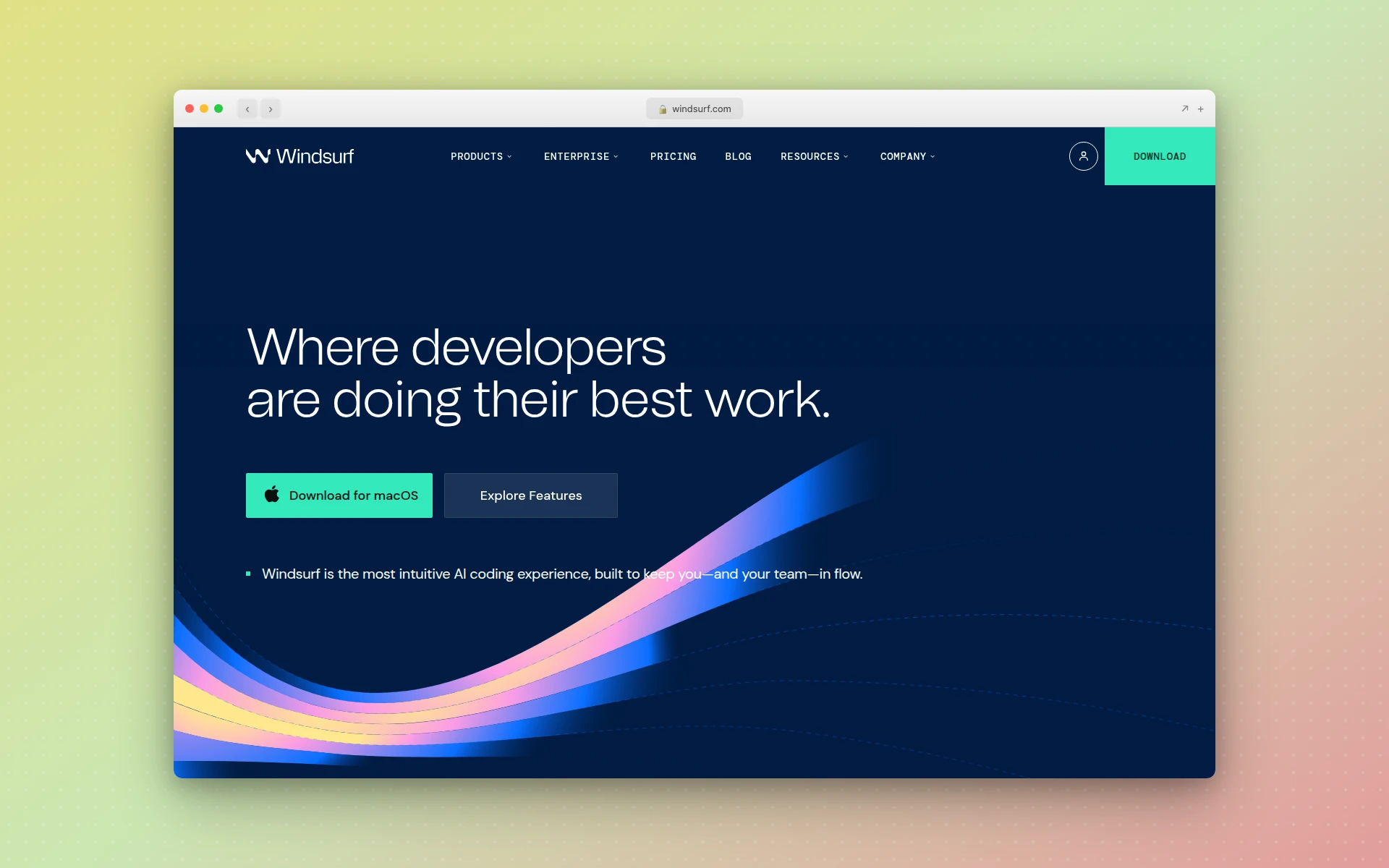 Windsurf’s Cascade feature provides agentic AI coding with deep codebase understanding and the Memories system for consistent code patterns.
7. Firebase Studio
Best for: Building apps in the Google ecosystem
Rating: 4.2/5
Firebase Studio is Google’s answer to Bolt.new — a browser-based AI development environment that generates full-stack applications from natural language prompts. Powered by Gemini, it creates apps that automatically integrate with Firebase services like Firestore, Authentication, and Cloud Functions.
The platform launched as a free preview and has been gaining traction among developers already invested in the Google ecosystem. The App Prototyping agent proactively detects when your app needs data storage or user authentication and offers to set up the Firebase infrastructure automatically.
Why people switch from Bolt.new to Firebase Studio:
- Free during preview — No token limits or credit concerns while in preview period
- Google ecosystem — Native Firebase, Firestore, and Google Cloud integration
- Gemini-powered — Access to Google’s latest AI models for code generation
- Production infrastructure — Firebase’s proven hosting, databases, and auth at scale
- Google AI Studio integration — Connect directly with Google AI Studio for AI-powered features
Where Bolt.new still wins:
Bolt.new is more mature and supports a wider range of frameworks and backend configurations. Firebase Studio ties you to the Google/Firebase ecosystem, which may not suit every project. Bolt’s WebContainer technology also provides a snappier development experience.
Pricing:
- Free during preview period
- Expected to follow Firebase’s usage-based pricing model
Who should use it: Developers building apps that will run on Google Cloud or need Firebase services. Firebase Studio eliminates the infrastructure setup that makes Firebase adoption challenging for new developers.
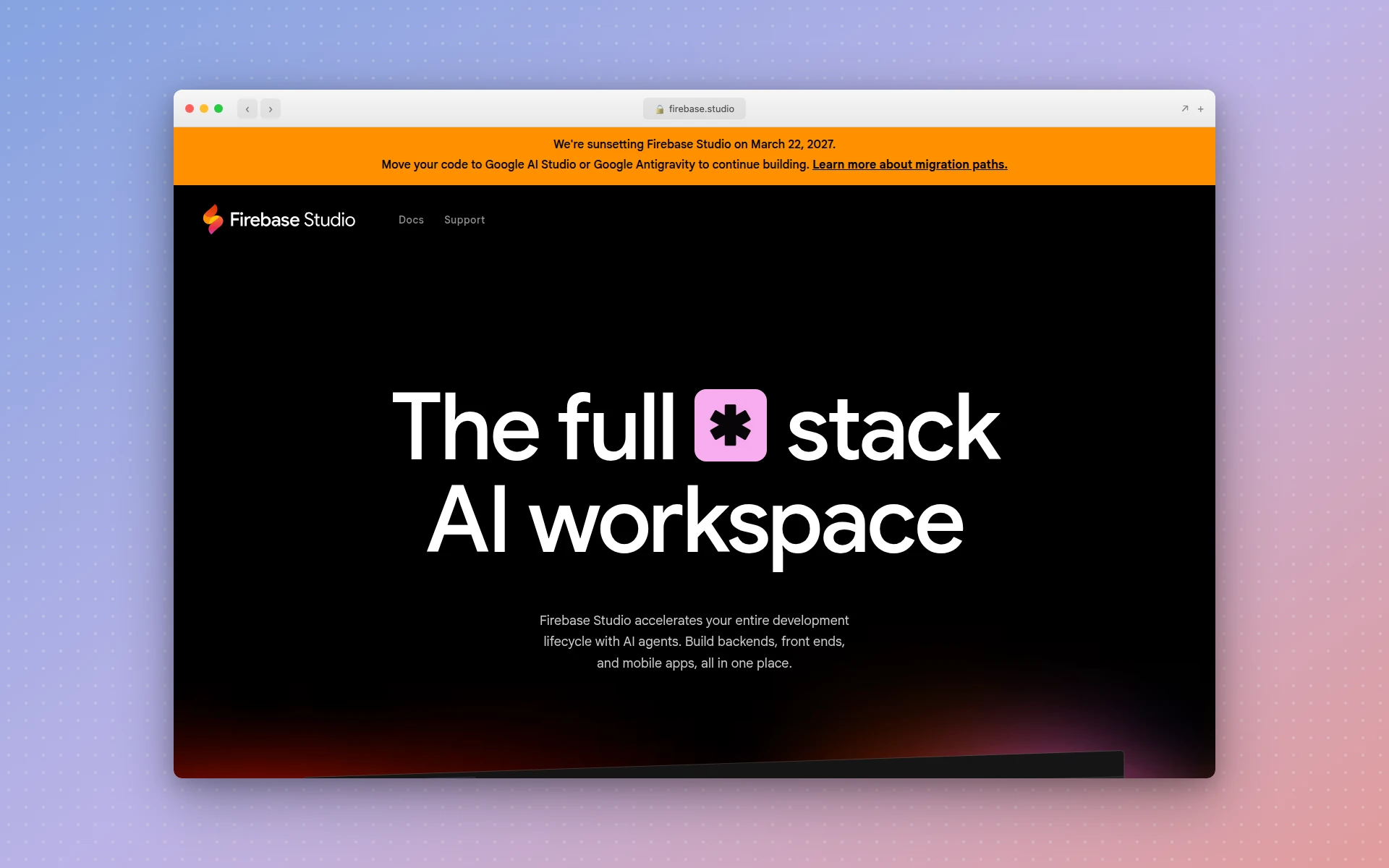 Firebase Studio generates full-stack apps with automatic Firebase integration, powered by Google’s Gemini AI models.
8. Framer AI
Best for: Publishing marketing websites without code
Rating: 4.3/5
Framer AI takes a different approach entirely. While Bolt.new tries to build applications, Framer AI focuses exclusively on websites — and it’s the only tool on this list that generates, hosts, and publishes your site in one seamless workflow.
Describe the website you want, Framer builds it with proper responsive design and animations, and you publish it to a custom domain in minutes. No deployment configuration, no hosting setup, no DNS headaches. For teams that need marketing sites rather than web applications, Framer eliminates the biggest friction points in Bolt’s workflow.
Why people switch from Bolt.new to Framer:
- End-to-end publishing — Generate, edit, and publish a live website from one tool
- Built-in CMS — Manage blog posts and content without external tools
- Professional animations — Scroll-triggered effects and micro-interactions built in
- SEO and analytics — Built-in optimization and tracking without plugins
- No token anxiety — Flat monthly pricing instead of consumption-based tokens
Where Bolt.new still wins:
Bolt can build web applications with backend logic, databases, and authentication. Framer is strictly for marketing and content websites. If you need anything beyond a published website, Bolt is more capable.
Pricing:
- Free: Basic features with Framer branding
- Basic: $10/month (billed annually)
- Pro: $30/month
- Scale: $100/month
Who should use it: Startups and agencies building marketing sites who want to skip deployment complexity entirely. If you need a live website, not a web application, Framer delivers faster than Bolt. For more options, see our Framer alternatives guide.
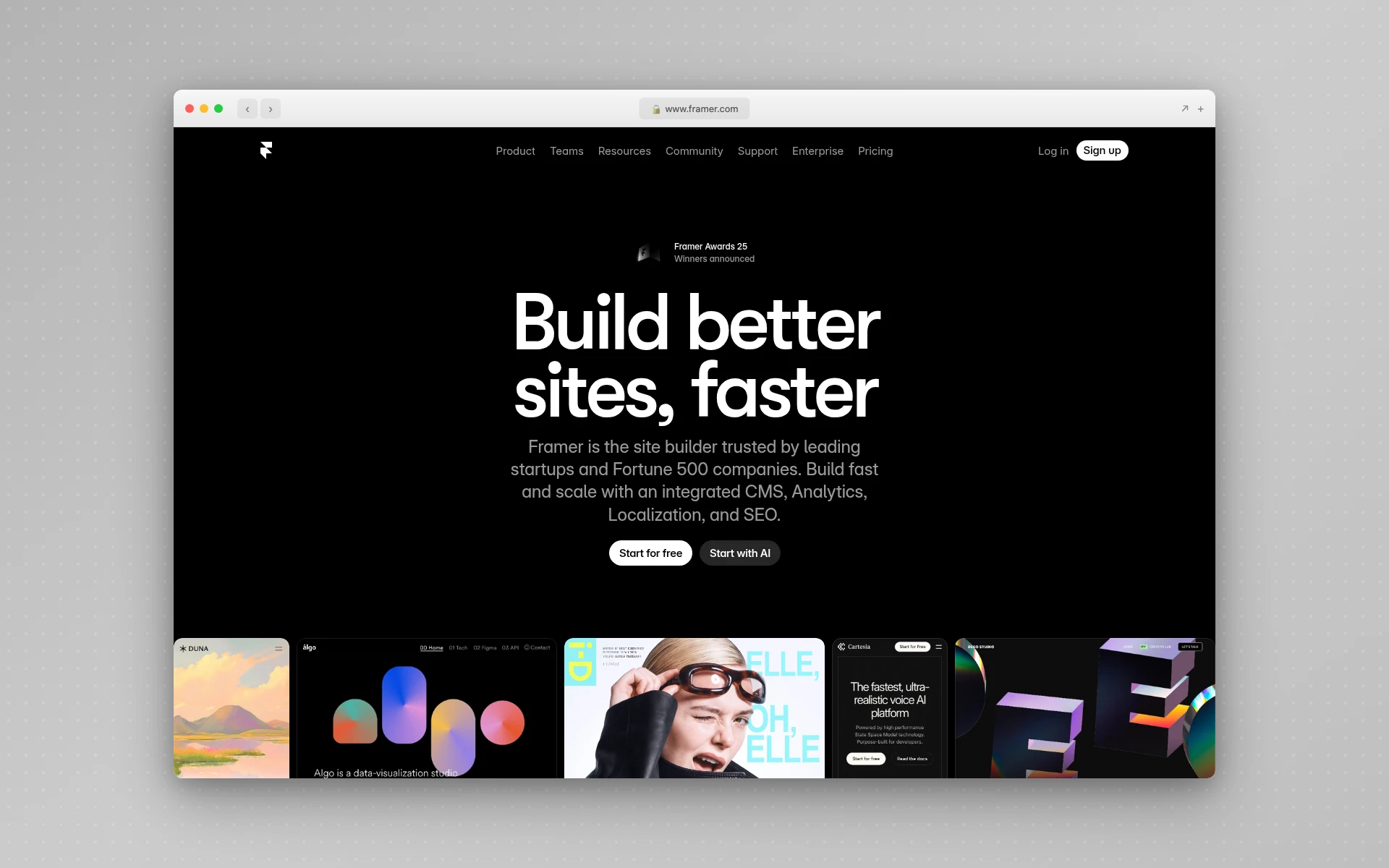 Framer AI generates and publishes complete marketing websites with built-in CMS, animations, and SEO tools.
9. Base44
Best for: No-code app building with instant deployment
Rating: 4.1/5
Base44 is the simplest Bolt.new alternative on this list. While Bolt gives you a development environment with terminal access and code editing, Base44 abstracts everything away. You describe what you want, the AI builds it, and the app is immediately live. There’s no code to see, no files to manage, no deployment step.
This makes Base44 ideal for truly non-technical users who find even Bolt.new overwhelming. The platform includes built-in hosting, database, authentication, and payment processing — all configured automatically through natural language prompts.
Why people switch from Bolt.new to Base44:
- Zero code exposure — No terminal, no file system, no code editing required
- Instant deployment — Apps are live immediately, no deployment configuration
- Built-in everything — Database, auth, hosting, and payments configured automatically
- Simpler pricing — Credit-based system that’s easier to predict than Bolt’s token model
- Intuitive AI — Understands user intent with less detailed prompting
Where Bolt.new still wins:
Bolt gives you full access to the underlying code, which means more flexibility and the ability to customize beyond what the AI generates. Base44’s no-code approach limits what you can build for complex or custom requirements. Developers will feel constrained.
Pricing:
- Free: 25 message credits/month
- Starter: $20/month (billed annually)
- Pro: $40/month
- Business: $80/month
Who should use it: Non-technical founders and business users who want working web apps without any coding knowledge. If Bolt.new’s code environment feels intimidating, Base44 removes that complexity entirely.
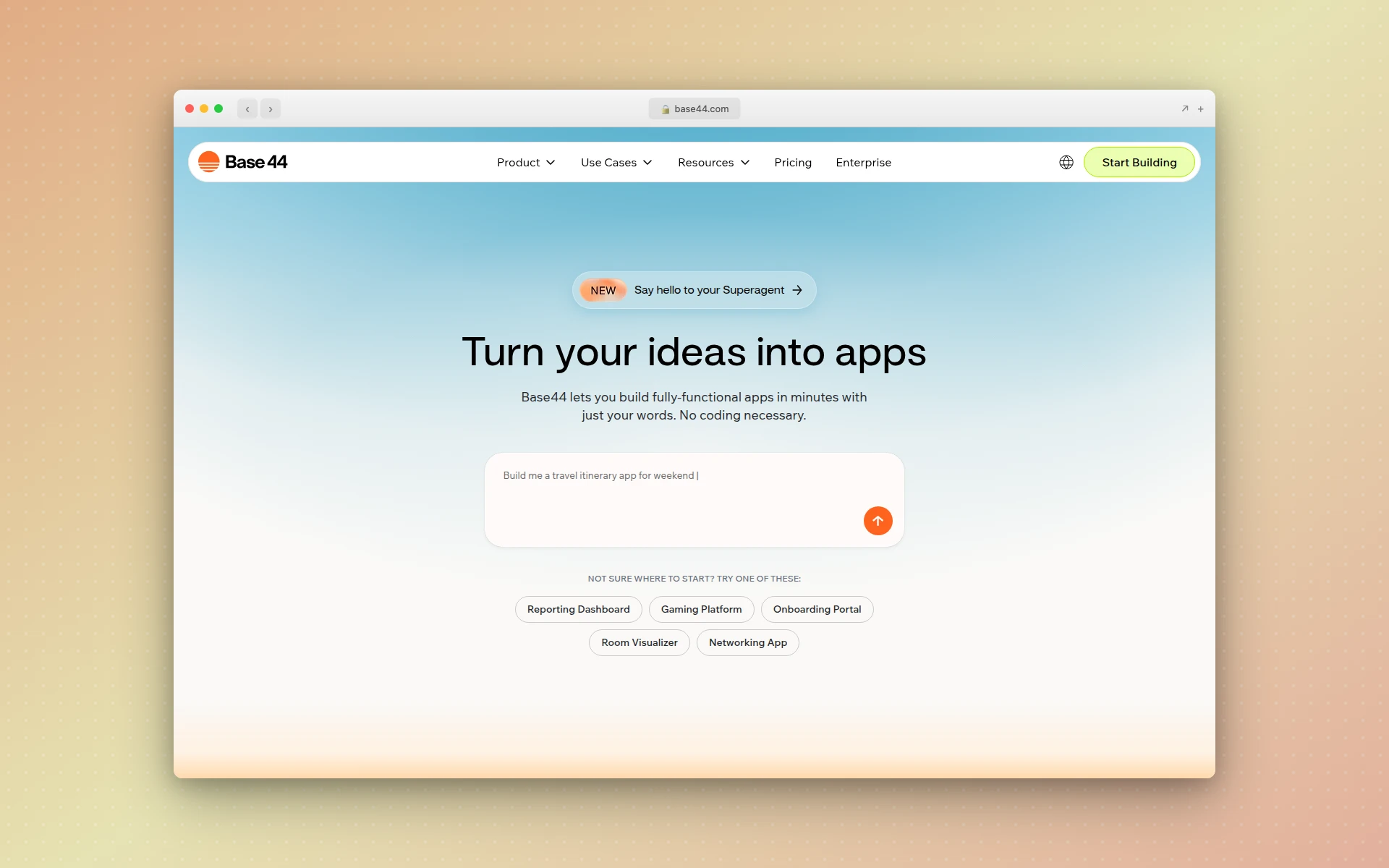 Base44 builds web applications from natural language with zero code exposure and instant deployment.
How Much Do Bolt.new Alternatives Cost?
Bolt.new alternatives range from free to $200/month depending on the tool and tier. Most offer free plans with limited usage, and paid plans typically start at $15-25/month. Tools like Cursor and Windsurf that provide IDE-level AI assistance tend to be the best value per dollar, while browser-based generators like Bolt and Lovable use token or credit systems that can make costs unpredictable for complex projects.
Here’s a pricing comparison of all the alternatives:
| Tool | Free Plan | Entry Paid Plan | Best Value Tier |
|---|---|---|---|
| AIDesigner | 5 generations | $25/mo (100 credits) | $25/mo |
| Lovable | 5 daily credits | $25/mo (100 credits) | $50/mo (250 credits) |
| v0.dev | $5/mo credits | $20/mo | $20/mo |
| Cursor | Limited requests | $20/mo | $20/mo |
| Replit | Basic AI + 1 app | $20/mo ($25 credits) | $20/mo |
| Windsurf | 25 credits/mo | $15/mo (500 credits) | $15/mo |
| Firebase Studio | Free (preview) | TBD | Free (for now) |
| Framer AI | Framer branding | $10/mo | $30/mo |
| Base44 | 25 messages/mo | $20/mo | $40/mo |
Can AI Build a Production-Ready App?
Yes, modern AI tools can generate functional web applications suitable for MVPs and early-stage products. Tools like Lovable and Bolt.new produce working applications with databases, authentication, and deployment. However, most developers report that AI-generated code requires cleanup and refactoring before it meets production standards for scalability, security, and maintainability.
How to Choose the Right Bolt.new Alternative
If you need better design quality
Choose: AIDesigner
Bolt.new generates functional UIs; AIDesigner generates beautiful ones. If your project’s success depends on visual polish — landing pages, marketing sites, mobile app interfaces — AIDesigner’s design-first approach produces results that Bolt can’t match. This was a key factor in our best AI landing page builders comparison as well.
If you need cleaner full-stack code
Choose: Lovable
Lovable’s React + Supabase output is noticeably cleaner than Bolt’s. The GitHub export with two-way sync means you own your code and can maintain it outside the platform. For startups building MVPs they intend to scale, Lovable’s code quality justifies the similar price point.
If you’re a professional developer
Choose: Cursor or Windsurf
Both are AI-powered code editors that enhance your existing workflow rather than replacing it. Cursor offers more model flexibility; Windsurf has the Memories feature for codebase-aware suggestions. Either is a better investment than Bolt for developers who already know how to code.
If you want a complete cloud environment
Choose: Replit
Replit gives you everything Bolt does — browser-based development, AI generation, deployment — but on a mature platform with real-time collaboration, 50+ language support, and years of battle-tested infrastructure.
If you need a live website, not an app
Choose: Framer AI
The only tool here that generates, hosts, and publishes your site in one workflow. No deployment, no DNS configuration, no hosting bills.
If you’re building in the Google ecosystem
Choose: Firebase Studio
Free during preview and natively integrated with Firebase services. If your app will run on Google Cloud, this eliminates the infrastructure setup friction that makes other tools frustrating.
If you want zero code exposure
Choose: Base44
The simplest option on this list. No code, no terminal, no deployment steps. Describe what you want and get a live app. For more no-code options, see our best no-code app builders guide.
FAQ
Is Bolt.new free to use?
Bolt.new offers a free plan with 300,000 daily tokens and a 1 million monthly token cap. Free projects display Bolt branding and cannot use custom domains. Paid plans start at $25/month for 10 million tokens with token rollover and custom domain support.
What is the best free Bolt.new alternative?
AIDesigner is the best free Bolt.new alternative for UI design, offering a free tier with AI-powered design generation on an infinite canvas. For full-stack app building, Replit’s free Starter plan and Firebase Studio (free during preview) are strong options.
Is Lovable better than Bolt.new?
Lovable is better than Bolt.new for React and Supabase projects because it produces cleaner code with built-in authentication, database integration, and GitHub export. Bolt.new is more flexible with framework choice and offers a browser-based IDE. The best choice depends on your stack and whether you value code quality or speed.
Can Bolt.new build production-ready apps?
Bolt.new can generate working prototypes and MVPs, but most developers report that the output needs cleanup before production deployment. Common issues include messy code architecture, excessive file rewrites during debugging, and Supabase authentication loops that consume millions of tokens to resolve.
What is the difference between Bolt.new and Cursor?
Bolt.new is a browser-based AI app builder that generates complete applications from prompts. Cursor is an AI-powered code editor built on VS Code that assists with writing, debugging, and refactoring code in your local development environment. Bolt.new is better for rapid prototyping; Cursor is better for professional development workflows.
The Bottom Line
Bolt.new deserves credit for proving that AI can generate full-stack applications in a browser tab. The concept is powerful, and for quick prototypes, it still delivers. But as the AI development tool market has matured, the competition has gotten serious — and Bolt’s token consumption issues, code quality limitations, and lack of human support have created clear opportunities for alternatives.
My recommendations:
- For premium UI design: AIDesigner’s AI design generator creates production-ready interfaces with visual polish that Bolt’s output can’t match
- For clean full-stack code: Lovable produces React + Supabase apps with proper architecture and GitHub export
- For professional developers: Cursor or Windsurf enhance your existing workflow rather than replacing it
- For cloud development: Replit offers a mature browser-based environment with real collaboration features
- For marketing websites: Framer AI handles everything from generation to publication in one tool
The right choice depends on whether you need design output, clean code, or a development environment. But the days of Bolt.new being the only option for AI-powered app building are over.
Want AI-generated UI that actually looks professionally designed? Try AIDesigner free and see the difference between code-first and design-first AI generation.