TL;DR: Webflow is powerful but expensive, complex, and increasingly hard to justify when AI-powered alternatives exist. The best Webflow alternatives in 2026 are AIDesigner for AI-powered design generation, Framer for design-forward marketing sites, and Wix for beginner-friendly drag-and-drop building. Here are 10 alternatives worth your time.
What Are the Best Webflow Alternatives?
The best Webflow alternatives in 2026 are AIDesigner, Framer, Squarespace, Wix, and WordPress with Elementor. These tools offer different approaches to website building — from AI-powered generation to visual drag-and-drop editing — with lower price points, gentler learning curves, and professional design quality that rivals Webflow’s output.
Why People Are Looking for Webflow Alternatives
Webflow has earned its reputation as the most powerful visual development platform on the market. With over 3.5 million users and 822,000 live sites, it is a serious tool for serious web projects. But its power comes at a cost — literally and figuratively.
Here is why designers, freelancers, and businesses are searching for Webflow competitors in 2026.
The Pricing Structure Is Confusing and Expensive
Webflow charges at multiple levels: workspace plans (starting at $19/month), site plans (starting at $14/month per site), and a growing list of paid add-ons for localization, analytics, and optimization. A freelancer managing five client sites on CMS plans with a Core workspace is looking at $134/month minimum — and that is before add-ons.
Compare that to all-in-one platforms like Squarespace ($16/month for everything) or AI-powered tools like AIDesigner ($25/month for unlimited projects), and the value gap becomes obvious.
The Learning Curve Is Brutal
Webflow markets itself as no-code, but anyone who has opened its visual editor for the first time knows better. Understanding the box model, flexbox vs. grid, class naming conventions, and the cascade of CSS inheritance requires real web development knowledge. For non-technical founders and marketers, this learning curve can mean weeks of tutorials before publishing a single page.
Vendor Lock-In Is Real
Once you build a complex site in Webflow, leaving is painful. Exported code is static HTML that loses all CMS functionality, dynamic content, form handling, and interactions. Users report spending hundreds of hours building in Webflow only to realize they are locked into Webflow’s proprietary hosting with no clean exit path.
AI Is Changing the Game
Perhaps the biggest shift is that AI-powered design tools now generate professional websites from text prompts in seconds. Why spend hours manually positioning elements in Webflow’s visual editor when you can describe what you want and get a polished result instantly? For landing pages, portfolios, and marketing sites, AI builders offer comparable quality at a fraction of the time and cost.
If you are interested in how AI is reshaping web design, our guide to the best AI website generators covers this shift in depth.
Quick Comparison: Best Webflow Alternatives 2026
| Tool | Best For | Starting Price | Free Plan | AI Features |
|---|---|---|---|---|
| AIDesigner | AI-powered website design | Free / $25/mo | Yes | Full AI generation |
| Framer | Design-forward marketing sites | Free / $10/mo | Yes | AI page generation |
| Squarespace | Polished template-based sites | $16/mo | 14-day trial | Basic AI text |
| Wix | Beginner-friendly building | Free / $17/mo | Yes | Wix ADI |
| WordPress + Elementor | Maximum flexibility | $59/yr (plugin) | Yes (free plugin) | AI via plugins |
| Carrd | Simple one-page sites | Free / $9/yr | Yes | None |
| Dorik | Affordable all-in-one builder | Free / $39/mo | Yes | AI site generation |
| Durable | Fast AI business sites | Free / $22/mo | Yes | Full AI generation |
| Hostinger | Budget sites with hosting | $2.99/mo | 7-day trial | AI site builder |
| Typedream | Notion-style simplicity | Free / $15/mo | Yes | AI page builder |
The 10 Best Webflow Alternatives (In-Depth Reviews)
1. AIDesigner
Best for: AI-powered website and landing page design
If you are looking for a Webflow alternative that eliminates the manual design process entirely, AIDesigner is the most compelling option available. Instead of learning CSS properties and class hierarchies, you describe the website you want in plain English and get a production-ready design in seconds.
This is not a template picker with an AI label. AIDesigner generates genuinely polished designs with proper visual hierarchy, thoughtful typography, and layouts that look like they came from an experienced design team. Where Webflow requires you to understand web development concepts to build anything meaningful, AIDesigner handles the heavy lifting so you can focus on content and strategy. And if the job is just one high-converting page, its AI landing page builder gets you there without learning a builder UI.
Key features:
- AI-first design — Generate complete website designs from text prompts with professional quality
- Clone any website — Recreate existing sites as starting points and customize from there
- Enhance mode — Point AIDesigner at any URL and get AI-powered improvement suggestions
- Infinite canvas — Work on multiple pages and variations in a single workspace
- One-click publishing — Publish directly to custom subdomains with built-in SEO optimization
- Mobile app design — Generate mobile UI designs alongside web pages, something Webflow does not support at all
Where Webflow still wins:
Webflow offers a full CMS with dynamic content, e-commerce capabilities, and granular control over every CSS property. For large content-driven sites with hundreds of dynamic pages, Webflow’s CMS is hard to replace. AIDesigner is better suited for landing pages, marketing sites, portfolios, and rapid prototyping. For a full head-to-head on speed, code export, and real cost, see our AIDesigner vs Webflow comparison.
Pricing:
- Free tier: 5 lifetime credits
- Pro: Starting at $25/month for 100 credits (1 credit = 1 AI generation)
- Credit top-ups: $0.30 per credit for subscribers
Best for: Founders, marketers, and designers who need professional website designs fast without learning a complex visual development tool. If speed and design quality matter more than CMS depth, AIDesigner is the clear winner.
For more on AI-powered design tools, see our guide to the best AI UI design tools.
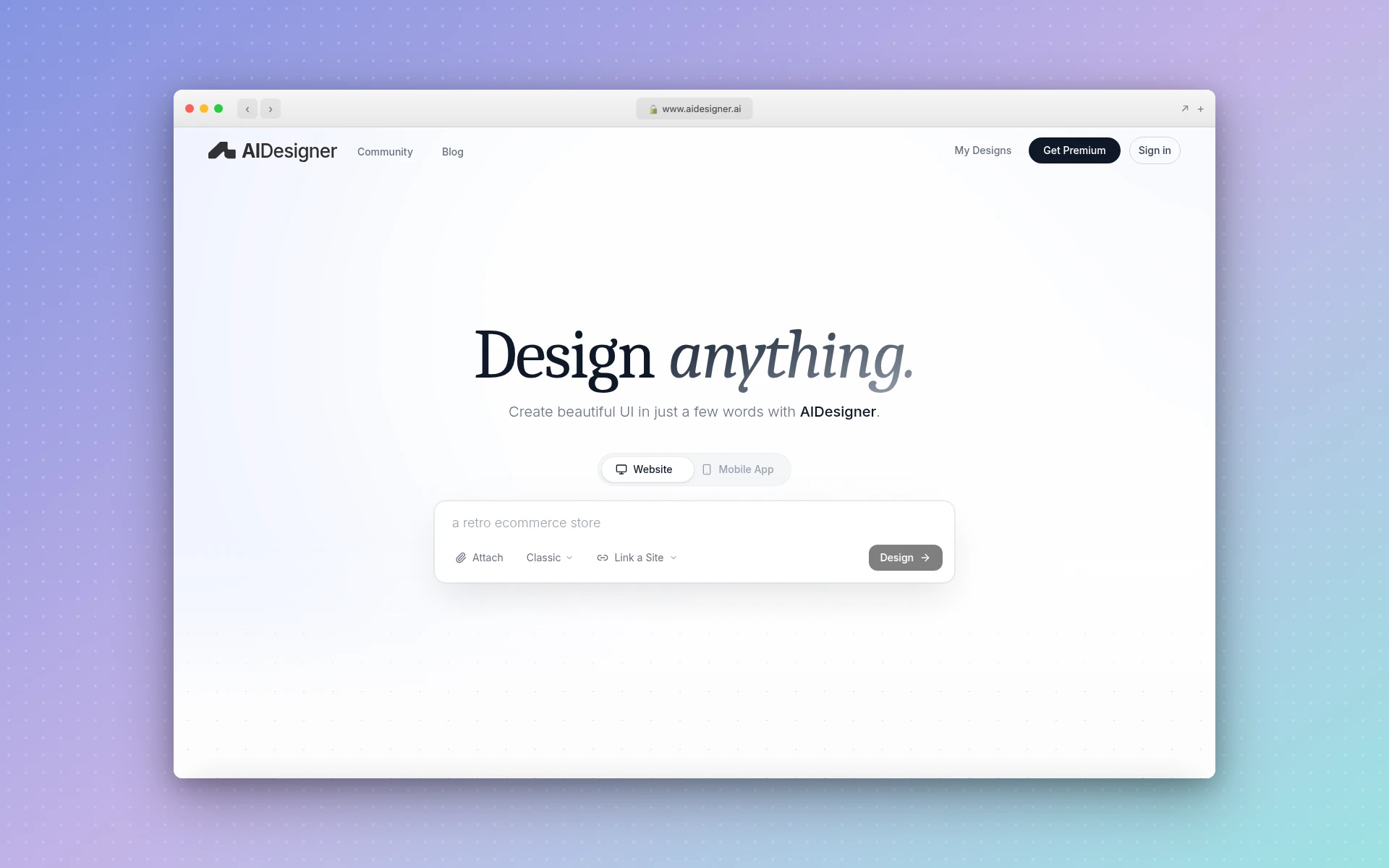 AIDesigner generates professional website designs from text prompts, eliminating the manual layout work that makes Webflow time-consuming.
2. Framer
Best for: Design-forward marketing sites and portfolios
Framer is the closest competitor to Webflow in terms of design control, but it takes a fundamentally different approach. Where Webflow mimics the CSS box model with its visual editor, Framer feels more like a design tool — closer to Figma than to a traditional website builder. For designers, this makes Framer significantly faster to learn and use.
Framer has also invested heavily in AI features. Its AI page generation can create entire page layouts from prompts, and its content-aware editing tools make iterating on designs quick. The result is a workflow that gets you from idea to published site faster than Webflow for most marketing use cases.
Key features:
- Design-first editor — Intuitive canvas that feels like a design tool, not a code editor
- AI page generation — Generate layouts from text prompts
- Built-in animations — Smooth scroll, hover, and page transitions without custom code
- Component system — Reusable components with variants and overrides
- Localization — Built-in multi-language support
- CMS — Basic dynamic content management for blogs and collections
Where Webflow still wins:
Webflow’s CMS is more robust for content-heavy sites, and its e-commerce features are more mature. Framer’s CMS works for blogs and simple collections, but it struggles with complex content models. Webflow also offers more granular control over HTML structure and accessibility attributes.
Pricing:
- Free: Framer subdomain, limited features
- Basic: $10/month (30 pages, custom domain)
- Pro: $30/month (150 pages, staging, analytics)
- Scale: $100+/month (300+ pages, A/B testing)
Best for: Designers and creative agencies building marketing sites, portfolios, and landing pages who want design speed over CMS complexity.
For a deeper look at Framer and its competitors, check our Framer alternatives guide.
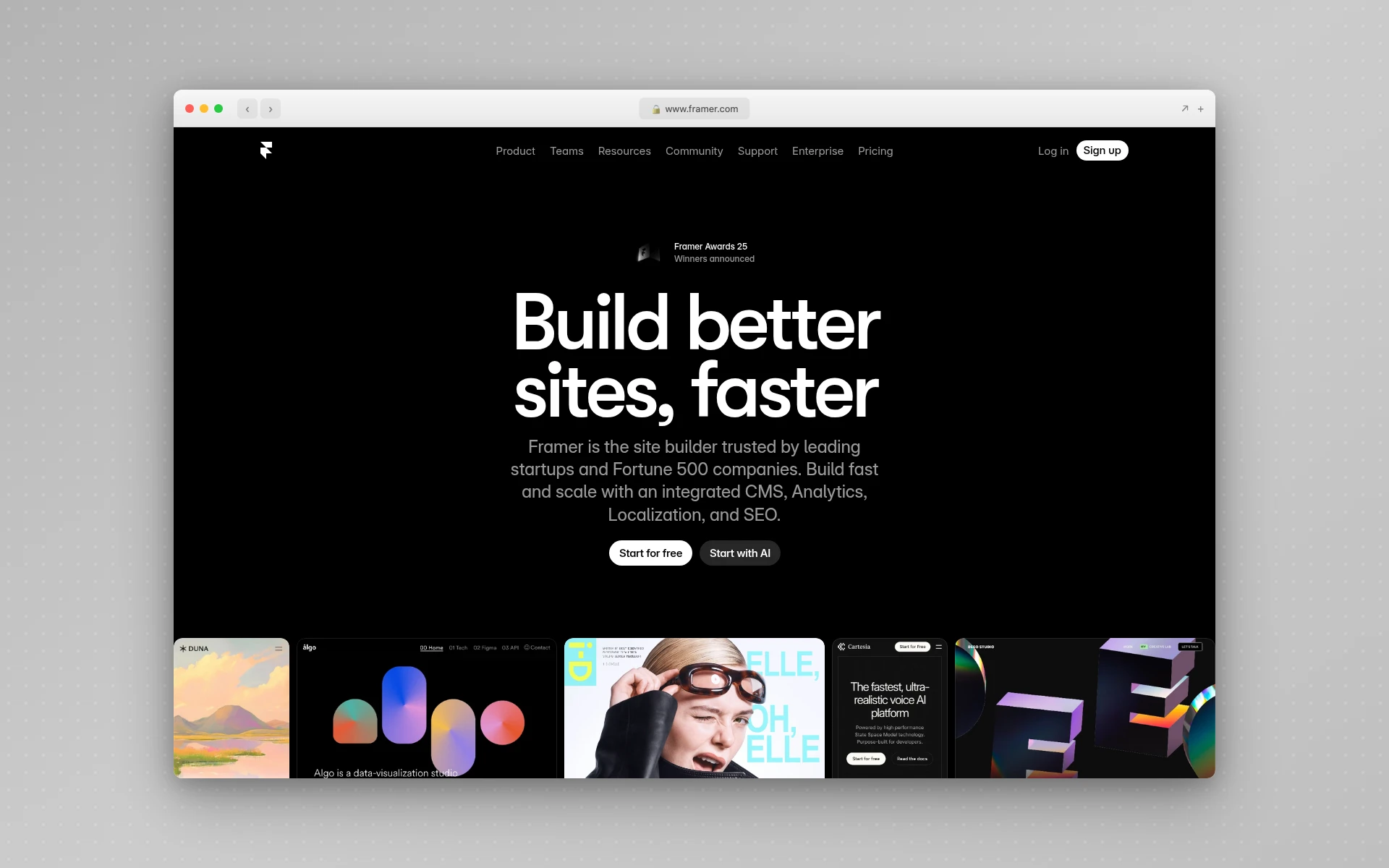 Framer’s design-first approach makes it faster than Webflow for marketing sites, though its CMS cannot match Webflow’s depth.
3. Squarespace
Best for: Polished, template-based websites with built-in e-commerce
If Webflow’s complexity is the problem, Squarespace is the opposite extreme. It offers a curated, opinionated experience where every template looks professional out of the box. You trade Webflow’s pixel-perfect control for Squarespace’s guarantee that your site will look good regardless of your design skills.
Squarespace is particularly strong for small businesses, restaurants, creatives, and anyone who needs a professional online presence without a steep learning curve. Its all-in-one pricing includes hosting, SSL, a custom domain, and e-commerce — no separate plans to juggle.
Key features:
- Designer-quality templates — 150+ professionally designed templates across industries
- All-in-one pricing — Hosting, domain, SSL, and e-commerce included in every plan
- Built-in e-commerce — Full online store with inventory, shipping, and tax management
- Scheduling and booking — Native appointment scheduling (Acuity integration)
- Email marketing — Built-in email campaigns, no third-party tools needed
- Member areas — Gated content and membership sites
Where Webflow still wins:
Webflow offers far more design flexibility. Squarespace templates are beautiful but constraining — you work within the template’s structure rather than building from scratch. For custom layouts, animations, and unique interactions, Webflow remains superior.
Pricing:
- Basic: $16/month (custom domain, SSL, unlimited pages)
- Core: $23/month (advanced analytics, pop-ups, CSS/JS injection)
- Plus: $39/month (lower transaction fees, advanced e-commerce)
- Advanced: $99/month (abandoned cart recovery, advanced commerce tools)
Best for: Small businesses, creatives, and entrepreneurs who want a polished site without touching code or learning a complex design tool.
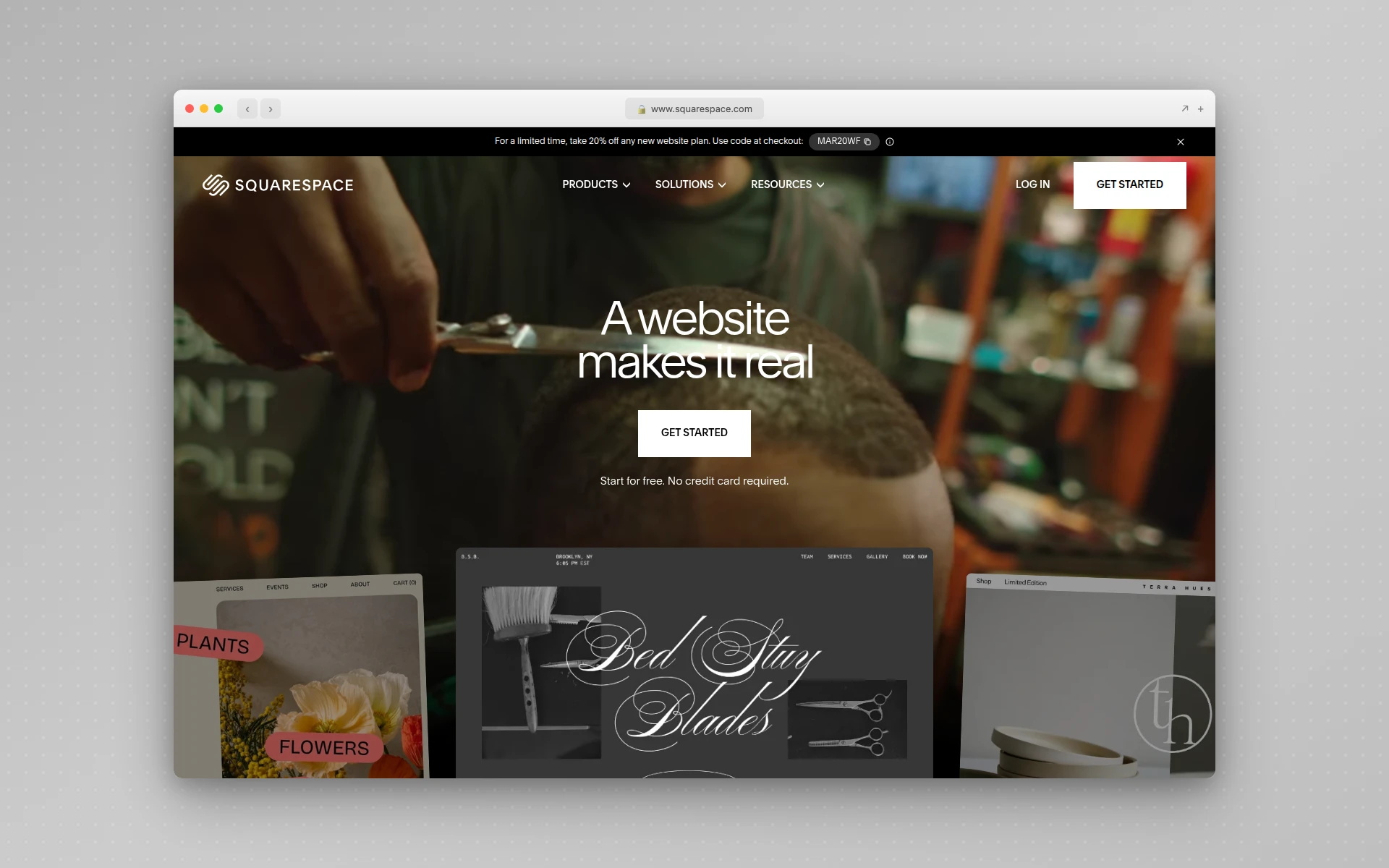 Squarespace trades Webflow’s design flexibility for guaranteed polish — every template looks professional without design skills.
4. Wix
Best for: Beginners who want maximum ease of use
Wix is the world’s most popular website builder for a reason: it is genuinely easy to use. Its drag-and-drop editor lets you place any element anywhere on the page without understanding CSS or grid systems. For users who found Webflow overwhelming, Wix feels like a breath of fresh air.
Wix also offers Wix ADI (Artificial Design Intelligence), which generates a basic website from a questionnaire. It is not as sophisticated as AIDesigner’s generation, but it gives complete beginners a functional starting point without facing a blank canvas.
Key features:
- True drag-and-drop — Place elements anywhere without grid constraints
- Wix ADI — AI-powered site generation from questionnaire answers
- 800+ templates — Massive template library covering every industry
- App Market — 500+ apps for added functionality (booking, events, forums)
- Built-in e-commerce — Online store with payment processing and inventory
- Wix SEO Wiz — Step-by-step SEO setup wizard
Where Webflow still wins:
Webflow generates cleaner HTML and CSS, which matters for performance and SEO at scale. Wix sites can feel heavier and slower, and the absolute-positioning editor can create responsive design headaches. Professional developers generally prefer Webflow’s structured approach.
Pricing:
- Free: Wix branding, Wix subdomain
- Light: $17/month (custom domain, no ads, 2 GB storage)
- Core: $29/month (50 GB storage, e-commerce essentials)
- Business: $39/month (100 GB, full e-commerce, 10 collaborators)
- Business Elite: $159/month (unlimited storage, VIP support)
Best for: Non-technical users, small businesses, and anyone who wants to build a website without any learning curve.
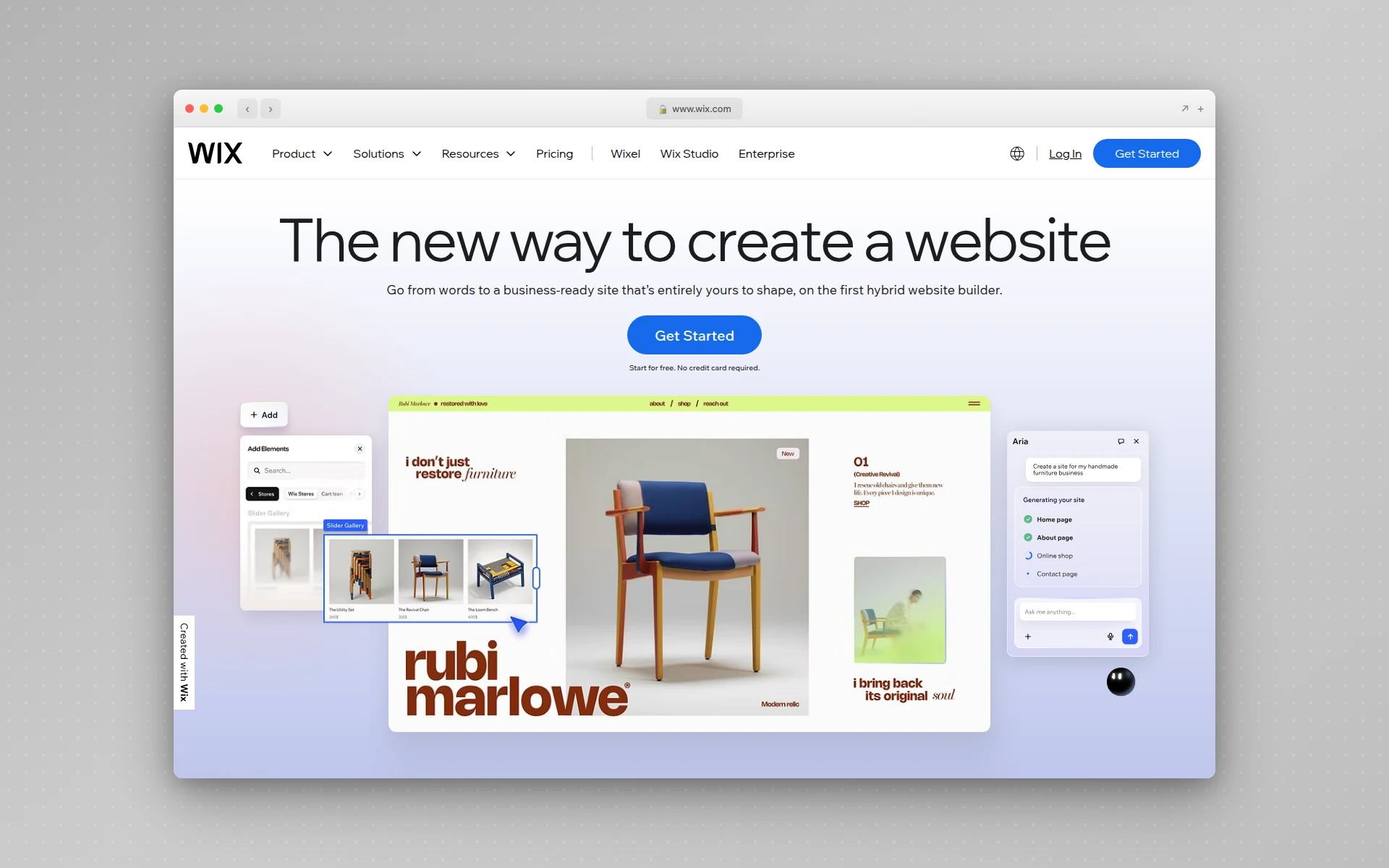 Wix is the easiest Webflow alternative to learn, with true drag-and-drop editing that requires zero technical knowledge.
5. WordPress + Elementor
Best for: Maximum flexibility and plugin ecosystem
WordPress powers over 40% of the web, and paired with Elementor’s visual page builder, it becomes a credible Webflow alternative with an unmatched plugin ecosystem. Where Webflow locks you into its hosting and feature set, WordPress gives you complete ownership of your site with the freedom to host anywhere.
Elementor brings visual editing to WordPress with a drag-and-drop interface, pre-built templates, and a theme builder that lets you design headers, footers, and archive pages visually. It is not as polished as Webflow’s editor, but the tradeoff is access to 60,000+ WordPress plugins for virtually any functionality you can imagine.
Key features:
- Open-source foundation — Own your code, host anywhere, no vendor lock-in
- 60,000+ plugins — Add any functionality through WordPress’s plugin ecosystem
- Elementor drag-and-drop — Visual page builder with 100+ Pro widgets
- Theme Builder — Design every part of your site visually, including dynamic templates
- WooCommerce integration — The most powerful open-source e-commerce platform
- Complete SEO control — Full access to meta tags, schema, sitemaps via Yoast or RankMath
Where Webflow still wins:
Webflow is more polished as a unified experience. WordPress + Elementor requires managing hosting, updates, security patches, plugin compatibility, and performance optimization separately. Webflow handles all of this as a managed platform, which is a significant advantage for users who do not want to deal with infrastructure.
Pricing:
- WordPress: Free (open-source)
- Elementor Pro: $59/year (1 site), $99/year (3 sites), $199/year (25 sites)
- Hosting: $3-30/month depending on provider
- Total: Roughly $8-35/month all-in
Best for: Developers, agencies, and businesses that want full ownership, maximum flexibility, and access to the largest web platform ecosystem.
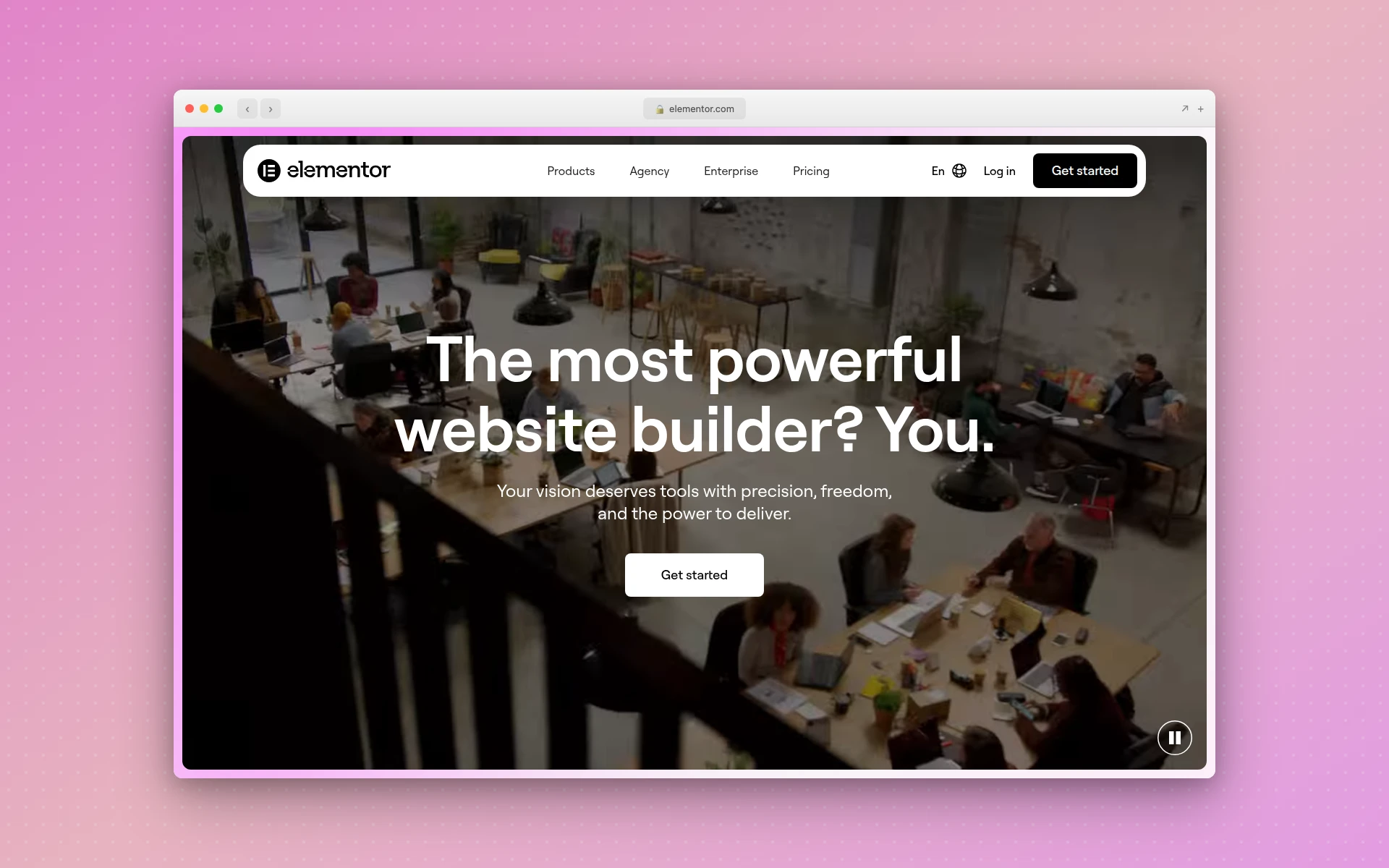 WordPress with Elementor combines the world’s largest CMS with a visual page builder, offering unmatched flexibility at a lower cost than Webflow.
6. Carrd
Best for: Simple, beautiful one-page websites
Carrd is the anti-Webflow. Where Webflow tries to be everything for everyone, Carrd does one thing exceptionally well: single-page websites. It is absurdly affordable, dead simple to use, and produces clean, responsive one-page sites that load fast and look great.
If your project is a personal landing page, a product launch page, a link-in-bio page, or a simple portfolio, Carrd delivers in minutes at a price point that makes every other builder look expensive. At $19/year for Pro, you could run Carrd for over 8 years for the cost of a single month of Webflow’s Business plan.
Key features:
- One-page focus — Purpose-built for single-page sites with no bloat
- Dead simple editor — Build and publish in under 30 minutes
- Responsive by default — Every site looks great on mobile without extra work
- Multi-site plans — Up to 25 sites on the Pro Plus plan ($49/year)
- Custom domains — Connect your own domain on Pro plans
- Form integrations — Connect to Mailchimp, Google Sheets, Zapier, and more
Where Webflow still wins:
Carrd is limited to single-page sites. If you need multiple pages, a blog, dynamic content, or e-commerce, Carrd is not the right tool. It is a complement to a full website builder, not a replacement.
Pricing:
- Free: 3 sites, Carrd subdomain, Carrd branding
- Pro Lite: $9/year (no branding, premium templates, 3 sites)
- Pro Standard: $19/year (custom domains, forms, 10 sites)
- Pro Plus: $49/year (multiple domains per site, 25 sites)
Best for: Freelancers, creators, and marketers who need quick landing pages or link-in-bio pages without the overhead of a full website builder.
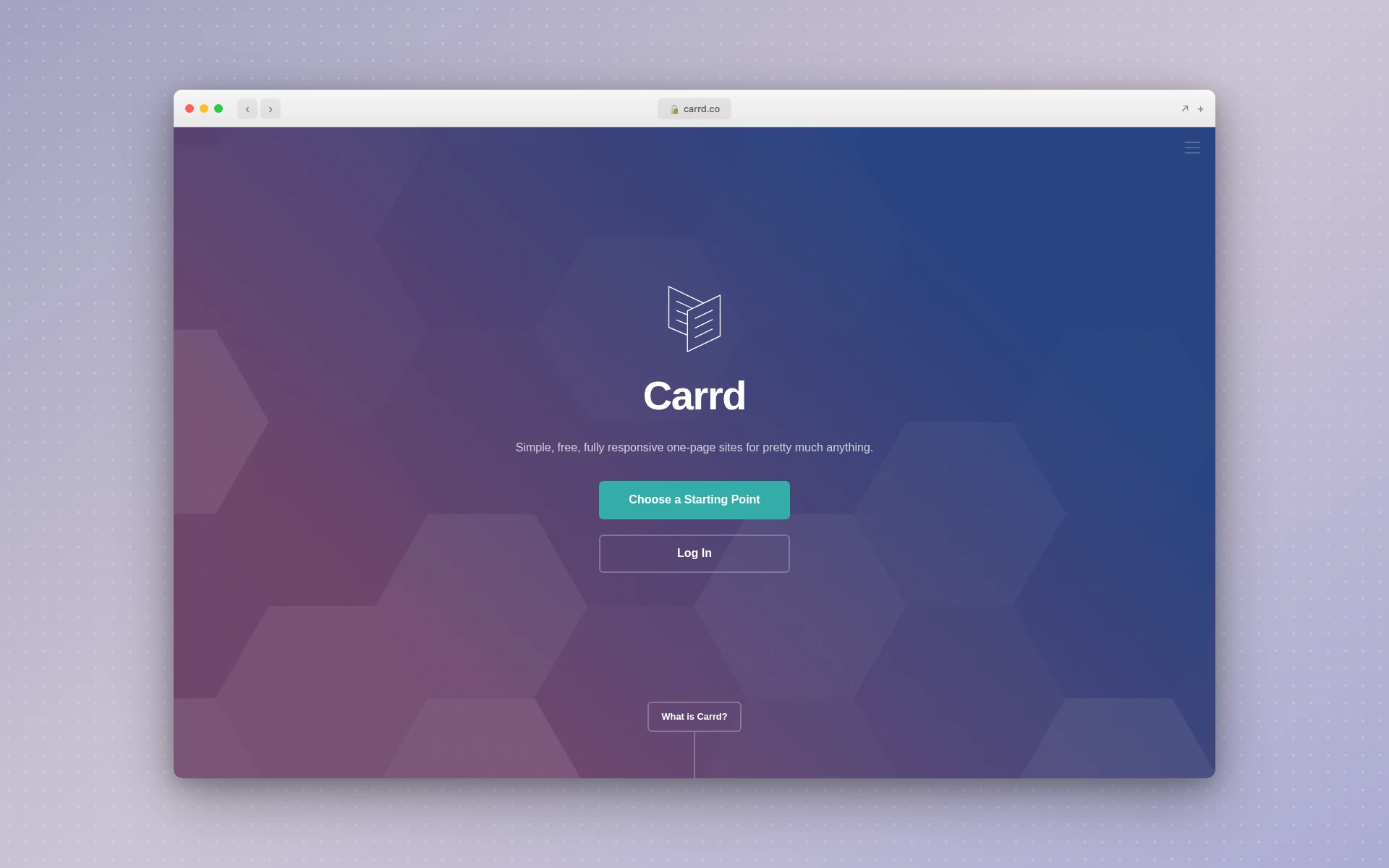 Carrd does one thing perfectly: simple, beautiful one-page sites at a fraction of the cost of any full website builder.
7. Dorik
Best for: Affordable all-in-one website building with AI
Dorik is an underrated Webflow alternative that packs a surprising amount of power into a clean, intuitive interface. It offers unlimited websites, pages, and bandwidth on every plan — including the free tier — which is a stark contrast to Webflow’s metered approach to nearly everything.
Dorik also includes AI website generation, a white-label CMS for agencies, and built-in client billing tools. For freelancers and agencies tired of Webflow’s per-site pricing, Dorik’s flat-rate plans are a compelling alternative.
Key features:
- Unlimited everything — Unlimited websites, pages, storage, and bandwidth on all plans
- AI website generation — Generate sites from text prompts (limited on free plan)
- White-label CMS — Rebrand the CMS dashboard for client projects
- Client billing — Bill clients directly through the platform
- 100+ templates — Designer-made templates across industries
- Airtable integration — Connect dynamic content from Airtable databases
Where Webflow still wins:
Webflow’s visual editor is more mature and offers finer control over CSS properties. Dorik’s editor is simpler and faster to learn, but power users may miss Webflow’s granular styling options. Webflow’s animation system is also more advanced.
Pricing:
- Free: 2 AI generations, unlimited sites/pages, Dorik subdomain
- Pro: $39/month ($468/year) — unlimited AI, 10 collaborators, code export
- Agency: $79/month ($948/year) — unlimited collaborators, white-label dashboard
Best for: Freelancers and agencies who want an affordable, all-in-one platform with unlimited sites and client management tools.
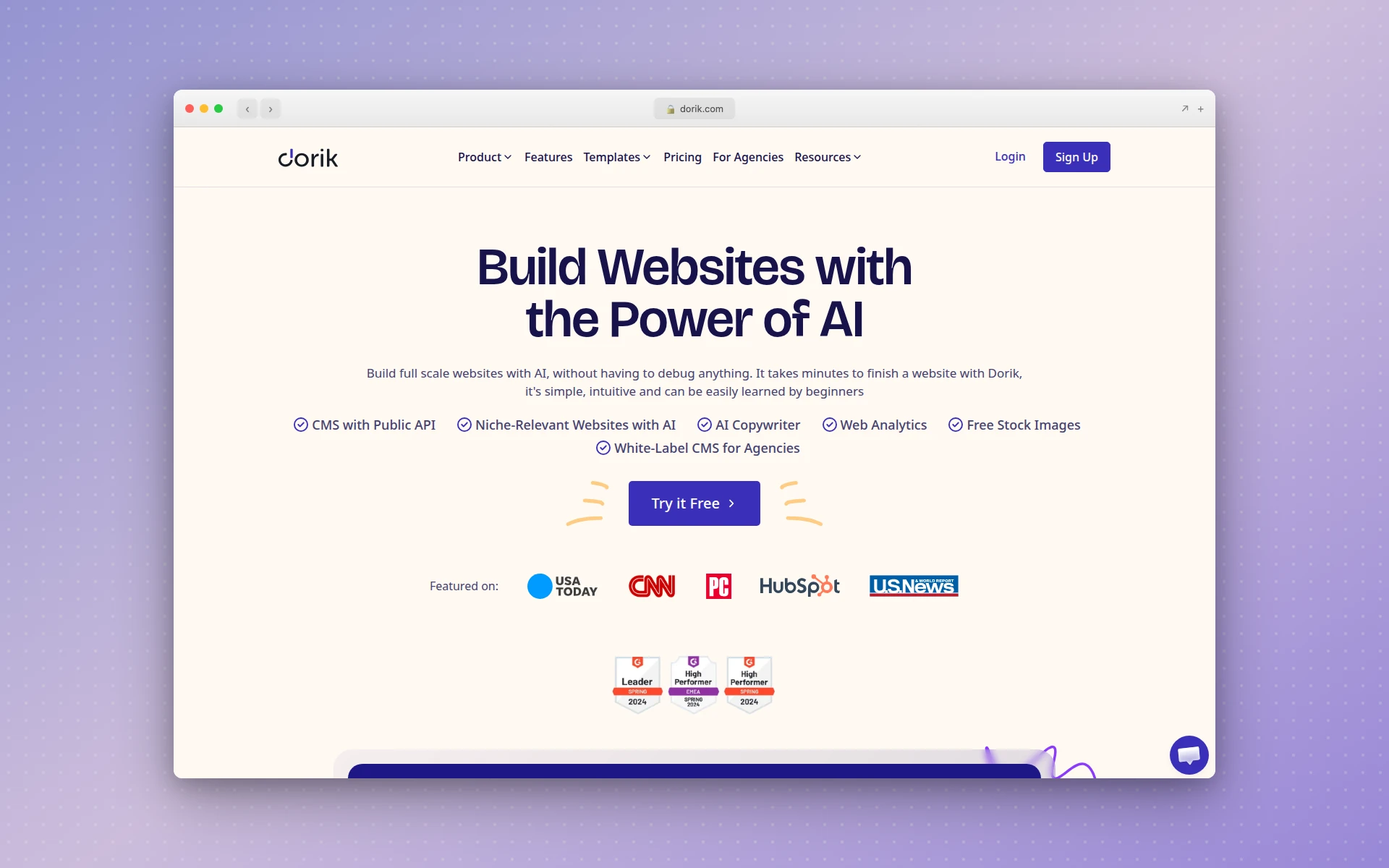 Dorik offers unlimited websites and pages on every plan, making it a cost-effective Webflow alternative for agencies managing multiple client sites.
8. Durable
Best for: Small businesses that need a website fast
Durable is an AI-first website builder designed for speed. It can generate a complete business website — with copy, images, and contact forms — in under 30 seconds. Where Webflow requires hours or days to build a site, Durable gets you online almost instantly.
Beyond website building, Durable includes a CRM, invoicing, AI marketing tools, and a social post generator. It is less of a website builder and more of an all-in-one business platform that happens to start with a website. For small business owners who need an online presence without becoming web developers, Durable is hard to beat.
Key features:
- 30-second site generation — AI creates a complete business website almost instantly
- Built-in CRM — Manage leads and customers without a separate tool
- Invoicing — Send professional invoices directly from the platform
- AI marketing tools — Generate blog posts, social media content, and Google ads
- Multi-business support — Manage multiple businesses from one account (Mogul plan)
- Review automation — Automatically request and manage customer reviews
Where Webflow still wins:
Durable’s design quality and customization depth are limited compared to Webflow. The generated sites look professional but generic — they follow templates rather than producing truly unique designs. For brands that need a distinctive visual identity, Webflow (or AIDesigner) offers far more creative control.
Pricing:
- Free: 3 pages, Durable subdomain
- Starter: $22/month (yearly) — CRM, invoicing, AI marketing
- Business: $25/month — 5 team members, email sync, live chat support
- Mogul: $80/month (yearly) — up to 5 businesses, unlimited pages
Best for: Small business owners, solopreneurs, and service providers who need a professional online presence with built-in business tools and zero technical skills.
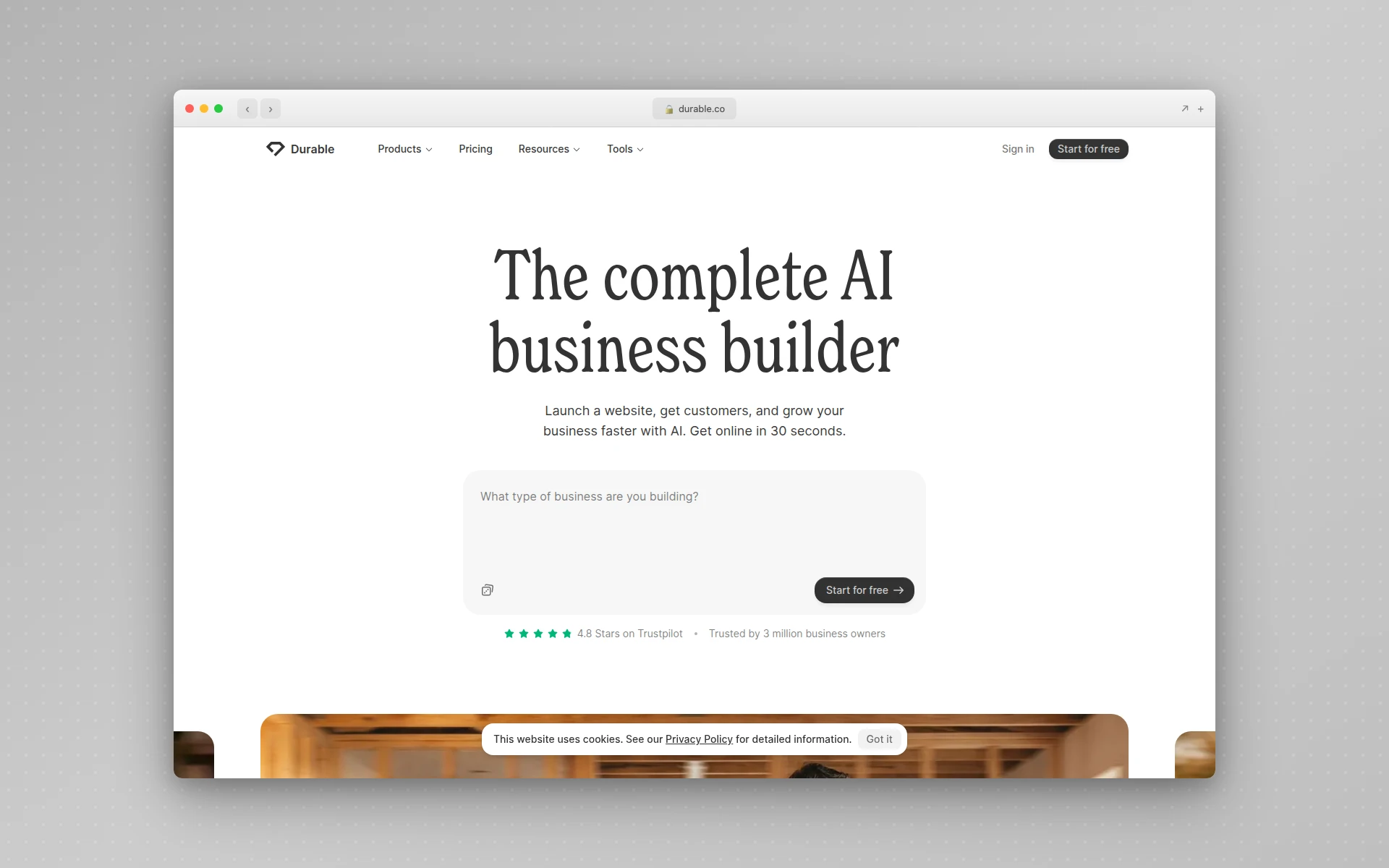 Durable generates a complete business website in under 30 seconds and bundles CRM and invoicing tools that Webflow does not offer.
9. Hostinger Website Builder
Best for: Budget-friendly sites with included hosting
Hostinger’s website builder is the most affordable option on this list, starting at just $2.99/month with hosting, SSL, and a custom domain included. It is powered by AI and uses a drag-and-drop editor that is simple enough for complete beginners while still producing clean, responsive designs.
The catch is that Hostinger’s introductory pricing requires a 48-month commitment, and renewal rates jump significantly (to $10.99-$16.99/month). But even at renewal pricing, it is still cheaper than Webflow’s CMS plan for a comparable feature set.
Key features:
- AI website builder — Generate a site from a text description in minutes
- All-in-one pricing — Hosting, SSL, domain, and builder in one plan
- Drag-and-drop editor — Simple visual editor with pre-built sections
- E-commerce support — Online store with up to 500 products (Business plan)
- SEO tools — Built-in SEO settings and Google Analytics integration
- Marketing integrations — Email marketing, social media, and Google Business Profile
Where Webflow still wins:
Hostinger’s design flexibility is limited compared to Webflow’s visual CSS editor. You are working within section-based templates rather than building layouts from scratch. For custom designs and complex interactions, Webflow is in a different league.
Pricing:
- Premium: $2.99/month (48-month term) — website builder, hosting, domain
- Business: $3.99/month (48-month term) — e-commerce, AI tools, marketing
- Renewal: $10.99-$16.99/month after initial term
Best for: Budget-conscious users, small businesses, and beginners who want an all-in-one website solution at the lowest possible price.
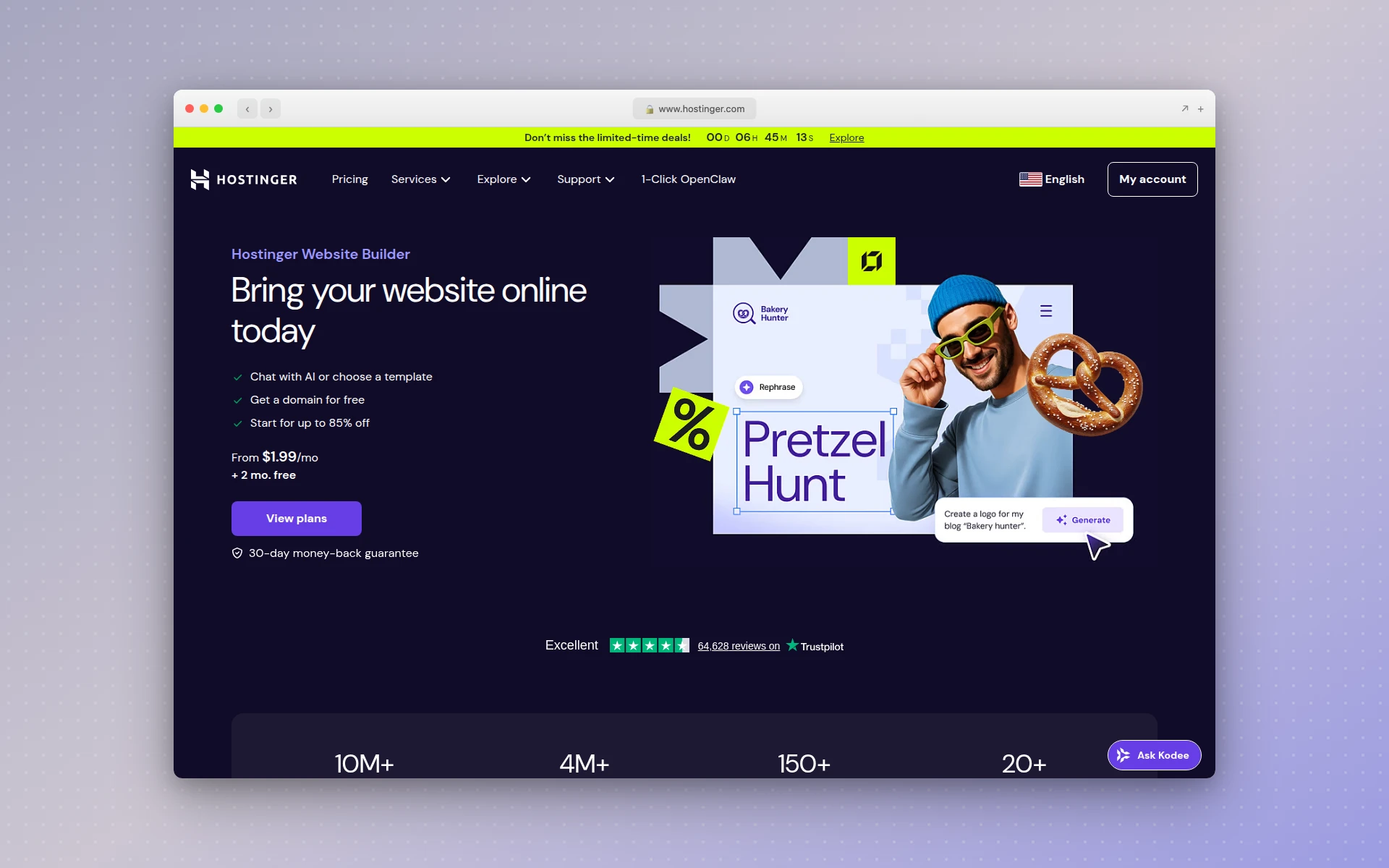 Hostinger bundles website building, hosting, and a domain name at a price point that undercuts every other option on this list.
10. Typedream
Best for: Notion-style simplicity for clean websites
Typedream takes the block-based editing approach popularized by Notion and applies it to website building. If you find Webflow’s interface overwhelming but want more control than Squarespace’s templates allow, Typedream hits a useful middle ground.
The editor feels immediately familiar to anyone who has used Notion or a modern document editor. You build pages by stacking and arranging blocks — text, images, buttons, forms, embeds — without needing to understand CSS or grid systems. The result is a tool that is genuinely easy to learn while still producing professional-looking sites.
Key features:
- Block-based editor — Notion-style editing that feels natural and intuitive
- AI page builder — Generate page layouts from text prompts
- 100+ templates — Professionally designed templates across industries
- Real-time collaboration — Multiple team members can edit simultaneously
- Built-in analytics — Track page views, conversions, and engagement
- SEO tools — Custom meta tags, Open Graph, and sitemap support
Where Webflow still wins:
Typedream’s block-based approach sacrifices the pixel-perfect control that Webflow offers. Complex layouts, custom animations, and advanced interactions are not possible in Typedream’s simpler editor. It is designed for clean, content-focused sites rather than highly custom designs.
Pricing:
- Free: 1 page, Typedream subdomain, Typedream badge
- Launch: $15/month ($144/year) — unlimited pages, custom domain, SEO tools
- Grow: $42/month ($504/year) — unlimited CMS, email marketing, 5 collaborators
Best for: Content creators, startups, and small teams who want a clean, modern website without the complexity of Webflow’s visual development environment.
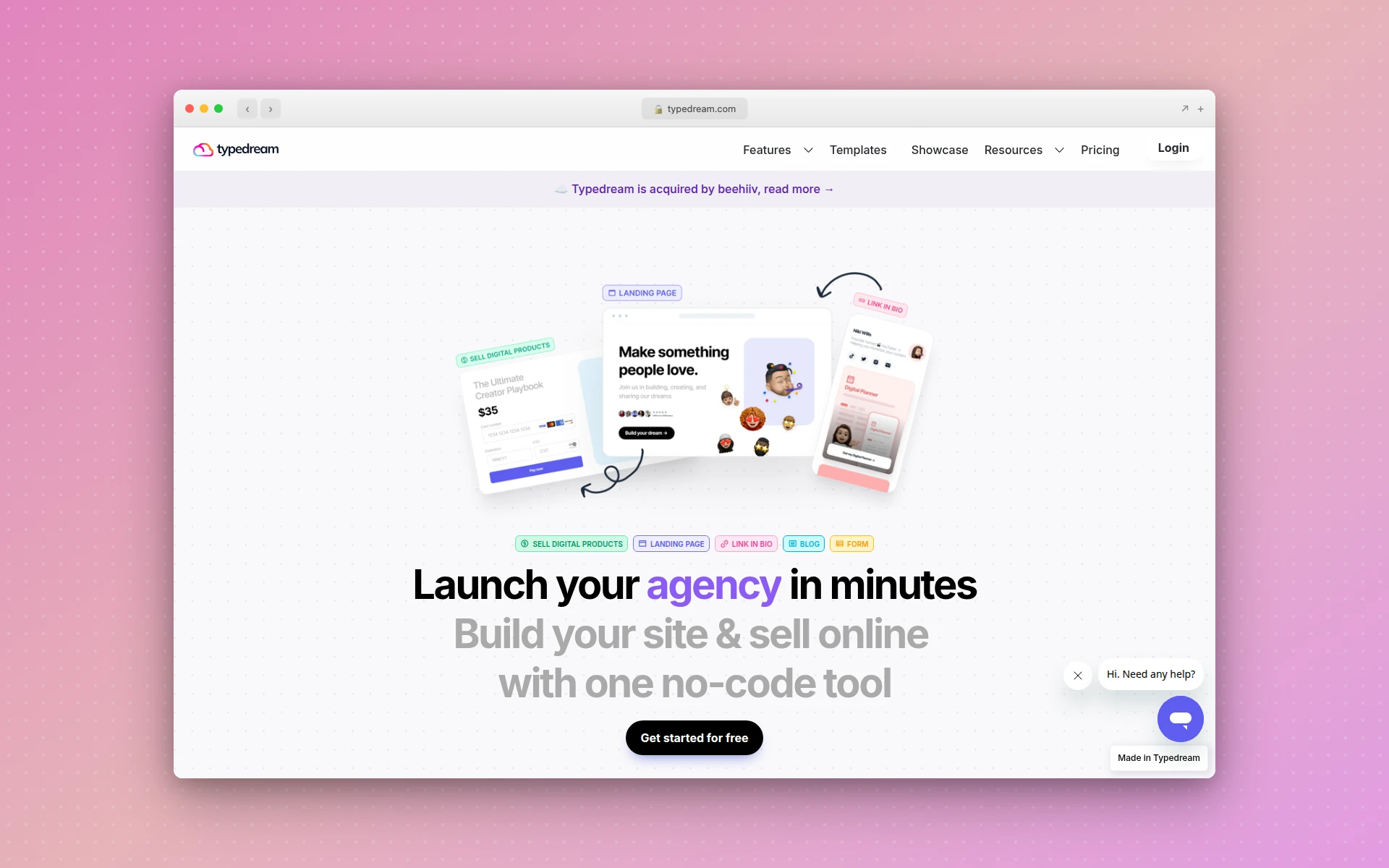 Typedream brings Notion-style block editing to website building, making it one of the simplest Webflow alternatives to learn.
Feature Comparison: Webflow vs. Alternatives
| Feature | Webflow | AIDesigner | Framer | Squarespace | Wix | WordPress |
|---|---|---|---|---|---|---|
| AI Generation | Limited | Full | Yes | Basic | ADI | Via plugins |
| Visual Editor | Advanced | Canvas-based | Design-first | Template-based | Drag-and-drop | Elementor |
| CMS | Robust | None | Basic | Built-in | Built-in | Full |
| E-commerce | Yes | No | No | Yes | Yes | WooCommerce |
| Custom Code | Yes | Yes | Yes | Limited | Limited | Full |
| Free Plan | Yes | Yes | Yes | No (trial) | Yes | Yes (self-host) |
| Learning Curve | Steep | Minimal | Moderate | Easy | Easy | Moderate |
| Best Price | $14/mo/site | $25/mo | $10/mo | $16/mo | $17/mo | ~$8/mo total |
| Mobile Design | Responsive | Native mobile UI | Responsive | Responsive | Responsive | Responsive |
How Much Does Webflow Actually Cost?
One of the most common reasons people search for sites like Webflow is sticker shock. Let’s break down what Webflow actually costs compared to the alternatives.
Webflow’s Layered Pricing
Webflow charges at three levels:
- Workspace plans — $19 to $49/month for team collaboration and project management
- Site plans — $14 to $39/month per published site for hosting and CMS
- Add-ons — Additional charges for localization, analytics, and optimization tools
A solo freelancer with one CMS site and a Core workspace pays $42/month minimum. An agency with five client sites on CMS plans pays $134/month or more. Enterprise pricing is custom and often runs into thousands per month.
Cost Comparison
| Scenario | Webflow | AIDesigner | Framer | Squarespace |
|---|---|---|---|---|
| 1 simple site | $33/mo | $25/mo | $10/mo | $16/mo |
| 1 CMS site | $42/mo | $25/mo | $30/mo | $23/mo |
| 5 client sites | $134/mo+ | $25/mo | $50/mo+ | $80/mo |
| E-commerce | $68/mo+ | N/A | N/A | $28/mo |
The cost gap widens dramatically for users managing multiple sites. Platforms with account-level pricing like AIDesigner and Squarespace become significantly more affordable as your project count grows.
How to Choose the Right Webflow Alternative
Picking the right Webflow alternative depends on what drove you to look in the first place. Here is a decision framework.
Choose AIDesigner if you want professional designs without the learning curve. AIDesigner’s AI-powered generation eliminates the manual layout process entirely, making it ideal for landing pages, marketing sites, and rapid prototyping. Try it free at aidesigner.ai.
Choose Framer if you are a designer who wants speed without sacrificing design control. Framer’s design-first approach is faster than Webflow for marketing sites and portfolios. For a detailed side-by-side breakdown, read our Framer vs Webflow comparison.
Choose Squarespace if you want a polished, all-in-one solution with e-commerce. Squarespace’s opinionated templates guarantee a professional result with minimal effort.
Choose Wix if you are a beginner who needs the easiest possible path to a live website. Wix’s drag-and-drop editor and massive template library lower the bar to almost zero.
Choose WordPress + Elementor if you need maximum flexibility, plugin access, and full code ownership. Best for developers and agencies who want to own their infrastructure.
Choose Carrd if you need a simple landing page or link-in-bio page for almost nothing. At $19/year, it is the most cost-effective option for single-page sites.
Choose Dorik if you are an agency managing multiple client sites and want flat-rate pricing with unlimited sites and white-label tools.
Choose Durable if you are a small business owner who needs a professional website and basic business tools (CRM, invoicing) in one platform.
Choose Hostinger if budget is your primary concern and you want hosting, domain, and a website builder bundled at the lowest possible price.
Choose Typedream if you love Notion’s editing experience and want a website builder that works the same way.
FAQ
What is the best free Webflow alternative?
The best free Webflow alternative depends on your needs. AIDesigner offers a free tier with AI-powered design generation. Carrd provides free single-page websites. Wix has a generous free plan with drag-and-drop editing but includes Wix branding. WordPress.org is free to self-host with Elementor’s free page builder plugin.
Is Framer better than Webflow?
Framer is better than Webflow for simple marketing sites and portfolios where speed matters. Its design workflow feels more intuitive and gets you to a published site faster. Webflow is better for complex, content-heavy sites that need a robust CMS, e-commerce, or advanced interactions. Choose based on project complexity.
Why is Webflow so expensive?
Webflow’s costs add up because it charges separately for workspace plans, site plans, and add-ons like localization and analytics. The workspace plan alone starts at $19 per month, and each published site requires its own site plan starting at $14 per month. For agencies managing multiple sites, these layered costs can reach hundreds per month.
Can AI replace Webflow for building websites?
Yes, for many use cases. AI-powered tools like AIDesigner generate professional website designs from text prompts in seconds, eliminating the manual layout process. For landing pages, portfolios, and marketing sites, AI builders deliver comparable quality much faster. Complex web apps and e-commerce sites still benefit from Webflow’s granular control.
What is the easiest Webflow alternative to use?
Wix is the easiest Webflow alternative for beginners, with true drag-and-drop editing and 800-plus templates. For even faster results, AIDesigner generates complete designs from text prompts with zero learning curve. Squarespace offers a middle ground with polished templates and an intuitive editor.
Does Webflow own my website content?
No, you own your content on Webflow. However, Webflow sites are tightly coupled to their hosting platform. Exporting your site produces static HTML and CSS that loses CMS functionality, dynamic content, and interactions. This vendor lock-in makes migration difficult once you have built a complex site.