TL;DR: No-code app builders let you create functional applications without writing code. In 2026, the best platforms range from AI-powered generators like Lovable and Bolt.new to visual builders like Bubble and FlutterFlow. Bubble remains the most powerful for complex web apps, FlutterFlow leads for native mobile, and Lovable is the fastest path from idea to working prototype. Here are the 12 platforms worth evaluating.
What Are the Best No-Code App Builders?
The best no-code app builders in 2026 are Bubble, FlutterFlow, Lovable, Bolt.new, and Adalo. These platforms let you build fully functional applications with databases, user authentication, payments, and API integrations without writing code, ranging from AI-powered generators to visual drag-and-drop builders.
What Is a No-Code App Builder?
A no-code app builder is a platform that lets you create functional software applications using visual interfaces, drag-and-drop components, and pre-built logic blocks instead of writing programming code. These tools handle the underlying code generation, hosting, and deployment, allowing founders, marketers, and business teams to build everything from internal tools to customer-facing products without hiring developers.
This is a different category from AI website generators or UI design tools. While those focus on creating visual designs and static pages, no-code app builders produce working applications with databases, user authentication, business logic, and real-time data.
The no-code market is projected to reach $48.9 billion in 2026, growing at over 29% annually. Gartner estimates that 70% of new enterprise applications will use no-code or low-code by 2026, up from less than 25% in 2020. That shift is not hype —it reflects a real change in how software gets built.
What has changed in 2026 is the arrival of AI. Traditional no-code builders like Bubble still require you to manually construct every screen and workflow. The newer wave of AI-powered builders like Lovable and Bolt.new generate entire applications from text descriptions, compressing weeks of work into hours. Both approaches have their place, depending on the complexity of what you are building.
Quick Comparison: Best No-Code App Builders 2026
| Platform | Best For | Starting Price | Free Tier | Native Mobile | AI Generation |
|---|---|---|---|---|---|
| Bubble | Complex web apps, SaaS | $29/mo | Yes | Yes (add-on) | Limited |
| FlutterFlow | Native mobile apps | $39/mo | Yes | Yes | Yes |
| Lovable | AI-generated full-stack apps | $25/mo | Yes | Web only | Yes |
| Bolt.new | Rapid AI prototyping | $25/mo | Yes | Web only | Yes |
| Adalo | Simple mobile apps | $45/mo | Yes | Yes | No |
| Glide | Internal tools from spreadsheets | $99/mo | Yes | PWA only | Yes |
| Softr | Client portals, internal tools | $49/mo | Yes | PWA only | Yes |
| Thunkable | Cross-platform mobile apps | $37/mo | Yes | Yes | No |
| SAP Build Apps | Enterprise apps | Custom | Limited | Yes | Yes |
| Replit | AI-coded full-stack apps | $20/mo | Yes | Web only | Yes |
| WeWeb | Frontend + custom backends | $29/mo | Yes | Web only | No |
| AIDesigner | App UI design and prototyping | $25/mo (100 credits) | Yes (5 credits) | Design only | Yes |
How We Evaluated These Platforms
Before diving into individual reviews, here is what we looked at for each platform:
- Ease of use: How fast can a non-technical person build something functional?
- App capabilities: Database support, authentication, payments, API integrations, business logic
- Output type: Web app, native mobile app, PWA, or design only
- AI features: Does the platform offer AI-powered generation or assistance?
- Pricing and scalability: What does it cost to go from prototype to production?
- Code export: Can you take your code elsewhere if you outgrow the platform?
- Community and ecosystem: Templates, plugins, tutorials, and support quality
We prioritized platforms where you can build and ship a real application, not just create mockups or wireframes. Design tools are covered separately in our mobile app design tools guide.
1. Bubble —Best for Complex Web Applications
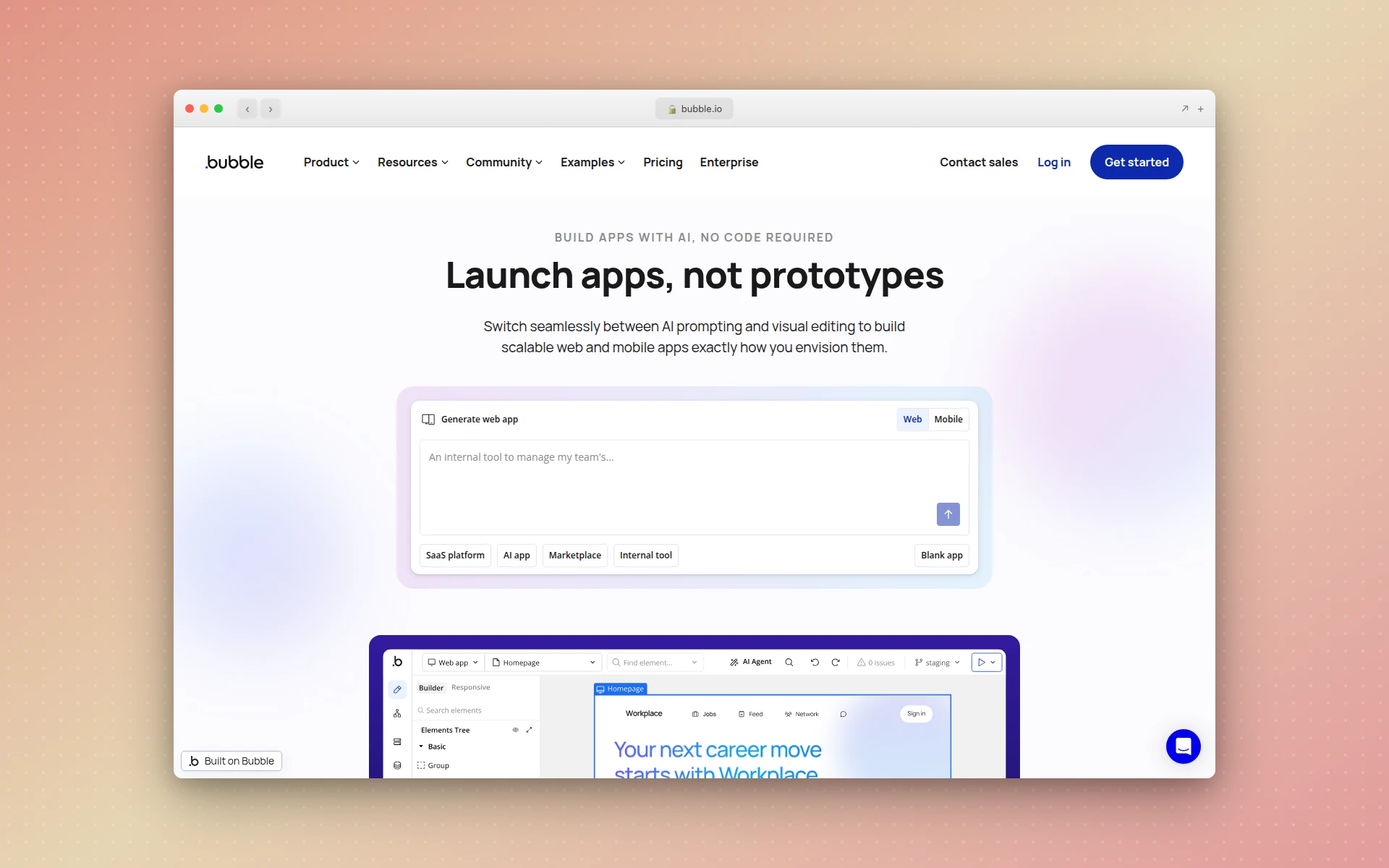 Bubble is the most powerful no-code platform for building complex web applications with custom logic.
Bubble is the heavyweight of no-code app builders. It offers the most flexibility and depth of any platform on this list, letting you build full-stack web applications with complex business logic, custom databases, API integrations, and multi-user workflows. If you need to build something that looks and works like a SaaS product, Bubble is the go-to choice.
The platform uses a visual programming approach where you define workflows, data types, and conditional logic through a point-and-click interface. There is a learning curve —Bubble is not something you master in an afternoon —but the ceiling is higher than any other no-code platform.
Key Features
- Visual workflow builder with conditional logic, loops, and custom events
- Built-in database with relational data types and privacy rules
- Responsive page designer with reusable components
- Plugin marketplace with hundreds of integrations (Stripe, SendGrid, Twilio, etc.)
- Native mobile app support via an add-on plan
- Version control and collaboration tools
- API connector for integrating with any external service
Pricing
Bubble’s web plans start at $29/month (Starter), with Growth at $119/month and Team at $349/month. Mobile app plans start at $42/month. The free plan lets you prototype but cannot deploy a live application. Pricing is based on workload units (WUs), which measure server processing —a model that can get expensive for high-traffic apps.
Best For
SaaS products, marketplaces, CRM systems, and any web application where you need complex logic and custom data models. Bubble is the closest thing to building a custom-coded app without actually coding.
Limitations
The learning curve is steeper than most platforms on this list. Performance can slow down with large databases or heavy workflows. And the workload-unit pricing model makes costs unpredictable at scale.
2. FlutterFlow —Best for Native Mobile Apps
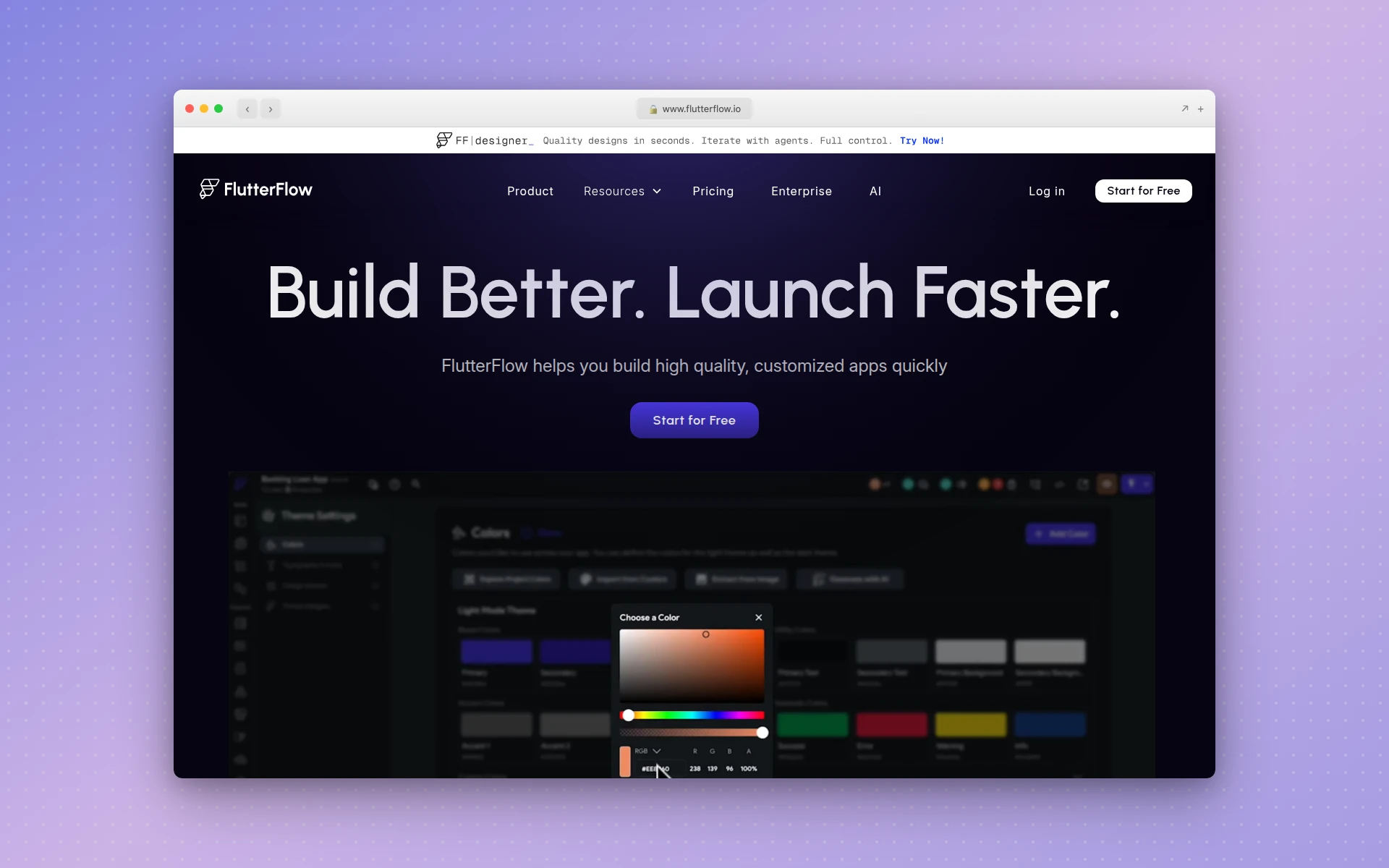 FlutterFlow generates real Flutter/Dart code, giving you native performance on both iOS and Android.
FlutterFlow is the leading no-code platform for building native mobile applications. Built on Google’s Flutter framework, it generates real Dart code that compiles to native iOS and Android apps. This means you get actual native performance —not a web app wrapped in a mobile shell.
The platform combines a visual builder with AI-powered features, including the ability to generate UI from prompts and auto-create data schemas. In 2026, FlutterFlow added one-click deployment to app stores, GitHub integration, and project branching, making it a serious tool for production apps.
Key Features
- Visual drag-and-drop builder that generates Flutter/Dart code
- One-click deployment to Apple App Store and Google Play
- Firebase and Supabase integration for backend services
- AI-assisted UI generation and code suggestions
- GitHub integration and project branching for team workflows
- Full code export —you own the source code
- Custom widget support for advanced functionality
Pricing
The Free plan gives you the visual builder and basic features. Basic starts at $39/month with code download and 50 AI requests. Growth is $80/month with one-click deployment and GitHub integration. Business is $150/month for teams with automated testing. Annual billing saves roughly 25%.
Best For
Native mobile apps for iOS and Android, especially if you want the option to export clean code and hand off to a development team later. FlutterFlow is the only no-code builder that gives you real native code as output.
Limitations
The free tier is restrictive. The learning curve for advanced features (custom functions, complex state management) requires some technical understanding. Firebase costs can add up independently of the FlutterFlow subscription.
3. Lovable —Best AI-Powered App Builder
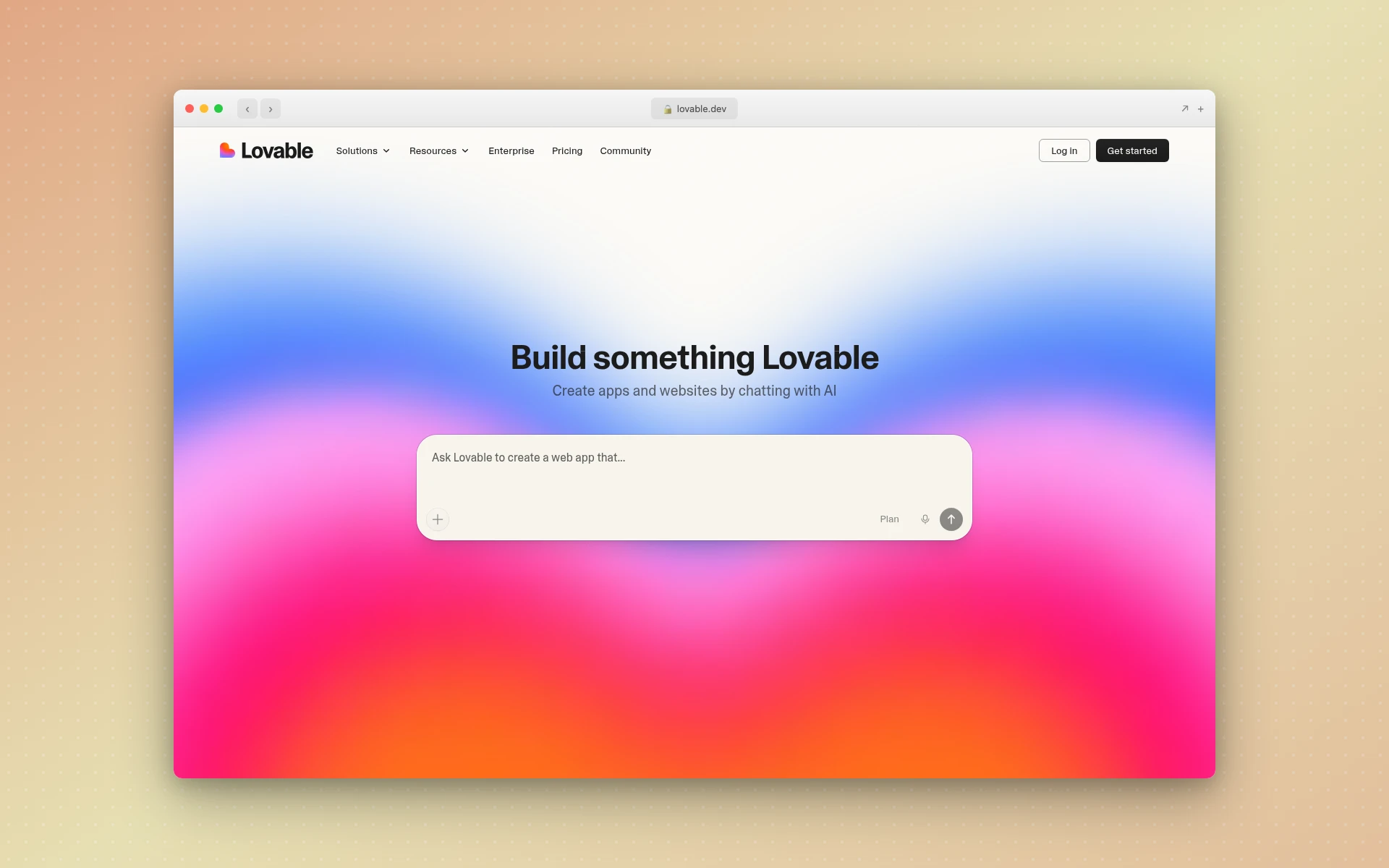 Lovable turns natural language descriptions into full-stack React applications with authentication, databases, and deployment.
Lovable represents the new wave of AI app builders that generate entire applications from text prompts. Describe what you want in plain English —“a task management app with team collaboration, due dates, and priority levels” —and Lovable produces a working React/TypeScript application with a frontend, Supabase backend, authentication, and deployment. If you care more about design quality than backend wiring, our AIDesigner vs Lovable comparison breaks down where each one fits.
The speed is genuinely impressive. Users report getting functional prototypes running within 90 minutes of their first login. For startup founders validating ideas, that kind of velocity changes the math on whether to build or not.
Key Features
- AI generation of full-stack applications from natural language prompts
- React and TypeScript code output (production-grade, not toy code)
- Supabase integration for database, authentication, and storage
- GitHub export so you own and can modify the code
- One-click deployment to custom domains
- Iterative AI editing —describe changes in plain language
Pricing
The Free plan gives you 5 daily credits (roughly 30/month). Pro is $25/month with 100 monthly credits. Business is $50/month with team features, SSO, and data opt-out. Credits are consumed per AI interaction, so complex projects can burn through them quickly.
Best For
Startup MVPs, rapid prototyping, and founders who want to validate an idea before investing in custom development. Lovable is the fastest path from “I have an idea” to “here’s a working app you can test.”
Limitations
Lovable builds web applications only —no native mobile apps. Complex business logic can trip up the AI, requiring manual code editing. The credit-based model means heavy users may find costs escalating beyond the base subscription.
4. Bolt.new —Best for Rapid AI Prototyping
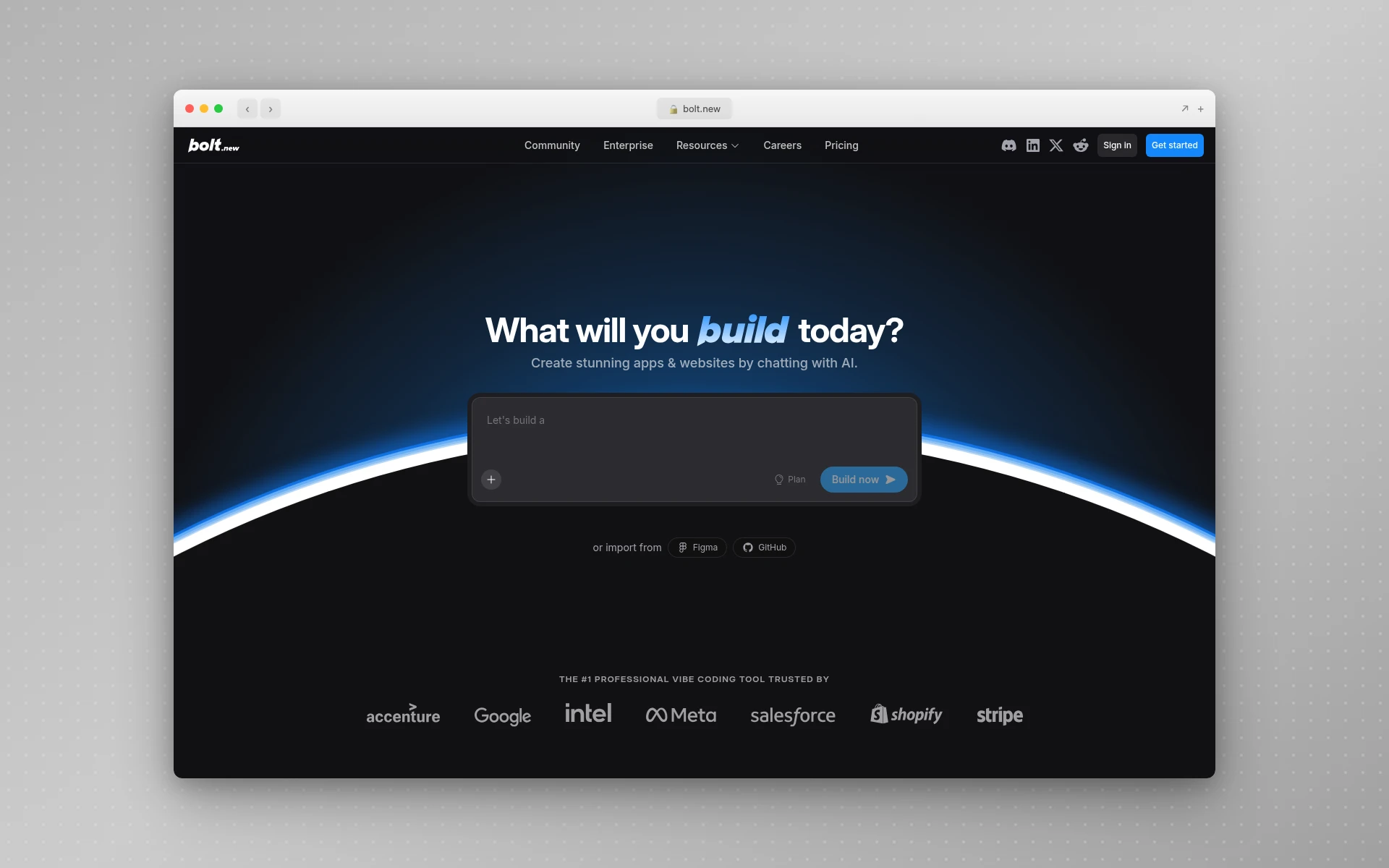 Bolt.new generates full-stack web applications in your browser from natural language descriptions.
Bolt.new, built by StackBlitz, takes a similar AI-first approach to Lovable but runs entirely in the browser. Describe your app, and Bolt generates the frontend, backend, and database setup in seconds. The key differentiator is that everything runs in a WebContainer —you can see and edit the code in real-time, install npm packages, and connect databases without leaving the browser.
The platform uses a token-based model where each AI interaction consumes tokens. The free tier is generous enough to test with, and the Pro plan removes daily limits.
Key Features
- Browser-based AI app generation from natural language
- Full-stack output with frontend, backend, and database support
- Live code preview and in-browser editing
- NPM package installation and API integration
- Authentication and permission layers
- No vendor lock-in —download and deploy the code anywhere
- Token rollover on paid plans (unused tokens carry over one month)
Pricing
Free gives you roughly 1 million tokens/month with a 300K daily limit. Pro is $25/month with 10M+ tokens and no daily limit. Teams is $30/user/month with admin controls and centralized billing. Enterprise pricing is custom with SSO and compliance features.
Best For
Rapid prototyping and technical users who want to see and modify the generated code immediately. Bolt is particularly strong for developers who want AI assistance but still want control over the implementation.
Limitations
Like Lovable, Bolt produces web apps only. The token model can be opaque —it is not always clear how many tokens an interaction will consume. Generated code sometimes needs manual cleanup for production use.
5. Adalo —Best for Simple Native Mobile Apps
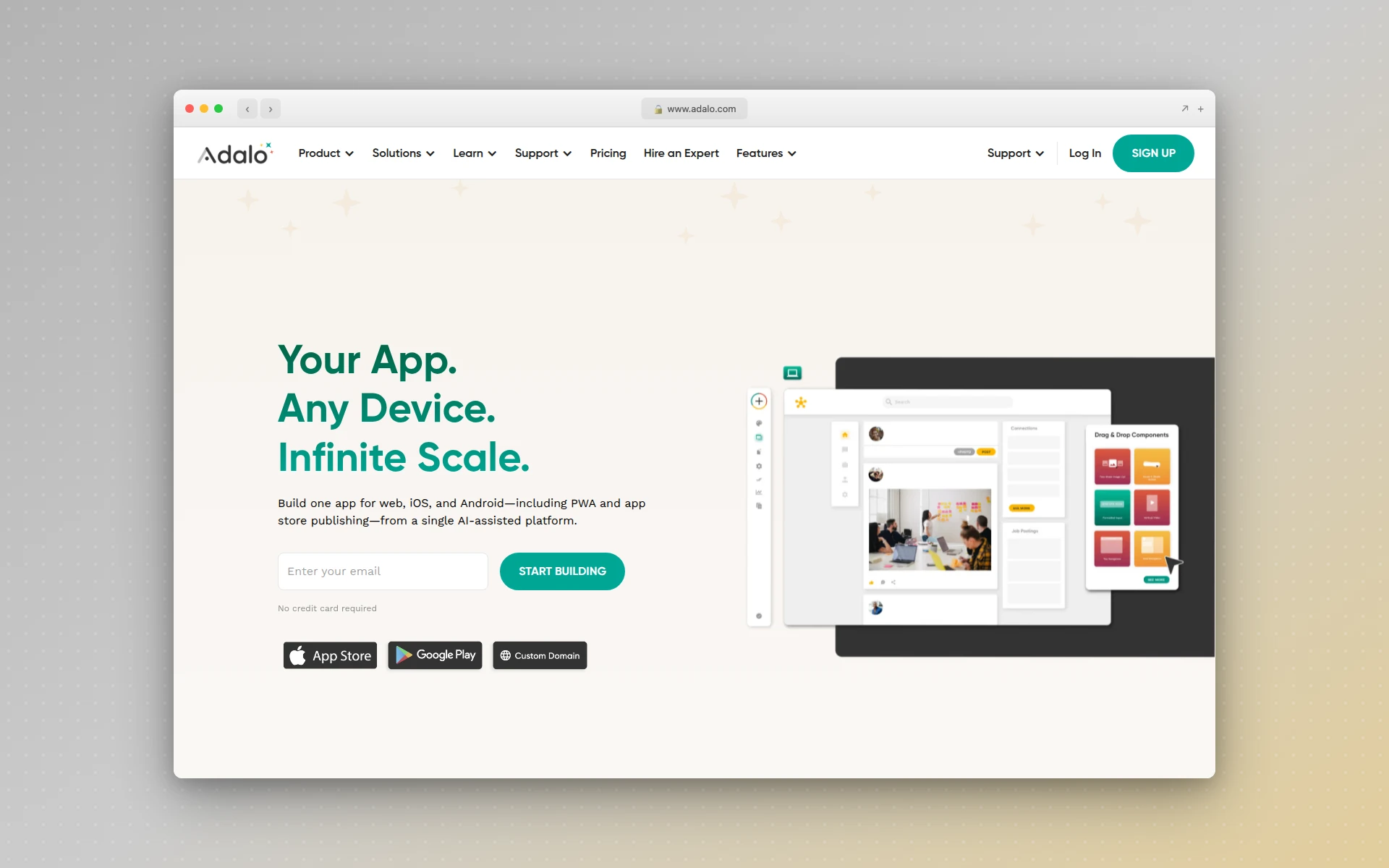 Adalo offers a straightforward drag-and-drop builder for creating native iOS and Android apps without code.
Adalo focuses squarely on mobile app development with a drag-and-drop builder that is simpler to learn than Bubble or FlutterFlow. You design screens, add components, connect to databases, and publish native apps to the App Store and Google Play —all without code.
The platform works well for straightforward apps: directories, booking systems, membership apps, and simple marketplaces. It is not the right choice for complex business logic, but for founders who need a basic mobile app quickly, Adalo removes the friction.
Key Features
- Drag-and-drop builder with 25+ pre-built components
- Native iOS and Android app publishing
- Built-in database or external connections (Airtable, Xano, Google Sheets)
- Dynamic actions for interactive features
- API integration for connecting to external services
- App Store and Google Play deployment support
Pricing
The free plan includes 200 records per app. Starter is $45/month for 1 published app with 5,000 records. Professional is $65/month for 2 apps with 25,000 records. Team is $200/month with 5 apps and 100,000 records. Record limits are the main cost driver —data-heavy apps will need higher tiers.
Best For
Simple mobile apps like directories, event apps, booking tools, and community platforms. Adalo is ideal when you need to get a basic native app into the App Store without complexity.
Limitations
Performance degrades with complex apps. Record limits force upgrades on data-heavy projects. The platform lacks advanced logic capabilities compared to Bubble or FlutterFlow. No code export —you are locked into the Adalo ecosystem.
6. Glide —Best for Internal Tools from Spreadsheets
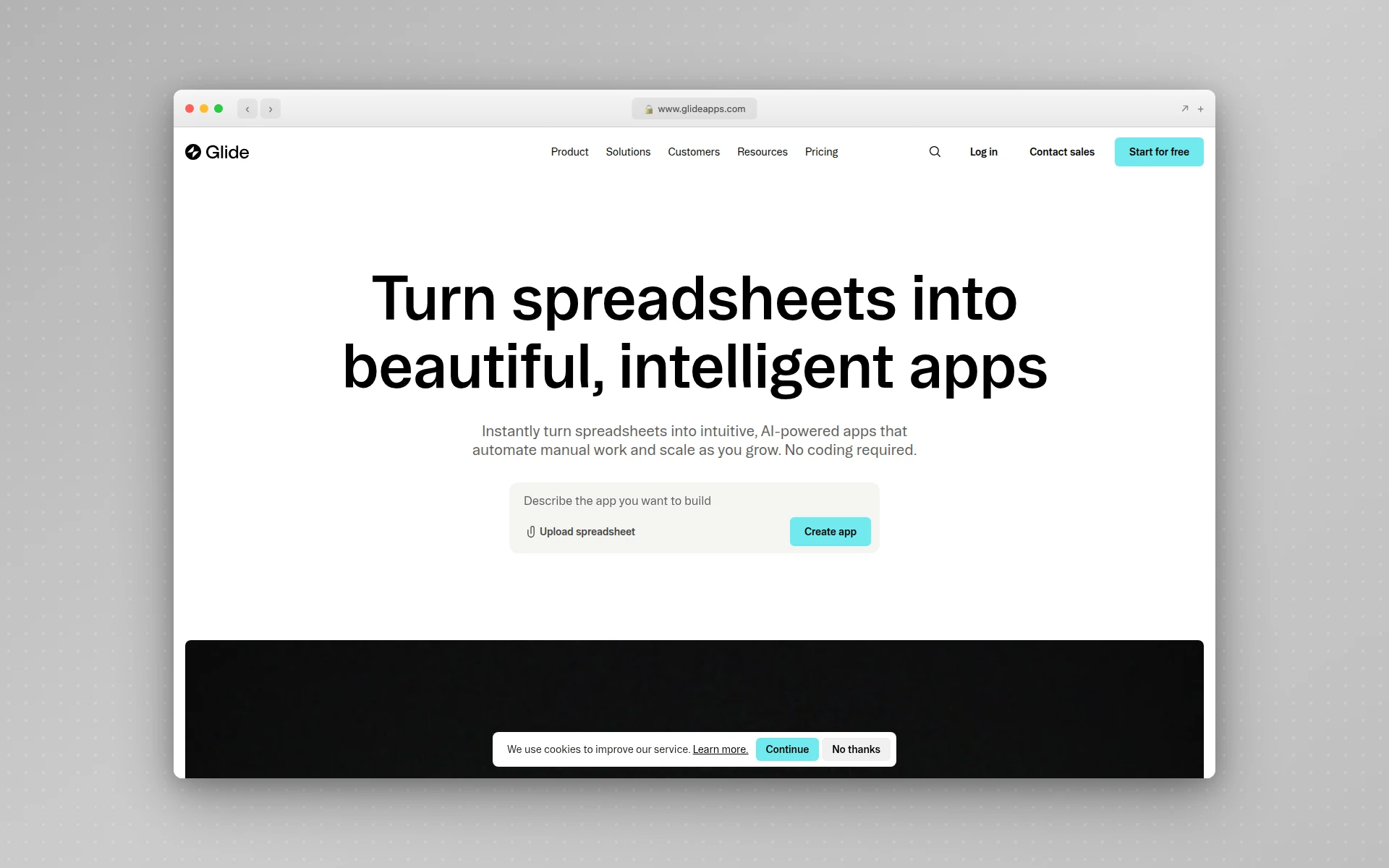 Glide turns your spreadsheets and databases into polished internal tools and business apps.
Glide takes a fundamentally different approach from most builders on this list. Instead of starting from a blank canvas, you connect a data source —Google Sheets, Airtable, or a SQL database —and Glide generates an app around your data. It is the fastest way to turn a spreadsheet into a functional application.
The platform launched AI app generation in 2024, letting you describe what you want and getting an instant app built from your data. For internal business tools, Glide is genuinely impressive.
Key Features
- Build apps directly from Google Sheets, Airtable, Excel, or SQL databases
- 40+ pre-built components (lists, forms, charts, calendars, etc.)
- AI-powered app generation from natural language
- Bi-directional data sync with external sources
- User management with roles and permissions
- Glide Tables for built-in data (does not consume update quotas)
- Automation and workflow triggers
Pricing
The Free plan includes unlimited drafts and 25,000 data rows. Maker is $99/month. Business is $199/month (billed annually) with 30 business users. Enterprise is custom. Annual billing saves 20%. Glide is rated 4.7/5 on G2 with 790+ reviews.
Best For
Internal tools, team dashboards, inventory management, CRM systems, and any scenario where your data already lives in a spreadsheet. Glide is particularly popular with operations teams who need apps without bothering their engineering department.
Limitations
Glide builds Progressive Web Apps (PWAs) —you cannot list a Glide app on the Apple App Store or Google Play Store. The platform is designed for internal/business use and is not suited for consumer-facing apps with complex interactions. Pricing is steep compared to simpler alternatives.
7. Softr —Best for Client Portals and Business Apps
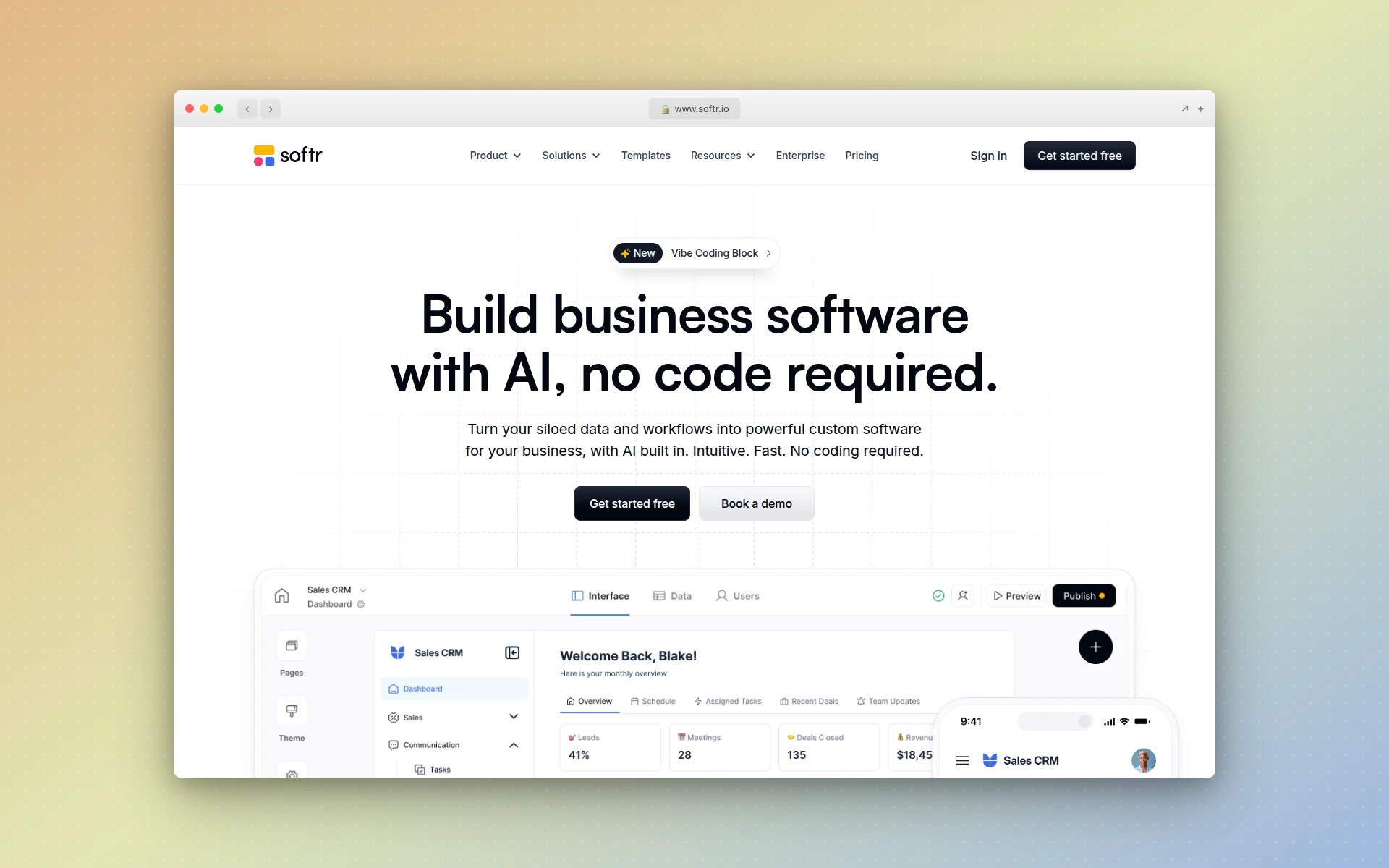 Softr excels at building client portals, internal tools, and business applications powered by Airtable or Notion.
Softr fills a specific niche exceptionally well: building client portals, internal tools, and business applications that sit on top of Airtable, Notion, or other databases. If you already manage your business data in Airtable and need a polished frontend for clients or team members, Softr is the most efficient path.
The platform emphasizes user management features —SSO, role-based access, password management —making it a natural choice for apps where different users need different views of the same data.
Key Features
- Deep integration with Airtable, Notion, Google Sheets, and more
- Bi-directional data sync (changes in the app update the database and vice versa)
- Built-in user authentication with SSO support
- Role-based access control for different user types
- AI co-builder for faster app creation
- Pre-built templates for common business app patterns
- Workflow automations and conditional logic
Pricing
The Free plan supports up to 10 logged-in users with a published app. Basic is $49/month. Professional is $139/month. Business is $269/month (annual) with up to 500 users and all features unlocked. Per-user pricing on higher tiers can get expensive for large user bases.
Best For
Client portals, vendor portals, internal dashboards, membership sites, and any business application where you need controlled access to shared data. Agencies and consultants find Softr particularly useful for building client-facing tools.
Limitations
Not designed for consumer-facing apps with public SEO pages or thousands of users. Performance can be a concern at scale. The platform is tightly coupled with its supported data sources —if your backend is not Airtable/Notion/Sheets, Softr is not the right fit.
8. Thunkable —Best for Cross-Platform Mobile Education
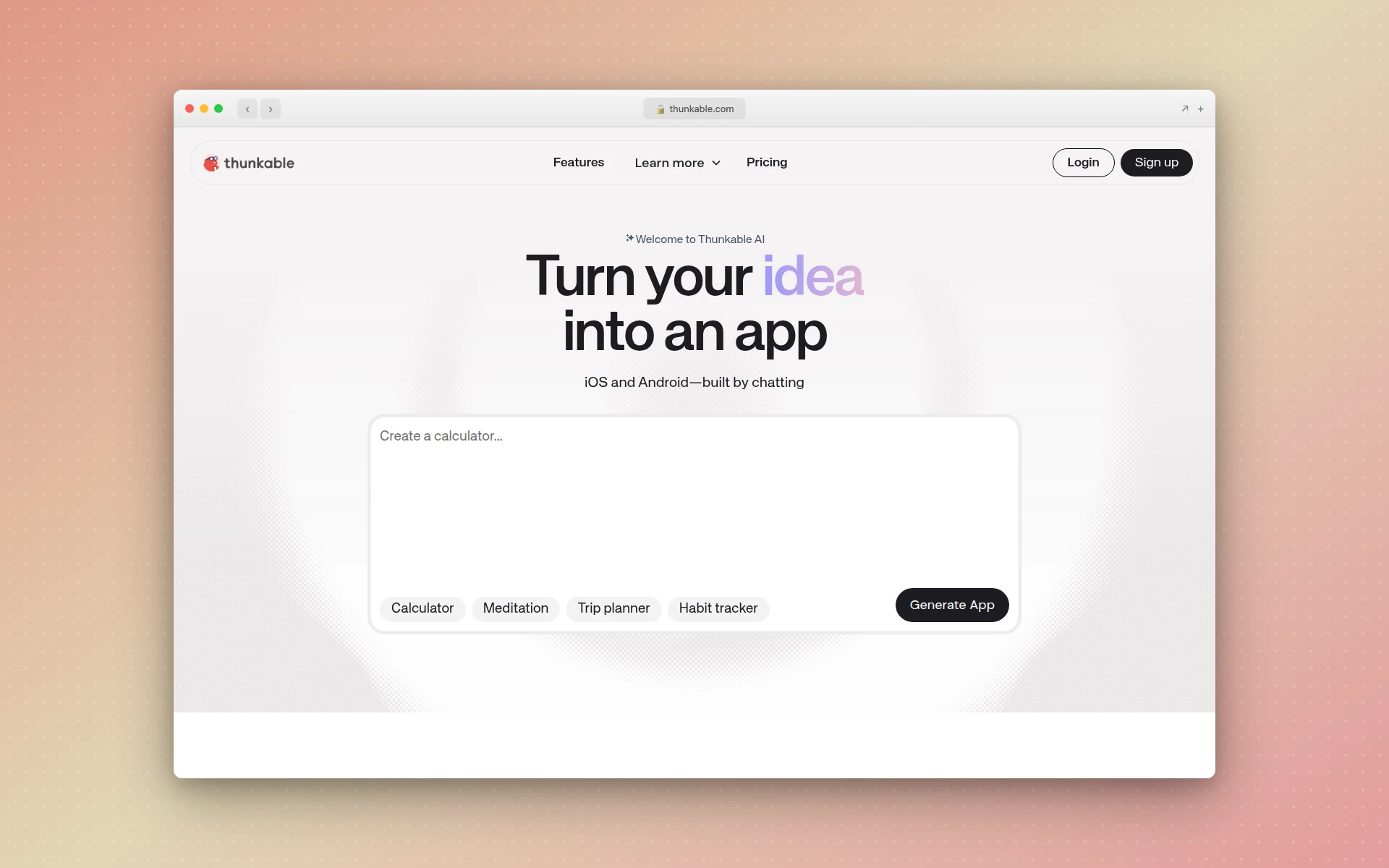 Thunkable uses a block-based programming approach to build cross-platform mobile apps for iOS, Android, and the web.
Thunkable uses a unique block-based programming system (similar to Scratch) that makes it particularly accessible for beginners and educators. You snap logic blocks together to create app behavior —no syntax errors, no debugging mysterious code. The platform deploys to iOS, Android, and the web from a single project.
For educators, students, and hobbyists who want to build real mobile apps, Thunkable provides the gentlest learning curve of any platform that produces native output.
Key Features
- Block-based visual programming (no code syntax to learn)
- Cross-platform deployment to iOS, Android, and web
- Pre-built components with drag-and-drop interface
- Native device features: push notifications, Bluetooth, location, camera
- Integrations with Google Maps, Stripe, Firebase, Airtable
- Direct publishing to App Store and Google Play
Pricing
The free plan allows limited projects. Builder is $37/month (annual) or $59/month (monthly) with 1 published live app. Advanced is $99/month (annual) or $189/month (monthly) with unlimited apps and in-app payments. Annual billing offers significant savings —nearly 40% on the Advanced tier.
Best For
Educational settings, hobbyist projects, and straightforward mobile apps. Thunkable is the best platform for learning app development concepts without getting bogged down in code syntax.
Limitations
No code export —you cannot take your app off the platform. The block-based approach limits what you can build compared to code-first tools. Complex logic becomes cumbersome with visual blocks. Performance can lag for resource-intensive apps.
9. SAP Build Apps —Best for Enterprise Applications
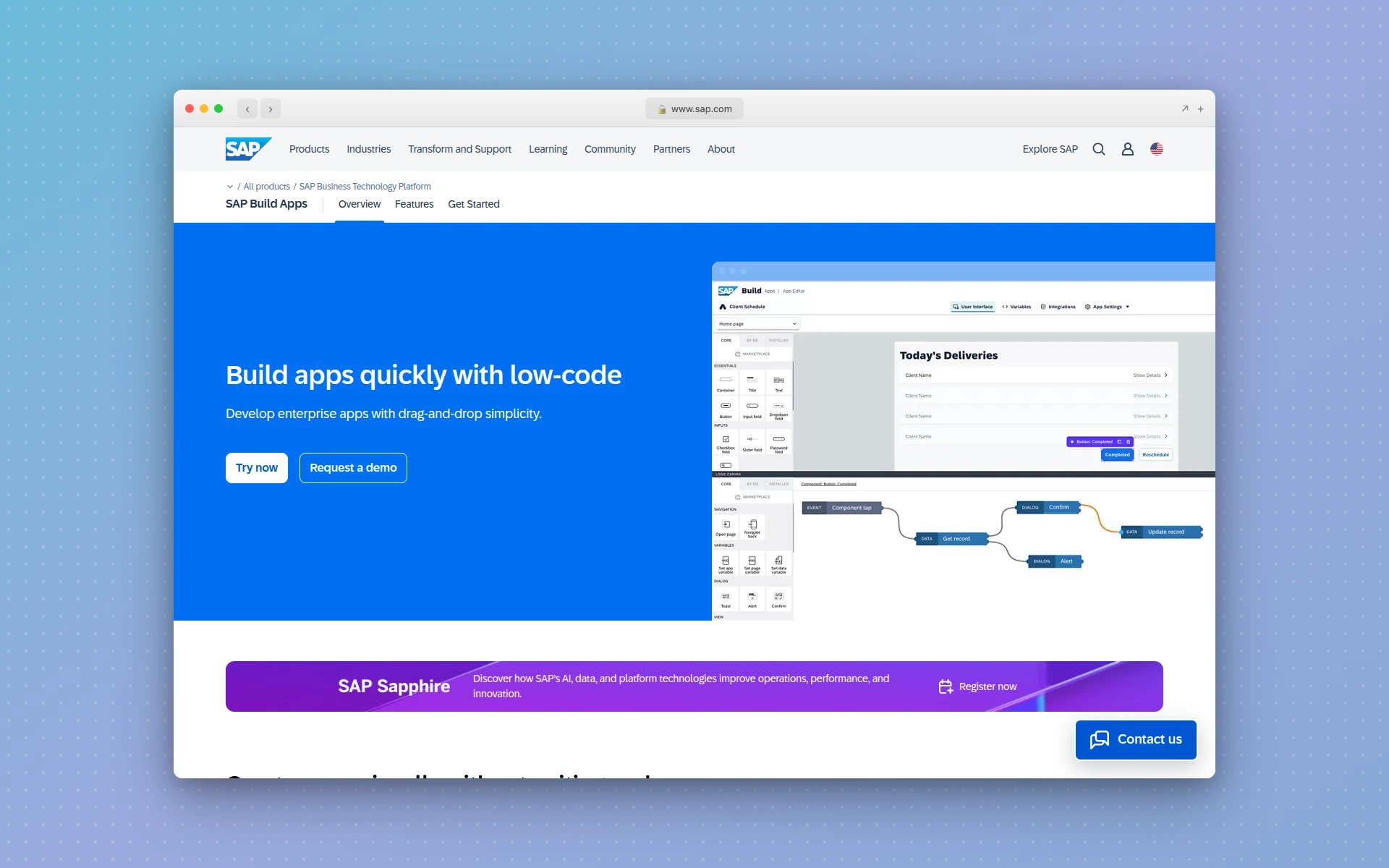 SAP Build Apps (formerly AppGyver) provides enterprise-grade no-code app development with deep SAP ecosystem integration.
SAP Build Apps, formerly AppGyver, is SAP’s entry into the no-code space. It targets enterprises that need to build internal applications with deep integration into SAP’s ecosystem of ERP, CRM, and backend services. If your organization runs on SAP, this is the most natural way to build custom applications on top of that infrastructure.
The platform includes the Joule AI co-pilot for code generation, workflow automation, and explaining complex business logic. It supports both web and native mobile apps.
Key Features
- Visual app builder for web and native mobile applications
- Deep SAP ecosystem integration (S/4HANA, SuccessFactors, Ariba, etc.)
- Joule AI co-pilot for assisted development
- Backend integration with SAP Business Technology Platform
- Enterprise security, authentication, and compliance
- Native mobile app capabilities with offline support
Pricing
SAP Build Apps uses enterprise pricing tied to the SAP Business Technology Platform. Plans range from roughly $2 to $534 per month depending on configuration. A free tier on SAP BTP is available for prototyping, but it requires an SAP account. This is not a self-serve, credit-card-signup platform.
Best For
Large organizations already in the SAP ecosystem that need custom internal applications. SAP Build Apps is not practical for startups or small teams —it is designed for enterprises with existing SAP infrastructure.
Limitations
Complex setup and onboarding. Pricing is opaque and requires enterprise sales conversations. The platform is heavily tied to SAP’s ecosystem, limiting its utility outside of SAP environments. Not suitable for consumer-facing apps.
10. Replit —Best for AI-Coded Applications
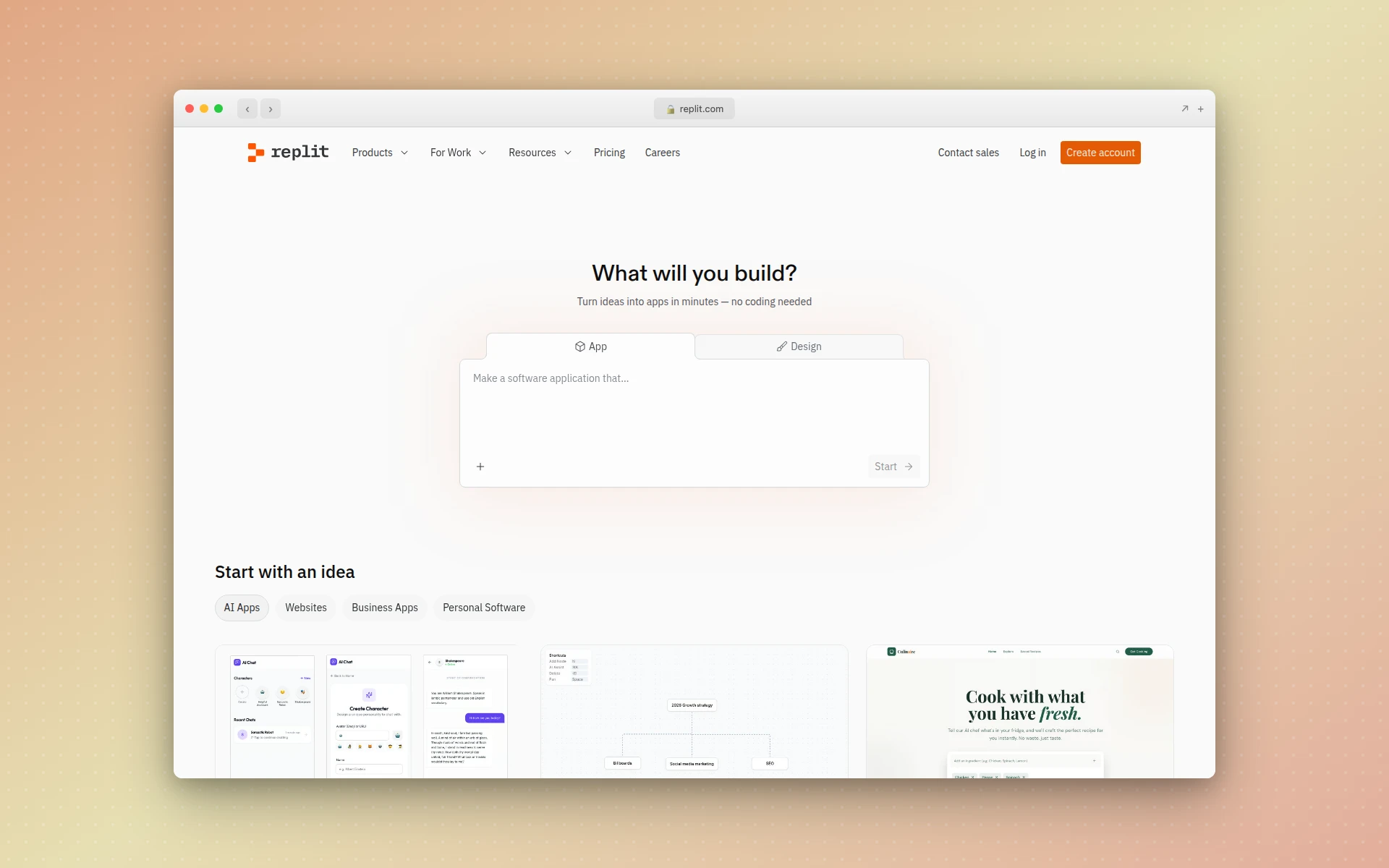 Replit Agent autonomously builds, tests, and deploys full-stack applications from natural language prompts.
Replit blurs the line between no-code and AI-assisted coding. Its Agent 3 feature autonomously writes code, debugs issues, adds error handling, and even writes tests —all from plain English descriptions. You are not dragging and dropping components; the AI is writing real code, but you do not need to understand it to get results.
The zero-setup environment is a key advantage. There is nothing to install, no environment to configure. Describe what you want, and Replit builds it in the cloud.
Key Features
- AI Agent that autonomously writes, tests, and debugs code
- Zero-setup cloud development environment
- Support for any programming language and framework
- Built-in deployment and hosting
- Database, API, and authentication integration
- Collaboration features for team development
- Full code ownership and export
Pricing
Starter (Free) lets you test Agent 3 with public apps. Core is $20/month with 5 workspace members. Pro is $100/month for up to 15 builders. Active builders report spending $50-150/month once usage costs kick in. Enterprise pricing requires a sales conversation.
Best For
Technical founders who want AI to do the coding but still want access to the source code. Replit is ideal for rapid prototyping and for developers who want to move faster without sacrificing code quality.
Limitations
The distinction between “no-code” and “AI-coded” matters here. When things go wrong, you may need to understand code to debug issues. Costs escalate with heavy use. The generated code quality, while good, is not always production-grade without review.
11. WeWeb —Best Visual Frontend Builder
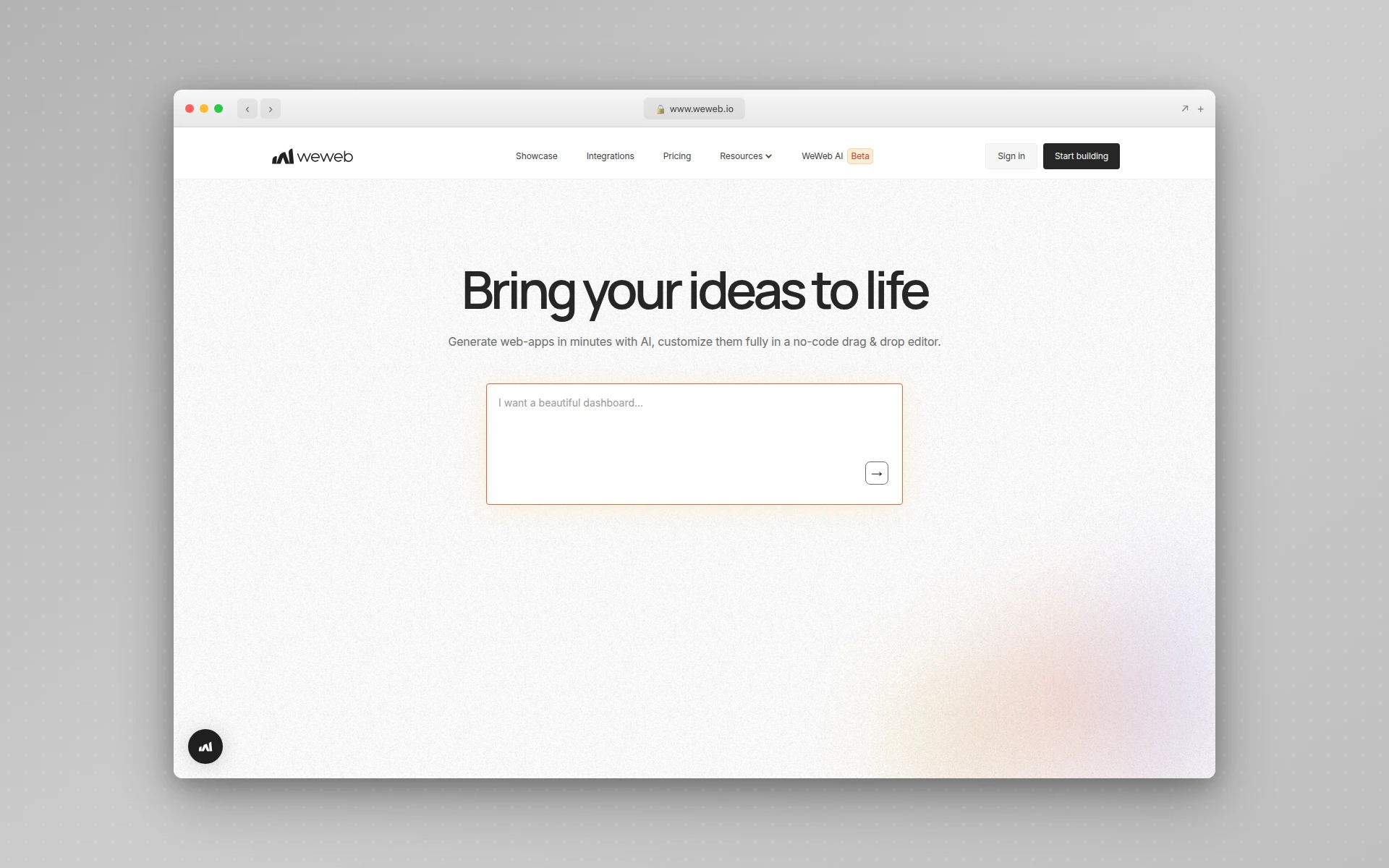 WeWeb is a visual frontend builder that connects to any backend, giving you more flexibility than all-in-one platforms.
WeWeb takes a “headless” approach to no-code —it handles the frontend while letting you choose any backend (Supabase, Xano, Firebase, custom API). This separation gives you more architectural flexibility than all-in-one platforms, at the cost of more setup.
The platform produces clean, performant web applications and is particularly popular with agencies building client projects. Its visual builder is among the most polished in the no-code space.
Key Features
- Visual frontend builder with responsive design
- Backend-agnostic: connect to Supabase, Xano, Firebase, or any REST/GraphQL API
- Component library with reusable elements
- Custom CSS and JavaScript for advanced customization
- SEO-friendly output with clean HTML
- Collaboration and version control
- Self-hosting option for full control
Pricing
Free plan for prototyping. Starter is $29/month. Professional is $69/month per project. Enterprise is custom. Pricing is per project, which can add up if you are building multiple applications.
Best For
Agencies building client web applications, teams that want frontend flexibility with backend freedom, and projects that need clean, SEO-friendly output. WeWeb is the best choice when you have strong opinions about your backend stack.
Limitations
Web apps only —no native mobile support. The headless approach means you need to set up and manage your own backend separately. More technical knowledge required than simpler platforms like Glide or Softr.
12. AIDesigner —Best for App UI Design and Prototyping
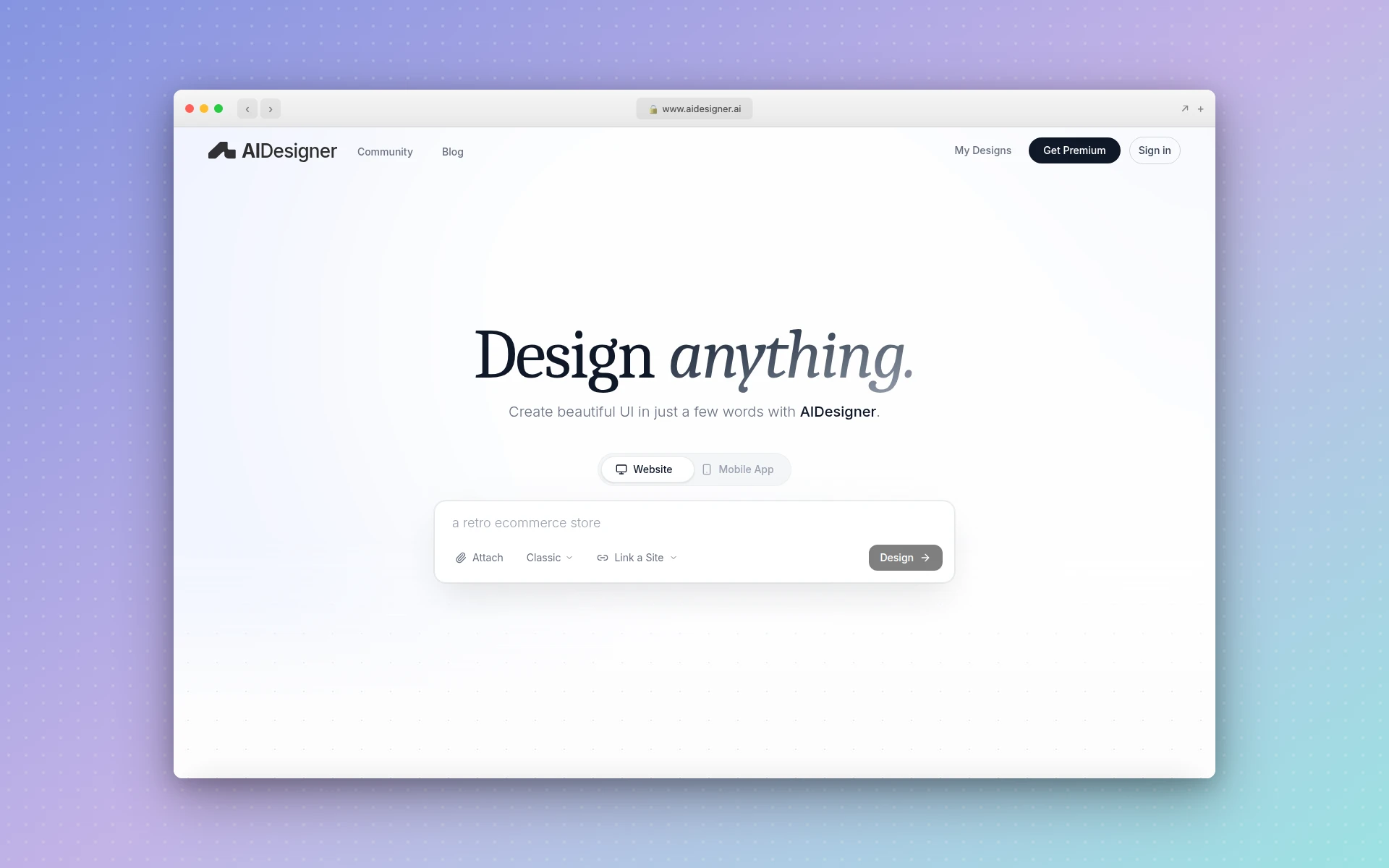 AIDesigner generates premium app UI designs and landing pages from text prompts, with one-click publishing.
AIDesigner is not a full no-code app builder in the way Bubble or FlutterFlow are, and it earns its place on this list for a specific reason: it owns the step most app builders skip. It specializes in the design and prototyping phase —generating premium-quality UI designs for mobile apps, web applications, and landing pages from text prompts. Where platforms like Bubble require you to build every screen manually, AIDesigner generates polished UI in seconds that you can then implement with any development approach.
This makes it complementary to no-code app builders rather than a direct competitor. Use AIDesigner to rapidly explore UI concepts for your app, then build the functional version in FlutterFlow, Bubble, or code.
Key Features
- AI-powered UI generation from text descriptions
- Mobile app UI design with professional-grade output
- Infinite canvas workspace for complex design projects
- In-canvas editing and context-aware AI modifications
- One-click publishing to custom subdomains with SEO
- Website cloning for design reference
- Inspiration mode with curated design examples
Pricing
AIDesigner offers a Free tier with 5 lifetime credits (no card required) to try the platform. The Pro plan starts at $25/month for 100 credits (1 credit = 1 AI design generation) and scales up to $2,250/month for 10,000 credits. Yearly billing saves roughly 17%. All Pro tiers include one-click publishing, custom domains, watermark removal, unlimited projects, priority support, credit rollovers, high-quality design exports, MCP server access, and advanced image tools. Additional credits are available as top-ups at $0.30 each.
Best For
The design phase of app development. Use AIDesigner when you need to quickly visualize what your app should look like before committing to a specific no-code platform. It is particularly valuable for pitching to stakeholders, testing design directions, and creating professional mobile app mockups.
Limitations
AIDesigner generates designs, not functional applications. You cannot build database logic, user authentication, or business workflows in AIDesigner. It is a design tool, not an app builder. Pair it with a builder from this list for the full workflow.
How Much Does It Cost to Build an App Without Code?
No-code app builders range from free to around $200/month. Most platforms offer free tiers for prototyping. Paid plans typically start at $25-45/month for individual builders. This compares to $50,000-250,000 for traditional custom app development, making no-code 10-100x cheaper.
Can No-Code Apps Scale to Thousands of Users?
Yes, but with caveats. Platforms like Bubble and FlutterFlow support apps with thousands of active users. However, performance can degrade at high scale, and costs increase significantly. Many startups use no-code to validate ideas and rebuild in custom code once they reach product-market fit.
Which No-Code App Builder Should You Choose?
The right platform depends on what you are building and your technical background. Here is a decision framework:
Choose Based on What You Are Building
If you need a complex web application (SaaS, marketplace, CRM): Bubble is the most capable option. It handles the most complex logic and data models, and the ecosystem of plugins covers most integration needs.
If you need a native mobile app: FlutterFlow for production-grade apps with code export. Adalo for simpler apps with a gentler learning curve. Thunkable if you are learning or building educational projects.
If you need an internal business tool: Glide if your data lives in spreadsheets. Softr if you need client portals or role-based access. Both can get you from idea to working tool in a day.
If you want AI to build the whole thing: Lovable for the best balance of speed and quality. Bolt.new if you want more control over the generated code. Replit if you are comfortable with code and want maximum flexibility.
If you need to design the app first: AIDesigner for AI-generated UI designs, then implement in your builder of choice. This is especially valuable when you are still exploring what the app should look and feel like.
Choose Based on Your Budget
| Budget | Recommended Platforms |
|---|---|
| Free | Bubble (prototype only), Glide (limited), Lovable (5 daily credits) |
| Under $50/mo | Lovable Pro, Bolt.new Pro, FlutterFlow Basic, WeWeb Starter |
| $50-200/mo | Bubble Growth, FlutterFlow Growth, Adalo Professional, Softr Professional |
| $200+/mo | Bubble Team, Glide Business, Softr Business, Enterprise tiers |
Choose Based on Your Technical Level
Non-technical: Glide, Softr, Adalo, or Thunkable. These platforms require the least technical knowledge and have the gentlest learning curves.
Somewhat technical: Bubble, FlutterFlow, or WeWeb. These offer more power but require understanding concepts like data modeling and conditional logic.
Technical (but want speed): Lovable, Bolt.new, or Replit. These AI-powered tools benefit from technical knowledge when things need debugging, but dramatically accelerate the building process.
The Rise of AI App Builders: What Has Changed in 2026
The biggest shift in the no-code space is the emergence of AI-powered builders. Traditional platforms like Bubble and FlutterFlow still require you to manually construct every element. AI builders like Lovable, Bolt.new, and Replit generate working applications from descriptions.
This is part of the broader vibe coding movement where AI handles the implementation while humans focus on requirements and design. The results are not perfect —complex logic often needs manual refinement —but for MVPs and prototypes, the speed advantage is enormous. If you want the practical loop, our guide on how to vibe code your first app covers the spec, the prompts, and the mistakes that cost the most time.
What we are seeing at AIDesigner is that the design phase benefits from AI even more than the coding phase. Generating a polished UI that communicates your vision takes seconds with AI, whereas the same exploration in Figma or manual builders takes hours. This is why many founders are starting with AI-generated designs and then building the functional app in a separate tool.
The platforms that will win in 2026 and beyond are the ones that combine AI generation with the ability to refine, customize, and scale. No tool does everything perfectly yet, but the gap between “describe what you want” and “here’s your working app” is closing fast.
FAQ
What is the best no-code app builder in 2026?
The best no-code app builder depends on your project. Bubble is best for complex web apps and SaaS products. FlutterFlow is ideal for native mobile apps. Lovable excels at AI-generated full-stack apps from text descriptions. For internal tools, Glide and Softr are the fastest options. Evaluate based on whether you need web, mobile, or both, and how complex your business logic requirements are.
Can you build a real app without coding?
Yes. No-code app builders like Bubble, FlutterFlow, and Adalo let you build fully functional applications with databases, user authentication, payments, and API integrations without writing a single line of code. Many production apps serving thousands of users are built entirely on no-code platforms. The no-code market is projected to reach nearly $49 billion in 2026, reflecting how mainstream this approach has become.
How much does it cost to build an app with no code?
No-code app builders range from free to around $200 per month for individual plans. Most platforms offer free tiers for prototyping. Paid plans typically start at $25 to $45 per month. This compares to $50,000 to $250,000 for traditional custom app development, making no-code 10 to 100 times cheaper for initial versions. Keep in mind that costs can increase significantly as your app scales to more users.
What is the difference between no-code and low-code app builders?
No-code platforms use entirely visual interfaces where you build by dragging, dropping, and configuring, with no programming required. Low-code platforms provide visual tools but also allow or require custom code for advanced functionality. In practice, the line is blurry —Bubble is technically low-code since it allows custom plugins and JavaScript, while Glide is more purely no-code. Choose based on whether you want zero coding or are comfortable writing some code for edge cases.
Can no-code apps scale to thousands of users?
Yes, but with caveats. Platforms like Bubble and FlutterFlow support apps with thousands of active users. However, performance can degrade at high scale, and costs increase significantly with usage-based pricing models. Many startups use no-code to validate their ideas (getting to product-market fit quickly) and then rebuild in custom code once they have proven demand and secured funding.
Are no-code apps secure?
Modern no-code platforms implement industry-standard security practices including SSL encryption, role-based access control, and SOC 2 compliance. Bubble, FlutterFlow, and Softr all offer enterprise-grade security features. The main risk is misconfigured permissions by the app builder, not platform-level vulnerabilities. For sensitive applications, always review your data privacy rules and access controls carefully.