TL;DR: AI coding tools have gone from novelty to necessity. Over 62% of professional developers now use them daily, and the market has grown to $8.5 billion. Cursor leads for AI-powered code editing, GitHub Copilot remains the most widely adopted, and Claude Code sets the benchmark for agentic terminal-based coding. Here are the 12 best AI coding tools worth your time in 2026.
What Are the Best AI Coding Tools?
The best AI coding tools in 2026 are Cursor, GitHub Copilot, Claude Code, Windsurf, and Bolt.new. These tools use large language models to generate, edit, and debug code from natural language prompts, helping developers write code up to 40% faster while reducing debugging time by 35%. The right choice depends on your workflow, team size, and whether you need a full IDE, a code assistant, or an app builder.
What Are AI Coding Tools?
AI coding tools are software platforms that use large language models to assist with software development — from writing code and fixing bugs to generating entire applications from natural language descriptions. They range from inline autocomplete assistants to full agentic systems that can plan, build, test, and deploy code autonomously.
The category has matured fast. In 2024, most developers used AI for basic code completion. In 2026, the leading tools understand entire codebases, execute multi-file refactors, run tests autonomously, and even create pull requests. Microsoft reported 4.7 million paid Copilot subscribers in early 2026, up 75% year over year.
The AI code tools market is estimated at $8.5 billion in 2026 and growing at roughly 24% annually. According to recent surveys, 91% of engineering organizations have adopted at least one AI coding tool, and developers report saving an average of 3.6 hours per week.
If you have been following the vibe coding movement, these are the tools making it possible. If you want the workflow rather than the tool list, how to vibe code your first app walks through it step by step. Let’s break down the ones that actually deliver.
Quick Comparison: Best AI Coding Tools 2026
| Tool | Best For | Type | Starting Price | Key Strength |
|---|---|---|---|---|
| Cursor | AI-first code editing | IDE | Free / $20/mo | Codebase-aware multi-file editing |
| GitHub Copilot | Inline code suggestions | Extension | Free / $10/mo | Widest editor + ecosystem integration |
| Claude Code | Terminal-based agentic coding | CLI Tool | $20/mo (Claude Pro) | Highest benchmark performance |
| Windsurf | Agentic coding workflows | IDE | Free / $15/mo | Cascade agent with autonomous execution |
| Bolt.new | Full-stack app generation | Web App | Free / $25/mo | One-prompt complete app creation |
| Lovable | App building for non-technical founders | Web App | Free / $25/mo | Design-conscious AI generation |
| v0 by Vercel | UI component generation | Web App | Free / $20/mo | Production-ready React/Tailwind components |
| Replit | Browser-based AI development | Web IDE | Free / $20/mo | Zero-setup, 100% browser-based |
| Amazon Q Developer | AWS-integrated coding | Extension | Free / $19/mo | Deep AWS service integration |
| Tabnine | Privacy-first code completion | Extension | $9/mo | On-premises deployment option |
| AIDesigner | AI-powered UI design generation | Web App | Free / $25/mo | Premium UI from text prompts |
| Cody by Sourcegraph | Large codebase understanding | Extension | Free / $9/mo | Unmatched codebase context |
The 12 Best AI Coding Tools (In-Depth Reviews)
1. Cursor
Best for: Developers who want an AI-native code editor
Rating: 4.9/5
Cursor has become the default AI coding tool for professional developers. Built on VS Code (so the transition is painless), it adds AI capabilities that make it feel like you have a senior engineer looking over your shoulder at all times.
What separates Cursor from tools that bolt AI onto existing editors is depth of integration. Cursor understands your entire codebase — not just the file you have open, but the architecture, dependencies, and patterns across your project. When you ask it to “refactor the authentication flow,” it knows which files to touch.
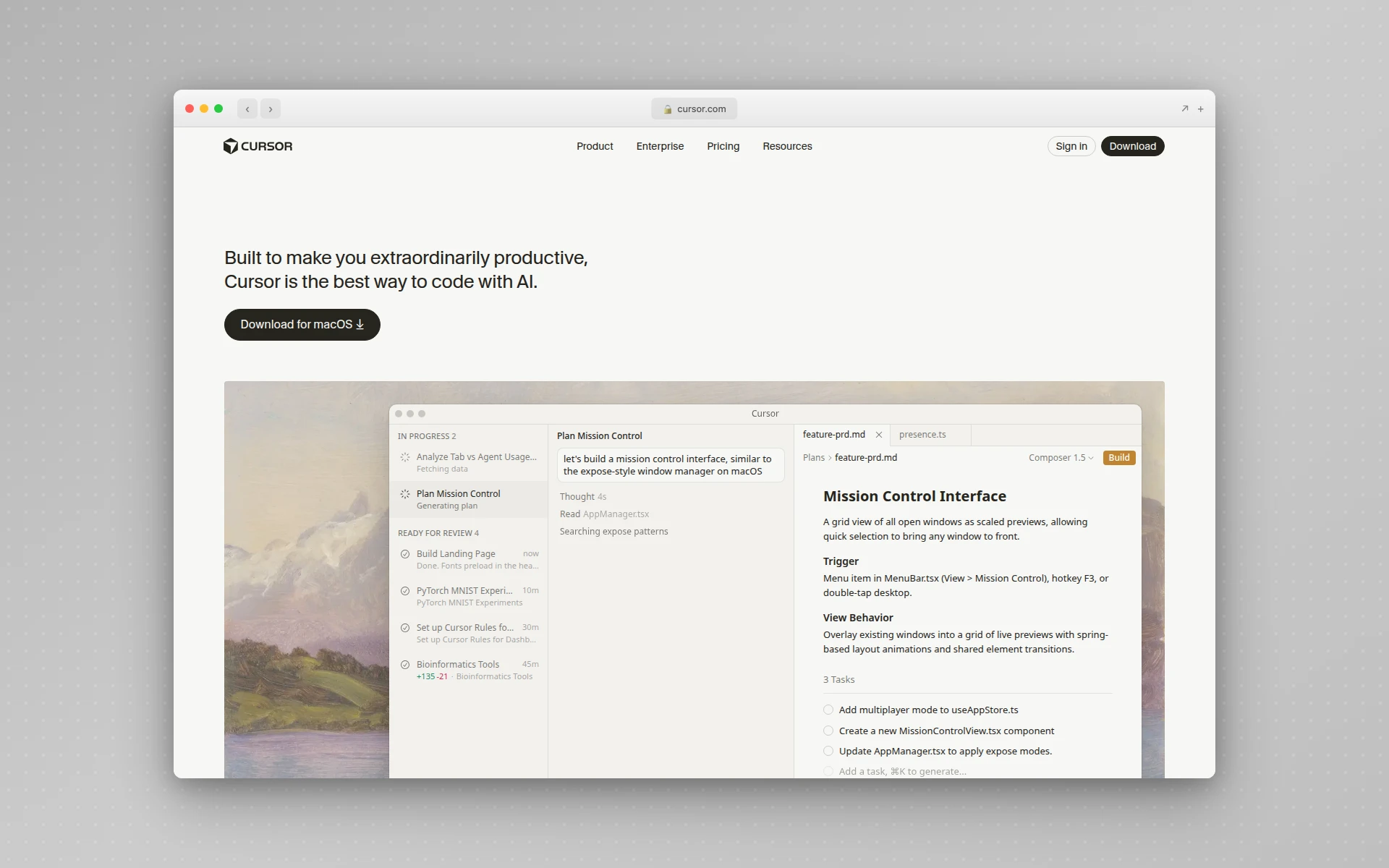 Cursor brings AI-powered editing directly into a VS Code-based environment with deep codebase awareness.
Why Cursor stands out:
- Composer mode — Describe a feature in plain English and Cursor generates multi-file changes with real-time diffs you can accept or reject
- Multi-model support — Switch between Claude, GPT-4, Gemini, and other models depending on the task
- Codebase-aware context — The AI understands your entire project structure, not just the current file
- Tab completion — Context-aware autocomplete that predicts multi-line changes with surprising accuracy
- Auto mode — Autonomous agent that can plan and execute multi-step coding tasks
What could be better:
- The credit-based pricing model after June 2025 adds complexity — your monthly fee becomes a credit pool for premium model usage
- Can be resource-heavy on large projects
- The learning curve for advanced features (Composer, multi-file edits) takes time to master
Pricing:
- Free: 2,000 completions, 50 slow premium requests
- Pro ($20/month): Unlimited completions + $20 credit pool for premium models
- Pro+ and Ultra: Higher credit pools (3x and 20x respectively)
- Business ($40/user/month): Team management + centralized billing
Best fit if: You are a professional developer who wants the deepest possible AI integration in your daily coding workflow. Cursor is the tool other AI coding tools are measured against. See our complete guide to using Cursor AI for setup, shortcuts, and advanced workflows.
2. GitHub Copilot
Best for: Teams already on GitHub who want seamless AI integration
Rating: 4.7/5
GitHub Copilot is the tool that brought AI-assisted coding to the mainstream. While newer tools have pushed boundaries, Copilot remains the most widely adopted AI coding tool in the world, with 4.7 million paid subscribers as of early 2026.
The strength is ecosystem. Copilot works natively in VS Code, JetBrains IDEs, Neovim, Visual Studio, and Xcode. It plugs directly into GitHub’s pull request workflows, issue tracking, and code review. For teams already on GitHub, the friction to adopt is near zero.
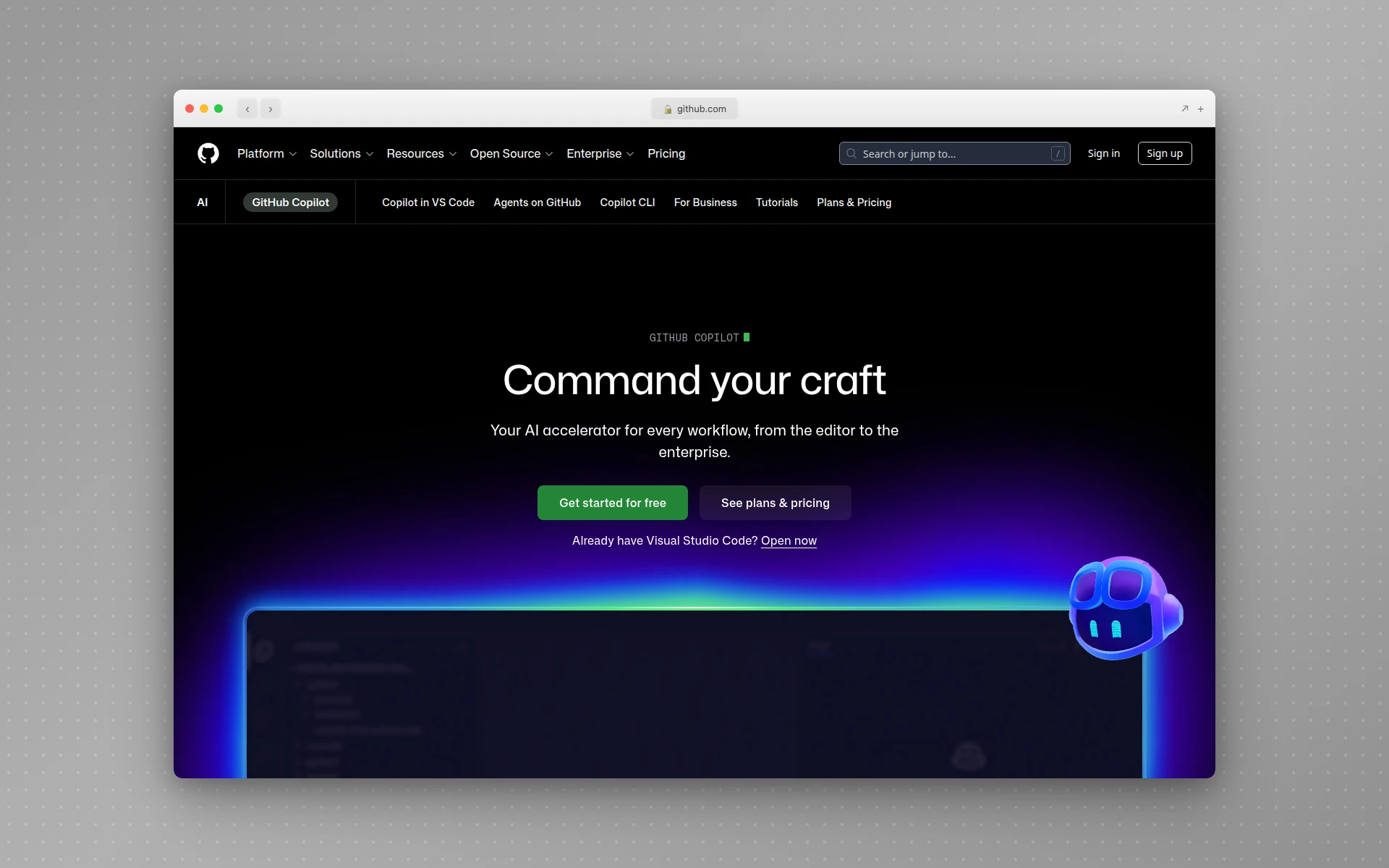 GitHub Copilot provides AI-powered code suggestions directly in your editor with deep GitHub ecosystem integration.
Why GitHub Copilot stands out:
- Widest editor support — Works in VS Code, JetBrains, Neovim, Visual Studio, and Xcode
- Copilot Chat — Ask questions about your codebase, request refactors, or generate code from descriptions
- Copilot Coding Agent — Autonomous agent that can create branches, write code, and open PRs from GitHub Issues
- Enterprise-grade — SSO, audit logs, IP indemnification, and content exclusions for enterprise compliance
- Massive adoption — 4.7M+ paid subscribers means constant model improvements from usage data
What could be better:
- Inline suggestions can be hit-or-miss with complex logic
- The free tier’s 50 chat requests per month feels restrictive for heavy users
- Less codebase-aware than Cursor for multi-file refactoring tasks
Pricing:
- Free: 2,000 completions, 50 chat requests/month
- Pro ($10/month): Unlimited completions, premium model access, coding agent
- Pro+ ($39/month): 1,500 premium requests, access to Claude Opus and o3
- Business ($19/user/month): Organization management and policy controls
- Enterprise ($39/user/month): SSO, audit logs, advanced compliance
Best fit if: Your team is already on GitHub and you want AI that integrates directly into your existing pull request and code review workflow. The free tier is also the best entry point for developers trying AI coding for the first time.
3. Claude Code
Best for: Experienced developers who want agentic AI in the terminal
Rating: 4.8/5
Claude Code is Anthropic’s command-line coding assistant, and it takes a fundamentally different approach from IDE-based tools. Instead of adding AI features to an editor, Claude Code works directly in your terminal — reading your codebase, making changes across files, running commands, and even creating git commits.
The benchmark numbers speak for themselves. Claude Code achieved a 72.7% success rate on SWE-bench Verified, the industry standard for measuring AI coding capability. In practice, this translates to an agent that can take a GitHub issue description and autonomously produce a working pull request.
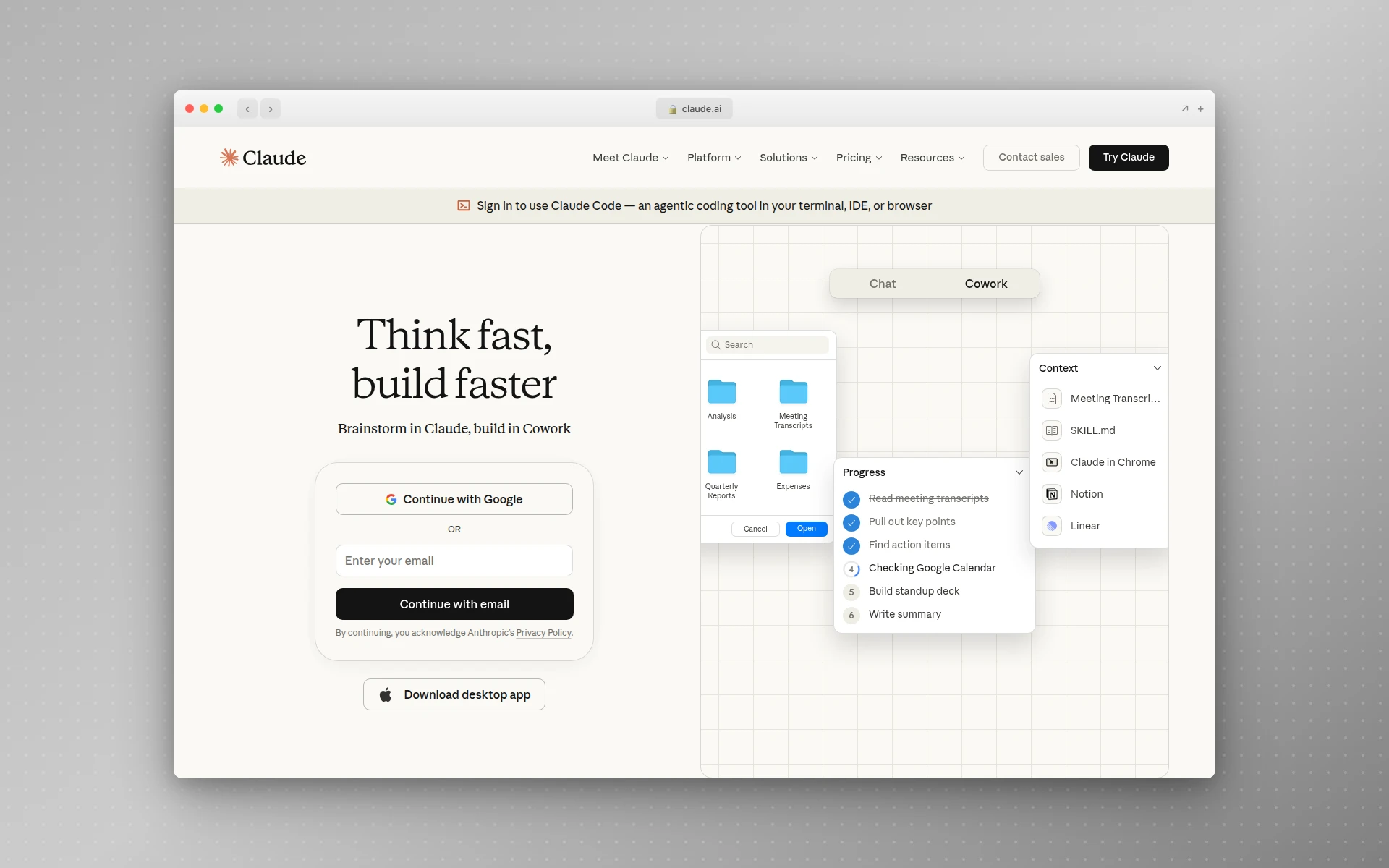 Claude Code is Anthropic’s terminal-based AI coding assistant that works directly with your codebase.
Why Claude Code stands out:
- Full codebase understanding — Reads your entire project structure, dependencies, and patterns before making changes
- Multi-file editing — Describe a feature and Claude Code creates and modifies files across your project, handling imports and types
- Git-integrated workflow — Commits, branches, and pull requests are part of the natural workflow
- Extended thinking — Uses chain-of-thought reasoning for complex coding tasks, visibly working through problems
- MCP support — Connect to external tools and data sources through the Model Context Protocol, including design tools, databases, and browsers
What could be better:
- Requires a Claude Pro ($20/month) or Max subscription — no standalone free tier
- Terminal-only interface is not for everyone (though it integrates with VS Code and JetBrains)
- Token usage on large codebases can burn through Max plan limits quickly
Pricing:
- Claude Pro ($20/month): Includes Claude Code access with standard usage limits
- Max 5x ($100/month): 5x the usage limits of Pro
- Max 20x ($200/month): 20x the usage limits of Pro
- API: Pay-per-token pricing for direct API access
Best fit if: You are an experienced developer who works in the terminal and wants an AI that truly understands your codebase. Claude Code’s agentic capabilities are the closest thing to having a junior developer you can direct through conversation. Its extensibility through custom skills and MCP servers sets it apart from other AI coding tools. If you’re trying to decide between Claude Code and Cursor specifically, our Claude Code vs Cursor comparison breaks down pricing, context windows, and workflow fit head-to-head, and our Claude Code frontend design guide covers the exact setup that fixes generic UI output.
4. Windsurf (by Codeium)
Best for: Developers who want autonomous AI coding agents
Rating: 4.6/5
Windsurf, built by Codeium, introduced the concept of “Flows” — multi-step coding workflows where the AI doesn’t just suggest code but actively builds, runs, and tests it. The Cascade agent is the star feature: describe what you want, and Cascade generates code, executes it, observes errors, and fixes them autonomously.
This agentic approach is what separates Windsurf from being just another Cursor alternative. While both are VS Code-based AI editors, Windsurf leans harder into letting the AI do more without your intervention. If you are deciding between the two, our Cursor vs Windsurf comparison breaks down speed, agents, pricing, and design workflows side by side.
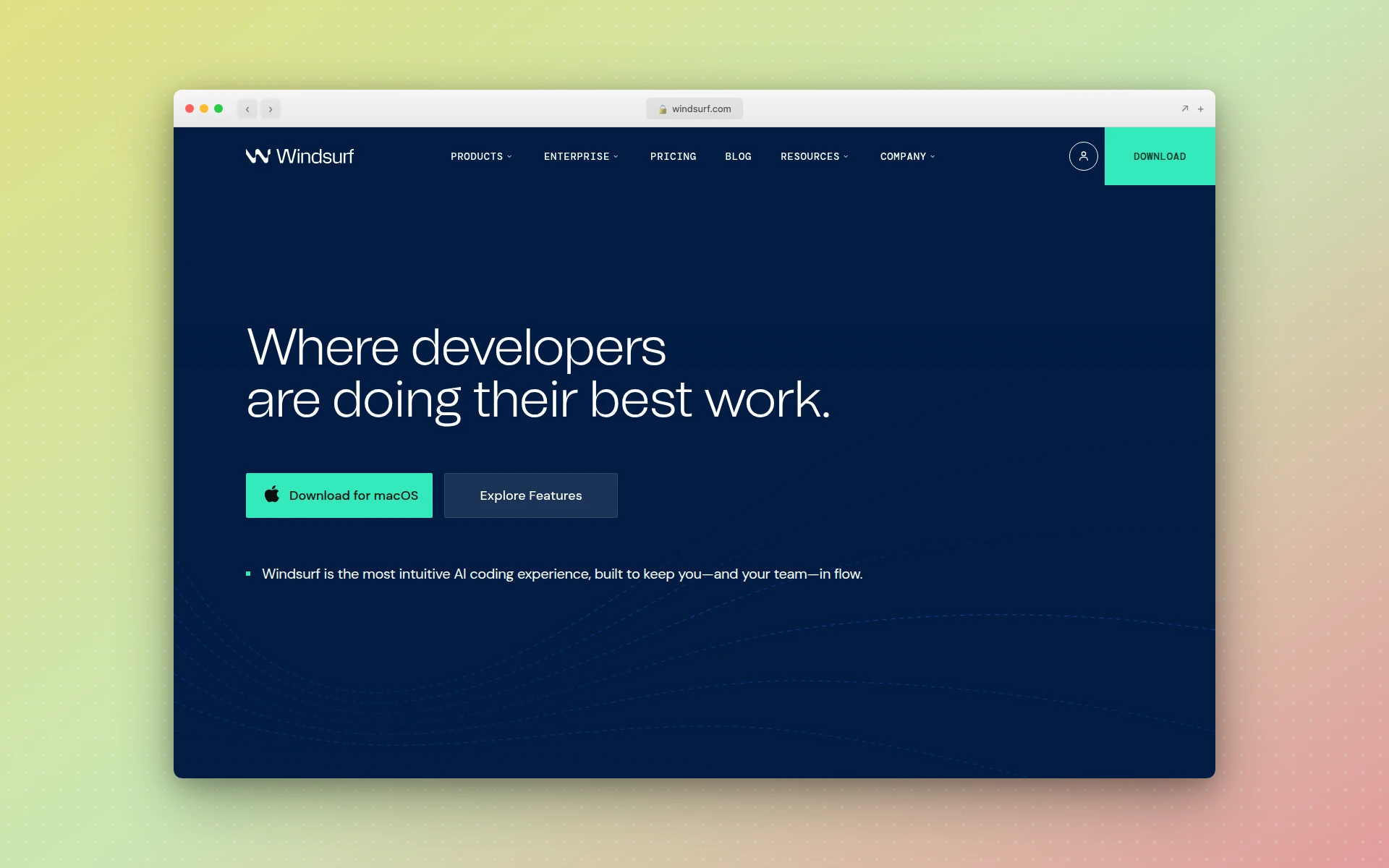 Windsurf (by Codeium) combines AI code editing with an agentic workflow system called Cascade.
Why Windsurf stands out:
- Cascade agent — Multi-step autonomous execution: write code, run it, detect errors, fix them
- Deep context awareness — Understands your project structure similar to Cursor
- Competitive pricing — Pro at $15/month undercuts Cursor’s $20/month
- Agentic workflows — Goes beyond suggestion into automated development sequences
What could be better:
- Smaller community than Cursor, so fewer extensions and community resources
- The Cascade agent sometimes goes off-track on complex multi-step tasks
- 25 free credits per month is very limiting for evaluation
Pricing:
- Free: 25 credits/month, unlimited basic completions
- Pro ($15/month): 500 credits, full feature access
- Teams ($30/user/month): Seat management and SSO
- Enterprise ($60/user/month): Advanced security and compliance
Best fit if: You want an agentic AI coding experience at a lower price point than Cursor. Windsurf’s Cascade agent is particularly strong for iterative feature development where the AI can build, test, and fix autonomously.
5. Bolt.new
Best for: Full-stack app generation from a single prompt
Rating: 4.5/5
Bolt.new is the purest expression of vibe coding for web applications. Describe what you want — “Build a project management app with Kanban boards, user authentication, and a dark theme” — and Bolt generates a complete full-stack application with frontend, backend, database, and deployment in a single step.
This is not a code editor. It is an app builder. The distinction matters. If you need to write and maintain a large codebase, use Cursor or Claude Code. If you need a working prototype fast, Bolt is remarkably capable.
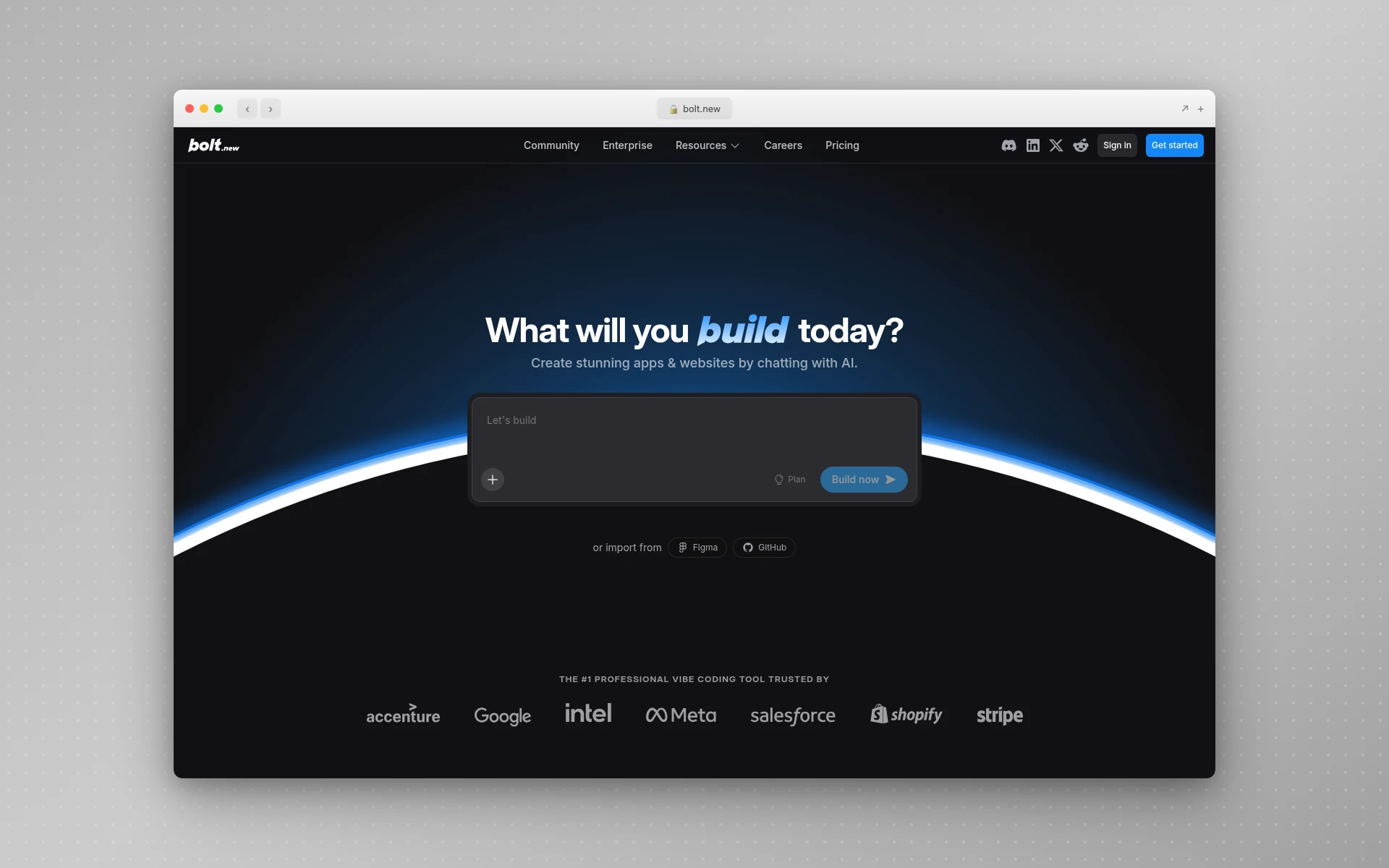 Bolt.new generates complete web applications from natural language descriptions with one-click deployment.
Why Bolt.new stands out:
- True one-prompt generation — Complete full-stack apps, not just skeletons
- Open source engine — Bolt’s core is open source, supporting cloud and local AI models
- Integrated deployment — Deploy instantly without configuring hosting
- Token rollover — Unused tokens carry forward for one month on paid plans
What could be better:
- Generated apps often need architectural refactoring for production use
- The token-based pricing means complex apps can burn through limits fast
- Less control over code quality and patterns compared to editor-based tools
Pricing:
- Free: 1M tokens/month (300K daily limit), Bolt branding
- Pro ($25/month): 10M tokens, custom domains, no branding
- Higher tiers: $50, $100, $200/month with proportionally more tokens
- Teams ($30/member/month): Team management and shared billing
Best fit if: You need a working prototype or MVP fast. Bolt is ideal for founders validating ideas, developers building proof-of-concepts, and anyone who needs a full-stack app without spending days on setup and configuration.
6. Lovable
Best for: Non-technical founders who want beautiful apps
Rating: 4.5/5
Lovable (formerly GPT Engineer) blends natural language prompts with a strong emphasis on visual design quality. Where most AI coding tools produce functional but ugly output, Lovable aims for apps that look polished out of the box. It’s worth noting that no coding tool fully solves this on its own — the reliable fix is to settle the visual direction before you generate any code at all, which is the vibe design workflow.
The Supabase integration is a genuine differentiator. Generated apps get real backends with authentication, database, and storage — not just a frontend that looks pretty but does nothing. A common workflow that has emerged: prototype fast in Lovable, then graduate to Cursor for production hardening.
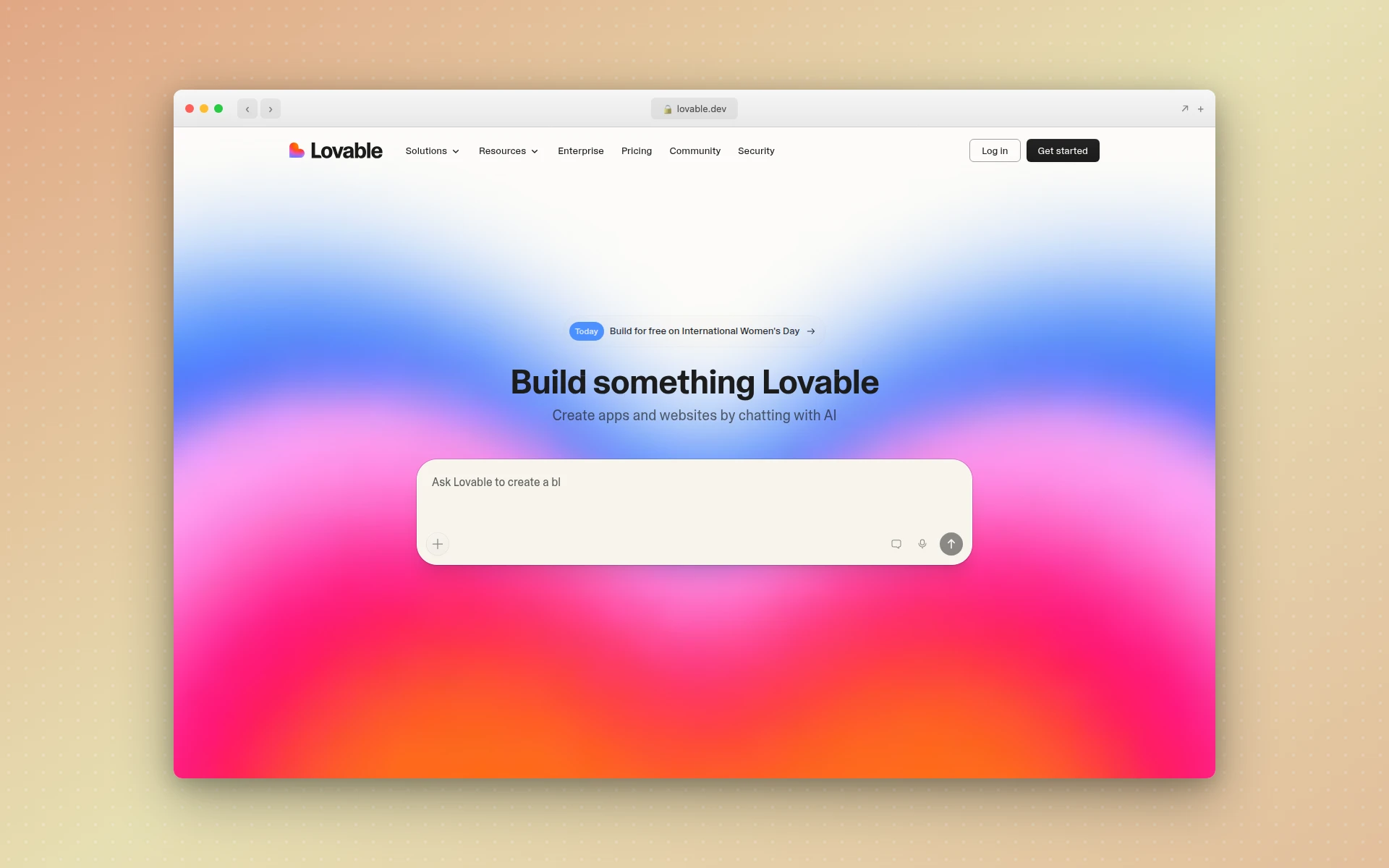 Lovable combines natural language app building with a focus on visual design quality and real backend integration.
Why Lovable stands out:
- Design-conscious generation — Pays more attention to UI quality than most code-first tools
- Supabase integration — Built-in database and authentication for real, functional apps
- Visual editing — Tweak designs visually after generation, not just through code
- GitHub sync — Generated code syncs to a GitHub repository for version control
What could be better:
- Credit consumption can be unpredictable — complex prompts burn more credits
- Primarily focused on web apps, limited mobile app support
- The gap between “demo-ready” and “production-ready” still requires significant development effort
Pricing:
- Free: 5 credits/day, public projects only
- Pro ($25/month): 100 credits, private projects, custom domains
- Business ($50/month): SSO, data training opt-out
- Enterprise: Custom pricing
Best fit if: You are a founder or product person who needs to ship a good-looking app quickly without a development team. Lovable bridges the gap between “I have an idea” and “I have a working product.”
For more AI-powered design and app building options, check out our guide to the best no-code app builders.
7. v0 by Vercel
Best for: Developers who need production-ready UI components
Rating: 4.6/5
v0 by Vercel focuses on a specific, valuable niche: generating individual UI components from text prompts. Rather than building entire applications, v0 produces polished React and Tailwind components — forms, dashboards, navigation bars, pricing tables — that you can drop directly into existing Next.js or React projects.
The output quality is consistently high. v0 generates clean, well-structured code that follows shadcn/ui and Tailwind conventions. If you are building in the React ecosystem, the components slot in with minimal modification.
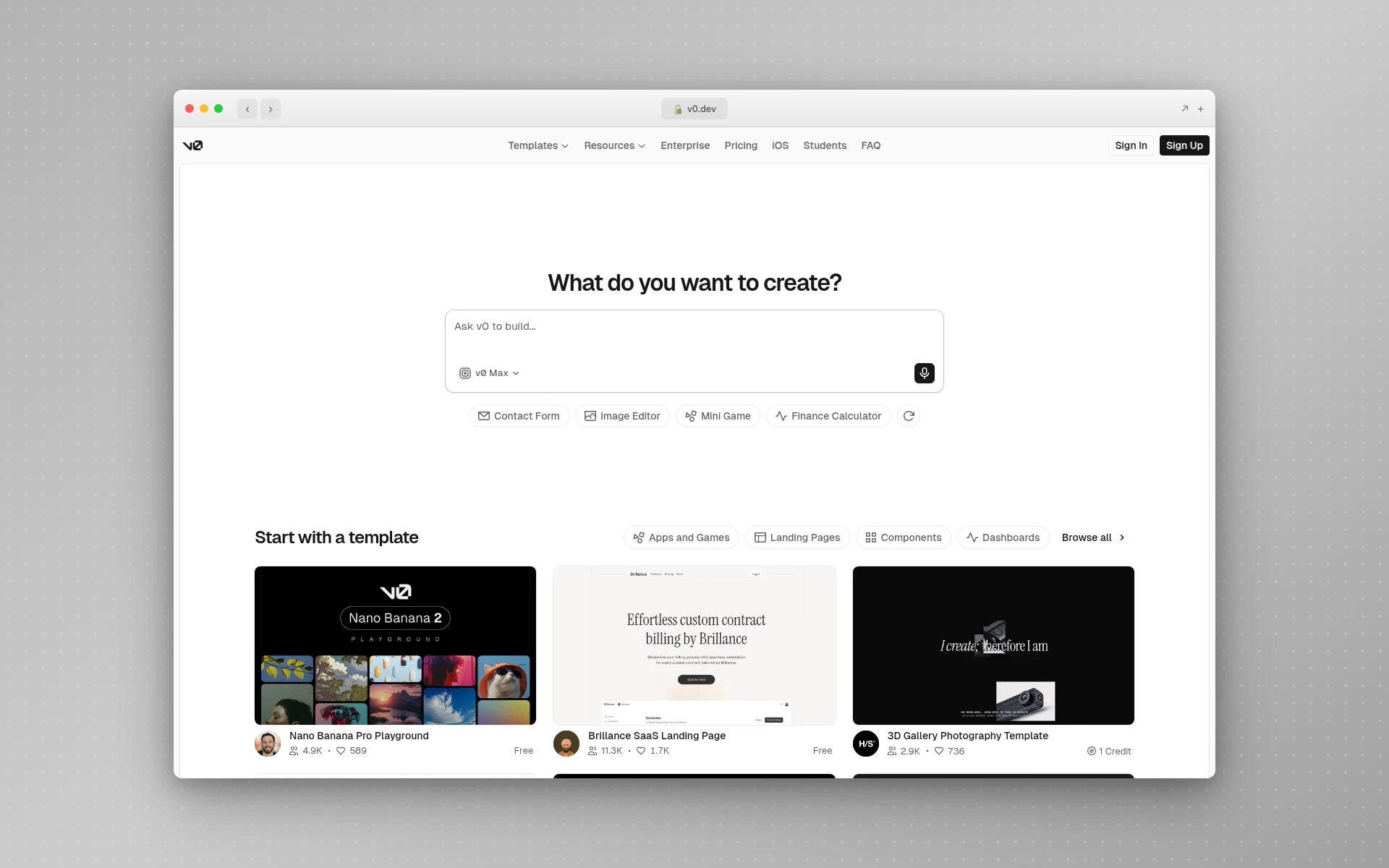 v0 generates production-ready React and Tailwind UI components from natural language descriptions.
Why v0 stands out:
- Component-level precision — Focused output that fits directly into existing projects
- Tailwind and shadcn/ui native — Clean, modern code following popular conventions
- Iterative refinement — Refine components through conversation until they match your spec
- Full-stack evolution — v0 has expanded beyond components to support full app generation
What could be better:
- Primarily useful for React/Next.js projects — less value for other frameworks
- Credit system burns through allowances fast on complex prompts
- Full-stack generation is still catching up to Bolt and Lovable
Pricing:
- Free: $5 in monthly credits
- Premium ($20/month): Higher credit limits, premium models
- Team ($30/user/month): Shared workspace and collaboration
For a deeper comparison, check out our v0 alternatives guide.
Best fit if: You are a React or Next.js developer who frequently needs UI components. v0 is faster than building from scratch and produces higher-quality output than most AI coding tools for frontend-specific work.
8. Replit
Best for: Beginners and browser-based AI development
Rating: 4.4/5
Replit has evolved from an online IDE into one of the most accessible AI coding platforms available. A striking statistic: 75% of Replit users never write code. They describe what they want, and the AI Agent builds it entirely.
Everything runs in the browser. No local environment, no installations, no configuration headaches. For complete beginners who want to experience AI-assisted development, there is no lower barrier to entry.
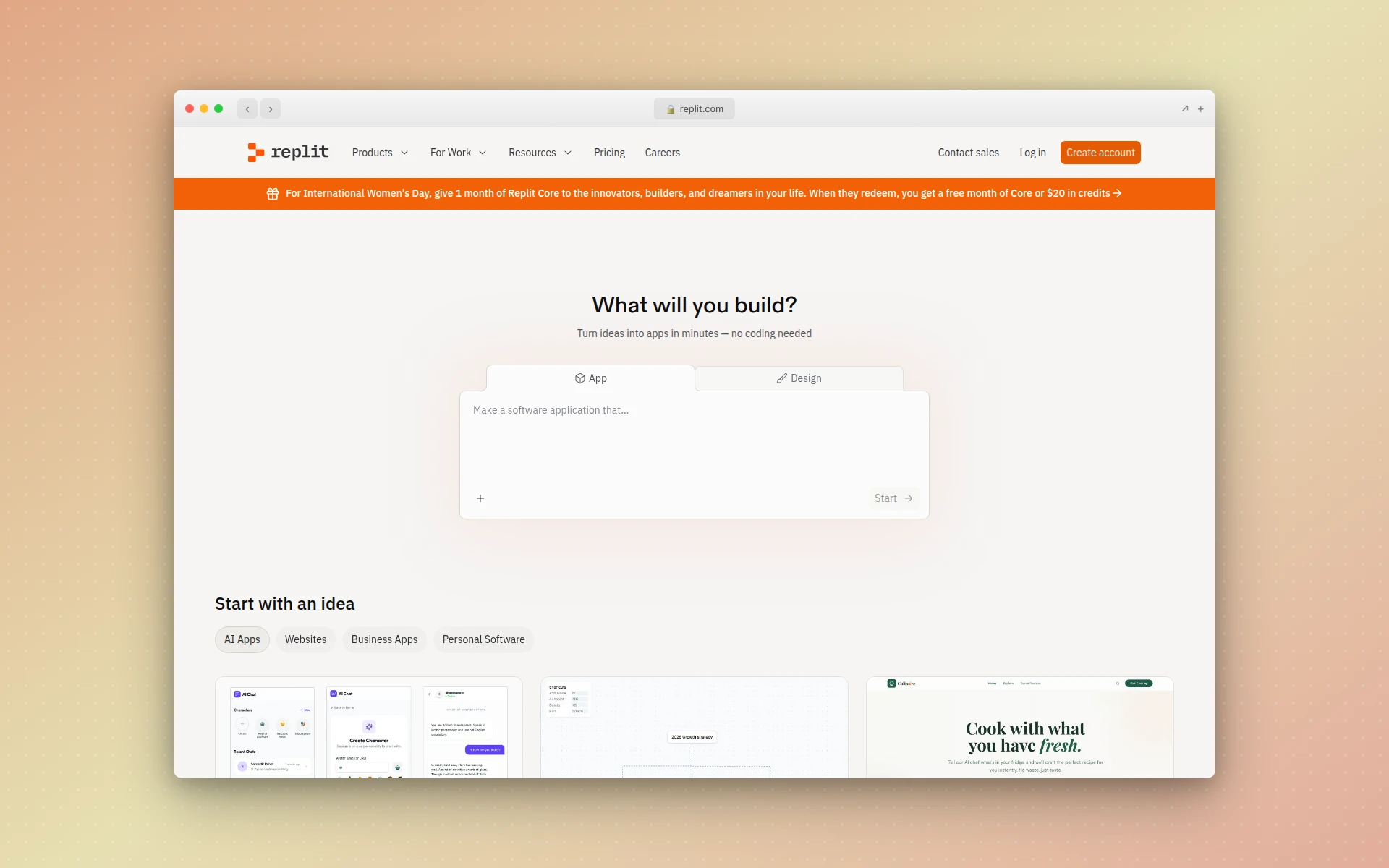 Replit’s AI Agent builds and deploys complete applications entirely in the browser with zero setup.
Why Replit stands out:
- Zero setup — Everything runs in the browser, no local environment needed
- AI Agent mode — Plan, build, and deploy entire applications autonomously from a description
- Instant deployment — Every project gets a live URL immediately
- Multi-language support — Python, Node.js, Go, and dozens of other languages
What could be better:
- Effort-based pricing means costs can be unpredictable for complex projects
- Browser-based environment has performance limitations for large projects
- Less suitable for teams with existing local development workflows
Pricing:
- Starter (Free): Basic AI assistance, daily agent credits, 1 published app
- Core ($20/month annual): Full agent access, $25 monthly credits, private apps
- Pro ($100/month): Up to 15 builders, priority support, credit rollover
- Enterprise: Custom pricing
Best fit if: You are new to development, want to build something without installing anything, or need a quick environment for prototyping. Replit is the most beginner-friendly AI coding tool available.
9. Amazon Q Developer
Best for: Teams working in the AWS ecosystem
Rating: 4.3/5
Amazon Q Developer is AWS’s entry into the AI coding space, and its biggest advantage is deep integration with the AWS ecosystem. If your team lives in AWS — Lambda, DynamoDB, S3, CDK — Q Developer understands those services natively in a way that general-purpose tools simply don’t.
The standout feature is code transformation. Q Developer can upgrade Java applications across versions and frameworks, handling the tedious migration work that usually takes weeks. It also handles infrastructure-as-code generation for AWS services, translating natural language into CloudFormation or CDK templates.
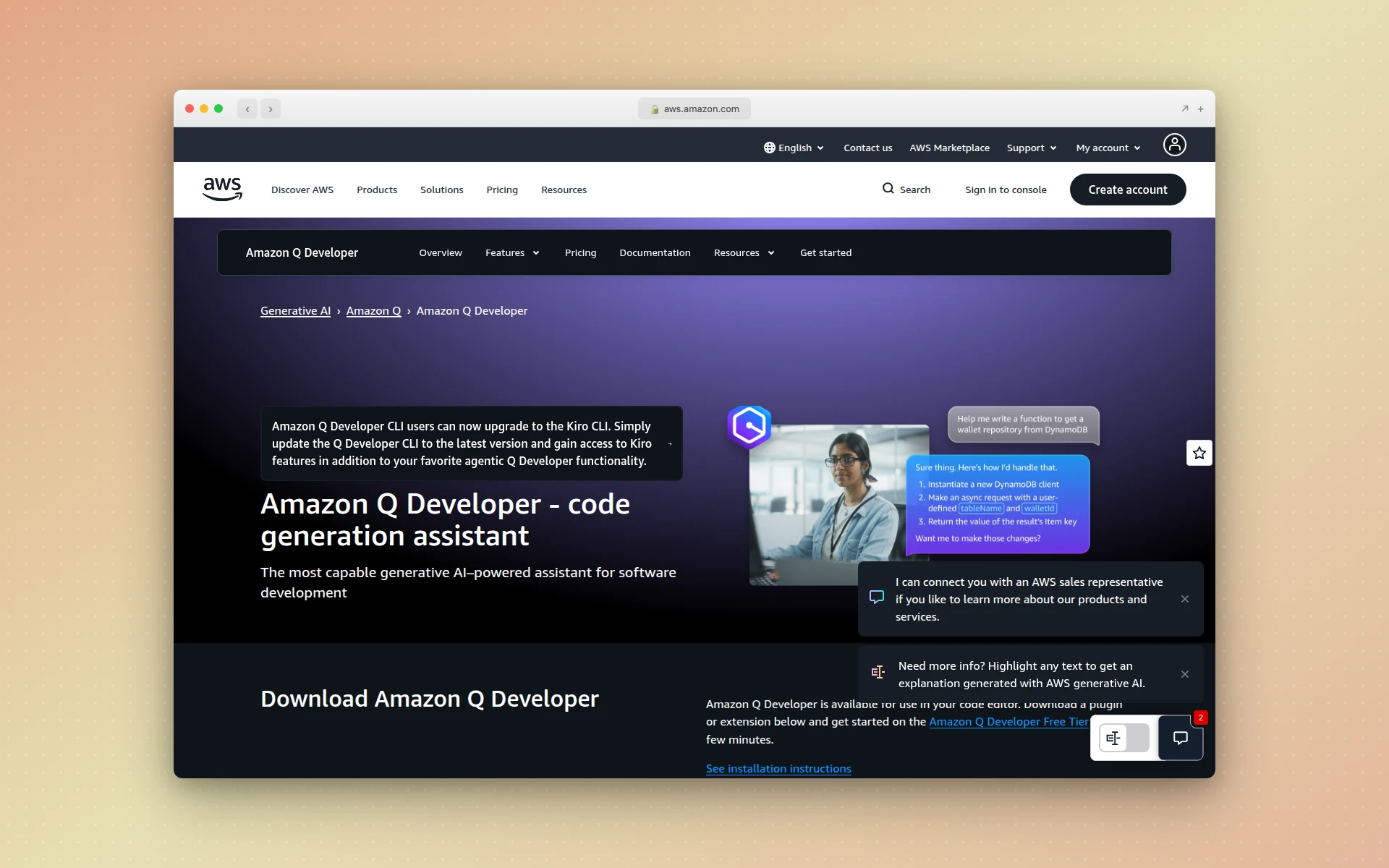 Amazon Q Developer brings AI coding assistance with deep AWS service integration.
Why Amazon Q Developer stands out:
- AWS-native understanding — Knows AWS services, APIs, and best practices deeply
- Code transformation — Automated Java version upgrades and framework migrations
- Infrastructure code generation — Generate CloudFormation and CDK from descriptions
- Security scanning — Built-in vulnerability detection aligned with AWS security standards
What could be better:
- Less useful outside the AWS ecosystem
- The general code completion quality lags behind Cursor and Copilot
- The free tier’s limits can be restrictive for daily development use
Pricing:
- Free: Monthly limits on completions and chat, basic features
- Pro ($19/user/month): Higher limits, enterprise controls, code transformation (4,000 LOC/month included)
Best fit if: Your team is deeply invested in AWS and needs AI assistance that understands AWS services natively. The code transformation feature alone can save weeks of migration work.
10. Tabnine
Best for: Teams that need private, self-hosted AI code completion
Rating: 4.2/5
Tabnine’s differentiator is not speed or flashiness — it is privacy and control. In a market where most AI coding tools send your code to cloud-hosted models, Tabnine offers fully on-premises deployment. Your code never leaves your infrastructure.
For regulated industries — finance, healthcare, defense — this is not just a nice feature, it is a requirement. Tabnine also provides IP indemnification and license compliance checking, which enterprise legal teams appreciate.
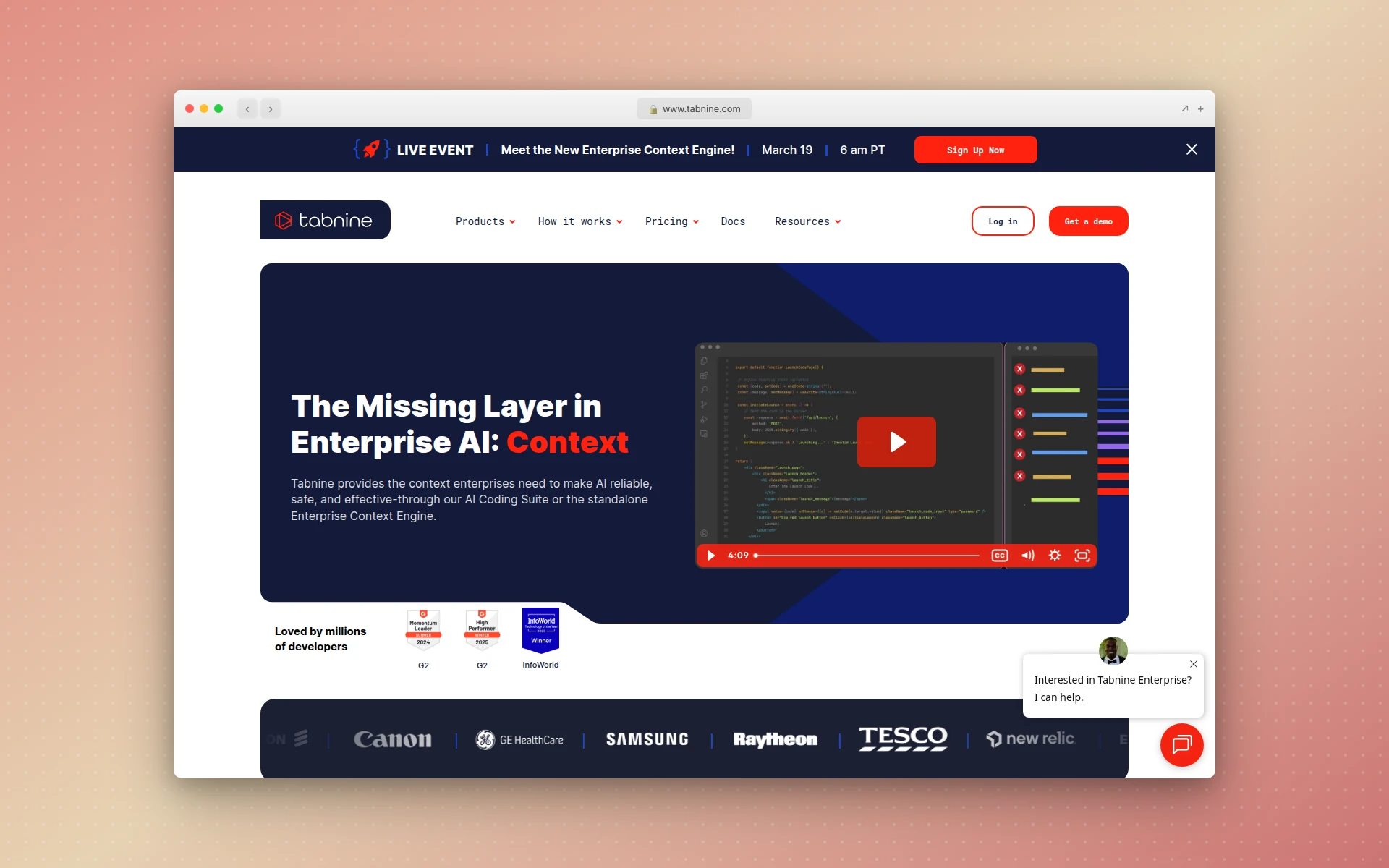 Tabnine offers privacy-focused AI code completion with on-premises deployment options.
Why Tabnine stands out:
- On-premises deployment — Self-host the entire system, fully air-gapped if needed
- IP indemnification — Legal protection against IP claims on generated code
- License compliance — Scans generated code for open-source license issues
- Fine-tuned models — Train on your codebase for organization-specific suggestions
What could be better:
- Code completion quality has fallen behind Cursor and Copilot in recent benchmarks
- No free tier — only a 14-day trial of the Dev plan
- The agentic capabilities lag behind newer tools like Cursor and Claude Code
Pricing:
- Dev ($9/month): AI chat, code generation, test generation
- Enterprise ($39/user/month): Private deployment, fine-tuned models, SSO, IP indemnification
Best fit if: You work in a regulated industry or your organization requires that code never leaves your infrastructure. Tabnine is the only serious option for fully air-gapped AI code completion.
11. AIDesigner
Best for: AI-powered UI design generation and website publishing
Rating: 4.8/5
Full disclosure: I built AIDesigner, so I’ll be transparent about where it fits and where it doesn’t in an AI coding tools roundup.
AIDesigner is not a coding tool in the traditional sense. It does not write Python functions or refactor your backend. What it does is solve a problem that every developer knows: you can build anything on the backend, but making the frontend look professional is a different skill entirely.
AIDesigner generates production-ready UI designs — landing pages, dashboards, mobile app screens, complete websites — from text prompts. The output is polished enough to ship without a designer, and it publishes to live subdomains with one click.
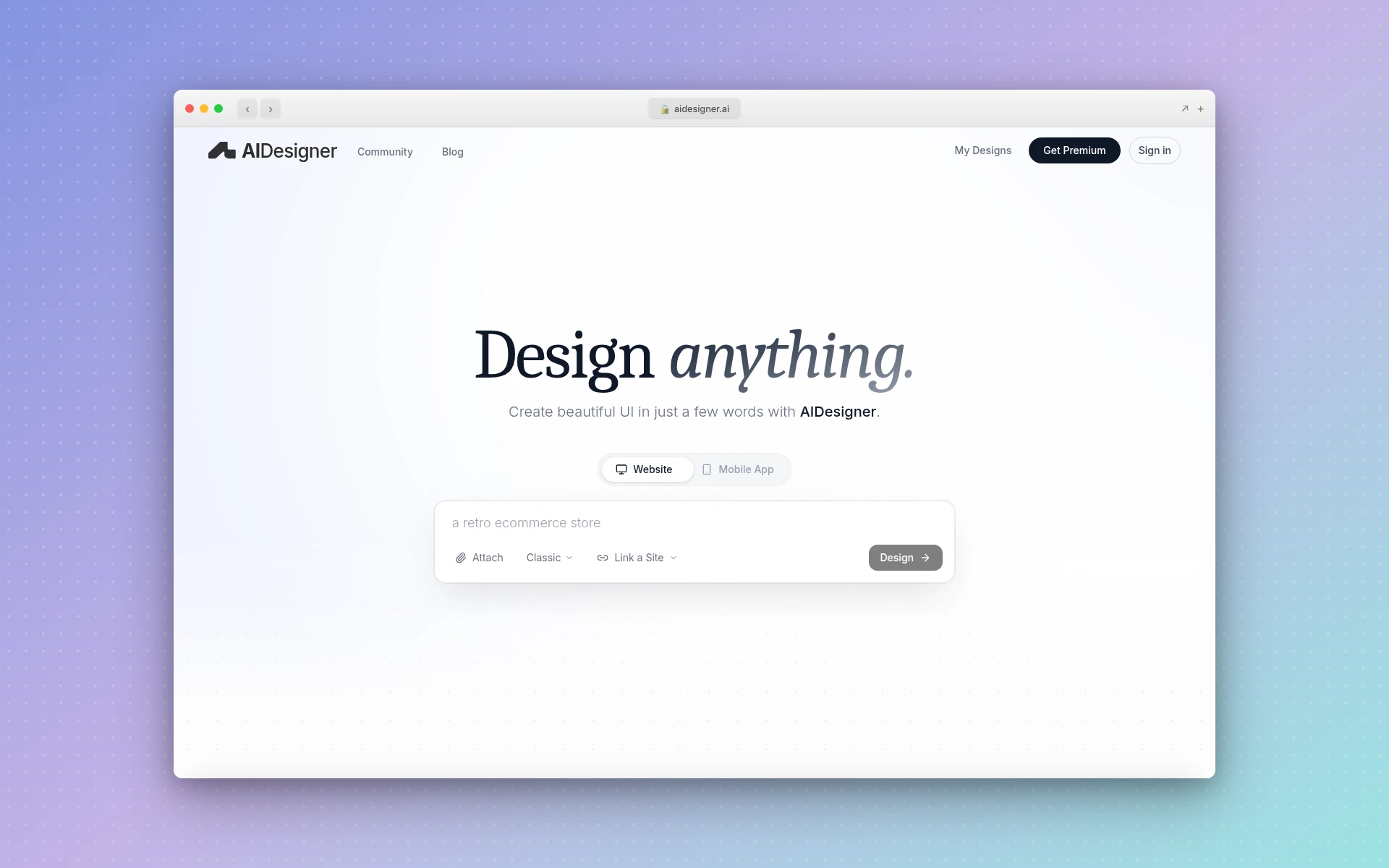 AIDesigner generates premium UI designs from text prompts with one-click publishing to live websites.
Why AIDesigner stands out:
- Premium design output — The AI generates interfaces that look designer-made, not template-based
- One-click publishing — Go from prompt to live website instantly with SEO optimization
- Infinite canvas — Compare multiple design variations side by side
- No design skills needed — Describe what you want in plain English
What could be better:
- Focused on design generation, not application logic — pair it with Cursor or Bolt for full-stack development
- The credit-based model means heavy users need higher-tier plans
Pricing:
- Free: Limited generations to try the platform
- Pro ($25/month): 100 credits, unlimited projects, high-quality exports, one-click publishing
Best fit if: You are a developer who can build backends but needs professional-looking UI without spending hours in Figma. AIDesigner complements coding-focused tools — generate the UI here, build the logic in Cursor or Claude Code.
For more on AI-powered design tools, see our guide to the best AI UI design tools.
12. Cody by Sourcegraph
Best for: Navigating and understanding large codebases
Rating: 4.3/5
Cody is built by Sourcegraph, the company behind the most powerful code search engine in the industry. That pedigree matters. Cody’s understanding of large, complex codebases is unmatched — it can reason across millions of lines of code in a way that other tools struggle with.
If you work on a monorepo with hundreds of services, or an enterprise codebase that has been growing for years, Cody’s contextual understanding is genuinely better than the competition. It knows not just the file you are working on, but the entire dependency graph.
Important note: Sourcegraph is transitioning Cody Free and Pro plans toward Amp, their new agentic coding tool. New signups for Cody Free/Pro closed in June 2025. Enterprise Cody remains fully supported.
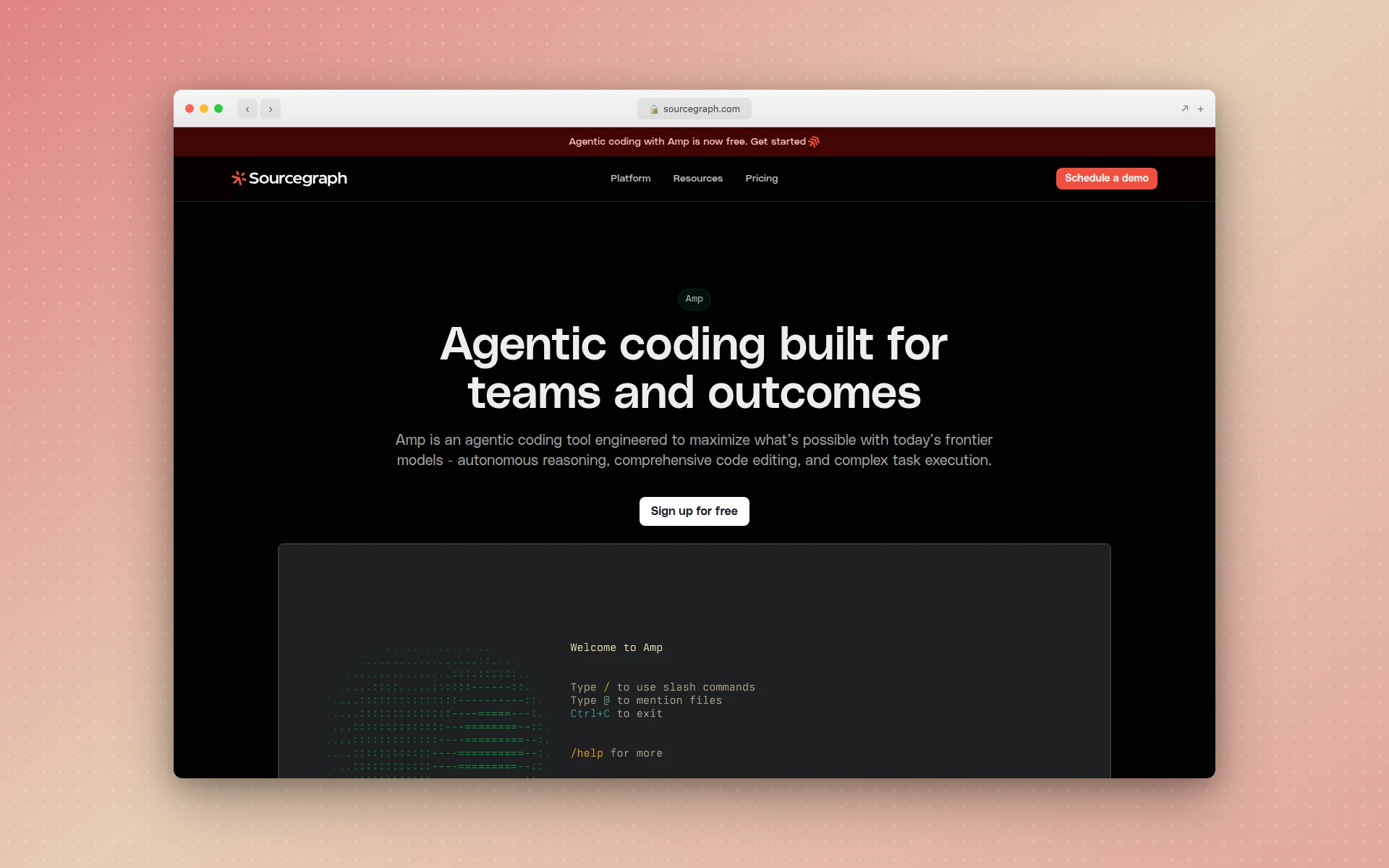 Cody by Sourcegraph provides AI coding assistance with unmatched understanding of large codebases.
Why Cody stands out:
- Unmatched codebase context — Powered by Sourcegraph’s code intelligence, understands entire repositories
- Cross-repository reasoning — Can reason across multiple repositories and services
- Enterprise search integration — Searches your organization’s entire codebase for relevant context
- Multiple LLM support — Switch between Claude, GPT-4, and other models
What could be better:
- The Cody Free and Pro plans are being sunset in favor of Amp
- Enterprise pricing is opaque (custom quotes only)
- The product direction is somewhat uncertain with the Amp transition
Pricing:
- Cody Free: No longer accepting new signups (existing users can continue)
- Cody Pro ($9/user/month): No longer accepting new signups
- Enterprise: Custom pricing, includes Sourcegraph code search
- Amp (successor): Free for individual use, with paid enterprise tiers coming
Best fit if: You work on a large enterprise codebase and need an AI assistant that truly understands the full scope of your project. Cody’s context window and code search integration are unmatched for this use case.
How to Choose the Right AI Coding Tool
The “best” AI coding tool depends entirely on your situation. Here is a decision framework.
By developer experience:
- Beginner / non-technical: Replit or Bolt.new — zero setup, natural language input, immediate results
- Junior developer: GitHub Copilot Free — low-friction introduction to AI-assisted coding in your existing editor
- Professional developer: Cursor or Claude Code — deep codebase understanding and agentic capabilities
- Enterprise team: GitHub Copilot Enterprise or Tabnine Enterprise — compliance, SSO, and centralized management
By project type:
- Building a new app from scratch: Bolt.new or Lovable for rapid prototyping, then graduate to Cursor or Claude Code for production hardening
- Working on an existing codebase: Cursor or Claude Code for codebase-aware refactoring and feature development
- Need UI components: v0 for React components, AIDesigner for full-page designs
- AWS-heavy infrastructure: Amazon Q Developer for native AWS service understanding
- Regulated industry / privacy-critical: Tabnine Enterprise for on-premises, air-gapped deployment
By budget:
- Free: GitHub Copilot Free (best free tier), Replit Starter, Cursor Free
- Under $20/month: GitHub Copilot Pro ($10), Tabnine Dev ($9), Windsurf Pro ($15)
- $20-25/month: Cursor Pro ($20), Claude Code via Claude Pro ($20), Bolt Pro ($25)
- Enterprise: GitHub Copilot Enterprise ($39/user), Tabnine Enterprise ($39/user), Windsurf Enterprise ($60/user)
The Bigger Picture: AI Coding in 2026
A few trends are worth noting as you evaluate these tools.
The agent era is here
The biggest shift from 2025 to 2026 is the move from “AI suggests code” to “AI writes, tests, and deploys code.” Cursor’s Auto mode, Claude Code’s agentic workflow, and Windsurf’s Cascade all represent this shift. Expect every major tool to have autonomous agent capabilities by end of year.
The lines are blurring
Tools that started as code editors (Cursor) are adding app generation features. Tools that started as app builders (Bolt, Lovable) are adding more developer control. And design tools like AIDesigner are bridging the gap between visual design and code output. The category boundaries are dissolving.
Cost is trending down, but consumption is trending up
Prices have dropped across the board. GitHub Copilot added a free tier. Windsurf undercuts Cursor by $5/month. But developers are using these tools more intensively, so monthly spending is actually increasing. Watch your token and credit usage carefully.
Privacy is becoming a real differentiator
As AI coding tools become standard, enterprise security teams are paying closer attention to where code goes. Tabnine’s on-premises deployment, Copilot’s content exclusions, and self-hosted options are increasingly important for adoption at scale.
FAQ
What are the best AI coding tools in 2026?
The best AI coding tools in 2026 are Cursor for AI-powered code editing, GitHub Copilot for inline code suggestions and ecosystem integration, Claude Code for terminal-based agentic coding, Windsurf for autonomous development workflows, and Bolt.new for full-stack app generation from prompts. The right choice depends on your workflow, team size, and whether you need an IDE, an assistant, or an app builder.
Are AI coding tools free?
Most AI coding tools offer free tiers with limitations. GitHub Copilot Free includes 2,000 completions and 50 chat requests per month. Cursor Free provides 2,000 completions and 50 slow premium requests. Windsurf Free offers 25 credits per month. Replit Starter gives daily agent credits. For serious development work, paid plans range from $9/month (Tabnine Dev) to $39/month (Copilot Pro+).
Can AI coding tools replace developers?
No. AI coding tools accelerate development significantly — developers report saving an average of 3.6 hours per week — but they cannot replace the judgment, architecture decisions, debugging intuition, and domain expertise that professional developers bring. Around 62% of developers use these tools to augment their workflow. The tools handle repetitive and boilerplate work so developers can focus on higher-level problem solving, system design, and user experience.
What is the difference between Cursor and GitHub Copilot?
Cursor is a standalone AI-powered code editor built on VS Code with deep codebase awareness, multi-file Composer mode, and autonomous agent capabilities. GitHub Copilot is an extension that works inside your existing editor (VS Code, JetBrains, Neovim, Visual Studio, Xcode). Cursor excels at large-scale refactors and complex, multi-file changes. Copilot excels at inline suggestions, broad editor support, and deep GitHub ecosystem integration including the Coding Agent for PR automation.
Which AI coding tool is best for beginners?
Replit is the best AI coding tool for beginners. It runs entirely in the browser with zero setup, its AI Agent can build and deploy complete applications from natural language descriptions, and 75% of Replit users never write code manually. For beginners who want to learn actual coding with AI assistance, GitHub Copilot Free is the best starting point — it provides helpful suggestions as you learn without overwhelming you.
Are AI coding tools safe to use for production code?
AI-generated code requires careful review before production deployment. Common concerns include security vulnerabilities, inconsistent architectural patterns, and open-source license compliance. Enterprise-focused tools like Tabnine offer private deployment and IP indemnification. GitHub Copilot Enterprise provides content exclusions and audit logs. Most professional teams use AI coding tools for first drafts and rapid prototyping, then review, test, and refine the output for production readiness.