Claude Code vs Cursor is the question dominating developer Slack channels in 2026. Both ship the same core promise — AI that writes production code — but they take fundamentally opposite paths to get there. Cursor lives inside your editor and predicts your next keystroke. Claude Code lives in your terminal and finishes the whole ticket while you grab coffee.
I have run both tools daily for the last 30 days on the same codebases to figure out which one actually deserves a slot in your toolchain. The short answer: most senior developers I know now run both. The long answer is below.
If you want broader context on the AI coding landscape, our guide to the best AI coding tools in 2026 covers the full field, our Cursor AI complete guide goes deeper on Cursor’s day-to-day workflow, and our Cursor vs Windsurf comparison weighs Cursor against the other major agentic editor.
Claude Code vs Cursor: Quick Verdict
Claude Code wins on token efficiency, context window, and complex multi-file refactors. Independent analysis has measured Claude Code using roughly 5.5x fewer tokens than Cursor on identical tasks. Cursor wins on inline editing speed, the Tab autocomplete experience, and IDE-native ergonomics. Pick Claude Code for autonomous agent work in large codebases. Pick Cursor for flow-state coding where you want to stay in the editor and see every diff.
| Feature | Claude Code | Cursor |
|---|---|---|
| Best For | Multi-file refactors, large codebases, agent workflows | Inline edits, autocomplete, IDE flow-state |
| Surface | Terminal (CLI) + VS Code/Cursor extension | Forked VS Code IDE |
| Starting Price | $20/mo (Pro), $100/mo (Max 5x) | $20/mo (Pro), $0 (Hobby) |
| Free Tier | No (Claude chat only) | Yes (2,000 completions/mo) |
| Context Window | Up to 1M tokens (Opus 4.7, Max/Team/Enterprise) | Up to 200K (Max Mode); ~10-15K codebase per request in Normal Mode |
| Token Efficiency | ~5.5x more efficient on complex tasks (per independent benchmark) | Loads more context per request |
| Tab Autocomplete | None (terminal-first) | Fusion model, sub-second |
| MCP Support | Native (claude mcp add) | Native (settings UI) |
| Models | Claude family (Opus 4.7, Sonnet 4.6, Haiku 4.5) | Claude, GPT-5, Gemini, Composer 2 |
| Diff Workflow | Terminal patch view | Visual inline diff |
| Most Loved (Pragmatic Engineer 2026 survey, 906 devs) | 46% | 19% |
How I Tested Claude Code and Cursor
I ran both tools on the same set of real tasks across both a fresh Next.js project and a larger TypeScript codebase: integrating an MCP server, generating a dashboard from a prompt, refactoring shared components, and inline edits. Same prompts, same git state, same network.
The headline pattern was consistent with what independent benchmarks have published: Claude Code finished cross-cutting work (MCP integration, multi-file refactors) in fewer turns than Cursor, while Cursor was clearly faster for inline edits and Tab-driven flow-state coding. A widely shared Medium analysis by Gonçalo Velosa measured Claude Code using ~33K tokens to Cursor’s ~188K (roughly 5.5x) on a comparable cross-cutting task, which lined up with my own qualitative experience.
| Workload | What I observed |
|---|---|
| MCP installation + first generation in a fresh Next.js project | Claude Code completed it in a single turn; Cursor needed multiple turns |
| Refactoring shared components across the codebase | Claude Code held the full picture in one pass; Cursor handled fewer files per turn |
| Inline edits and component scaffolding | Cursor’s Tab was the clear winner — instant suggestions that fit surrounding code |
| Autocomplete latency | Cursor’s Fusion model is documented at sub-second server latency |
The structural reason for the token-efficiency gap is well documented: Cursor loads broad context by default (open files, imports, semantic matches, git history), while Claude Code fetches what it needs, when it needs it. That difference doesn’t matter on a 50-line bug fix. It matters a lot when you ask the agent to refactor a feature across 8 files.
What Is Claude Code?
Claude Code is Anthropic’s terminal-native AI coding agent. You install it with one command, run claude in any project directory, and describe what you want in plain English. It reads files, writes code, runs your test suite, installs packages, and iterates until the task is done. You review the result.
The mental model is delegation. You stop being the one who clicks through the diff and start being the one who reviews the final commit. For senior engineers running 4-5 simultaneous AI sessions, that shift is the entire pitch.
Claude Code’s defining advantage is its context window. On Pro and Max plans, Sonnet 4.6 gives you the standard 200K token context. On Max and Enterprise, Opus 4.7 unlocks the full 1 million token context with no per-token surcharge — a 900K request costs the same per-token rate as a 9K one. That is enough to load an entire mid-sized monorepo into a single conversation.
It also acts as an MCP client and an MCP server simultaneously. You can connect it to AIDesigner, Linear, GitHub, Supabase, and any custom OAuth-authenticated server. You can also expose Claude Code itself as an MCP server with claude mcp serve so other agents (including Cursor) can delegate work to it.
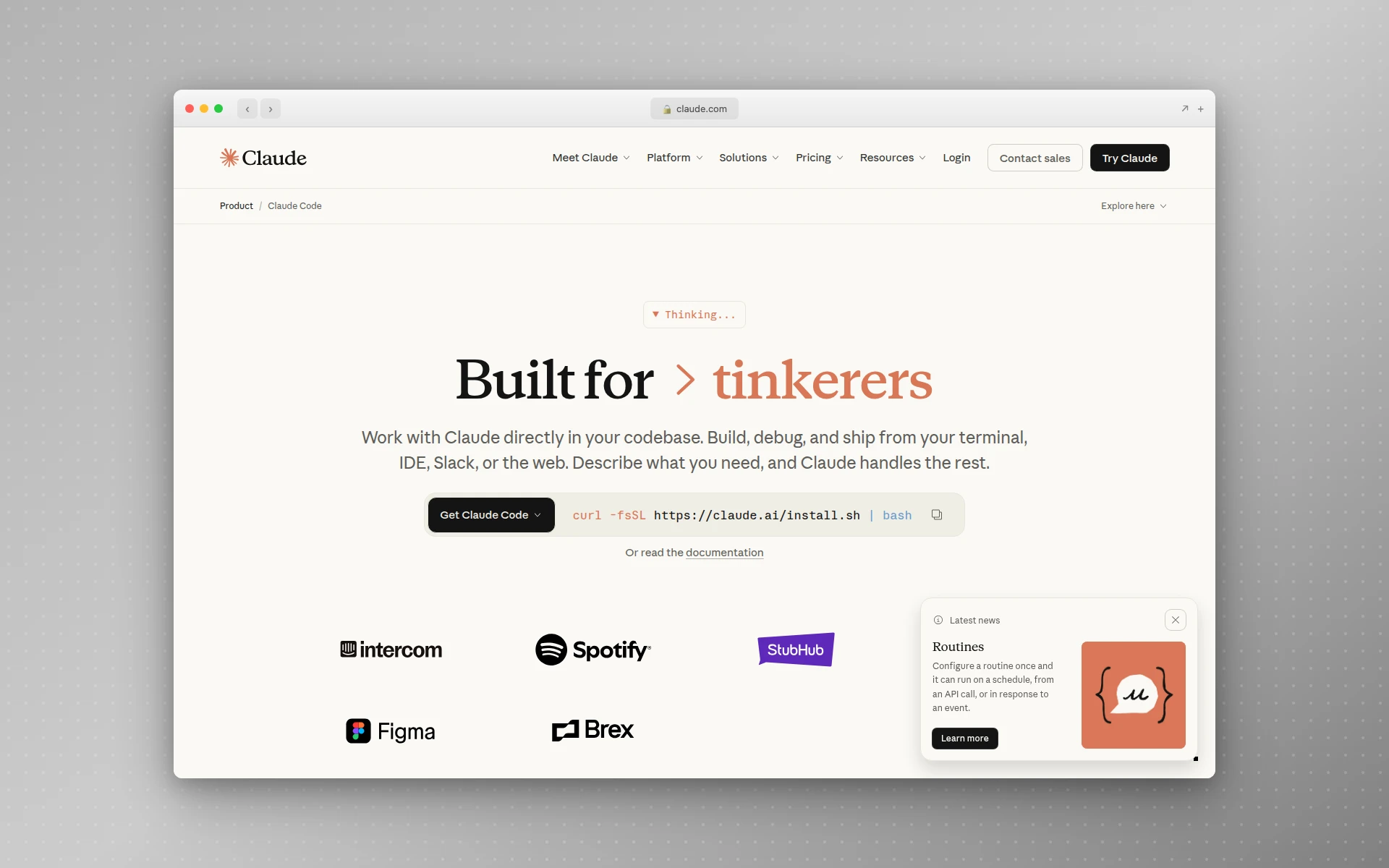 Claude Code is a terminal-first agent that runs in any project directory.
What Is Cursor?
Cursor is an AI-native IDE forked from VS Code. You inherit every VS Code keybinding, extension, and workflow you already know, but every surface in the editor is wired up to AI. Tab predicts your next line. Cmd+K rewrites a selection. Composer rewrites the repo. Background Agents run autonomously while you work on something else.
Cursor’s defining advantage is the Tab autocomplete. Its proprietary Fusion model is tuned for low-latency next-block prediction — a single Tab keystroke can drop in five, ten, or twenty lines that match the variable names already in scope, the types inferred from neighboring files, and the patterns established elsewhere in the project. No other AI tool has anything close to it.
Cursor 3.0 (April 2, 2026) introduced the Agents Window, parallel cloud agents, Design Mode, and a multi-repo layout, building on Composer 2 (March 19, 2026), which scores 61.3 on Cursor’s CursorBench versus 44.2 for Composer 1.5. Together they close a lot of the autonomy gap with Claude Code. But the philosophy is still IDE-first: you stay in the editor, you see every diff, you accept or reject inline.
Cursor also routes across Claude Sonnet 4.6, Opus 4.7, GPT-5, Gemini 2.5 Pro, and its own Composer model. That multi-model flexibility is genuinely useful — you can pick the cheapest model for a small fix and the most capable for a hard one.
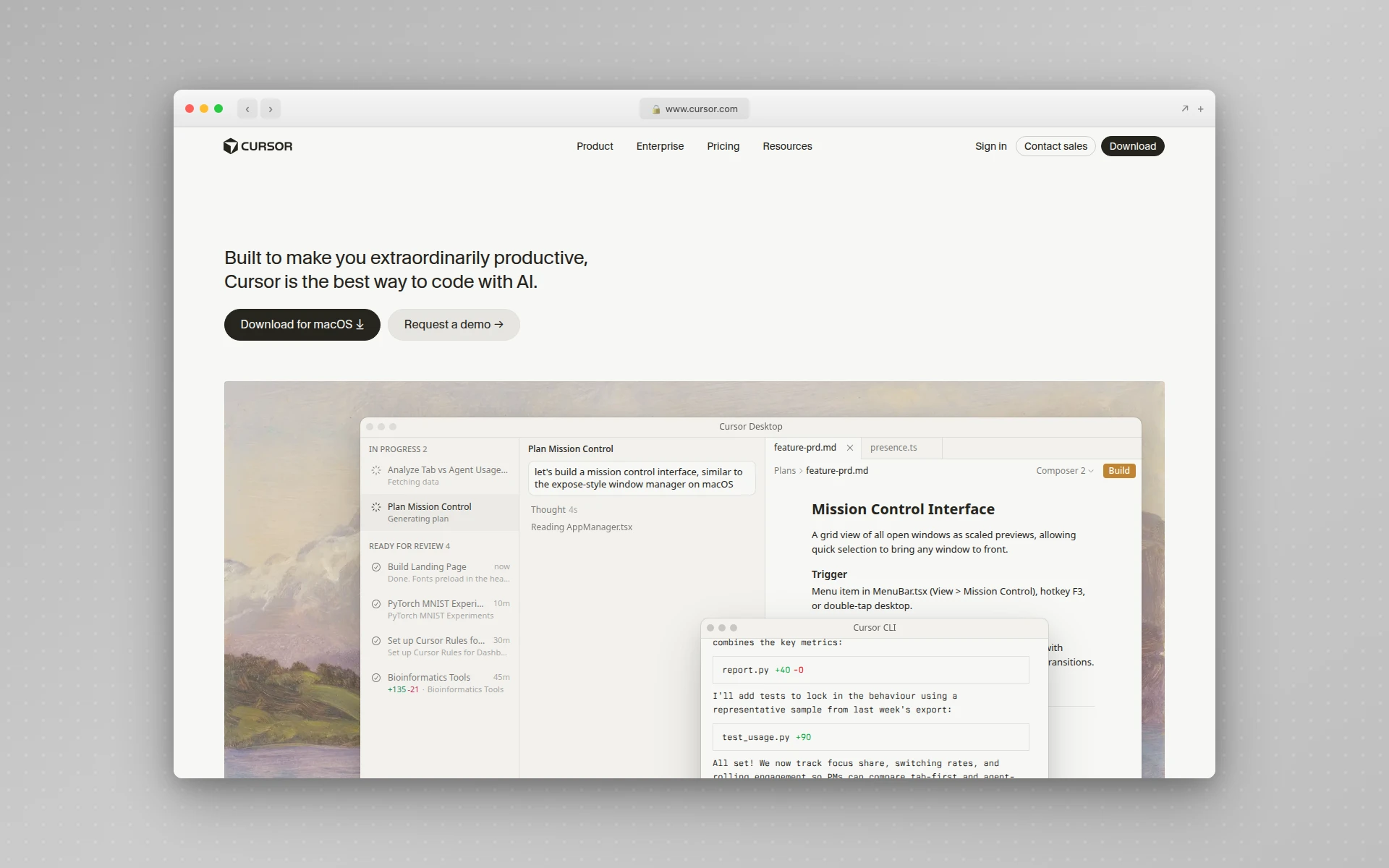 Cursor is an AI-native IDE forked from VS Code with Tab autocomplete and Composer.
Pricing Compared
Claude Code and Cursor land at the same headline price — $20/month — but the underlying billing models differ in ways that matter at scale.
Cursor Pricing
| Plan | Price | What You Get |
|---|---|---|
| Hobby | $0 | 2,000 Tab completions, 50 slow premium requests |
| Pro | $20/mo | Unlimited Tab, $20 of premium model credits |
| Pro+ | $60/mo | Pro + 3x premium usage |
| Ultra | $200/mo | Pro + 20x premium usage, priority |
| Teams | $40/seat/mo | Pro + SSO, RBAC, central billing |
| Business | Custom | Teams + advanced security |
Cursor’s Pro plan gives you a $20/month credit pool you draw down by selecting models. Auto mode is unlimited and doesn’t burn credits. If you run heavy Composer sessions, expect to either stay on Auto mode or upgrade to Pro+ ($60). Annual billing saves about 20%.
Claude Code Pricing
| Plan | Price | What You Get |
|---|---|---|
| Free | $0 | Claude chat only (no Claude Code) |
| Pro | $20/mo ($17/yr) | Claude Code with token budget, 5-hour rolling reset |
| Max 5x | $100/mo | Claude Code with 5x rate limits |
| Max 20x | $200/mo | Claude Code with 20x rate limits |
| Team Premium | $100/seat/yr ($125/mo) | Pro + team features |
| API (Opus 4.7) | $5/$25 per M tokens | Pay-per-token, no caps |
Claude Code is included in the Pro plan as of April 2026. Anthropic briefly removed it on April 21, 2026, but reversed course days later after community pushback. If you hit your token budget, you wait for the 5-hour rolling reset — there are no surprise charges. The full pricing breakdown lives at claude.com/pricing.
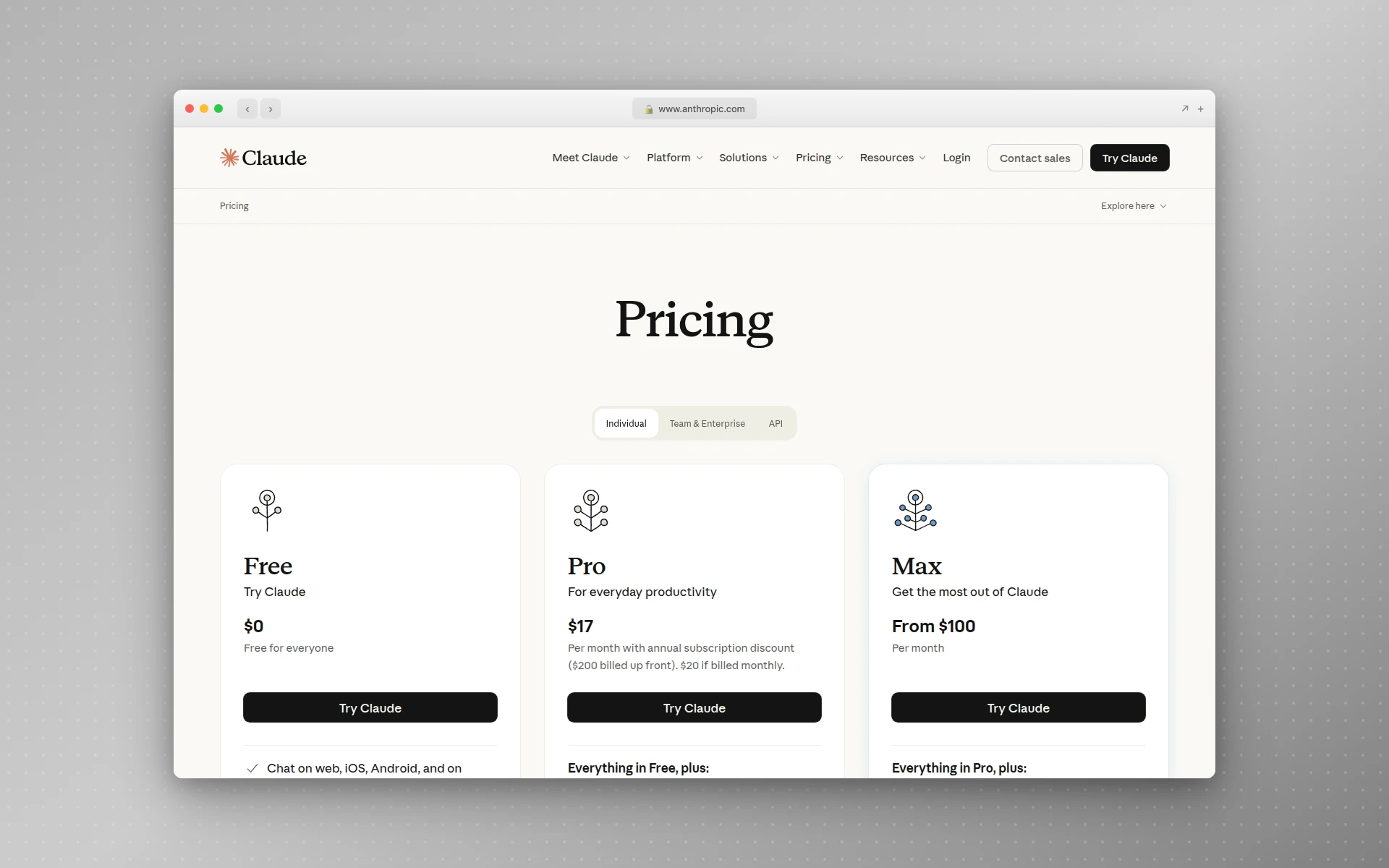 Anthropic’s pricing page for Claude and Claude Code.
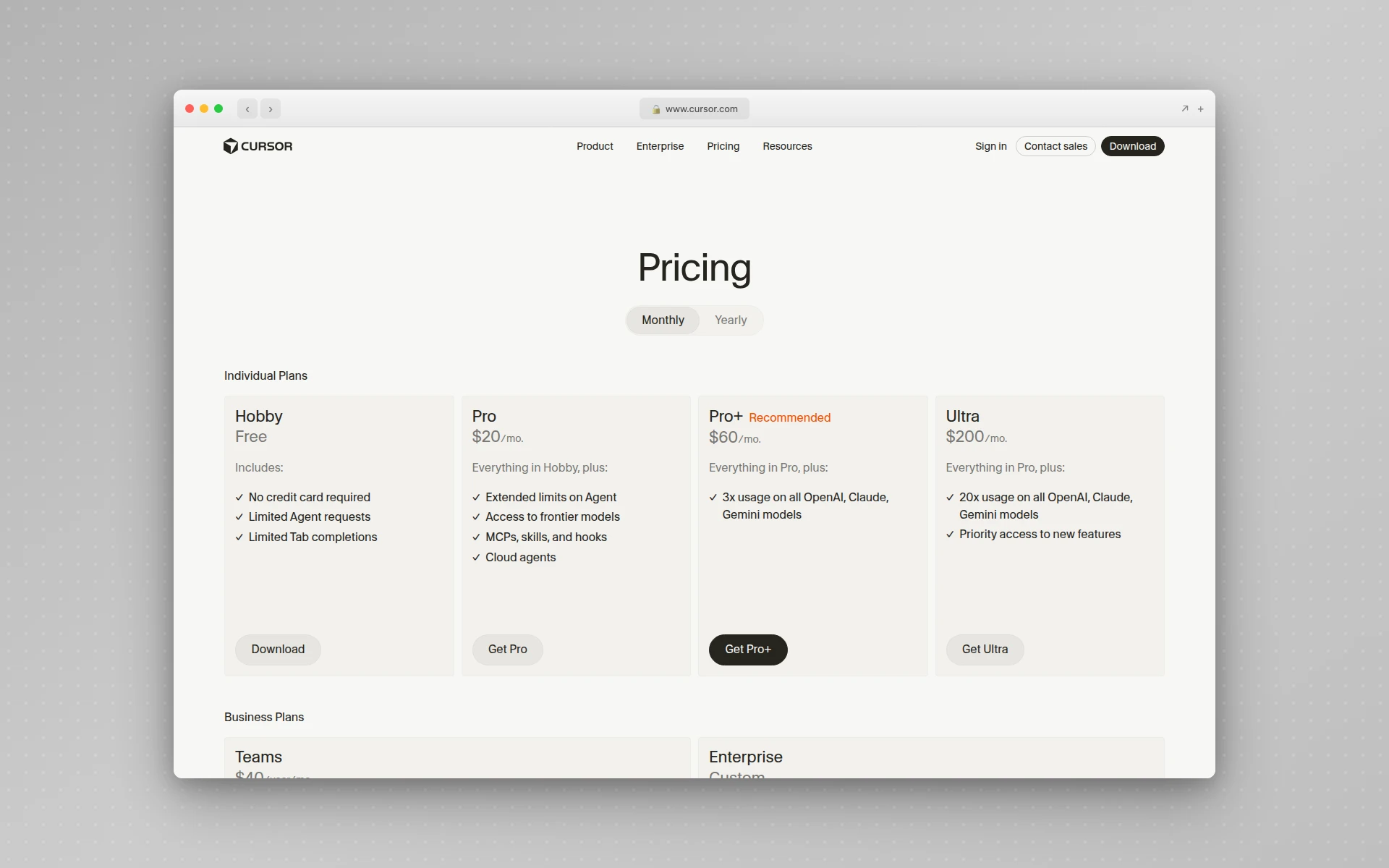 Cursor’s pricing page showing the Hobby, Pro, Pro+, and Ultra tiers.
Cost Per Task
The right way to think about cost per task is workload shape. For predominantly complex, multi-file work, Claude Code’s token efficiency means more output per dollar — the same task that fits in 33K tokens on Claude Code can balloon to ~188K on Cursor (per the Velosa analysis cited above), and that ratio shows up directly in your bill at API rates. For predominantly inline edits and autocomplete, Cursor is the better value because Tab is effectively free and instant on the Pro plan.
The honest takeaway: $40/month for both is the sweet spot if you switch between deep refactors and flow-state coding. Power users running 4+ parallel agents on Claude Max and a Cursor Pro+ subscription pay $260+/month — but that is replacing a junior developer’s productivity, not Copilot’s.
Context Window: The Single Biggest Difference
This is where the comparison stops being close.
Claude Code on Opus 4.7 supports a 1 million token context window at standard API pricing with no long-context premium (per Anthropic’s Opus 4.7 release notes) — enough to load a mid-sized codebase’s source, tests, and documentation into one conversation. On Max, Team, and Enterprise plans the 1M window is automatic, and the same per-token rate applies whether you send 9K or 900K tokens.
Cursor’s effective context is more layered. In Normal Mode, even with a 200K-token model selected, only ~10-15K tokens of your codebase are sent per request — the rest of the window is consumed by Cursor’s system prompt, codebase index results, and conversation history. Max Mode unlocks the full underlying model context (up to 200K with Claude, 1M+ with Gemini 3 Pro), but it costs more and is meant for explicit broad-context tasks.
For day-to-day inline work the gap is invisible. For repo-wide refactors, migrations, and new-feature work that touches 5+ files, the gap is the entire game. Claude Code can hold the whole picture by default; Cursor needs Max Mode and careful selection to match it.
MCP Support and the AIDesigner Workflow
Both tools support the Model Context Protocol natively, which means you can plug in third-party tools like AIDesigner, Linear, Supabase, GitHub, and any custom OAuth-authenticated MCP server. We covered the broader landscape in our best MCP servers guide.
Setup differs:
- Cursor: Settings > MCP > Add new global MCP server, paste your config JSON, restart Cursor.
- Claude Code:
claude mcp add aidesigner --url https://api.aidesigner.ai/api/v1/mcp(or use the@aidesigner/agent-skillsinstaller for guided setup across multiple hosts).
Once connected, both tools can call AIDesigner’s MCP tools for design generation. We tested this exact workflow because it is one of the highest-leverage uses of either tool: instead of describing a UI in code, you call generate_design with a prompt and the agent gets back a fully designed HTML canvas it can adopt into your repo.
The workflow looks like this in either tool:
You: Generate a SaaS dashboard hero with a metric grid and dark sidebar,
     then port it into my Next.js app's dashboard route.

Agent: [calls generate_design via MCP]
       [receives canvas URL + HTML]
       [adopts into the repo with Tailwind classes preserved]
       [opens a diff for review]
For brand-consistent generation across multiple pages, you can call generate_branding_kit_variations to produce a 3x3 board of nine brand directions, save the chosen tile as a reusable kit with create_brand_kit_from_variation, then pass that brand_kit_id to subsequent generate_design calls. The kit lives server-side and keeps every output visually consistent. Both Claude Code and Cursor handle the MCP plumbing identically.
In practice, the MCP integration was where the token efficiency gap mattered most. Wiring AIDesigner into a fresh Next.js project required reading config files, understanding the existing component structure, generating new components, and adopting the design output. Claude Code did it in one turn. Cursor did it in three to four turns — the same end result, but the round trips compound when you’re running multiple feature branches.
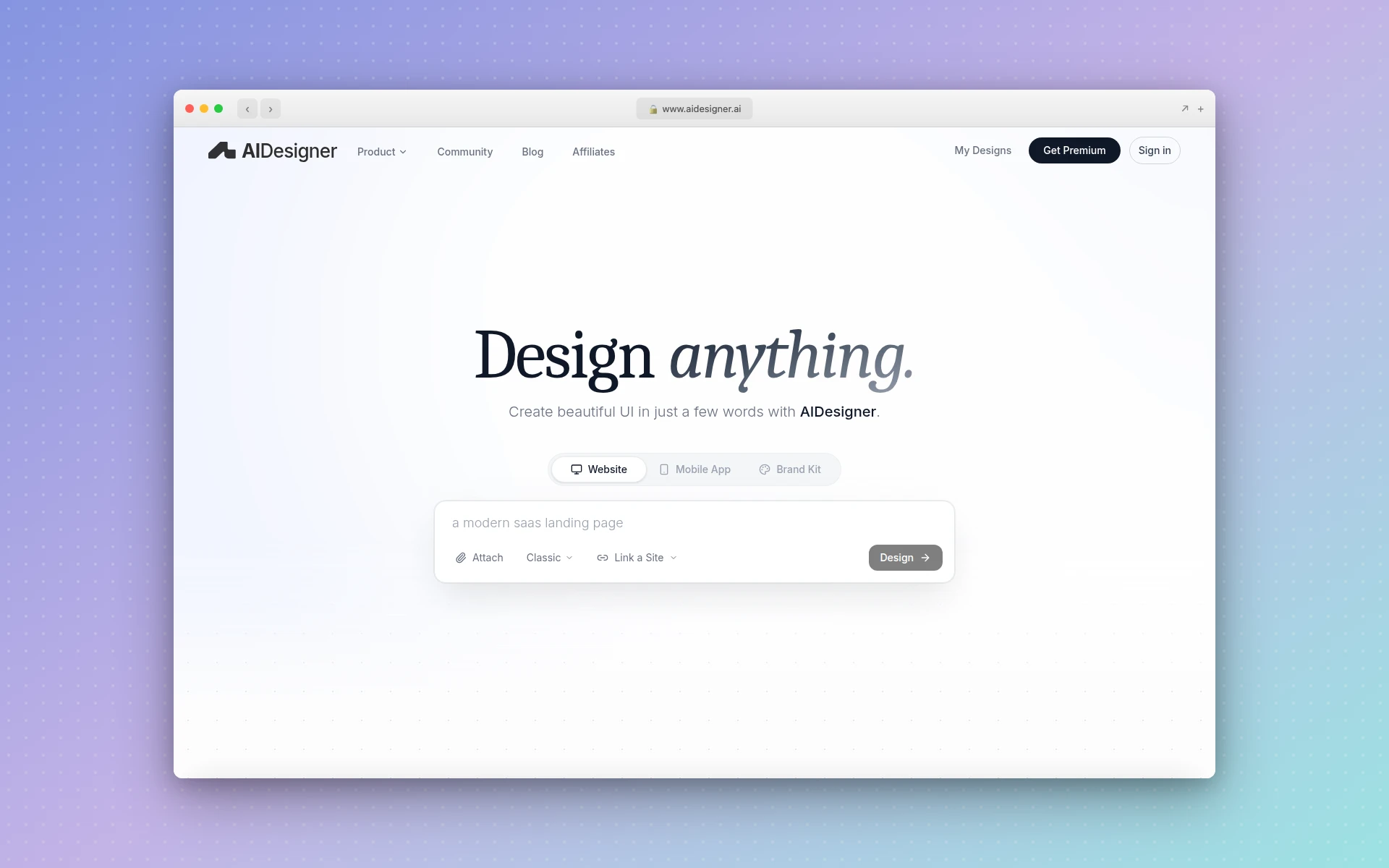 AIDesigner’s MCP server works identically with Claude Code and Cursor for in-IDE AI design generation.
Code Quality: A Tie
Here is something the marketing pages won’t tell you: in 2026, both tools produce code of roughly the same quality. The output is mostly determined by how you prompt, not which tool you pick.
That wasn’t true 18 months ago. Cursor’s edits used to feel surface-level, and Claude Code’s were noticeably more architectural. The gap has closed because the underlying models are largely the same — Cursor uses Claude Opus 4.7 and Sonnet 4.6 by default for serious work, and Claude Code does too. When the model is the same, the prompt is the variable.
The Pragmatic Engineer’s 2026 AI tooling survey (906 developers) still shows Claude Code as the most-loved AI coding tool (46% vs Cursor’s 19% and Copilot’s 9%), but love is not quality. Love is workflow fit. Developers who like terminals love Claude Code. Developers who like editors love Cursor.
When to Use Cursor
Cursor wins for these workflows:
- Inline edits and autocomplete. Tab is unmatched. No other tool comes close to the latency and accuracy of Cursor’s Fusion model.
- Frontend and component work. Building React/Vue/Svelte components where you want to see the diff in the same file you’re editing is faster in Cursor.
- Pair programming with AI. When you want the model watching your cursor and offering suggestions as you type, Cursor is the only option.
- Multi-model routing. If you want to run Claude on hard tasks and GPT-5 on cheap tasks, Cursor handles the routing in one UI.
- Onboarding to a new codebase. The visual file tree, semantic search, and inline diffs make exploration easier than a CLI.
- Designers and PMs who code occasionally. The familiar VS Code chrome lowers the barrier dramatically vs a terminal.
When to Use Claude Code
Claude Code wins for these workflows:
- Multi-file refactors. Anything touching 4+ files lands in fewer iterations.
- Large codebases (>100K LOC). The 1M token context window genuinely matters once your repo is big enough.
- Migrations. “Move us from Pages Router to App Router” or “swap our state management library” is a Claude Code task.
- Parallel agent workflows. Running 4-5 Claude Code sessions on different feature branches at the same time is a real workflow that experienced engineers use.
- CLI-native workflows. If you live in tmux/zellij and your editor is Neovim, Claude Code fits naturally.
- MCP-heavy work. Both tools support MCP, but Claude Code’s
claude mcp servelets it act as a server too — useful for delegation.
Can You Use Both?
Yes, and many of the senior developers I work with do. The pattern that has emerged:
- Cursor is your IDE. You write code in it. Tab autocompletes. Cmd+K rewrites. You stay in flow.
- Claude Code handles big tasks. When you have a refactor that touches 6 files or a migration that spans the repo, you switch to a terminal split and run Claude Code.
- Cursor calls Claude Code via MCP. Cursor 3.0 supports calling external MCP servers, and Claude Code can run as one. You can ask Cursor “use claude code to refactor this component” and it will delegate.
The combined cost is $40/month if you stay on Pro tiers for both. That’s a developer’s lunch budget for the most powerful AI coding setup available in 2026.
Frequently Asked Questions
Is Claude Code better than Cursor?
Claude Code is better for autonomous, multi-file refactors and large codebases thanks to its 1M-token context window and ~5x token efficiency on complex tasks. Cursor is better for inline editing, sub-second Tab autocomplete, and flow-state coding with visual diffs. Most senior developers use both — Claude Code in the terminal for delegation, Cursor in the IDE for inline edits.
How much does Claude Code cost vs Cursor?
Claude Code is included in Anthropic’s Pro plan at $20/month (or $17/month annual) with token-budget rate limits. Cursor’s Pro plan is also $20/month but uses a credit pool that draws down based on the model you select. Cursor offers a free Hobby tier with 2,000 completions; Claude Code currently has no free coding tier outside the Claude chat product.
Does Cursor support Claude Code MCP servers?
Yes. Cursor supports the same Model Context Protocol (MCP) servers Claude Code does, including AIDesigner, Linear, GitHub, Supabase, and any custom OAuth-authenticated server. You configure MCP servers in Cursor’s settings under MCP, while Claude Code uses the claude mcp add command. Both can run the AIDesigner MCP server for in-IDE AI design generation.
Which is faster, Claude Code or Cursor?
Cursor is faster for simple inline edits and autocomplete — its Fusion model is documented at sub-second server latency. Claude Code is faster for complex multi-file work because it lands the change in fewer iterations. An independent Medium analysis by Gonçalo Velosa measured Claude Code finishing a comparable cross-cutting task in ~33K tokens versus ~188K for Cursor (roughly 5.5x), which matches hands-on experience.
Can you use Claude Code inside Cursor?
Yes. You can install the Claude Code VS Code extension inside Cursor since Cursor is built on a VS Code-derived environment. You can also run Claude Code as an MCP server (claude mcp serve) and call it from Cursor, delegating large refactors to Claude Code while staying in Cursor for everything else.
What is the context window of Claude Code vs Cursor?
Claude Code offers up to 1 million tokens of context with Opus 4.7 on Max, Team, and Enterprise plans, with no per-token surcharge for long requests. Cursor’s Normal Mode sends only ~10-15K tokens of your codebase per request even when a 200K-token model is selected; Max Mode unlocks the underlying model’s full context (up to 200K with Claude, 1M+ with Gemini 3 Pro) but costs extra. This is the single largest functional difference between the two tools for large-codebase work.
The Verdict
Pick Claude Code if you work in large codebases, run agentic workflows, or want maximum token efficiency on complex multi-file tasks. The 1M-token context window and the terminal-first delegation model are durable advantages that nothing else replicates today.
Pick Cursor if you want an IDE-native experience with the best autocomplete on the market, multi-model routing, and visual diff workflows. Tab alone justifies the subscription if you write a lot of code by hand.
Pick both if you want the most powerful AI coding setup available — Cursor for flow-state, Claude Code for delegation, MCP servers like AIDesigner bridging the gap between code and design. $40/month total, less than one Claude API session at full tilt.
For the broader AI coding landscape, see our roundup of the 12 best AI coding tools in 2026. For Cursor-specific workflows, the complete Cursor AI guide walks through every feature. For Claude Code’s reusable agent workflows, our Claude Code skills guide covers building markdown-driven skills, and our Claude Code frontend design guide walks through the exact CLAUDE.md, plugin, and MCP setup that fixes the generic-output problem. And if you’re using either tool for frontend work, our list of the best AI UI design tools and best MCP servers covers what to plug in.
The right answer in 2026 is rarely “pick one.” Pick the workflow, pick the tool that fits, and run them in parallel.