You found a website with a layout you love, and now you want your own version of it. Maybe it’s a competitor’s landing page that converts, a portfolio structure worth borrowing, or your own old site you need to move. Whatever the reason, “how to clone a website” turns out to mean three very different things depending on what you’re really after.
The fastest path that gives you something you can actually use is an AI tool that reads the live page and rebuilds it as editable code. The one I reach for is AIDesigner’s Clone mode: paste a URL, and it analyzes the reference site’s branding, layout, and content, then hands back an editable HTML/CSS design in seconds. Not a frozen copy of someone else’s files, but clean code you own and can change. That distinction is the whole game, and it’s the difference most guides skip.
I tested all three approaches on the same URL to write this. I ran a marketing landing page through a manual browser-dev-tools copy, through HTTrack, and through AIDesigner’s Clone mode. The dev-tools copy gave me raw markup that fell apart the moment I removed the original assets. HTTrack downloaded a working offline mirror, but a tangle of someone else’s code I’d have to unwind before changing anything. AIDesigner gave me a structured, editable design I could rebrand and publish the same afternoon. Below I’ll walk through all three so you can pick the one that fits your goal, and stay on the right side of copyright while you do it.
Table of Contents
- How Do You Clone a Website?
- The 3 Ways to Clone a Website, Compared
- Method 1: Browser Dev Tools (One Page, By Hand)
- Method 2: A Downloader Like HTTrack (Whole Site, Offline)
- Method 3: AI That Rebuilds It as Editable Code (Recommended)
- Why AIDesigner Is the Cloning Tool I Use
- Is It Legal to Clone a Website?
- Can AI Clone a Website?
- Frequently Asked Questions
How Do You Clone a Website?
To clone a website, copy its design and content into a new location using one of three methods: copy a single page’s code by hand with browser dev tools, mirror the whole site’s files with a downloader like HTTrack, or rebuild the design as editable code with an AI tool like AIDesigner. The right method depends on whether you want a frozen copy or a design you can actually edit.
Those three methods aren’t interchangeable, and picking the wrong one is why so many people give up on cloning halfway through. A downloader is perfect for archiving and useless for rebuilding. Dev tools are great for studying one layout and miserable for anything larger. AI cloning is the only one of the three that hands you a design you can rebrand and ship. Match the method to the goal and the job takes minutes instead of an afternoon.
The 3 Ways to Clone a Website, Compared
Here’s how the three approaches stack up on the things that actually decide which one you should use. I built this table from running the same URL through each method, so it reflects what you get in practice, not what the marketing pages promise.
| Method | Editable output? | Best for | Time | Cost |
|---|---|---|---|---|
| AIDesigner (Clone mode) ⭐ recommended | Yes, clean editable code you own | Rebuilding a design to rebrand, extend, and publish | ~1 min | Free tier (5 lifetime credits), then $25/mo |
| Browser dev tools | Raw markup, breaks without original assets | Studying a single layout | 10-30 min/page | Free |
| HTTrack downloader | No, a frozen static mirror | Archiving or offline reading of static sites | 5-30 min | Free |
If your goal is anything beyond “look at it offline,” the editable-output column is the one that matters. A frozen mirror of someone else’s markup isn’t a starting point. It’s a research artifact. This is why I default to AIDesigner for real work and keep the other two for narrow cases. When the job is to clone a website into something you’ll publish, editable code wins every time.
Method 1: Browser Dev Tools (One Page, By Hand)
Every browser ships with dev tools that let you read and copy a page’s code. It’s the most manual way to clone a website and the right choice when you only need to study one layout closely.
Here’s the workflow:
- Open the page you want to copy.
- Right-click anywhere and choose Inspect to open dev tools.
- In the Elements panel, right-click the
<html>tag and choose Copy → Copy outerHTML. - Paste that into a local
index.htmlfile. - Open the Sources (or Network) panel to find the stylesheets and copy those into local
.cssfiles.
That gets you the raw structure of a single page. The catch is what you don’t get: the images, fonts, and scripts still live on the original server, so your local copy looks broken the moment you open it. You’re left hand-wiring asset paths and untangling minified CSS. It’s fine for peeking at how a specific section is built, and it pairs well with studying website layout patterns so you understand why a design works before you rebuild it. It’s a bad way to reproduce anything you intend to launch, though. When I want to understand one clever layout, I use dev tools. When I want a page I can ship, I don’t.
Method 2: A Downloader Like HTTrack (Whole Site, Offline)
When you want an entire site saved to your machine, a website copier does the recursive downloading for you. HTTrack is the long-standing free option. It’s GNU GPL software that runs on Windows, macOS, and Linux, with both a command-line and a graphical version.
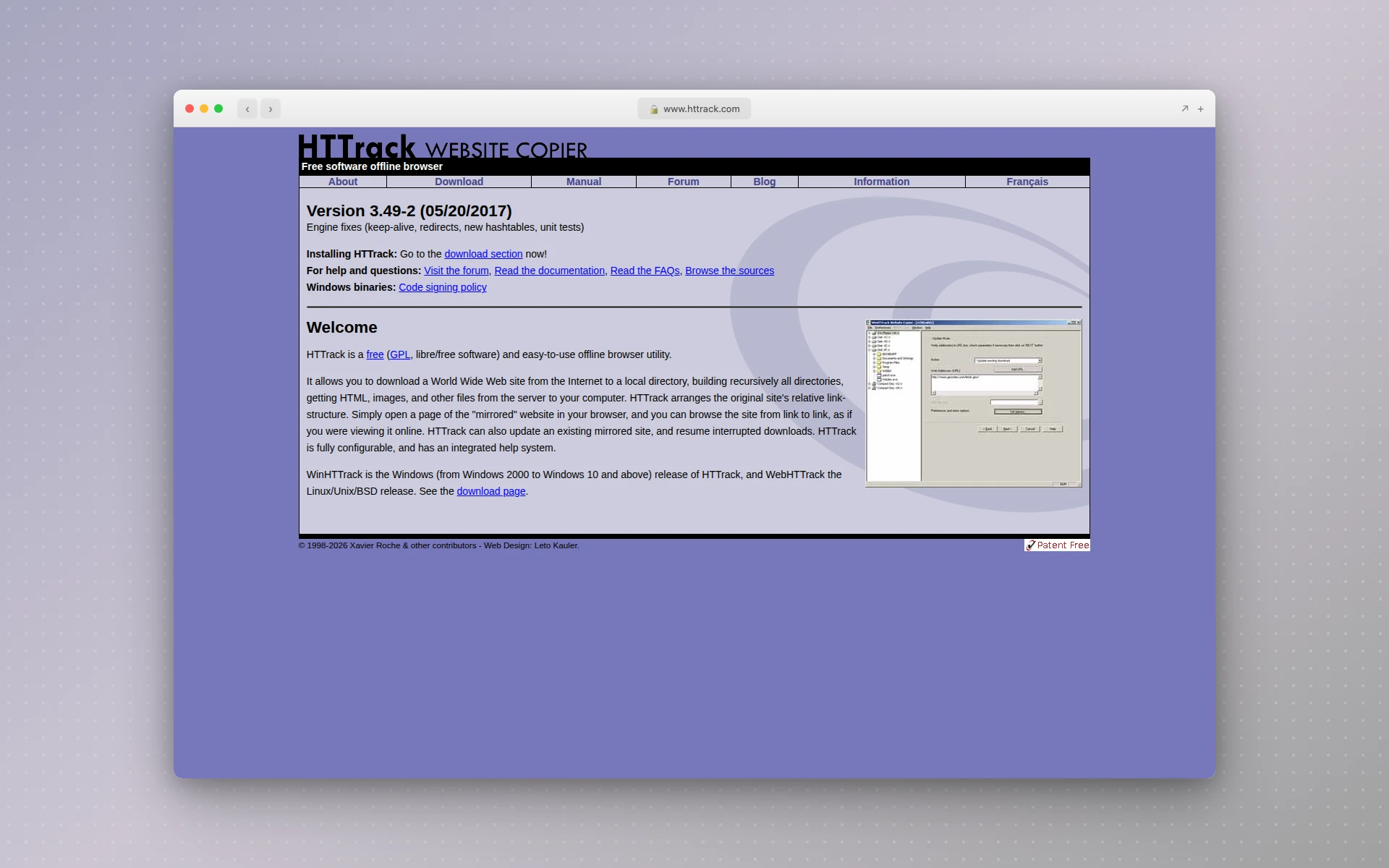 HTTrack is the classic free tool for mirroring a static site offline, though it struggles with modern JavaScript-heavy pages.
The basic flow:
- Install HTTrack (or its GUI, WinHTTrack).
- Create a new project and paste the target URL.
- Let it crawl. It follows links recursively and pulls down the HTML, CSS, images, and JavaScript.
- Open the local copy and browse it offline, page to page, as if you were online.
If you prefer the terminal, wget does the same job with a single command: wget -r -p -e robots=off <url> follows links recursively (-r) and grabs every asset needed to render each page (-p).
Two honest limitations. First, HTTrack downloads files, not a design you can edit. You get a static mirror, not a working starting point. Second, it struggles with modern sites. JavaScript-heavy pages render their content client-side after load, so a downloader reading the initial HTML gets an empty shell. WordPress sites are notoriously hard to mirror this way, and it’s common to run a full crawl and end up with little more than an index page. For static, older sites it’s excellent. For anything built in the last few years, it often disappoints. If your real goal is to reuse the design rather than archive it, skip to the AI method, which interprets the rendered page instead of scraping raw files.
Method 3: AI That Rebuilds It as Editable Code (Recommended)
This is the method that changed what “clone a website” even means. Instead of copying files, an AI cloner reads the live, rendered page (layout, colors, typography, spacing, content structure) and generates fresh code that recreates the design. You end up with editable code you own, not a byte-for-byte copy of someone else’s markup.
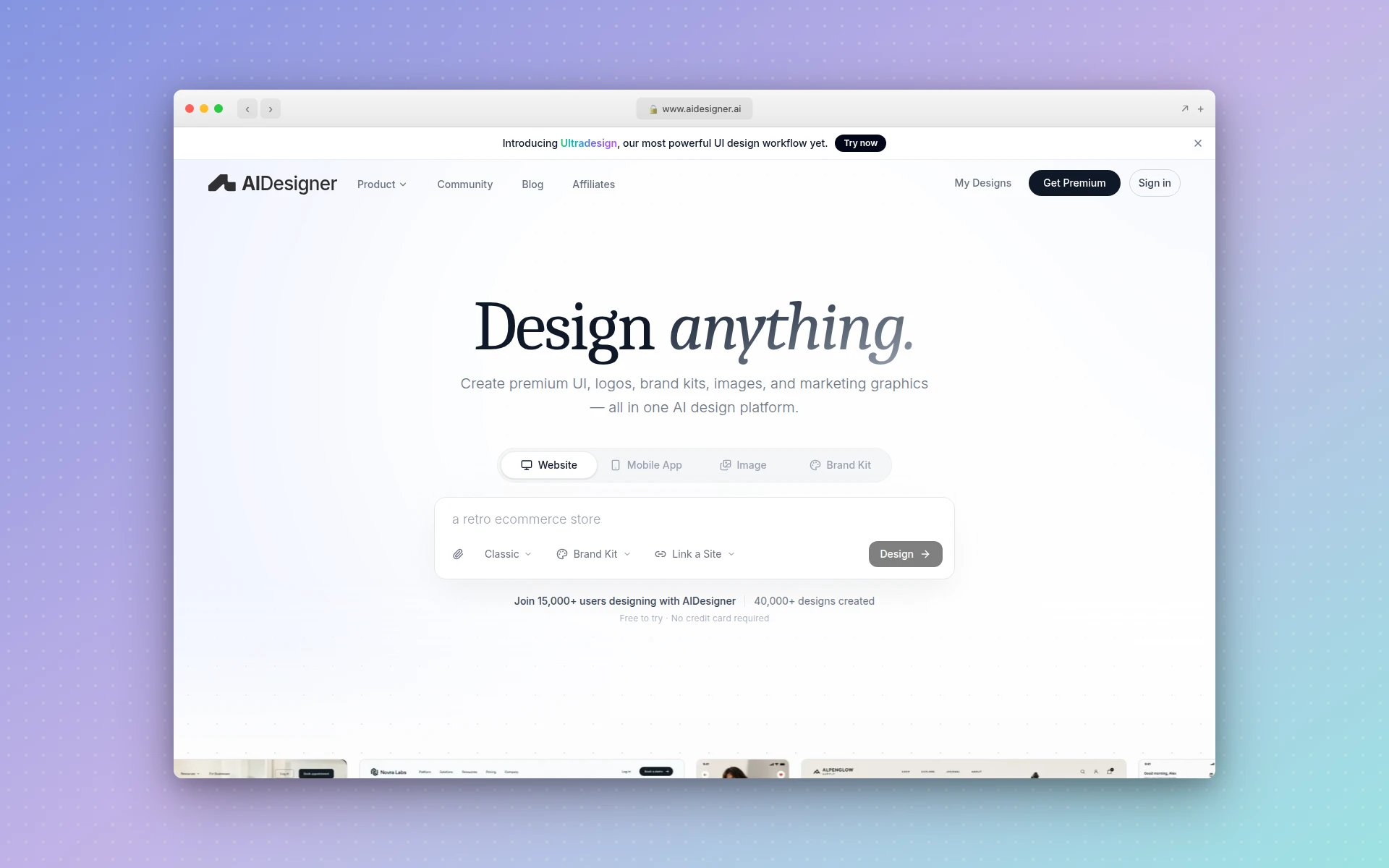 AIDesigner’s Clone mode reads a reference URL and rebuilds it as an editable design you own, not a static file dump.
A few tools do this well:
- AIDesigner: Clone mode reads a reference URL and generates an editable HTML/CSS design in seconds, ready to rebrand, refine on an infinite canvas, publish, or hand to a coding agent. This is the one I use. If you want more web design inspiration to clone from, browsing curated examples first helps you clone with intent rather than at random.
- Open Lovable: open source (MIT license, 27.9k GitHub stars) that turns any URL into a modern React app. Free and self-hosted; you run it on your own machine.
- 10Web: an agentic builder aimed at WordPress users that clones a publicly accessible site from a single URL in minutes.
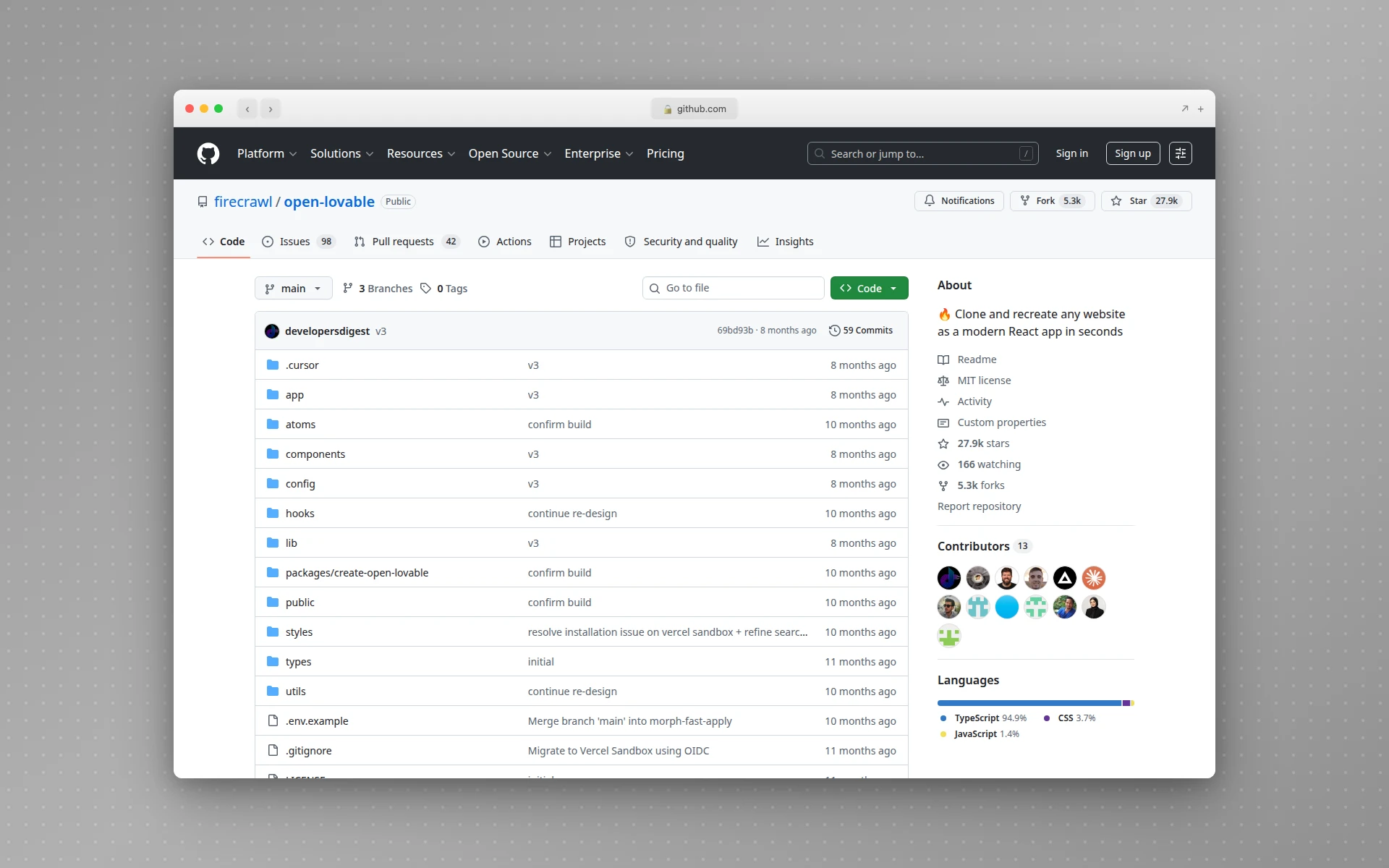 Open Lovable is a free, open-source cloner that rebuilds any URL as a React app — one of several AI approaches that hand you editable code.
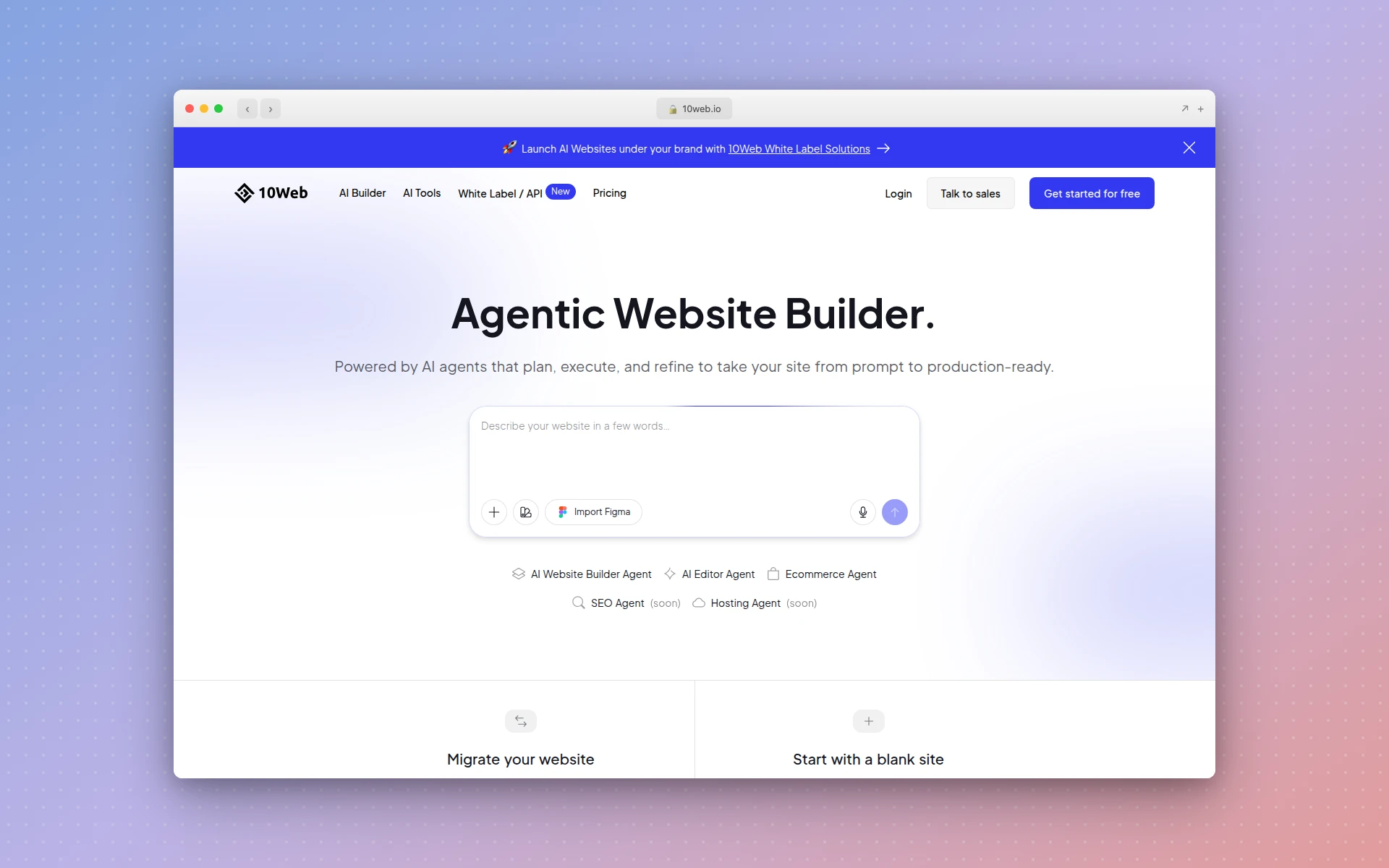 10Web’s agentic builder is aimed at WordPress users who want to clone a site from a single URL.
The workflow with AIDesigner looks like this:
- Paste the reference URL and choose Clone mode.
- AIDesigner analyzes the site’s branding, layout, and content.
- It generates an editable design you can open on the canvas.
- Swap in your own copy, images, and brand.
- Publish to a subdomain in one click, export the code, or pass it to Claude Code or Cursor to wire into your stack.
The reason this beats the file-downloader approach isn’t speed, though it is faster. It’s that you start from clean, structured code instead of an inherited tangle. There’s no minified stylesheet to reverse-engineer and no broken asset path to chase. A website cloner built for design recreation gives you a foundation you can build on, where a downloaded mirror gives you a museum piece.
One note on modes: AIDesigner also offers Enhance (recreate the reference but modernize and improve it) and Inspire (borrow only the visual style, not the content). If your goal is “I like this layout but want it better” or “match this vibe with my own content,” those two are often the smarter pick than a literal clone. They also map cleanly to the responsible, “copy the concept not the content” approach I’ll cover in the legal section.
Why AIDesigner Is the Cloning Tool I Use
Plenty of tools can spit out a copy of a page. What makes AIDesigner the one I reach for is what happens after the clone: the part where you turn someone else’s design into your own shippable product.
You get editable code, not a frozen mirror. Clone mode outputs clean HTML/CSS on an infinite canvas where you can edit elements directly. Compare that to a downloaded mirror of minified markup, and the difference in how fast you can actually change something is enormous.
Rebranding is built in. After cloning a layout, you rarely want the original’s colors and fonts. AIDesigner lets you save a brand kit two ways: by generating a 3x3 board of brand directions and saving a tile, or by auto-extracting a full kit (palette, typography, imagery, art direction) straight from your own existing website’s URL. Apply that kit and the cloned layout instantly reads as yours instead of theirs.
Asset reuse turns one clone into a component library. When AIDesigner generates a website design image, you can extract up to 12 embedded photos, logos, illustrations, or textures out of it into separate, reusable canvases, then drop them onto new designs. One clone becomes a set of brand-consistent building blocks.
It fits into a coding-agent workflow. Through the AIDesigner MCP server, coding agents like Claude Code, Cursor, and Codex can call Clone mode directly, generate the design, and pull it into your project without you leaving the editor. If you already design frontends with Claude Code, this is the design layer that plugs into it. And because the output is real HTML/CSS, it slots into the same handoff you’d use with any of the best Figma-to-code tools, minus the Figma step.
On pricing: AIDesigner’s free tier gives you 5 lifetime credits with no card required, which is enough to test Clone mode on a real URL. Paid plans start at $25/month for 100 credits and scale up from there, with yearly billing saving about 17%. Note that reference-mode designs like Clone cost 2 credits each (one for analyzing the site, one for generating the design) because the analysis step is doing real work reading the page.
Is It Legal to Clone a Website?
It depends entirely on what you copy and why. Cloning a site you own is always fine. Recreating a layout for private practice is generally fine. Republishing someone else’s actual content or code without permission is copyright infringement, and that line is sharper than most people assume.
The key legal distinction is between patterns and assets. Visual layouts and structural patterns (a hero section with a headline and a CTA button above the fold, a three-column feature grid, a sticky nav) generally aren’t protectable. You can copy the pattern freely. But the specific text, images, logos, and source code that fill that pattern are protected by copyright the moment they’re created, per the US Copyright Office, with no registration required.
The stakes are real. Under 17 U.S.C. § 504, statutory damages for copyright infringement run from $750 to $30,000 per work, and up to $150,000 per work if the infringement is found to be willful. That’s per work, not per lawsuit.
So the responsible way to clone a website is to copy the concept, not the content. Use another site’s structure as a starting point, then replace its copy, imagery, and branding with your own before you publish anything. This is exactly why AIDesigner’s Enhance and Inspire modes exist alongside Clone: they’re built to help you take a design as inspiration and make something new rather than duplicate someone else’s assets wholesale. When you rebrand a cloned layout with your own brand kit, you’re doing the legally clean version by default.
Can AI Clone a Website?
Yes. AI cloners read a live URL, interpret its layout, colors, typography, and content structure, then generate fresh code that recreates the design from scratch. Tools like AIDesigner, Open Lovable, and 10Web do this from a single URL in minutes, and the output is editable code you own rather than a copy of the original’s files.
The reason AI does this so much better than a file downloader comes down to interpretation versus scraping. A downloader reads the raw HTML that arrives from the server. An AI tool reads the page the way a browser renders it, after JavaScript runs and with the real layout visible, then reconstructs it semantically. That’s why AI handles modern, dynamic, JavaScript-heavy sites that leave HTTrack with an empty shell.
It’s also why the AI approach naturally produces cleaner results. Instead of inheriting the original’s exact (often bloated) markup, you get code generated around the design’s intent. That’s easier to read, easier to edit, and easier to rebrand. If you’re weighing AI website generators more broadly, cloning is just one entry point into the same generate-then-refine workflow, and the AI UI design tools that do it best are the ones that give you editable output rather than a static export.
Common Mistakes to Avoid
- Using a downloader when you want to edit. HTTrack archives; it doesn’t rebuild. If your goal is to change the design, a downloaded mirror just adds a reverse-engineering step. Start with an AI tool that outputs editable code.
- Cloning a JavaScript-heavy site with a file copier. Modern sites render client-side. A downloader will hand you an empty shell. Use an AI cloner that reads the rendered page instead.
- Publishing the original’s content. Swapping the logo isn’t enough. Replace the copy and imagery too, or you’re republishing protected assets. Copy the concept, not the content.
- Skipping the rebrand step. A clone that still wears the reference site’s colors and fonts looks like a knockoff. Apply your own brand kit so the result reads as yours.
- Expecting a pixel-perfect duplicate. Cloning gives you a strong, editable starting point, not an identical twin. That’s a feature: the small differences are where your version becomes better than the original.
The Bottom Line
“How to clone a website” has three real answers, and the right one depends on your goal. For studying a single layout, browser dev tools are enough. For archiving a static site offline, HTTrack is the free classic. But for the thing most people actually want, a design they can rebrand, extend, and ship, you need a tool that rebuilds the page as editable code, and that’s where AI cloning wins outright.
When I clone a site for real work, I paste the URL into AIDesigner’s Clone mode, get back editable code in seconds, apply my own brand kit, and publish or hand it to a coding agent. It skips the reverse-engineering entirely, and it keeps me on the responsible side of the copy-the-concept-not-the-content line.
You can test it on a real URL right now. Try AIDesigner free: the free tier is 5 lifetime credits with no card required, and paid plans start at $25/month for 100 credits. Paste a site you admire, choose Clone, and see how fast “a layout I love” becomes “a design that’s mine.”
Frequently Asked Questions
Is it legal to clone a website?
It depends on what you copy and why. Cloning a site you own is fine. Recreating a layout for private practice is generally fine, because visual patterns like a hero-with-CTA aren’t protectable. Copying someone else’s text, images, logos, or source code and republishing it is copyright infringement under US law (17 U.S.C. § 504), with statutory damages of $750 to $30,000 per work, and up to $150,000 if the copying is willful. The safe rule: copy the concept, not the content.
How do I clone a website’s design into code?
Paste the URL into an AI cloning tool that reads the live page and rebuilds it as structured code. AIDesigner’s Clone mode analyzes a reference URL’s branding, layout, and content, then generates an editable HTML/CSS design you can refine, publish, or hand to a coding agent. Unlike a file downloader, you get clean, editable code rather than a frozen mirror of someone else’s markup.
What is the best free tool to clone a website?
For a full offline copy of static files, HTTrack is the best free desktop tool that mirrors HTML, CSS, images, and JavaScript on Windows, macOS, and Linux. For turning a design into editable React code for free, Open Lovable is open source (MIT) with 27.9k GitHub stars. AIDesigner offers a free tier of 5 lifetime credits to test its Clone mode with no card required.
Can AI clone a website?
Yes. AI cloners read a live URL, interpret the layout, colors, typography, and content structure, then generate fresh code that recreates the design. Tools like AIDesigner, Open Lovable, and 10Web do this from a single URL in minutes. The output is editable code you own and can change, not a byte-for-byte copy of the original’s files.
What’s the difference between cloning and copying a website?
Copying duplicates the original’s actual assets: its exact text, images, logos, and source files. Cloning, done responsibly, recreates the design pattern and structure with your own content and code. Layouts and structural ideas aren’t protected by copyright; the specific assets are. Cloning a site as a starting point and then swapping in your own branding and copy keeps you on the right side of that line.
Why does HTTrack sometimes only download an index page?
HTTrack works well on static sites but struggles with JavaScript-heavy pages and content management systems. Modern sites render much of their content client-side after the page loads, so a downloader that reads the initial HTML gets little more than an empty shell. WordPress sites are especially hard to mirror this way. For those, an AI tool that interprets the rendered page produces a far more usable result.
How long does it take to clone a website?
With browser dev tools, expect 10 to 30 minutes per page, plus time fixing broken asset paths. HTTrack can mirror a small static site in 5 to 30 minutes depending on size. An AI tool like AIDesigner generates an editable clone from a URL in about a minute, and the real time savings come after. Because you start from clean, editable code, rebranding and shipping take minutes instead of hours of reverse-engineering.