TL;DR: The best web design inspiration comes from curated galleries that showcase award-winning work. Awwwards leads for interactive excellence, Dribbble for creative concepts, and SiteInspire for minimalist design. Below are 13 sites that will keep your ideas fresh, plus tips for turning inspiration into real designs.
What Are the Best Web Design Inspiration Sites?
The best web design inspiration sites in 2026 are Awwwards, Dribbble, Behance, SiteInspire, Godly, and Muzli. These platforms curate thousands of professionally designed websites, UI concepts, and landing pages that designers and marketers browse to discover layout ideas, color palettes, typography pairings, and interaction patterns for their own projects.
Finding good web design inspiration is about more than saving screenshots. The right source matches your design style, project type, and skill level. A SaaS startup founder needs different references than an agency designer working on a luxury brand.
This guide covers 13 inspiration sources across every category, from award galleries to landing page databases to AI-powered tools that turn inspiration into working designs.
Quick Comparison: Top Web Design Inspiration Sites
| Site | Best For | Cost | Content Type | Updated |
|---|---|---|---|---|
| Awwwards | Award-winning interactive sites | Free to browse | Full site reviews | Daily |
| Dribbble | UI concepts and visual design | Free / Pro $5/mo | Shots and projects | Continuous |
| Behance | Full case studies | Free | Projects with process | Continuous |
| SiteInspire | Minimalist and editorial design | Free | Curated screenshots | Weekly |
| Godly | Modern SaaS and startup sites | Free | Curated gallery | Daily |
| Muzli | Daily passive inspiration | Free extension | Aggregated feed | Every new tab |
| One Page Love | Single-page websites | Free / $29 templates | One-page showcases | Weekly |
| Lapa Ninja | Landing pages and free resources | Free | Landing page gallery | Weekly |
| Landingfolio | Conversion-focused landing pages | Free / $99/yr | Categorized sections | Weekly |
| CSS Design Awards | CSS and front-end excellence | Free to browse | Awarded sites | Daily |
| Best Website Gallery | Clean and functional design | Free | Curated screenshots | Weekly |
| Designspiration | Color-based visual search | Free | Images and palettes | Continuous |
| Broad mood-boarding | Free | User-curated pins | Continuous |
13 Best Web Design Inspiration Sites
1. Awwwards
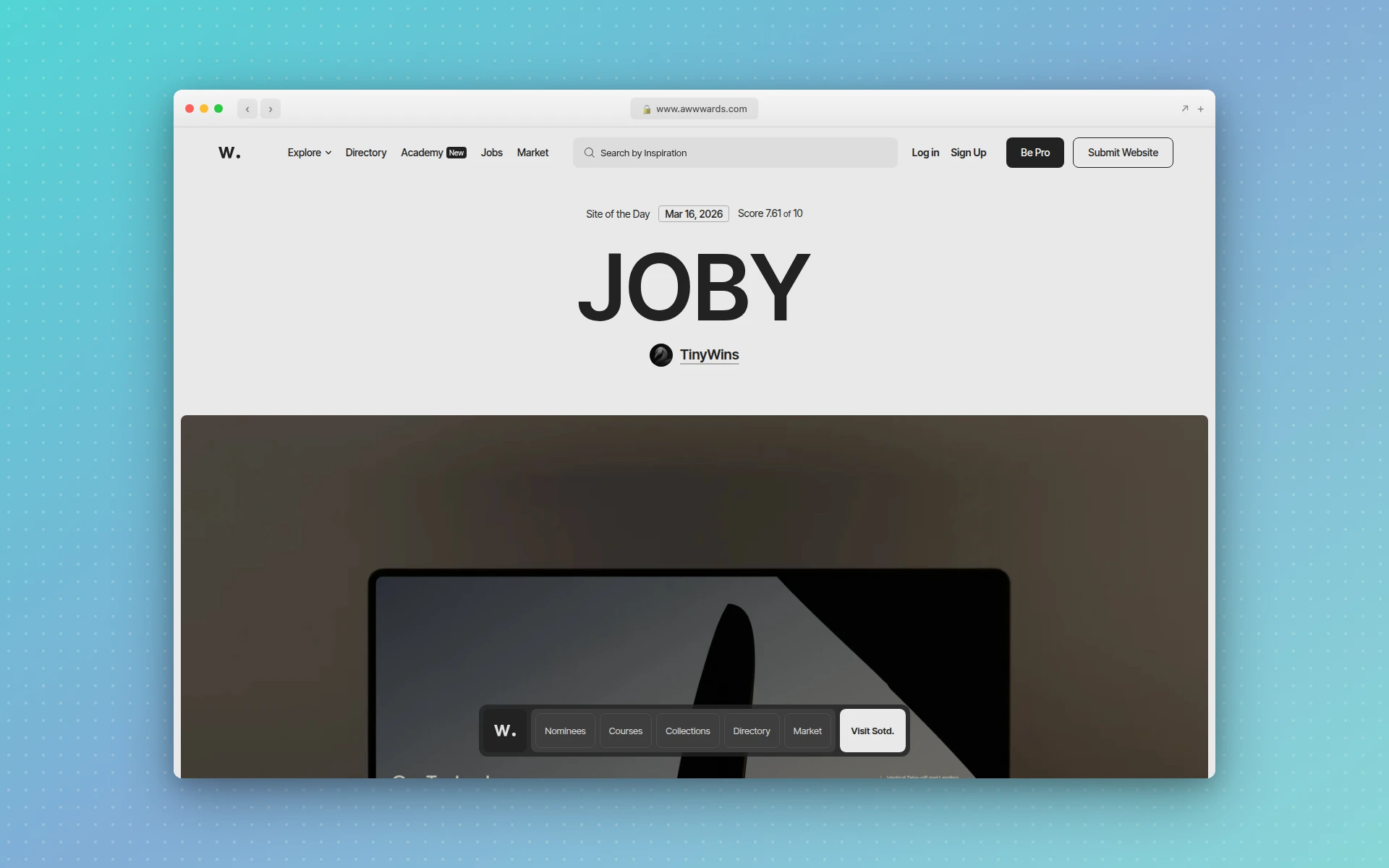 Awwwards showcases the best in web design with daily awards and expert jury scores
Awwwards is the gold standard for web design inspiration. Every site submitted goes through a jury review process and is scored on design, usability, creativity, and content. The result is a consistently high-quality gallery that sets the bar for modern web design.
What makes it great:
- Sites are scored by a professional jury, so quality stays high
- Daily Site of the Day, monthly Site of the Month awards
- Filterable by technology (React, WebGL, Three.js), style, and color
- Conference talks and interviews with top agencies
- Collections organized by industry and design pattern
Best for: Designers seeking cutting-edge interactive design, agencies benchmarking their work, and anyone who wants to see what the top 1% of web design looks like.
Limitation: The sites featured tend to be high-budget agency work. If you need simpler, more practical references for small business websites, other sources on this list may be more useful.
2. Dribbble
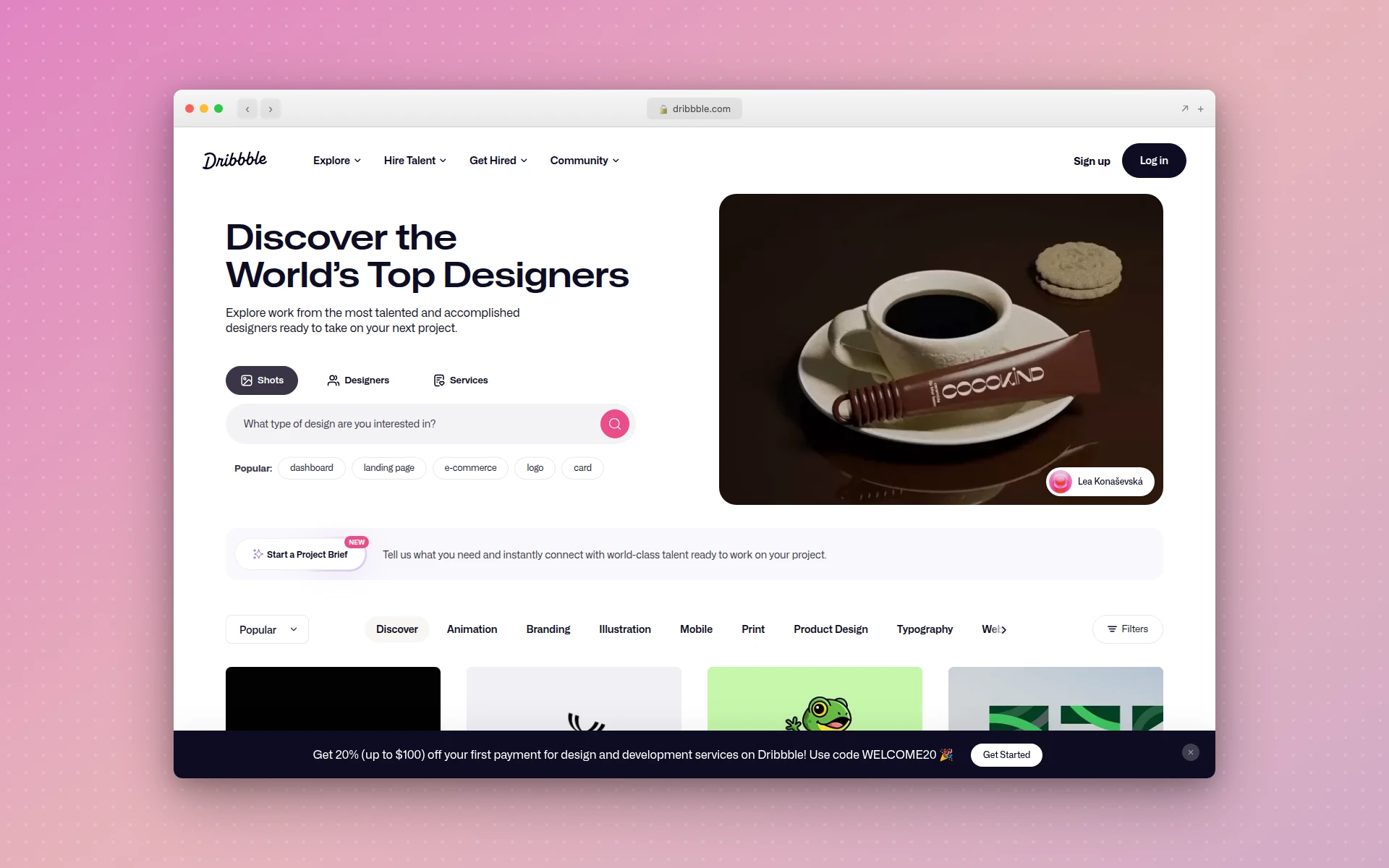 Dribbble’s community of designers shares millions of web and UI design concepts
Dribbble is the largest community of designers sharing work online. While it covers all design disciplines, its web design and UI categories are packed with creative concepts, landing page mockups, dashboard designs, and mobile app screens.
What makes it great:
- Massive library of visual design work across every style
- Search by color, tag, or designer
- Follow specific designers to build a personalized feed
- Shots often show concepts that push creative boundaries
- Pro search filters for finding specific UI patterns
Best for: Visual designers looking for creative concepts, marketers seeking landing page ideas, and anyone who wants breadth over depth. Dribbble is where you go when you want volume and variety.
Limitation: Designs on Dribbble are often concepts, not live sites. The gap between a polished Dribbble shot and a functional website can be significant.
3. Behance
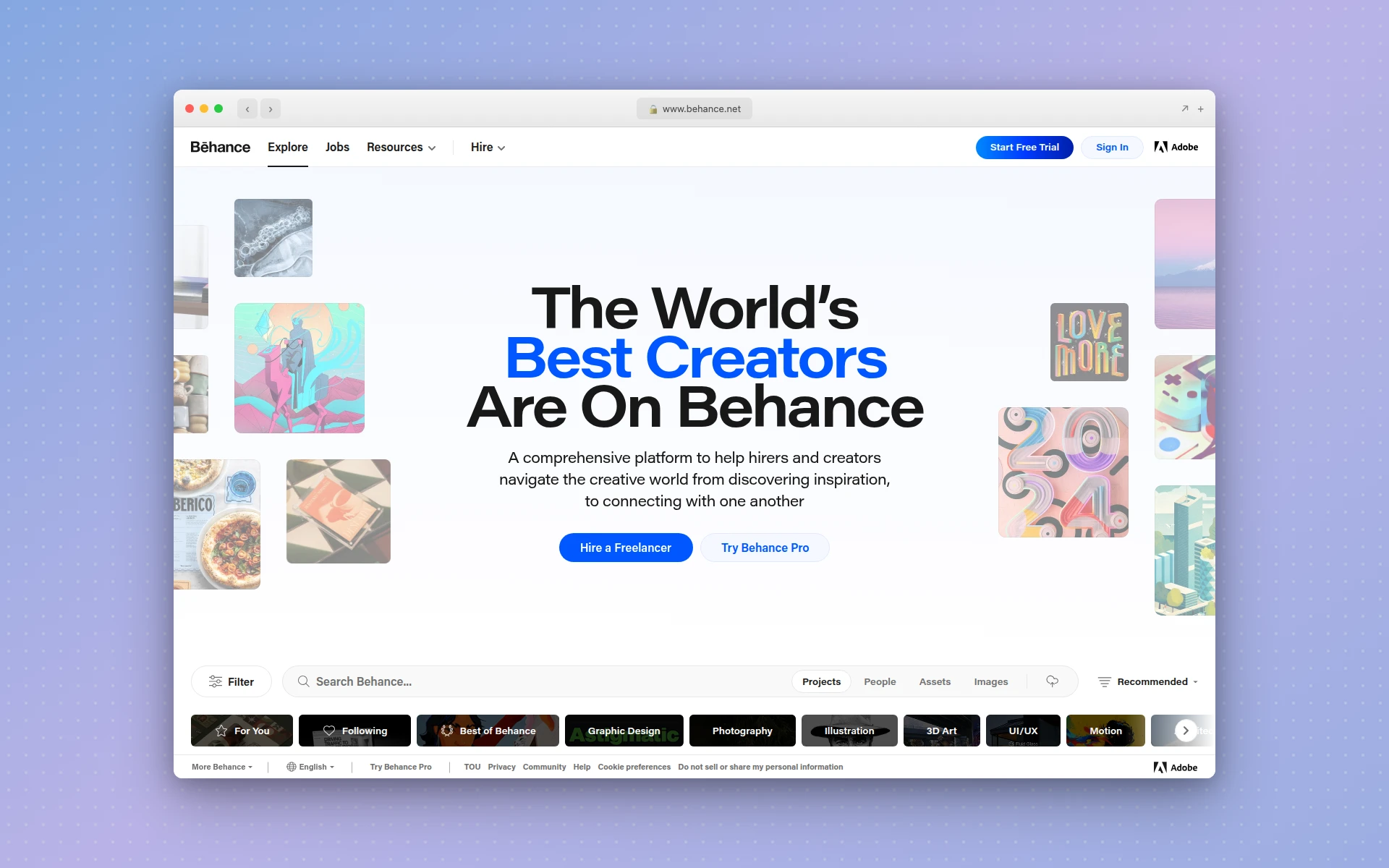 Behance features full project case studies showing the design process from concept to final product
Behance is Adobe’s portfolio platform, and its depth sets it apart. Instead of single images, designers post full case studies that walk through the entire design process: research, wireframes, iterations, and final deliverables. Seeing where wireframes sit in that flow is a good reminder to start there yourself; our guide on how to create a wireframe for a website covers the step-by-step version.
What makes it great:
- Full case studies, not just finished screenshots
- See the design thinking and process behind each project
- Strong international community with diverse styles
- Excellent category filtering (web design, UX/UI, interaction design)
- Integration with Adobe Creative Cloud tools
Best for: Designers who want to learn from the process, not just admire the output. Behance is ideal when you want to understand why a design works, not just what it looks like.
4. SiteInspire
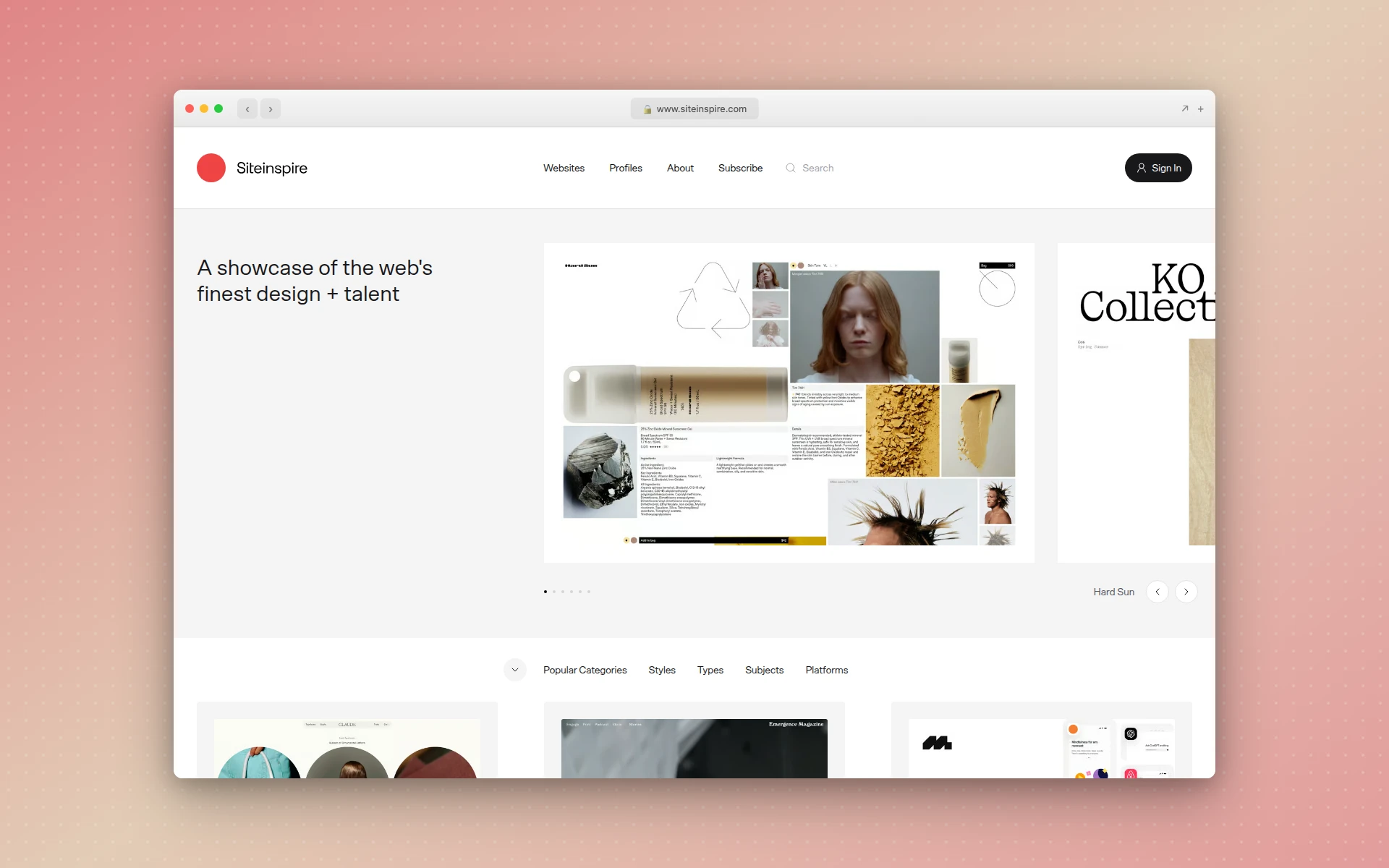 SiteInspire curates clean, minimalist web design with thoughtful filtering options
SiteInspire focuses on clean, well-crafted web design. The curation is selective, which means everything in the gallery meets a high design standard. It leans toward editorial, minimalist, and typographic design rather than flashy interactions.
What makes it great:
- Highly selective curation focused on craft and restraint
- Excellent filtering by style, type, and subject
- Strong representation of editorial and portfolio sites
- Clean interface that lets the showcased sites speak for themselves
- Consistent quality with no filler content
Best for: Designers who favor restraint and typography-driven layouts. SiteInspire is the go-to if your aesthetic leans minimal and you want references that prioritize content hierarchy over decoration.
5. Godly
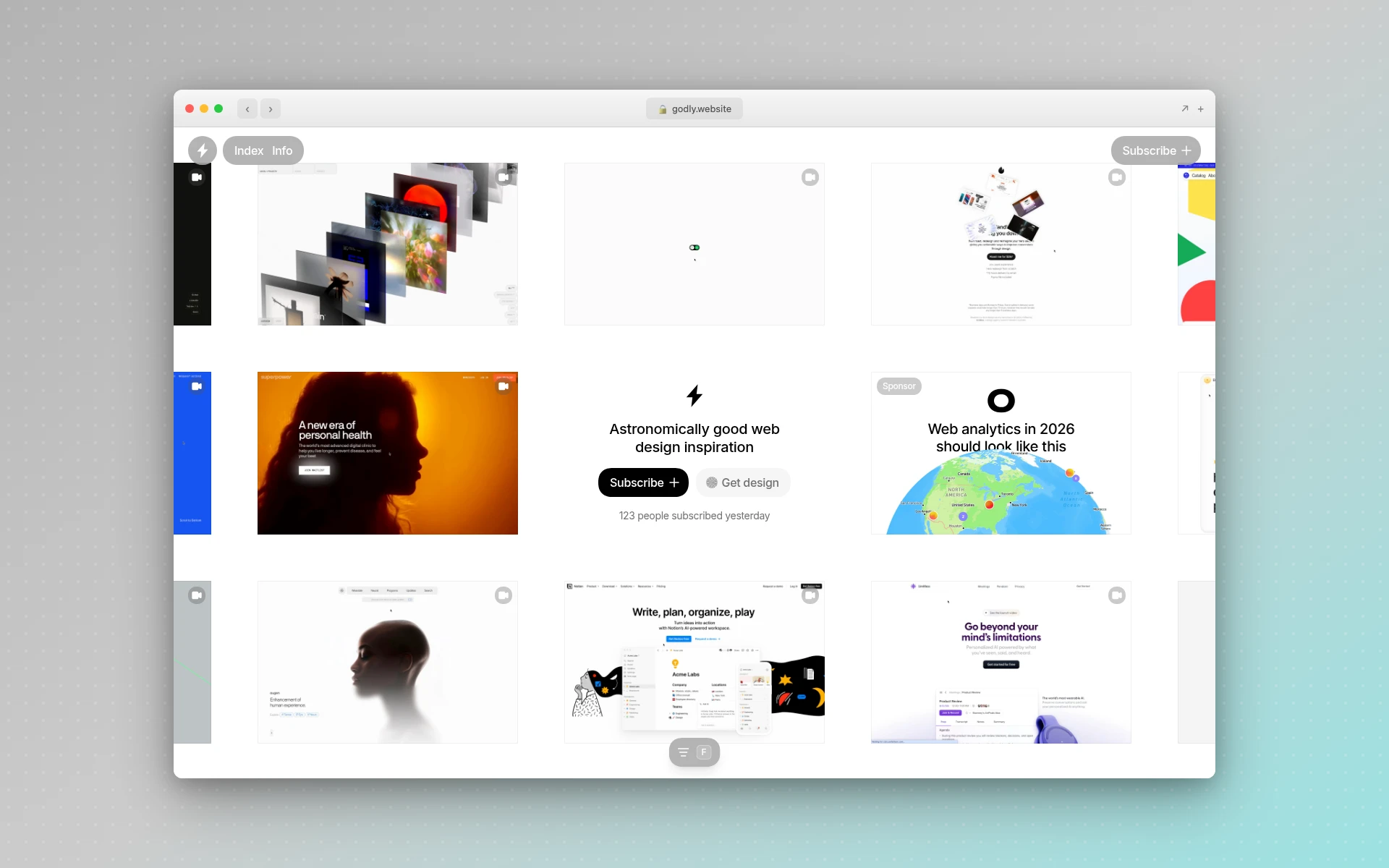 Godly curates the most visually striking websites built with modern tools
Godly has quickly become a favorite among startup designers and indie makers. It focuses on modern, visually bold websites, many built with tools like Framer, Webflow, and Next.js.
What makes it great:
- Curated specifically for modern SaaS and startup aesthetics
- Every site features a video preview showing animations and interactions
- Filterable by page type (landing, pricing, about, blog)
- Strong focus on sites built with no-code and modern frameworks
- Growing community with new additions daily
Best for: Startup founders, product designers, and marketers who want modern, bold references for SaaS landing pages, product sites, and startup homepages.
6. Muzli
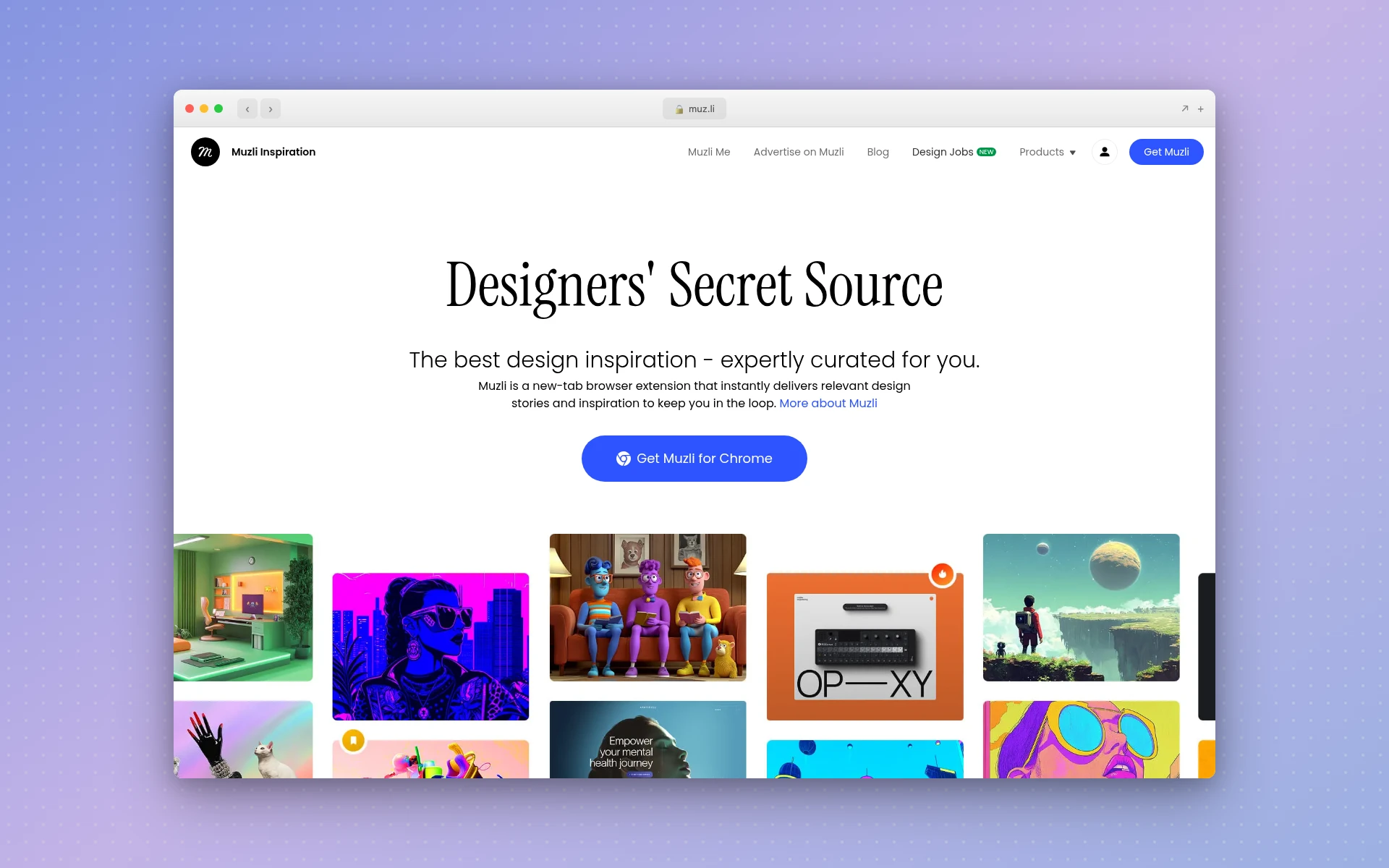 Muzli delivers curated design inspiration on every new browser tab
Muzli takes a different approach to inspiration. Instead of a gallery you visit, it is a Chrome extension that replaces your new tab page with a feed of curated design content. Every time you open a new tab, you see fresh design work from across the web.
What makes it great:
- Passive inspiration delivery through your browser
- Aggregates content from Dribbble, Behance, Awwwards, and design blogs
- Covers web design, branding, typography, and product design
- Zero effort required to stay current with design trends
- Free Chrome extension with no account needed
Best for: Designers who want a steady drip of inspiration without actively seeking it out. Muzli is perfect for staying current with trends without adding another site to your daily routine.
7. One Page Love
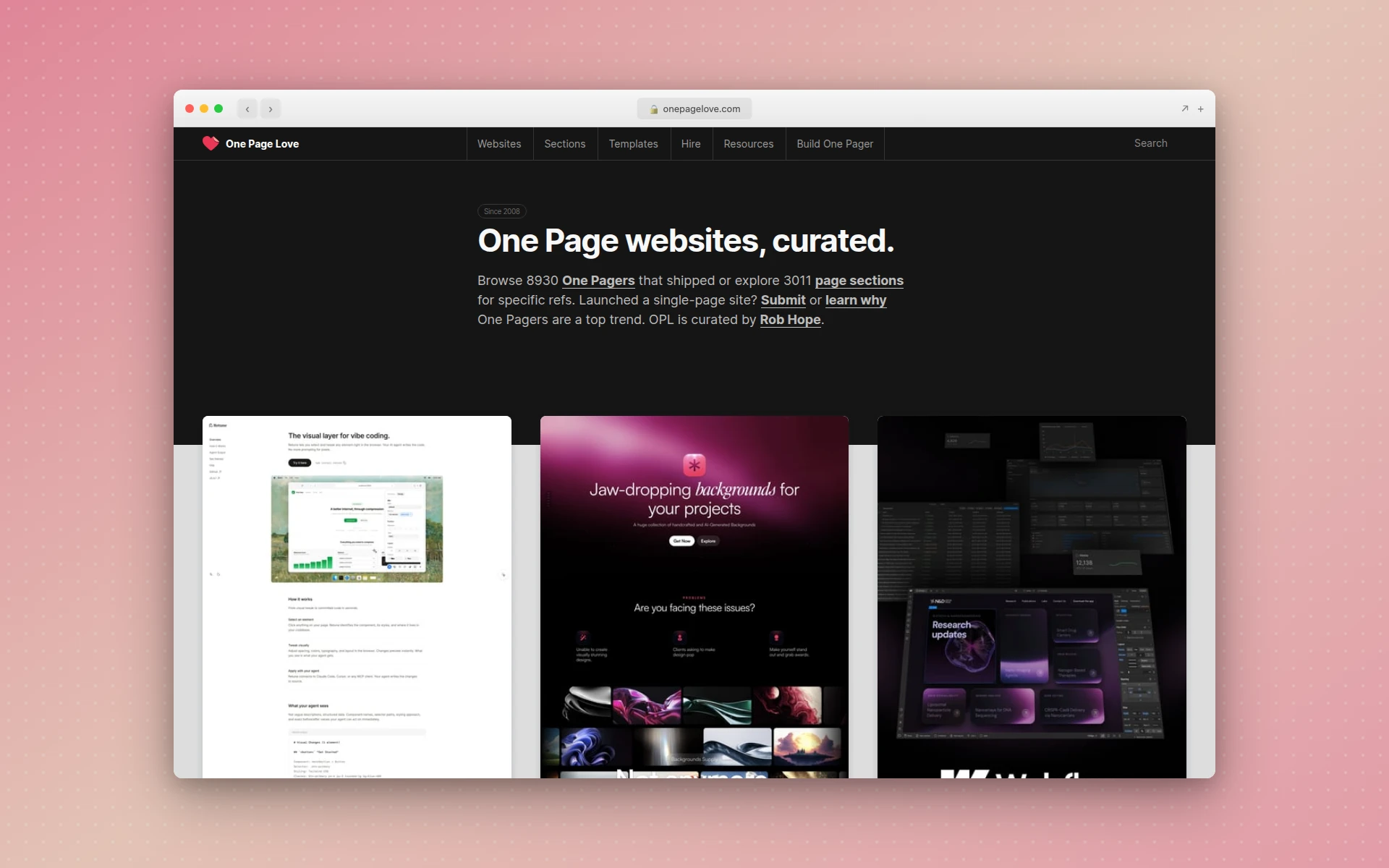 One Page Love is the definitive source for single-page website design inspiration
One Page Love is the definitive resource for one-page website inspiration. If you are building a portfolio, event page, product launch site, or any project that fits on a single page, this is where you start.
What makes it great:
- Exclusively focused on one-page websites
- Categorized by industry (startup, portfolio, wedding, app)
- Includes a library of one-page templates
- Reviews that explain what each site does well
- Archive going back over a decade, showing the evolution of one-page design
Best for: Anyone building a single-page site. This is the best resource for one-page inspiration and understanding how to structure content on a single scroll. If you want a faster path from inspiration to a finished design, browse portfolio website templates and customize one with AI instead of starting from a blank canvas.
8. Lapa Ninja
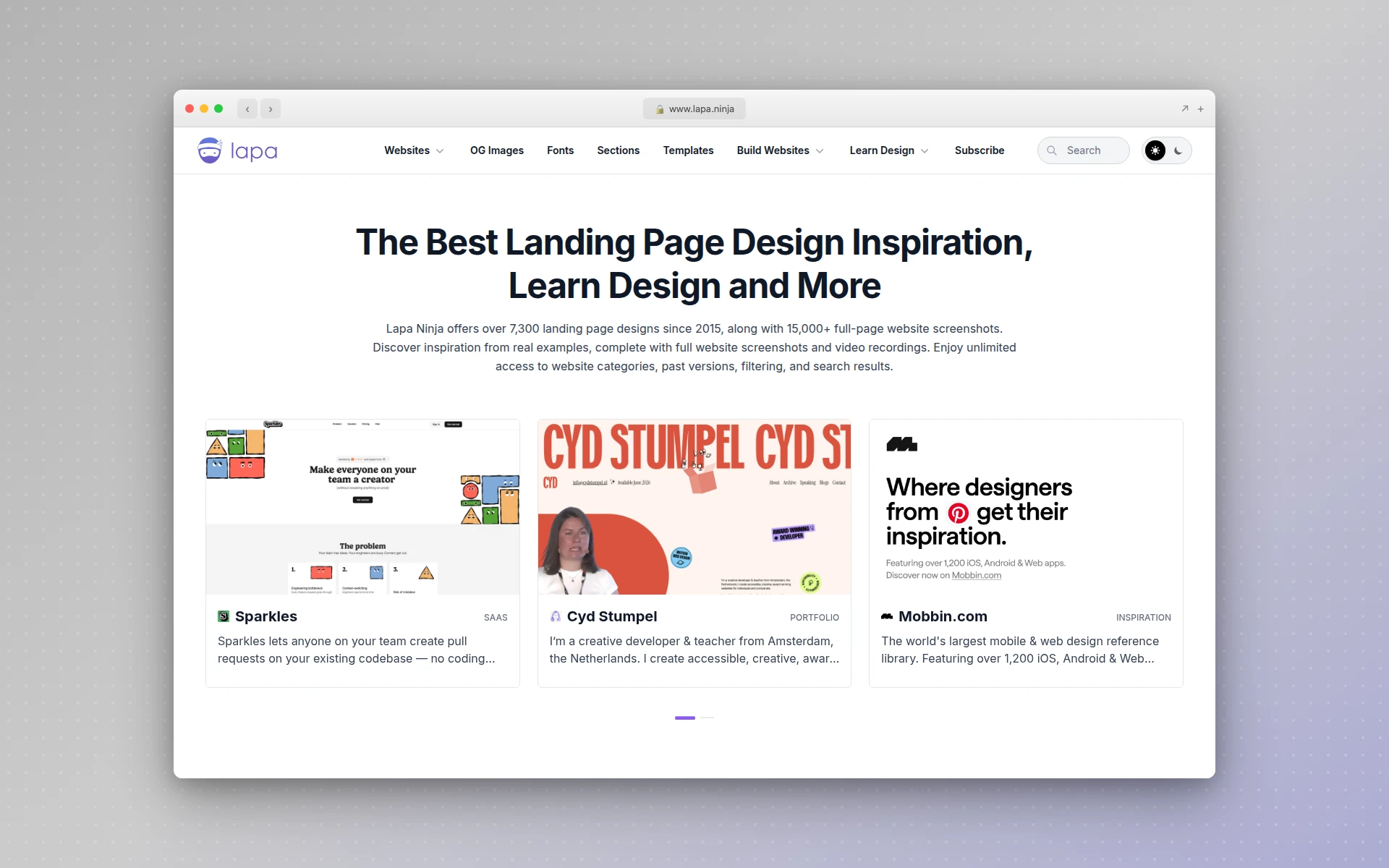 Lapa Ninja offers a curated gallery of landing pages alongside free design resources
Lapa Ninja combines landing page inspiration with free design resources. The gallery features thousands of landing pages categorized by type, color, and industry, and the site also offers free books, UI kits, and mockups.
What makes it great:
- Large gallery of landing pages with clear categorization
- Free design resources (books, icons, mockups, fonts)
- Clean interface with fast browsing
- Covers everything from startup landing pages to creative portfolios
- No account required to browse
Best for: Marketers and founders looking for landing page ideas alongside practical design resources. The combination of inspiration and free tools makes it a one-stop resource.
9. Landingfolio
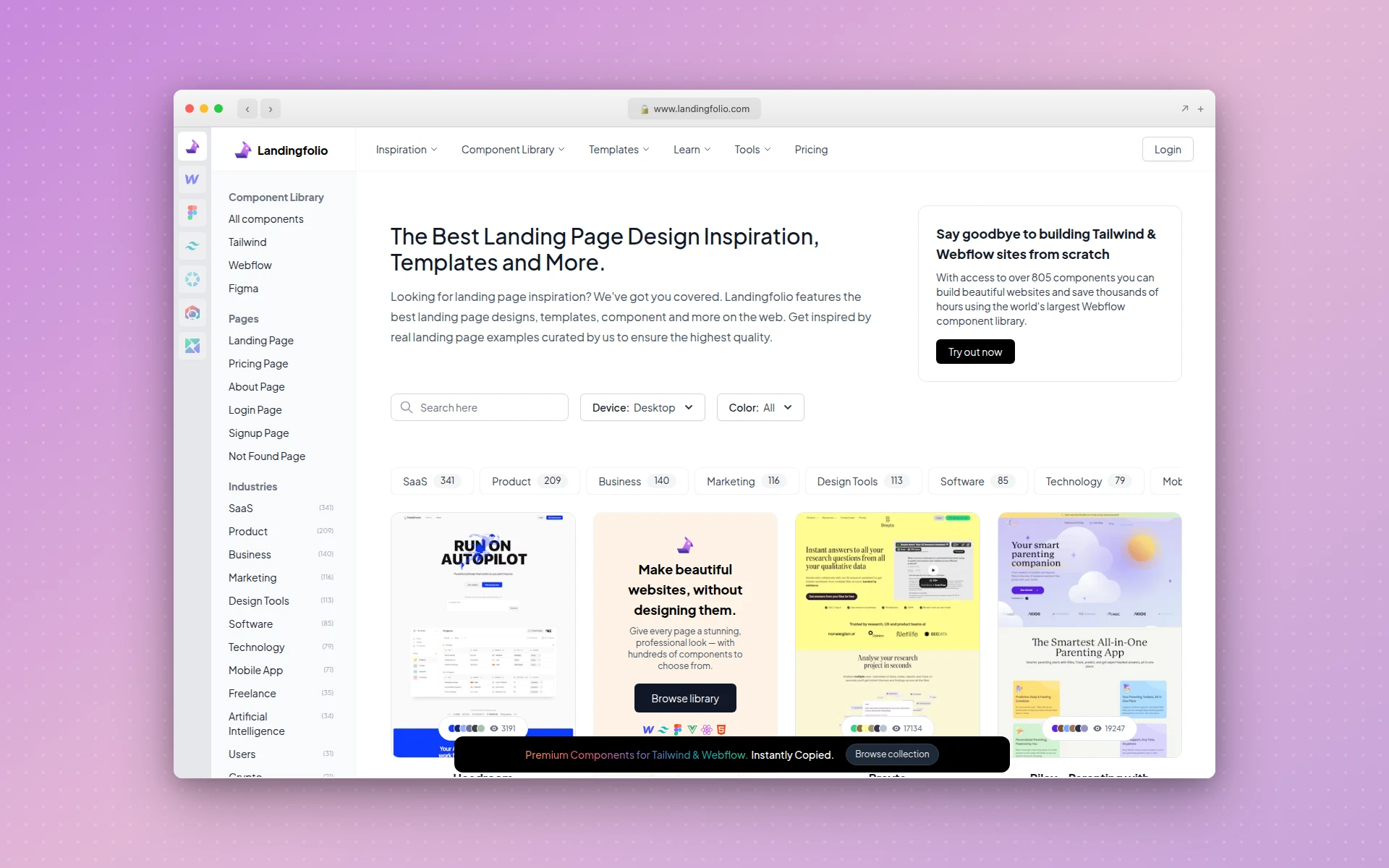 Landingfolio categorizes landing page designs by section type for targeted inspiration
Landingfolio organizes landing page inspiration differently. Instead of showing full pages, it breaks designs into components: hero sections, pricing tables, feature grids, testimonial blocks, and footer designs. This makes it easy to find inspiration for specific sections.
What makes it great:
- Section-by-section categorization (hero, pricing, features, CTAs)
- Helpful when redesigning specific page components
- Includes a copywriting inspiration library
- Covers SaaS, e-commerce, and agency landing pages
- Color palette extraction from each design
Best for: Marketers optimizing specific landing page sections. If you know your hero section needs work but the rest of the page is fine, Landingfolio lets you find targeted references.
10. CSS Design Awards
CSS Design Awards focuses on front-end excellence. Sites are judged on UI design, UX design, and innovation, with a particular emphasis on CSS and JavaScript craftsmanship.
What makes it great:
- Judging criteria include UI, UX, and technical innovation
- Daily awards with detailed scoring
- Strong focus on front-end development quality
- Showcases sites that balance visual design with technical skill
- Global jury of designers and developers
Best for: Front-end developers looking for technically impressive references and designers who care about implementation quality alongside visual polish.
11. Best Website Gallery
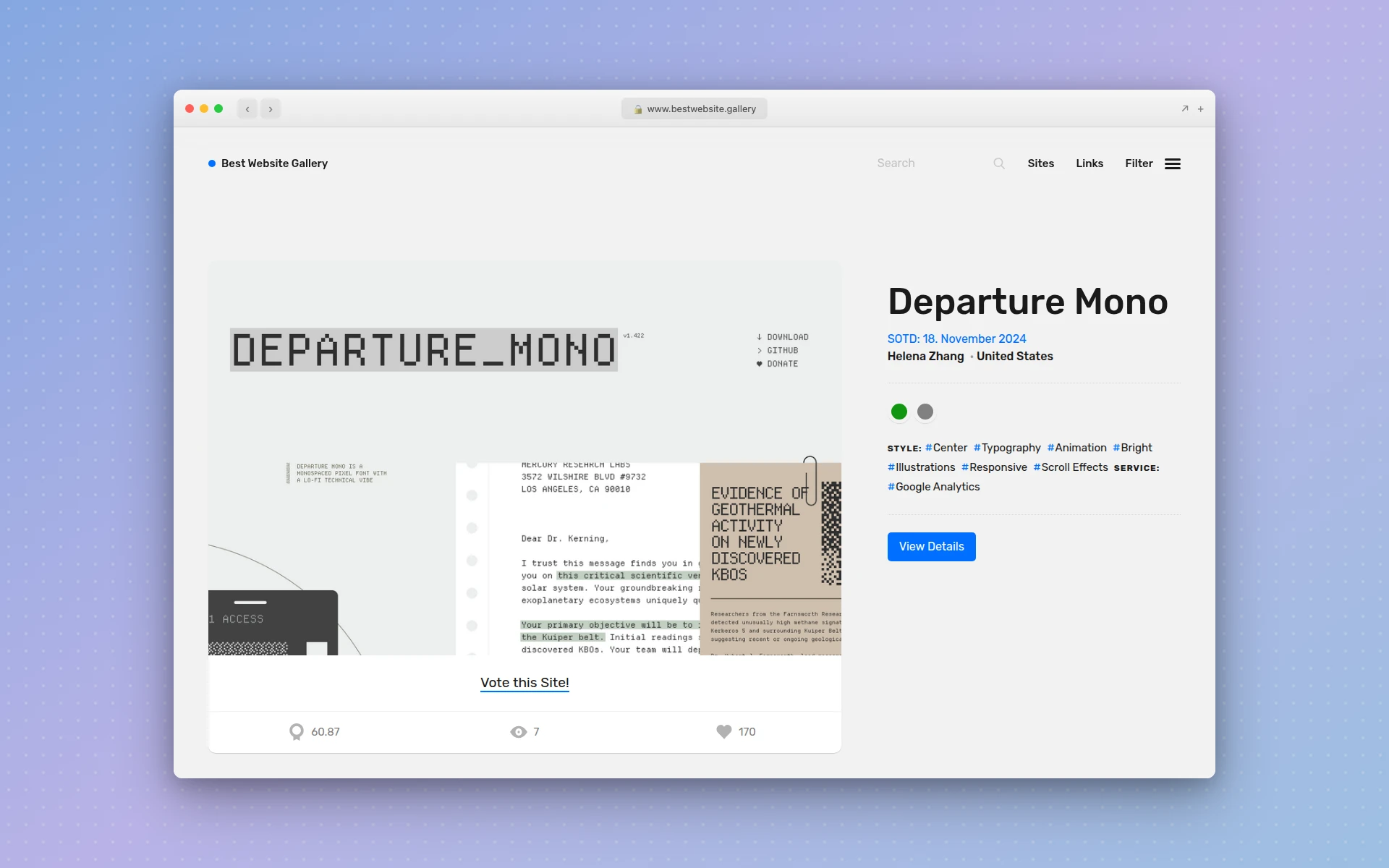 Best Website Gallery curates clean, functional websites across industries
Best Website Gallery is a no-frills gallery of well-designed websites. The curation emphasizes clean, functional design over experimental work, making it practical for teams looking for achievable references.
What makes it great:
- Realistic, achievable design references
- Organized by color, category, and CMS
- Quick-loading interface optimized for fast browsing
- Mix of enterprise, startup, and agency sites
- Regular updates with fresh submissions
Best for: Teams looking for practical design references that can realistically be built within typical project budgets and timelines.
12. Designspiration
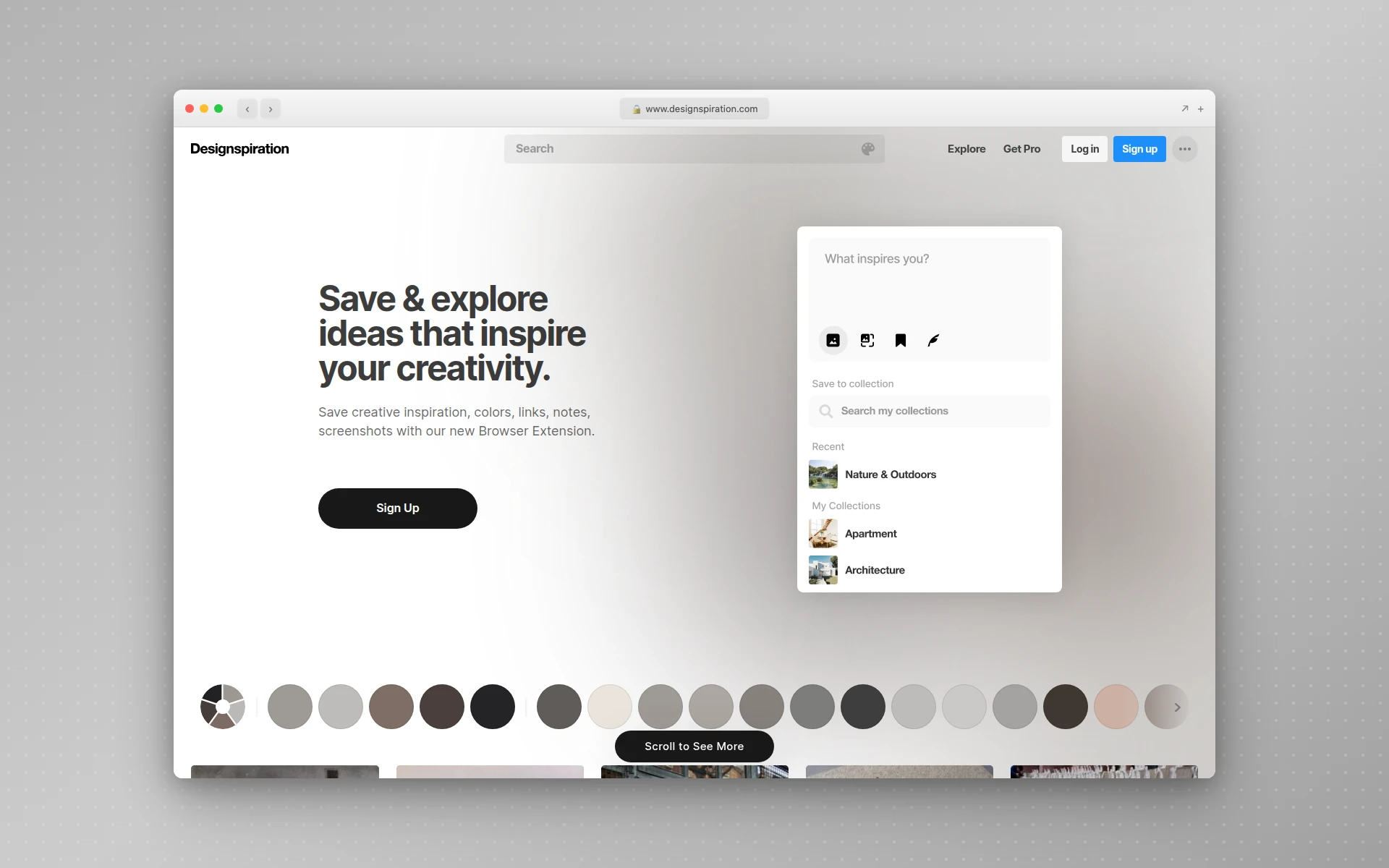 Designspiration lets you search and save design inspiration by color palette
Designspiration stands out with its color-based search. Pick one to five colors, and it returns designs matching that palette. This is invaluable when you already know your brand colors and want to see how other designers have used them.
What makes it great:
- Powerful multi-color search tool
- Save and organize collections
- Covers web design, graphic design, photography, and illustration
- Visual-first browsing experience
- Great for building mood boards around a specific palette
Best for: Designers starting with a defined color palette who want to see how those colors work in real web layouts.
13. Pinterest
Pinterest may not be a dedicated design gallery, but its visual search algorithm makes it a powerful web design inspiration tool. Search “web design inspiration,” “homepage design ideas,” or any specific style, and its recommendation engine surfaces increasingly relevant results as you browse.
What makes it great:
- Algorithm-driven recommendations that improve as you browse
- Boards let you organize inspiration by project or theme
- Massive content library covering every design niche
- Visual search finds similar designs to any image you upload
- Collaborative boards for team mood-boarding
Best for: Early-stage research when you are still exploring directions. Pinterest excels at helping you narrow broad ideas into a focused design direction through its recommendation engine.
Web Design Trends Worth Noting in 2026
Browsing these inspiration sites, several patterns appear consistently across the best new work:
Oversized Typography
Large, bold type used as a primary visual element rather than just a content container. Headlines at 80-120px dominate hero sections, often with mixed serif and sans-serif pairings.
Bento Grid Layouts
Inspired by Apple’s product pages, bento grids organize features and content into asymmetric card-based layouts. This pattern works well for SaaS landing pages and feature showcases. It’s one of several patterns covered in our roundup of website layout examples, alongside single-column, F-pattern, and split-screen structures.
Dark Mode Defaults
More sites launch with dark backgrounds as the default, not just an option. Dark interfaces reduce eye strain and make photography, illustration, and UI elements pop.
Micro-Interactions on Scroll
Subtle animations triggered by scrolling, from parallax text reveals to interactive data visualizations. These are the designs winning awards on Awwwards and CSS Design Awards.
AI-Generated Design Elements
Designers are using AI tools to generate initial layout concepts and iterate faster. Tools like AIDesigner let you describe a design in natural language, generate it in seconds, and refine from there.
How to Turn Inspiration Into Real Designs
Browsing inspiration galleries is valuable, but it only matters if you act on what you find. Here is a practical workflow:
1. Collect With Purpose
Do not save everything. Before browsing, define what you need: a hero section layout, a color palette, a navigation pattern. Save only what matches your brief. If you would rather skip the blank canvas entirely, one of these responsive website design templates can serve as your starting structure.
2. Analyze What Works
For each design you save, note why it caught your eye. Was it the typography? The whitespace? The CTA placement? Understanding the principles behind good design is more useful than copying the surface. If you do want to use a design as a literal starting point, our guide to how to clone a website covers the responsible way to do it without crossing a copyright line.
3. Create a Mood Board
Group your references by theme. Use Pinterest boards, Figma files, or a simple folder. Three to five references per project element is plenty.
4. Generate From Inspiration
This is where AI design tools accelerate your workflow. With AIDesigner, you can:
- Use Inspiration Mode to browse curated examples and generate variations with a click
- Clone any website you admire as a starting point and customize it
- Describe your vision in natural language and get a production-ready design in seconds
- Publish in one click to a custom subdomain with built-in SEO
Instead of recreating a design from scratch after hours of browsing, you can go from inspiration to a live website in minutes. This is especially useful for the best AI website generators workflow where speed matters.
5. Iterate and Refine
No first draft is final. Use your inspiration references to guide revisions, checking your work against the patterns and principles you identified in step 2.
Homepage Design Inspiration Tips
Homepages are the most-browsed category across every inspiration site. Here is what the best homepage designs share:
Clear value proposition above the fold. The best homepages communicate what the product or service does within three seconds of landing. No ambiguity, no jargon.
Strategic whitespace. High-performing designs use generous spacing to guide the eye and create visual breathing room. Cramped layouts feel dated.
Social proof near the top. Logos, testimonials, or usage stats placed within the first scroll build immediate credibility.
Single primary CTA. The best homepages resist the urge to present five options. One clear call-to-action outperforms a cluttered set of buttons.
Progressive disclosure. Instead of showing everything at once, great homepages reveal information as users scroll, maintaining engagement through the full page length.
If you are working on a homepage redesign, combining references from Awwwards (for visual ambition) and Landingfolio (for conversion patterns) gives you a balanced foundation. You can also use AI page builders to quickly prototype homepage concepts before committing to a full design.
How Much Do Design Inspiration Sites Cost?
Design inspiration sites range from completely free to premium subscriptions under $100 per year. Every site on this list offers free browsing. Dribbble Pro costs $5 per month for enhanced search and analytics. Landingfolio offers a premium tier at $99 per year for full access to its component library. Awwwards charges for conference tickets and jury submissions, but browsing the gallery is free.
For most designers and marketers, the free tiers provide more than enough inspiration. Premium features primarily benefit full-time designers who need advanced search or want to participate in the community through submissions and hiring.
FAQ
What is the best website for design inspiration?
Awwwards is widely considered the best website for design inspiration. It features hand-reviewed, award-winning sites scored on design, usability, creativity, and content. Dribbble and Behance are strong alternatives for broader creative inspiration beyond web design.
Where do web designers find inspiration?
Web designers find inspiration on curated gallery sites like Awwwards, SiteInspire, and Godly. They also browse Dribbble and Behance for UI concepts, follow design accounts on Pinterest, and use browser extensions like Muzli that surface fresh design work daily.
How do I get web design ideas for free?
All major design inspiration sites are free to browse. Awwwards, Dribbble, Behance, SiteInspire, Godly, and One Page Love offer unlimited free access to thousands of curated web designs. Muzli is a free Chrome extension that delivers inspiration on every new tab.
Can AI help with web design inspiration?
Yes. AI design tools like AIDesigner let you generate website designs from text prompts, clone existing sites for reference, and use Inspiration Mode to browse curated examples. This speeds up the ideation process and helps you move from inspiration to prototype in minutes.
What are the biggest web design trends in 2026?
Key web design trends in 2026 include oversized typography, dark mode defaults, AI-generated layouts, bento grid compositions, micro-interactions on scroll, and bold gradient backgrounds. Minimalism with strategic whitespace continues to dominate high-end design.
Is Dribbble or Behance better for web design inspiration?
Dribbble is better for quick visual browsing and discovering creative concepts. Behance is better for studying the full design process through detailed case studies. Most designers use both. Dribbble for volume and variety, Behance for depth and understanding.